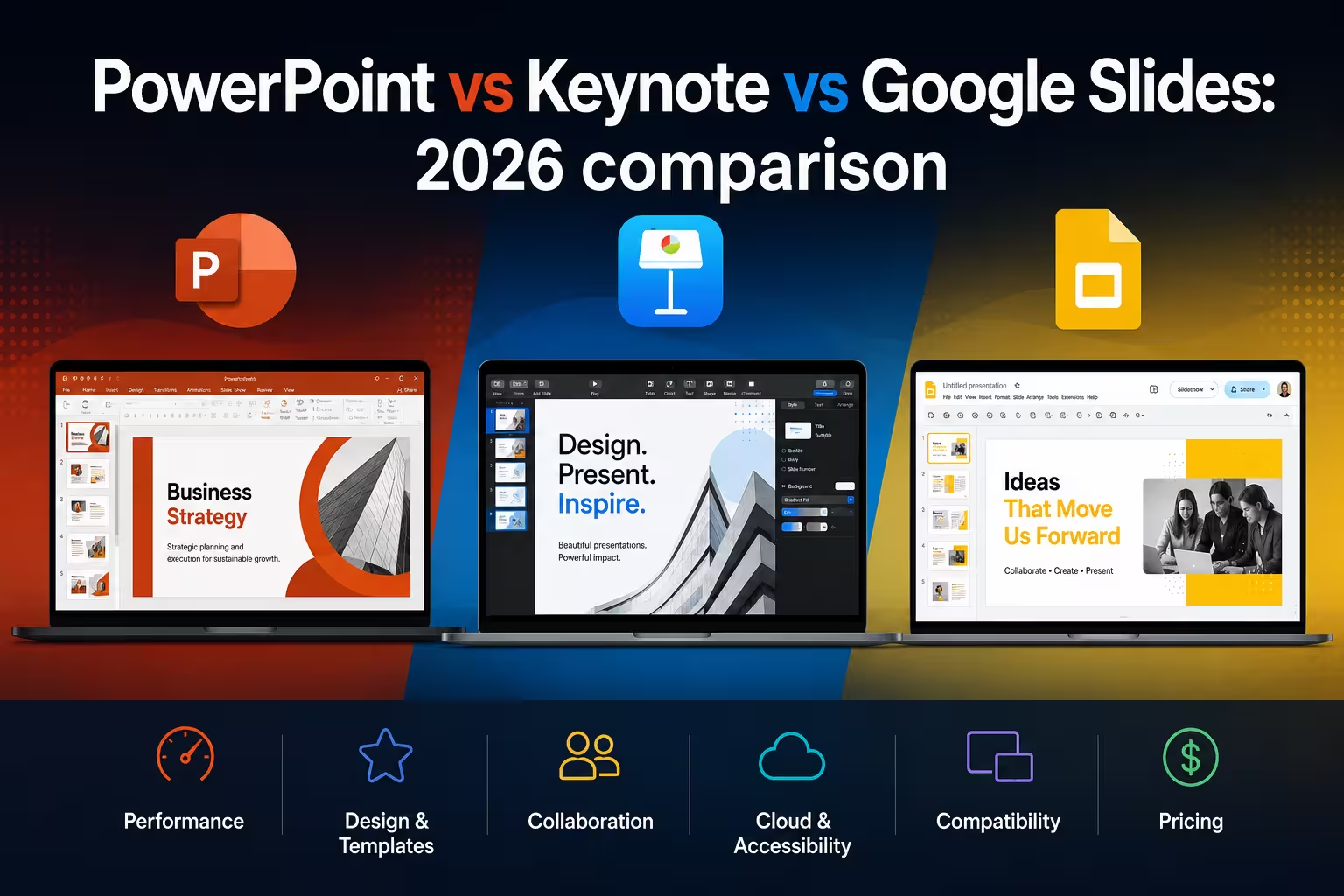
I get some version of this question every few weeks: "Which one should I actually build my deck in?" It used to be a simple answer — PowerPoint for corporate, Keynote for design-conscious Mac users, Slides for anyone who just needed something fast and shareable. That's not really true anymore. All three have spent the past year bolting AI generation onto their editors, and the gap between them has shifted in some genuinely interesting ways.
None of these tools is "winning" outright. Each one has picked a different problem to solve well, and that choice tells you a lot about who it's built for.
PowerPoint: the one betting hardest on AI doing the work
Microsoft has been the most aggressive of the three this year. Copilot in PowerPoint moved from "suggest text, you fix it" to what Microsoft calls Agentic Mode — you can ask it to restructure a layout or adapt a deck to your brand guidelines, and it acts on the slide directly instead of just proposing changes in a side panel. There's also a Brand Kit Picker for pulling in company-approved templates, and Copilot can now assemble a first draft straight from files sitting in SharePoint or OneDrive rather than starting from a blank deck.
One thing people overlook: PowerPoint now lets you pick which AI model does the work, including Anthropic's Claude for more visual, design-heavy tasks and OpenAI's models for research-heavy content. That flexibility is useful in practice — different models are noticeably better or worse depending on whether you're writing dense text or arranging visual hierarchy.
There's also a live-presentation feature worth mentioning: during PowerPoint Live sessions, attendees can select text on a slide and ask Copilot to explain it, without interrupting the presenter. Handy for technical decks with a mixed audience.
The trade-off is one I run into constantly with client files: all this power lives inside the Microsoft 365 ecosystem, and the more you lean on Copilot's automation, the more your deck's formatting starts to depend on Microsoft's opinions about layout. If you hand-build precise, pixel-level design, you'll find yourself fighting the AI suggestions as often as using them.
Google Slides: fastest from idea to draft, weakest on visual polish
Slides made its biggest jump this year by finally supporting full multi-slide generation from a single prompt — describe what you want, answer a few follow-up questions about tone and audience, and Gemini builds an editable outline you approve before it generates the actual slides. It also analyzes an existing deck to keep new slides visually consistent with what you already have, which solves one of the most annoying parts of AI-generated content: the mismatched, ad-hoc looking slide that clearly wasn't made by the same hand as the rest of the deck.
In my experience, this is where Slides earns its reputation as the fastest tool for getting from "I need ten slides by tomorrow" to an actual draft. Collaboration was already its strongest feature, and that hasn't changed — real-time multi-user editing in Slides is still smoother than the other two, especially across different operating systems.
Where it still falls short is design ceiling. Google's layout engine is functional, not expressive. If you need custom motion, fine typographic control, or complex master-slide logic, you'll hit Slides' limits faster than you will with PowerPoint or Keynote. I wouldn't recommend it for anything that needs to look genuinely designed rather than assembled — investor decks, conference keynotes, anything with your brand's name on the cover in a room full of people judging it.
Keynote: still the best-looking output, still the slowest to add AI
Keynote is the odd one out this cycle. Apple folded it into the new Apple Creator Studio bundle alongside Final Cut Pro, Logic Pro, and Pixelmator — but core editing, viewing, and real-time collaboration in Keynote remain free, with the paid tier adding extra content and intelligence features on top.
What Keynote hasn't done is catch up on native AI generation. Its approach is still text-level assistance rather than the deck-level automation you get in PowerPoint or Slides. What it does have — and this surprises people who haven't touched it in a while — is genuinely deep AppleScript and Shortcuts support, letting you script slide creation, theme application, and exports programmatically. It's not conversational AI, but for anyone comfortable scripting, it's a legitimate way to automate repetitive deck-building work that the other two only let you do through a chat prompt.
The reason people still choose Keynote, though, hasn't changed: motion and typography. Its transitions and object animations render more smoothly and look more intentional out of the box than PowerPoint's or Slides' equivalents. If a deck is going to be presented live on a big screen and needs to feel cinematic rather than corporate, Keynote is still the tool I reach for first.
What actually determines the right choice
After building templates across all three platforms for a while, the pattern I keep coming back to isn't "which has more features" — it's who else touches the file.
- If your deck lives in a Microsoft shop — shared drives, brand templates, a team that's already paying for Copilot — PowerPoint's automation pays for itself quickly.
- If speed and cross-platform collaboration matter more than visual polish — a pitch deck built collaboratively overnight, a working doc that ten people are editing at once — Slides wins.
- If the deck needs to look expensive on a stage or in a boardroom, and you're the one designing it — Keynote's animation and typography still hold an edge that AI hasn't closed.
One practical note if you're buying or building templates: file compatibility between the three has gotten better, but it's not seamless. Complex Keynote animations don't survive a .pptx export cleanly, and PowerPoint's newer AI-generated layouts sometimes use effects that Slides simply drops on import. If you're standardizing a template library across a team that uses more than one of these tools, test the actual round-trip export before you commit — don't assume "it opens" means "it opens correctly."
Which of these three is actually installed on the machine your audience will be judging you on? That's usually the real answer, more than any feature list.
Comments (0)