 Click to zoom
Triangle Pyramid Charts Keynote Template - ImagineLayout
| Format | .pptx |
| Slides | 28 unique layouts |
| Aspect ratio | 130/73 |
| Compatibility | PowerPoint |
| Animated | No |
| Language | English |
| License | Commercial |
| File size | — |
| Version | v1.0 |
| Last updated | August 2026 |
What's inside
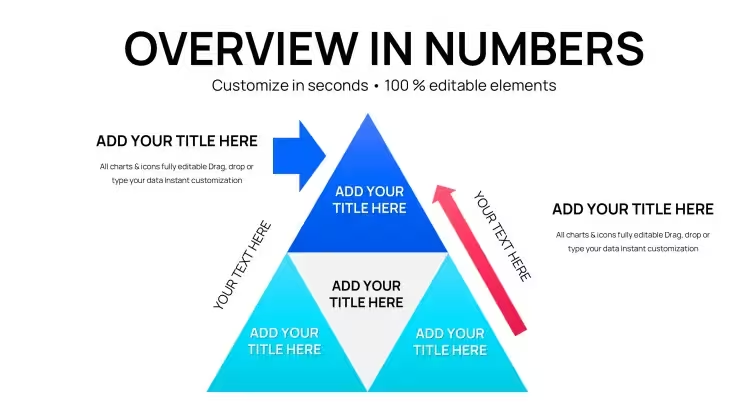
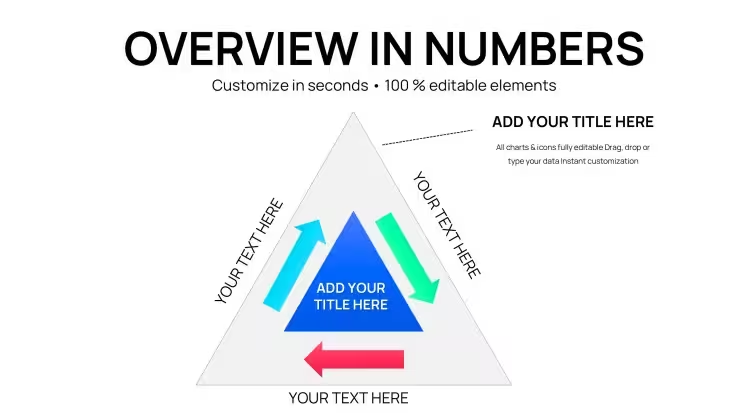
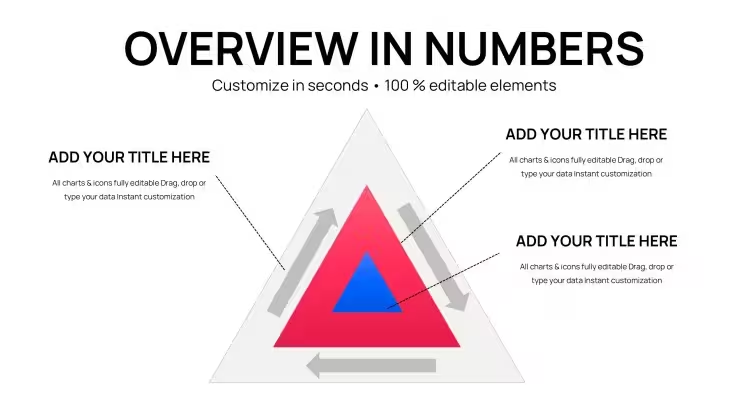
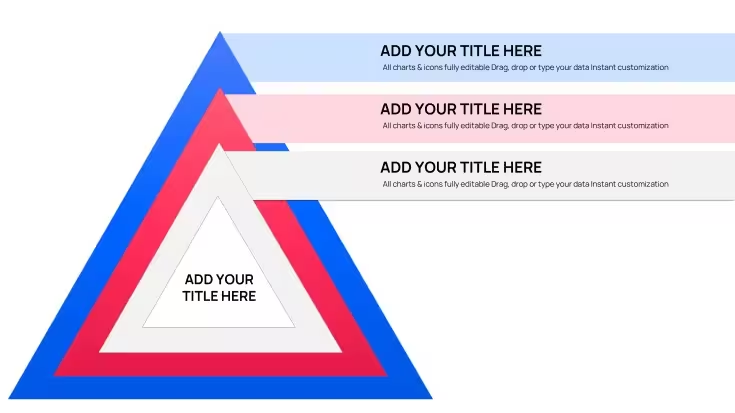
Triangle Pyramid Charts for Keynote: 28 Layered Slides
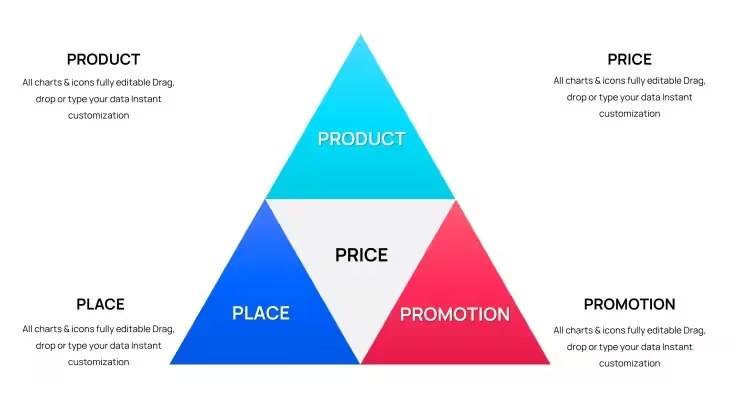
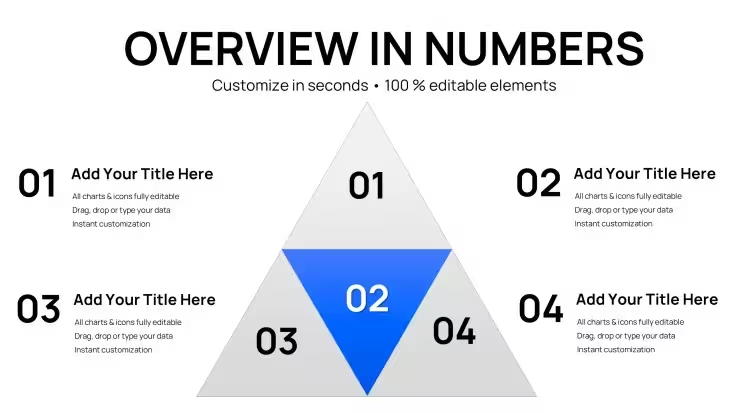
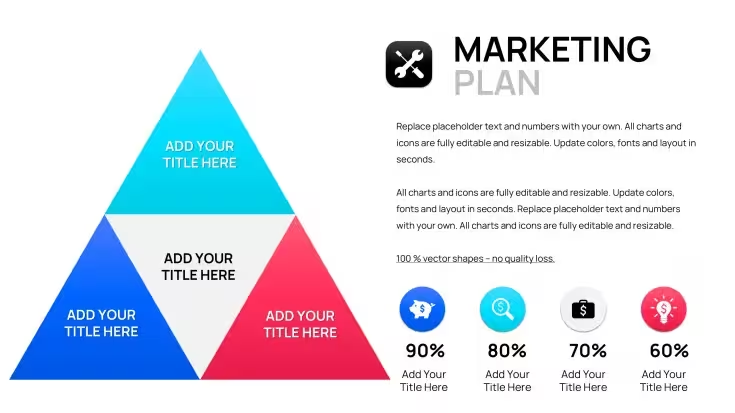
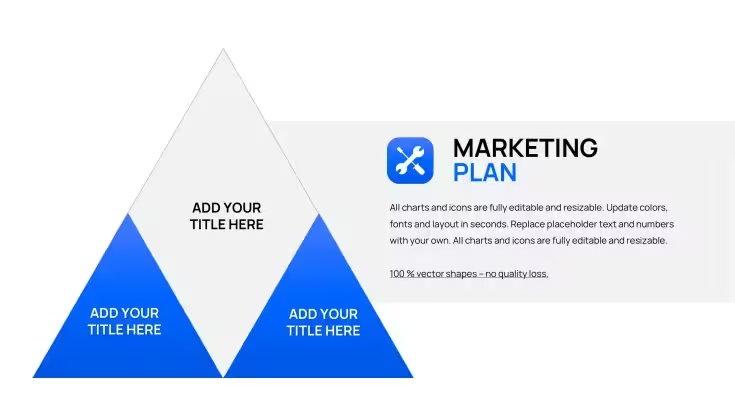
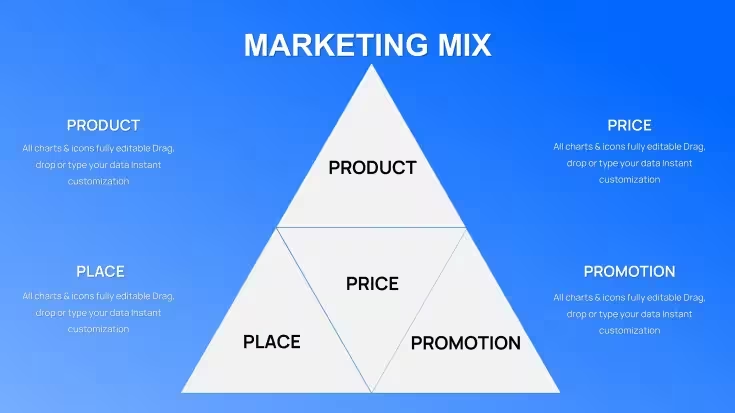
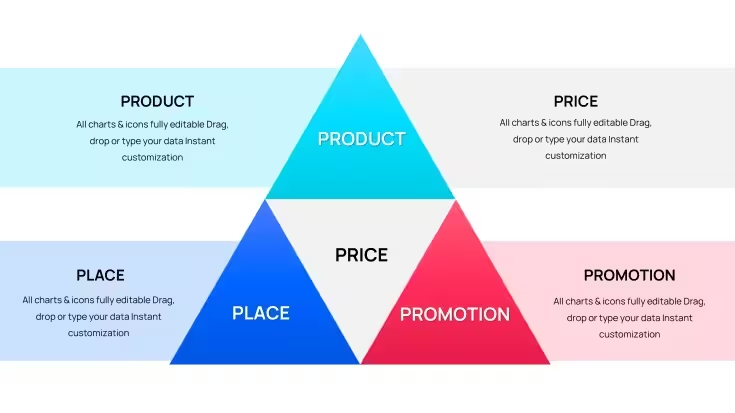
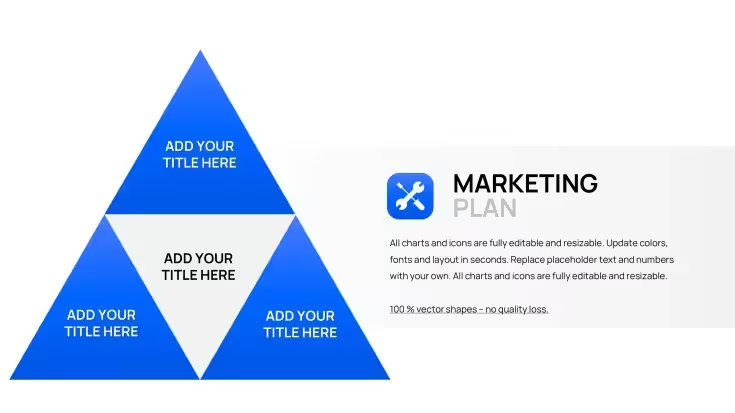
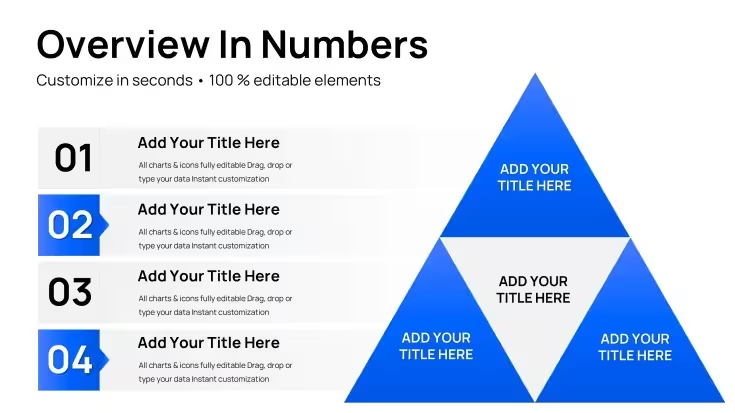
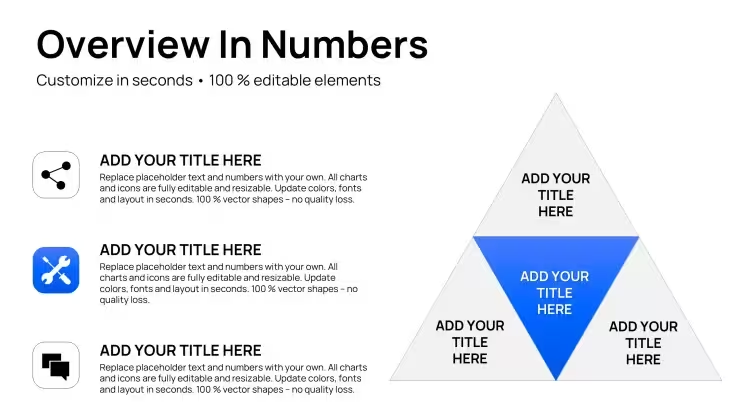
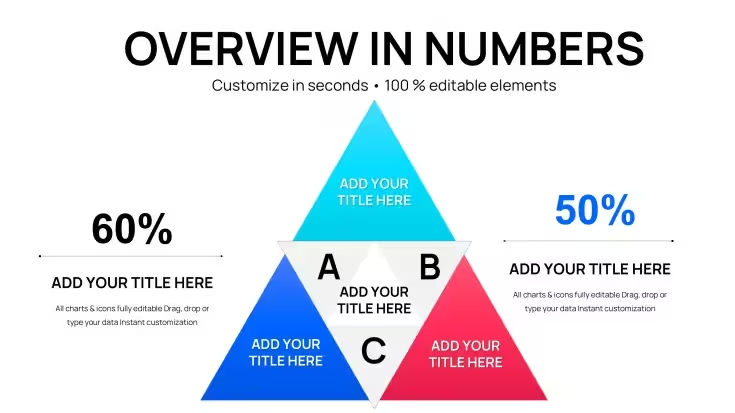
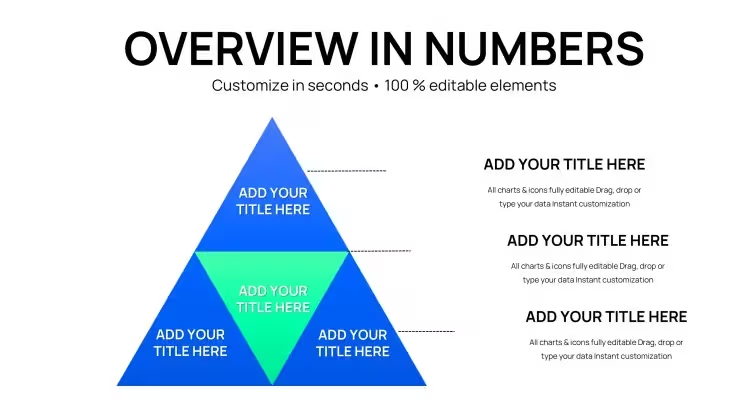
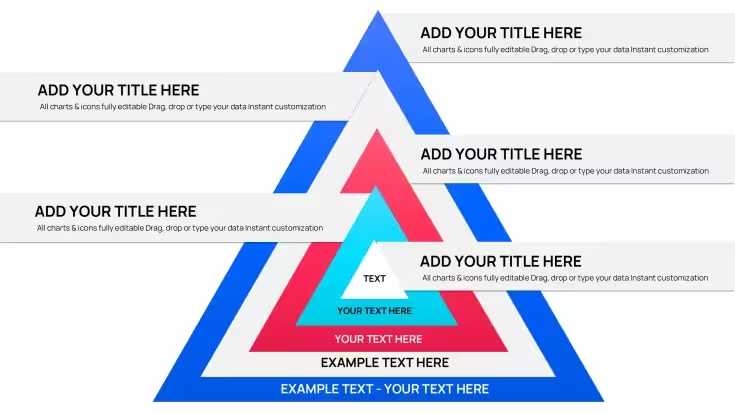
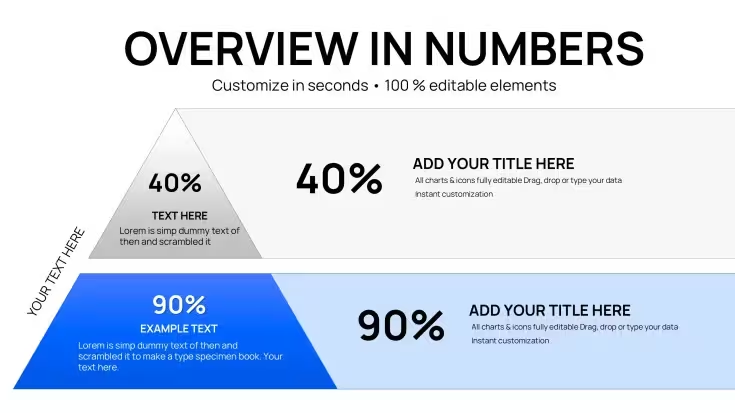
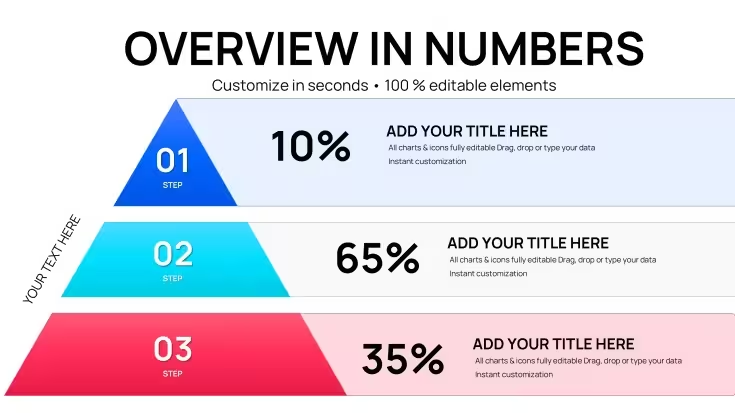
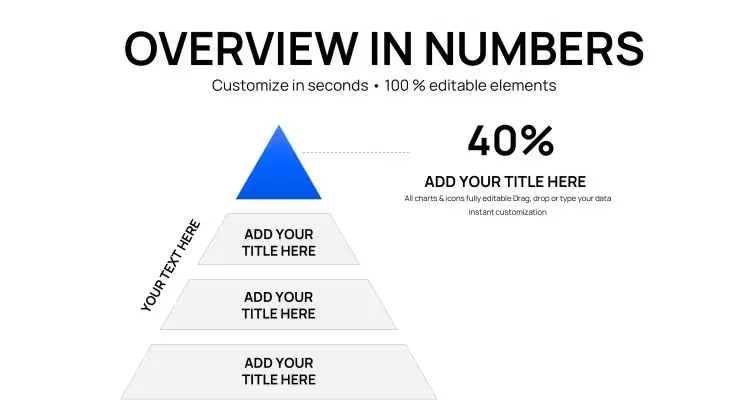
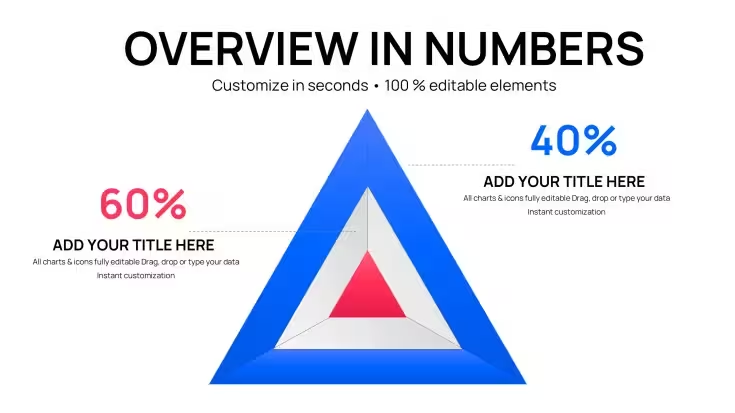
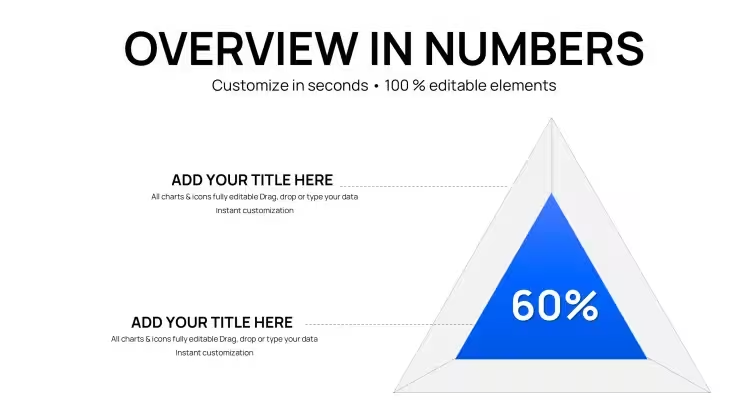
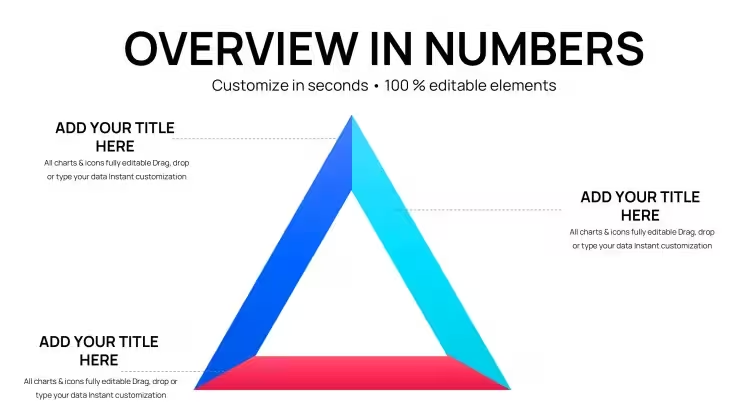
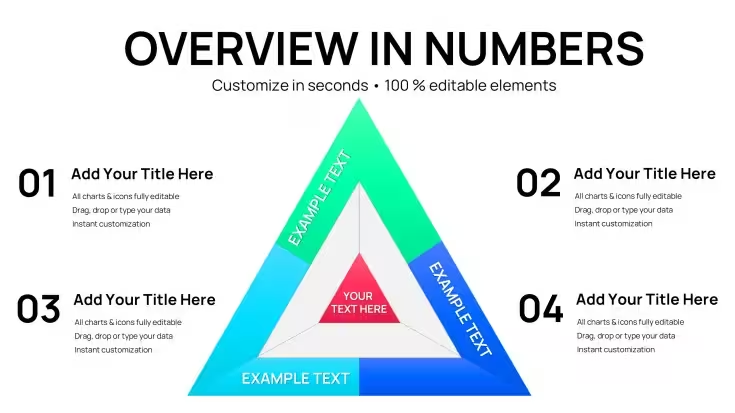
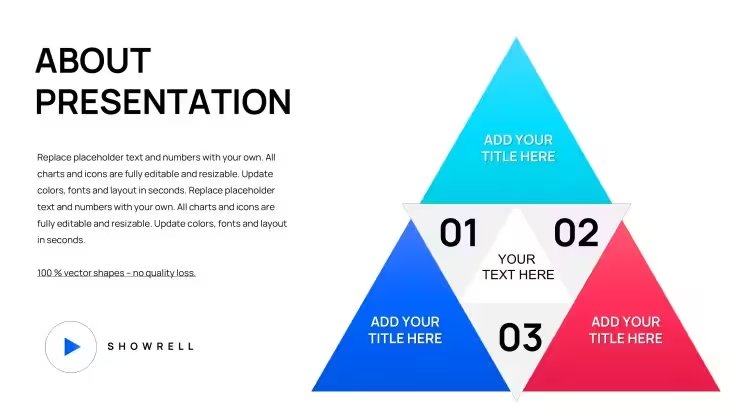
This collection puts 28 pyramid slides in one download, built for information that stacks into levels: a hierarchy, ranked tiers, or a process where each step rests on the one below. The pyramids are divided into levels that can each carry their own label and color, instead of sharing one bullet list. It sits in the Keynote charts collection and stays with a single shape family throughout, which keeps a multi-slide deck visually consistent.
What You Can Edit
- Text labels on every pyramid level
- Fill colors and outlines, level by level, plus transparency on individual segments
- The number of levels: resize, delete, hide or duplicate segments to match your own structure
Best Suited For
Picture presenting a reporting structure to a leadership group: the top role goes at the apex, each wider level below is relabeled for the teams it covers, and the fills are recolored to match the rest of your deck. The same approach works for ranked priorities or a layered process where each stage builds on the previous one. With 28 slides you can show several structures in one deck without switching visual styles, and the commercial licence covers internal and client presentations across unlimited projects. You can preview all 28 slides and download a PDF sample before buying, and purchases come with a 14-day refund if the file doesn't open or doesn't match the previews, along with free updates to this SKU.
Good to Know
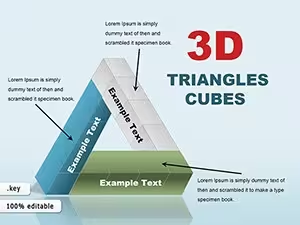
This set covers triangle pyramids only; the cube and tape-style shapes found in some related products are not included. It is also not a Gantt chart tool, so for live, date-driven scheduling use a dedicated tool such as MS Project or Smartsheet. If you want pyramids combined with directional triangles, take a look at the Pyramids and Triangles Keynote charts template.
Good for
- Project roadmaps and sprint plans
- Product launch timelines
- Quarterly or annual review decks
- Company history and milestone summaries
Licence
reviews
28 triangle pyramid charts for departmental reporting lines were spot on. Apex and base layers communicated structure clearly. Fast customization.
Consultant pitch: priority tiers for market expansion using multiple slides. Consistent designs maintained flow. Professional at $15.
The independent segments make adjustments easy. Good readability for hierarchies. Practical for project managers.
Used for client organizational growth plans. Triangle layouts sharp for presentations. Solid variety in 28 slides.
The template eliminates manual alignment hassles. Colors and labels update fast. Reliable for strategy work.
Student analysis project: process optimization hierarchies looked polished. Focused and effective designs.
FAQ
Will it work in Google Slides?
Are fonts embedded?
Can I use this for client work?
What's the refund policy?
Do you update the template after purchase?
Similar templates
See all Keynote Charts →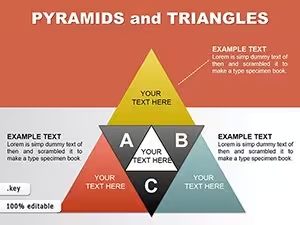

All 28 slides