 Click to zoom
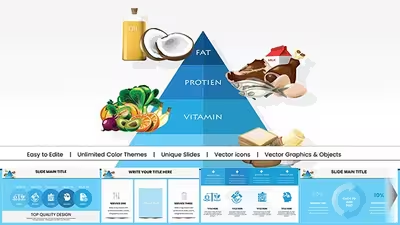
Pyramid PowerPoint Charts Template - 25 Editable Slides (keep existing)
| Format | .pptx |
| Slides | 25 unique layouts |
| Aspect ratio | 16:9 |
| Compatibility | PowerPoint |
| Animated | No |
| Language | English |
| License | Commercial |
| File size | — |
| Version | v1.0 |
| Last updated | August 2026 |
What's inside
Layered Hierarchies Across 25 Widescreen Slides
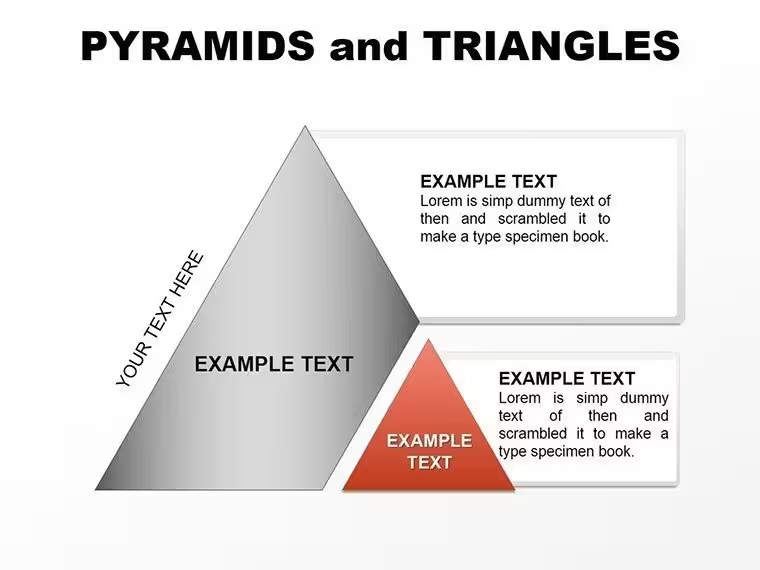
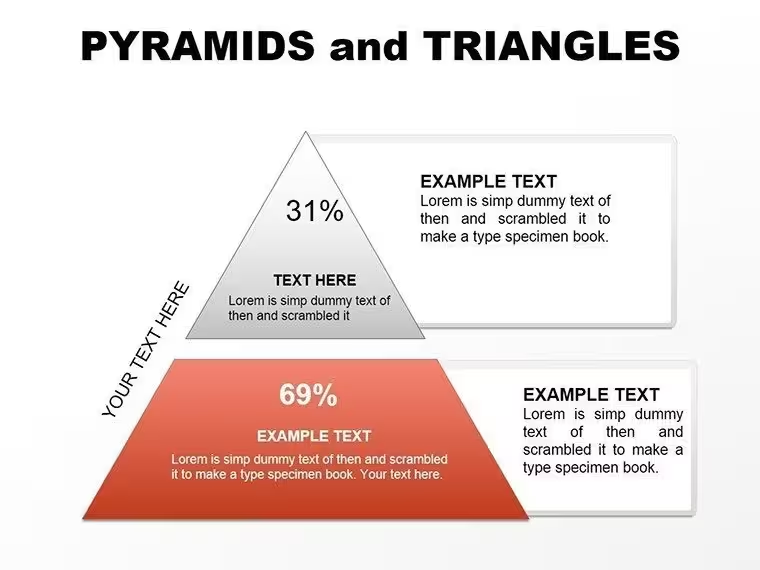
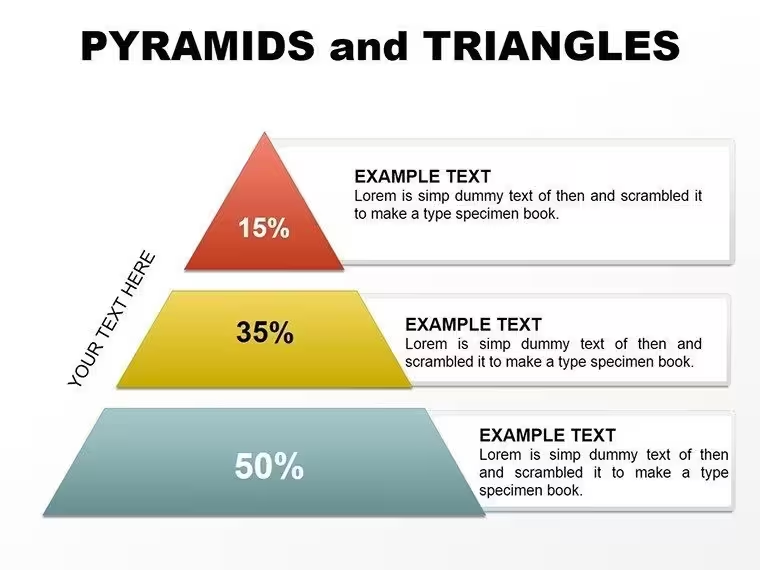
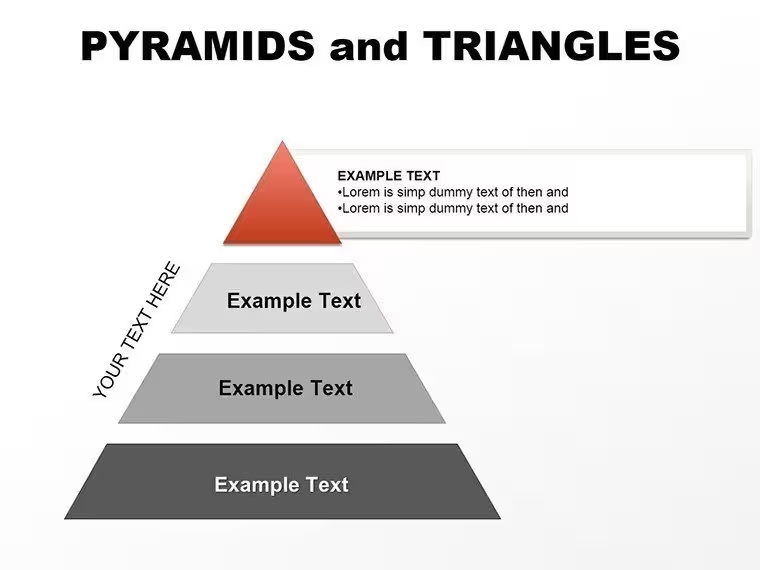
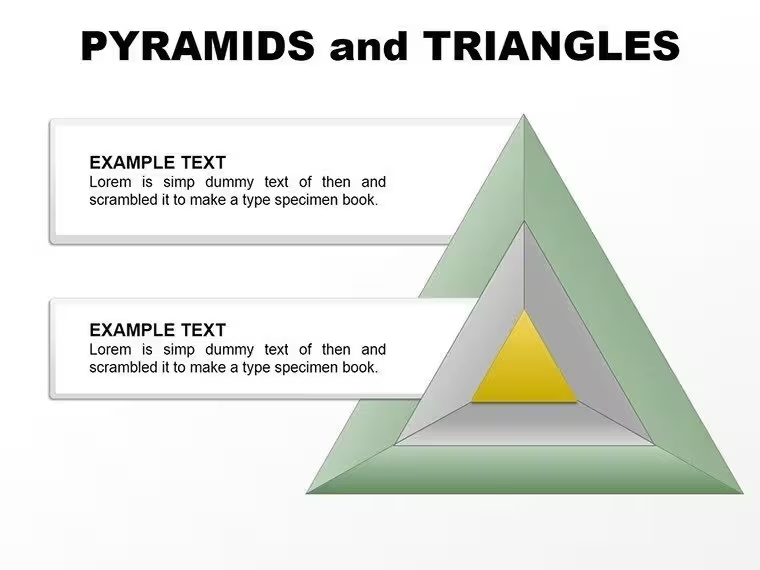
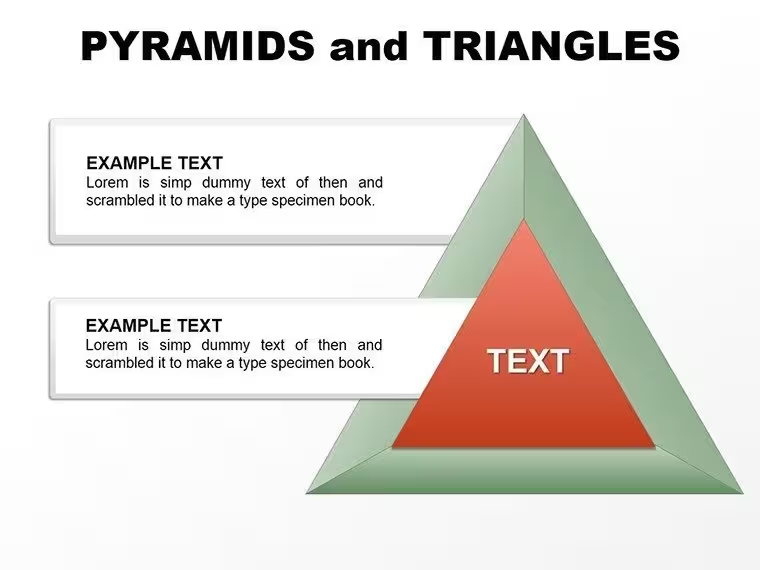
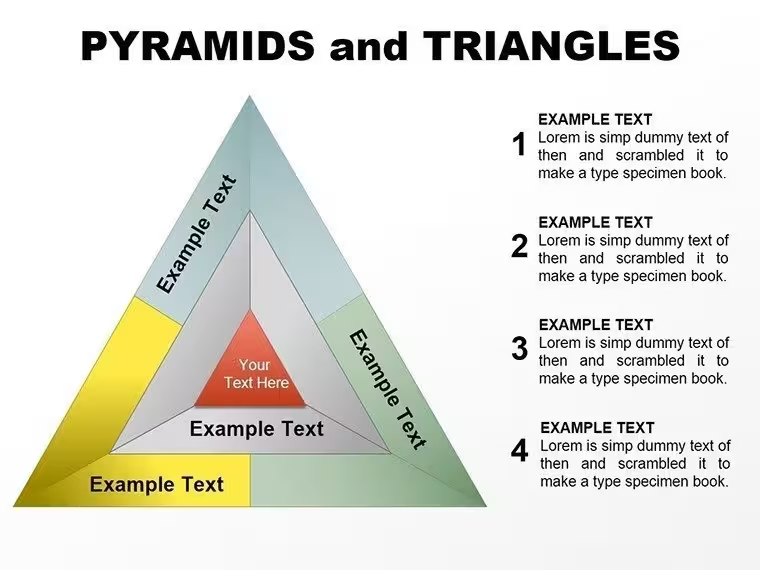
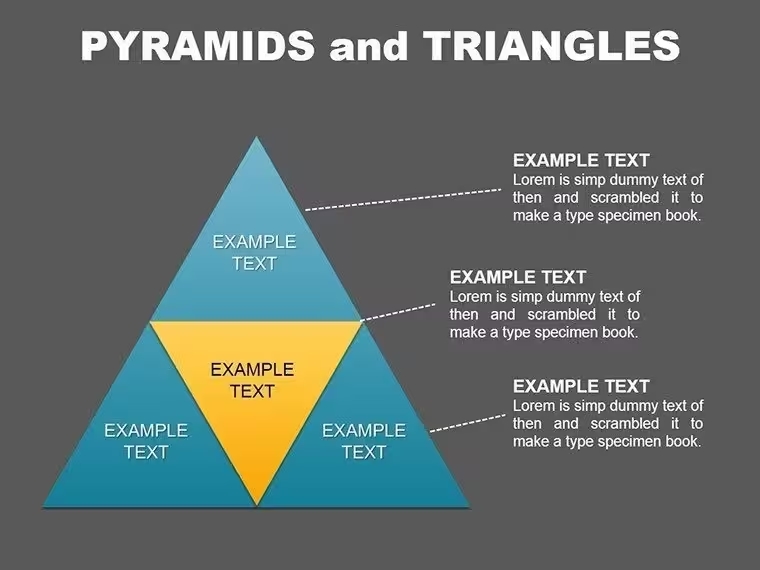
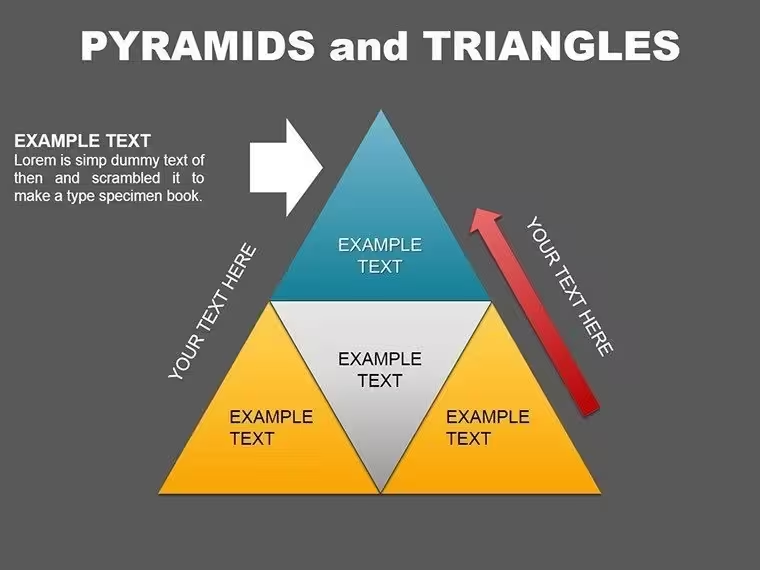
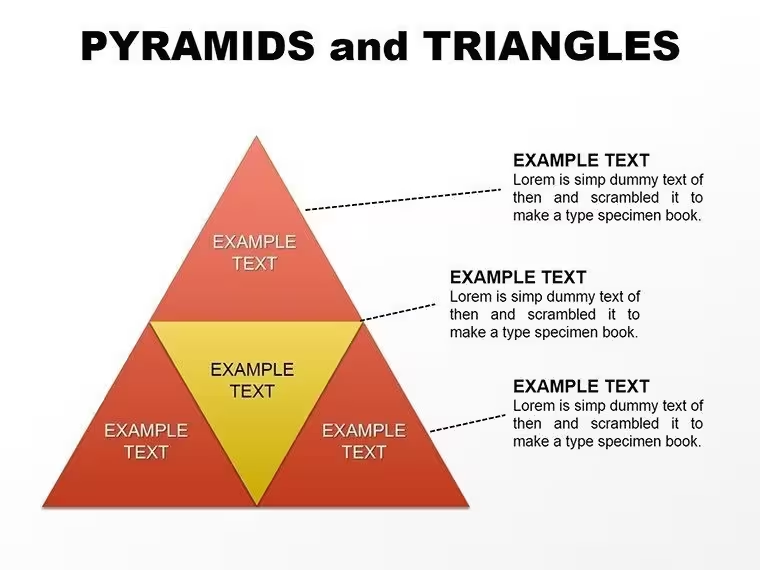
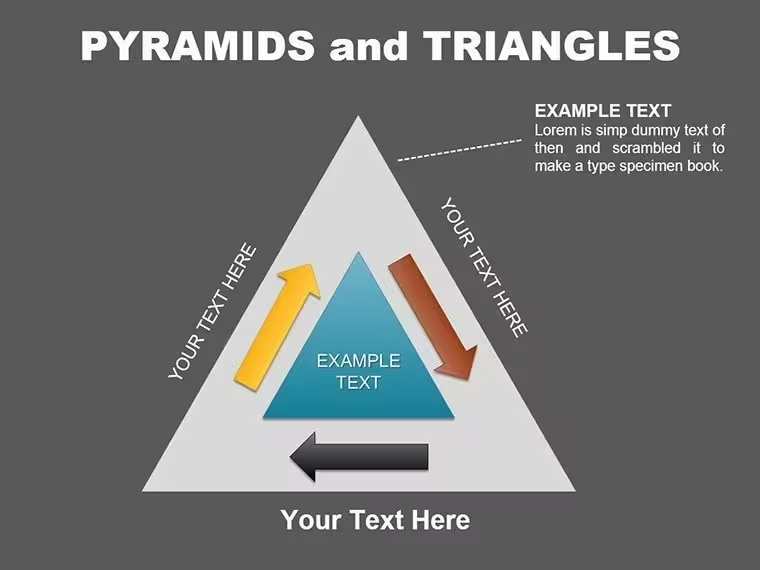
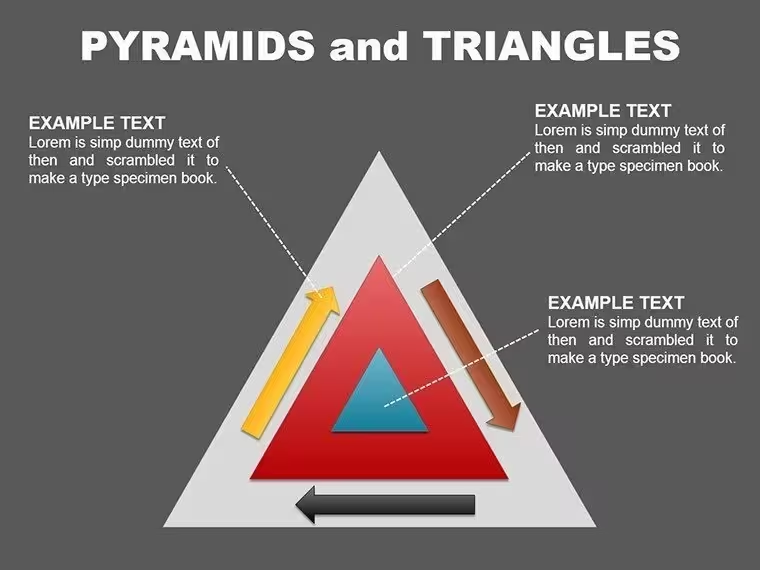
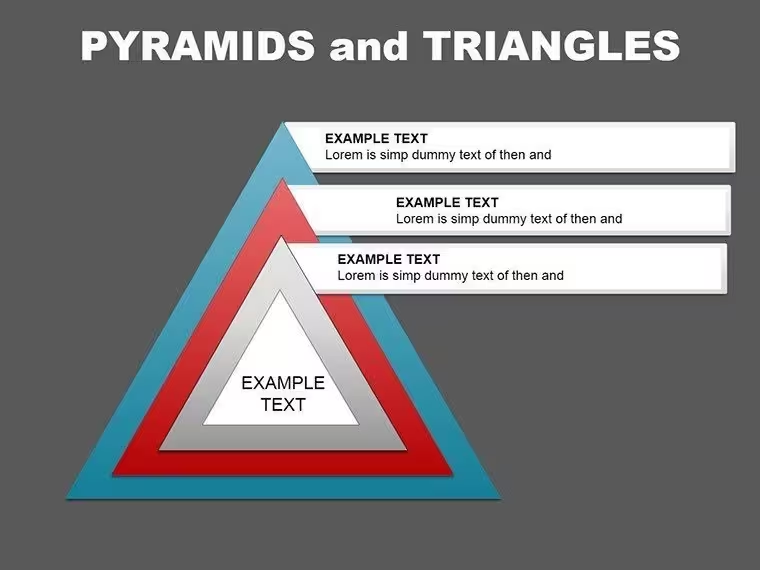
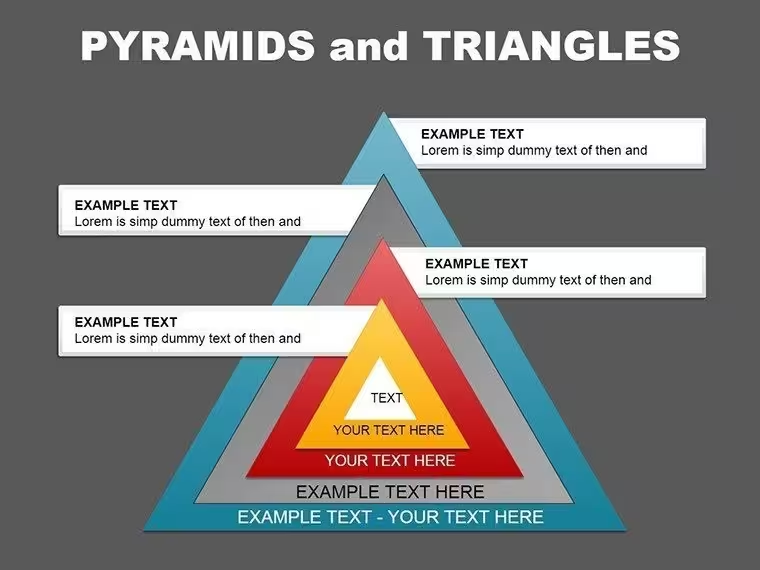
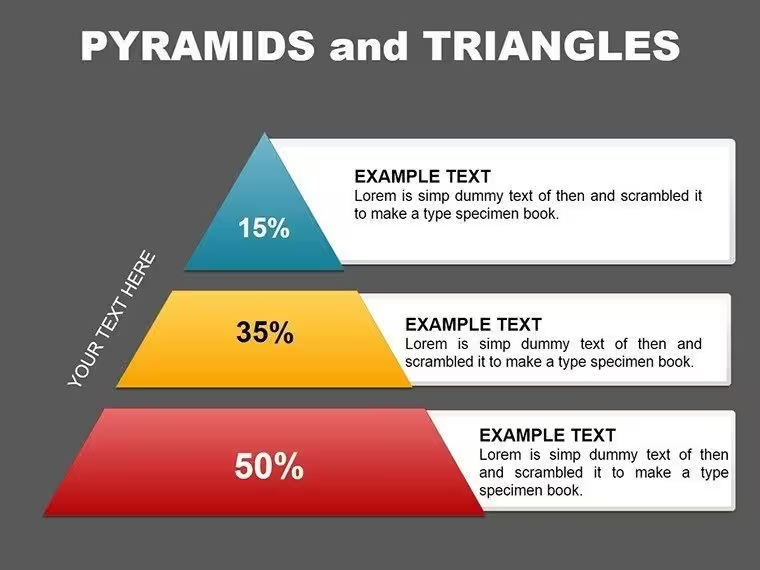
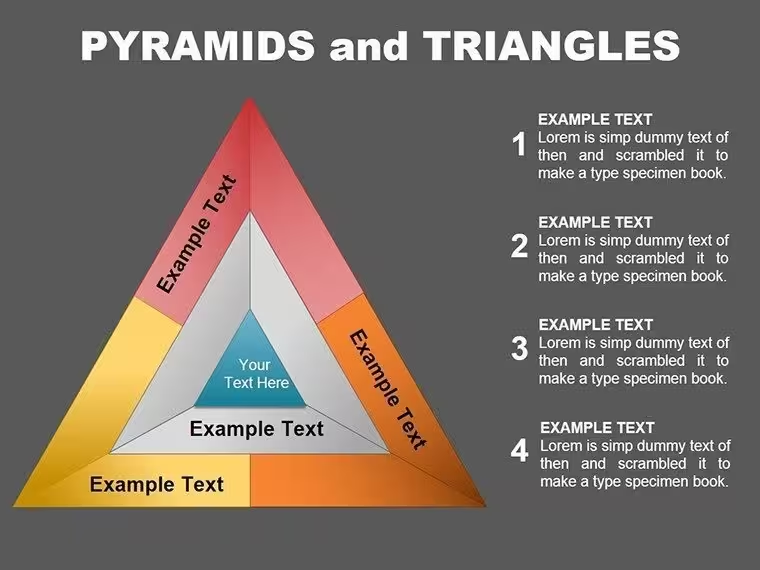
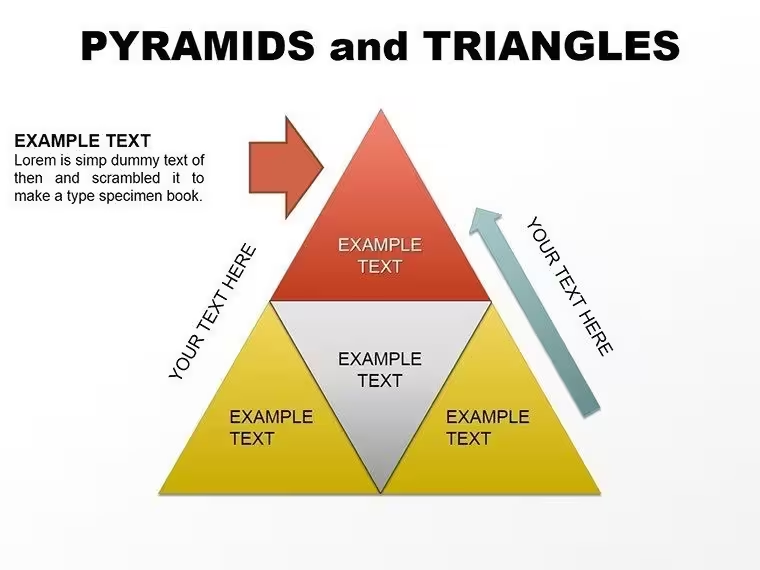
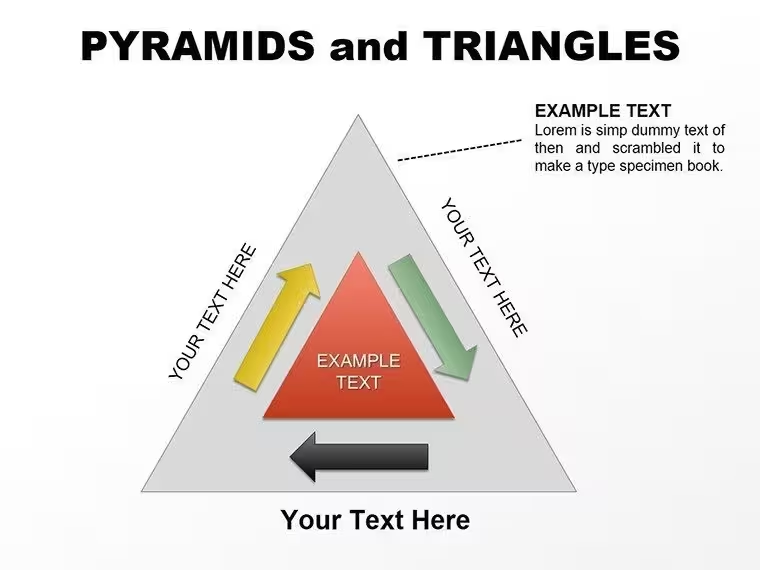
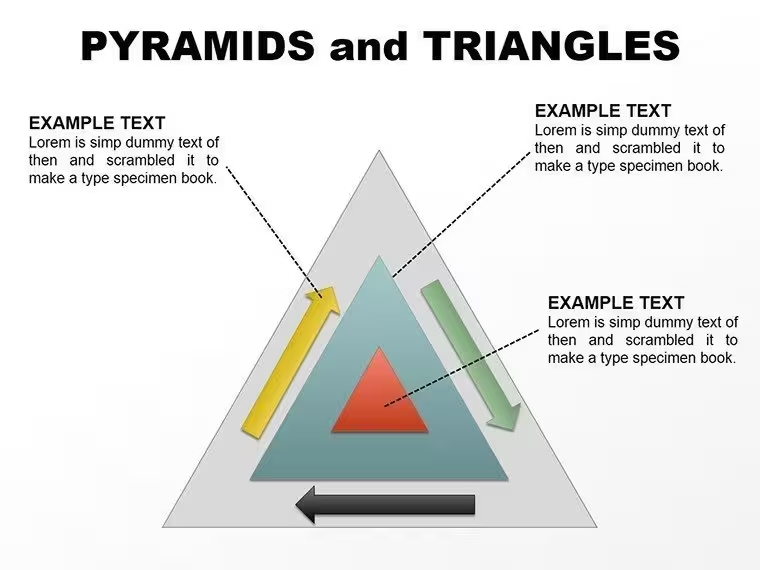
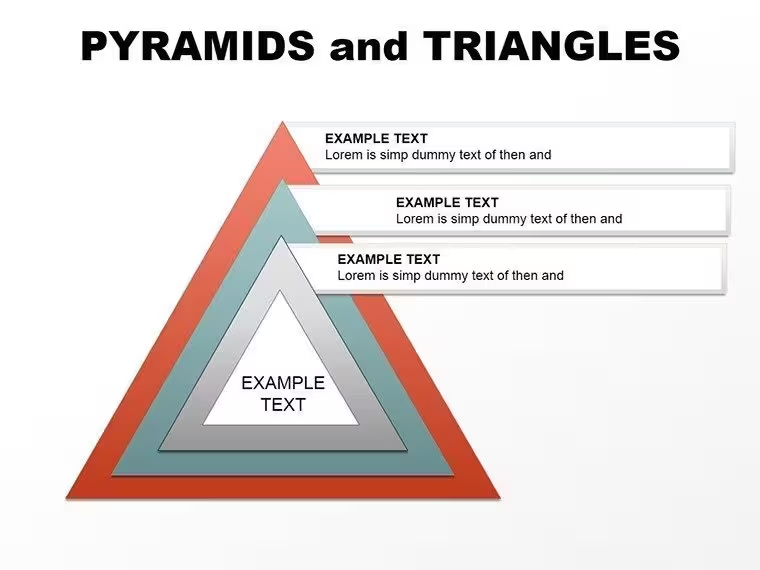
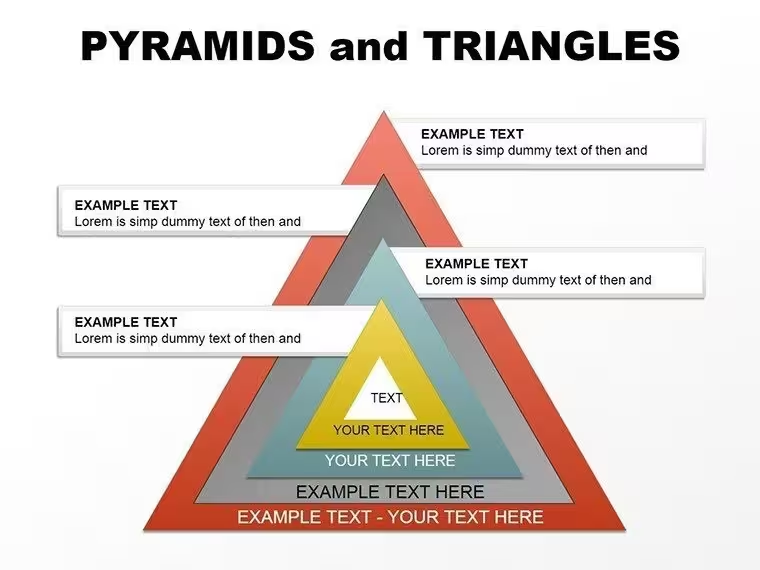
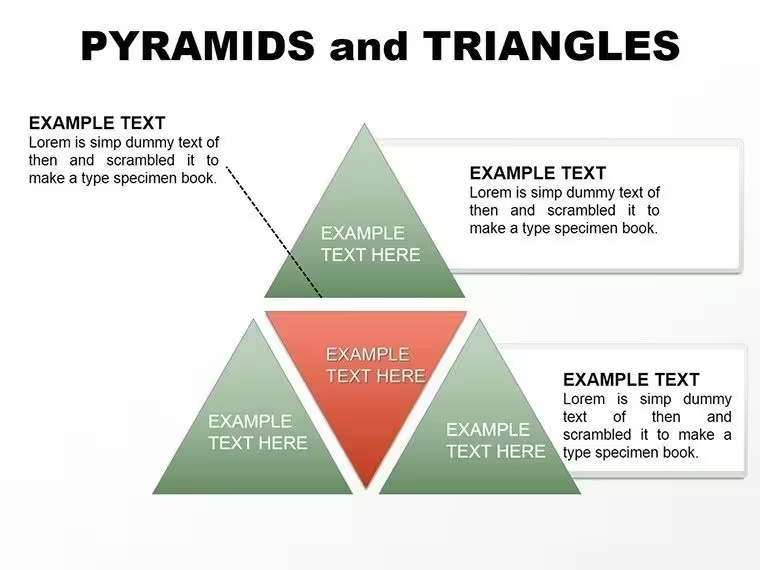
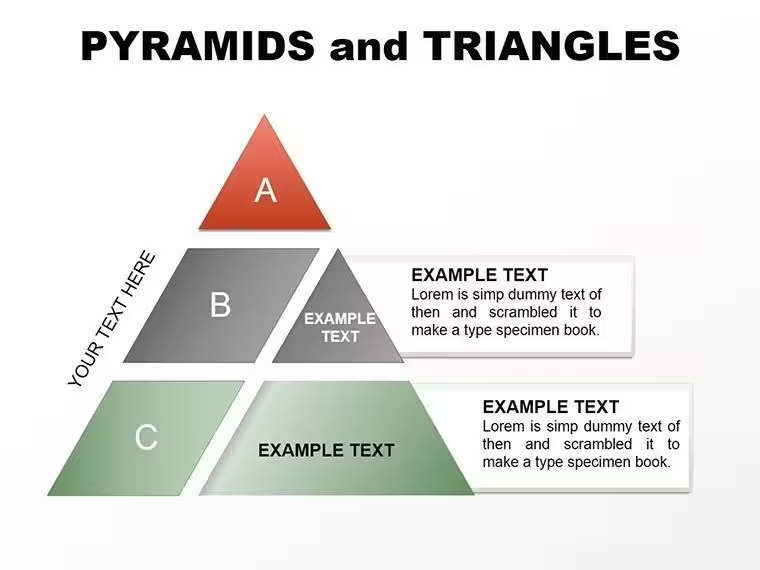
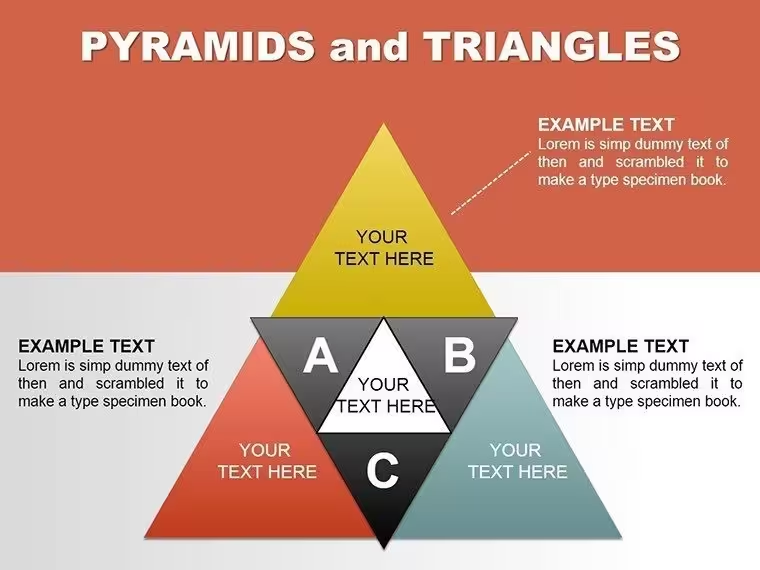
This PowerPoint pack is built around pyramids and triangles, with three-, four- and five-tier layouts as the starting points. A pyramid shows rank and layering at a glance: the foundation sits at the bottom and the top priority at the apex. That suits a ranking of priorities, a maturity or skills progression, or any framework where lower levels support the ones above. Keynote users can pick the matching Keynote edition, and a larger 28-slide triangle and pyramid pack is also available.
What You Can Edit
- Each pyramid is made of grouped shapes. Ungroup once to duplicate or delete tiers and match the number of levels your framework needs.
- Recolour individual tiers to follow your brand palette.
- Place icons inside tiers using PowerPoint's built-in Icons library.
- Text uses Calibri, which is built into PowerPoint, and Inter, an open-source typeface bundled in the download. Install Inter once and the labels render as designed.
Best Suited For
Strategy and planning decks where you need to show what has to be in place first and what sits at the top: ranking evaluation criteria, laying out a capability progression, or sorting initiatives by priority. The tier count is yours to change, so it also covers frameworks that don't fit a fixed three-level shape. The page's own advice is to stay at around six tiers or fewer so labels stay readable on a projector or a shared screen. The commercial licence covers internal and client presentations, unlimited projects and free modification. Resale, redistribution and reuse inside another template product are not allowed. Updates to this item are free and announced by email, and a 14-day refund applies if the file won't open or doesn't match the previews.
Good to Know
This is a pyramid and triangle pack, not a Gantt chart tool. For date-driven project scheduling, use dedicated software such as MS Project or Smartsheet. The listing is a .pptx file made for PowerPoint, so Keynote users should choose the separate Keynote edition.
Good for
- Project roadmaps and sprint plans
- Product launch timelines
- Quarterly or annual review decks
- Company history and milestone summaries
Licence
reviews
The bullet charts are a nice alternative to gauges.
Data entry is straightforward and the charts updated cleanly.
Used this for a performance review and the trend lines were clear.
Fine but the default colors are ugly
FAQ
Will it work in Google Slides?
Are fonts embedded?
Can I use this for client work?
What's the refund policy?
Do you update the template after purchase?
Similar templates
See all PowerPoint Charts →
All 25 slides