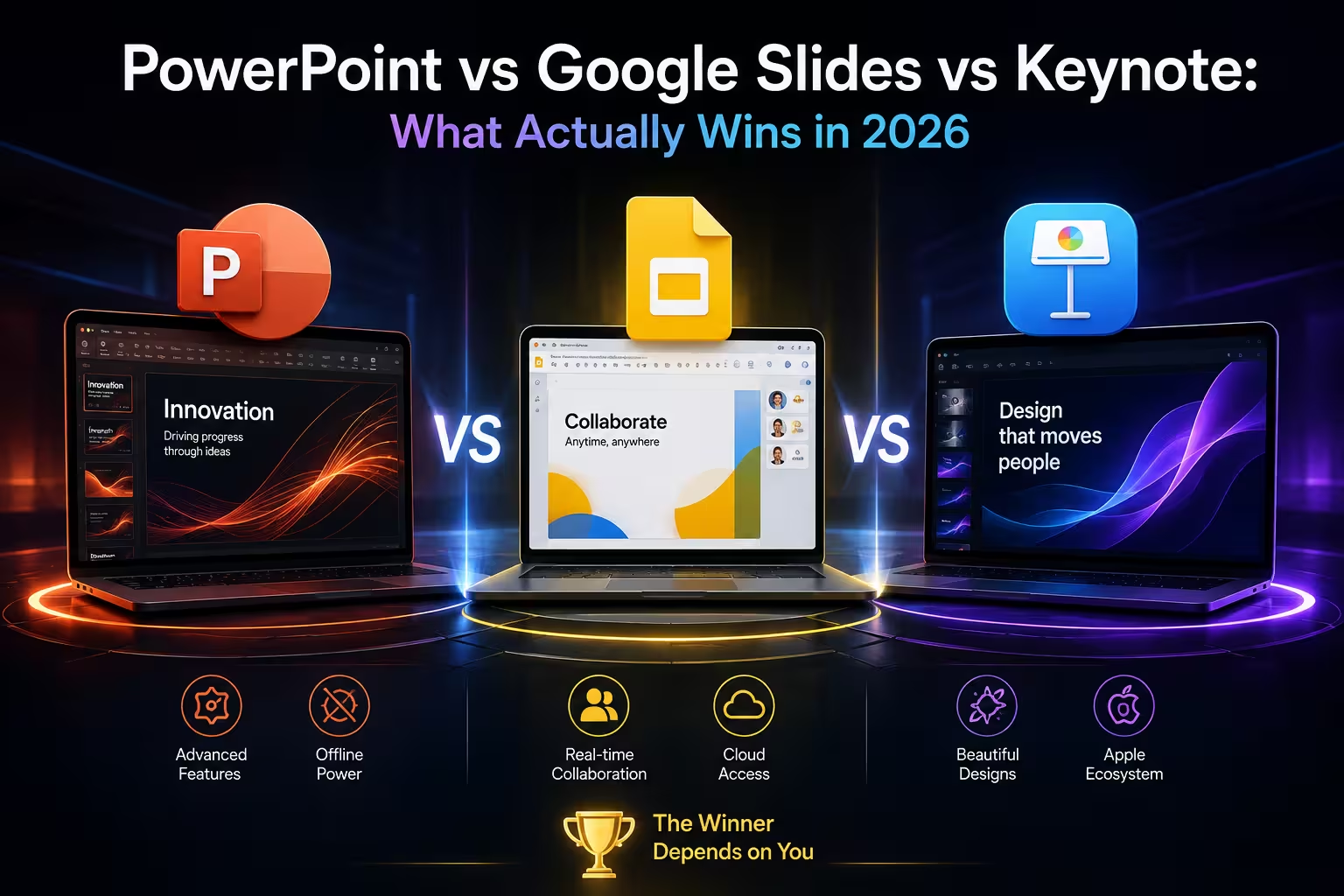
A client once sent me a Keynote file two hours before her pitch, asking me to "just open it and check the fonts." I don't own a Mac. That's the whole article, really — three genuinely good tools, and the real winner is decided less by features than by what happens the moment a file has to leave the software it was born in.
The popularity question is answering the wrong thing
Ask which tool "wins" and most people reach for adoption numbers, as if the biggest install base settles it. It doesn't, because the split isn't really competitive — it's cultural. One comparison piece I checked put it plainly: roughly 73% of Fortune 500 companies run on Microsoft 365, which pulls them toward PowerPoint by default, while a majority of tech startups skew toward Google Workspace and Slides instead. That's not PowerPoint beating Slides in a fair fight. It's two separate ecosystems that rarely compete for the same presentation in the first place.
I've watched this play out inside a single company — the finance team building board decks in PowerPoint because that's what IT provisions, while three floors up, product managers draft roadmap slides in Slides because they live in Docs and Sheets all day anyway. Neither team is "losing." They're not even playing the same game.
Where the AI conversation actually stands, not where the marketing says it does
Every one of these tools now advertises AI features, and it's tempting to assume they're roughly equivalent. They're not, and the gap matters more for one platform than the others. As of an April 2026 write-up I checked, Keynote still has no dedicated AI assistant built in — Apple Intelligence handles system-level writing help on compatible devices, but it won't generate slides, suggest a layout, or draft presentation content for you. If you're on Keynote and want AI-assisted drafting, you're bringing in an outside tool and importing the result, not staying inside Apple's ecosystem.
PowerPoint and Slides both bake AI more directly into the editing surface — layout suggestions, first-draft generation, that kind of thing. Whether that's actually useful depends on what you're building. For a template-driven corporate deck, AI layout suggestions save real time. For something with a specific visual identity you're protecting, they mostly get in the way, and I usually turn them off before they start rearranging things I already decided on.
PowerPoint's design ceiling is real, and it's also a trap
If you need morph-style transitions, layered animation sequencing, or a chart that behaves exactly the way you specify, PowerPoint's desktop app still goes further than the other two. That's not controversial — it's the one thing almost every comparison agrees on. What gets skipped is the cost of that ceiling: the more you lean into PowerPoint-specific features, the more locked-in the file becomes. Morph animations, custom masters, and advanced chart formatting frequently don't survive a round trip through Google Slides or an export to .pptx from elsewhere.
I've stopped treating PowerPoint's advanced feature set as free. Every time I use one of the deeper tools, I'm implicitly deciding this file lives in PowerPoint permanently. If you're building something that needs to travel — sent to a client who might open it in Slides, or presented from a borrowed laptop — a well-built PowerPoint template that avoids the exotic features will actually hold up better than a flashier one that doesn't.
Google Slides wins the room it's built for, and loses the one it isn't
Real-time collaboration is the one area where Slides isn't really competing on quality so much as on the fact that the other two weren't designed for it from the ground up. Multiple people editing the same deck simultaneously, comments resolving live, version history that doesn't require a separate save-and-send cycle — that's the actual use case, and it's a strong one for distributed teams working async across time zones.
But hand a Slides file to someone who needs frame-accurate animation timing or a print-ready export with embedded high-res assets, and the seams show fast. I wouldn't build an investor deck with heavy custom visuals in Slides and expect it to look identical once exported to PDF for print. It's the right tool for iteration, not necessarily for the final polished artifact — which is why the strongest workflow I've seen isn't "pick one," it's draft and collaborate in Slides, then finalize in a template built for output quality.
The Keynote trap nobody mentions until it's too late
Keynote's animation engine is genuinely nicer to work with than PowerPoint's Morph — the transitions read as more natural, and text rendering on a Mac display is noticeably crisper. None of that matters the moment the file has to leave Apple's ecosystem. Export a Keynote deck to .pptx for a Windows colleague and you should expect broken layouts, substituted fonts, and animations that either don't translate or translate wrong. That's the trade nobody puts in the comparison table: Keynote is arguably the best-looking tool of the three right up until the presentation needs to exist outside a Mac. If your entire audience is Apple-native, that's a non-issue. If there's any chance a Windows machine is involved — a client's conference room, a shared projector, a colleague reviewing the file — building in a format-agnostic Keynote theme designed with cross-export in mind saves you the emergency rebuild an hour before the talk.
So what does "winning" actually mean here
Not one universal answer, and I'd be lying if I gave you one. What I've landed on after building decks in all three throughout the year: pick PowerPoint when the deck needs to survive contact with a corporate IT environment and heavy formatting; pick Slides when the deck is a living document more people than you are actively editing; pick Keynote only when you can guarantee the audience and every downstream reviewer stays inside Apple hardware. The market itself is still growing regardless of which tool wins any given deck — the presentation software space overall is projected to keep expanding through the early 2030s, driven mostly by hybrid work and AI-assisted content creation, which suggests this three-way split isn't resolving into a single winner anytime soon.
The most reliable fix I've found isn't switching platforms — it's starting from templates built to survive the format they'll eventually get exported to, so the tool you draft in matters less than the tool your audience actually opens.
Next time someone asks which one "wins," ask them a better question first: who else has to open this file, and on what?
Comments (0)