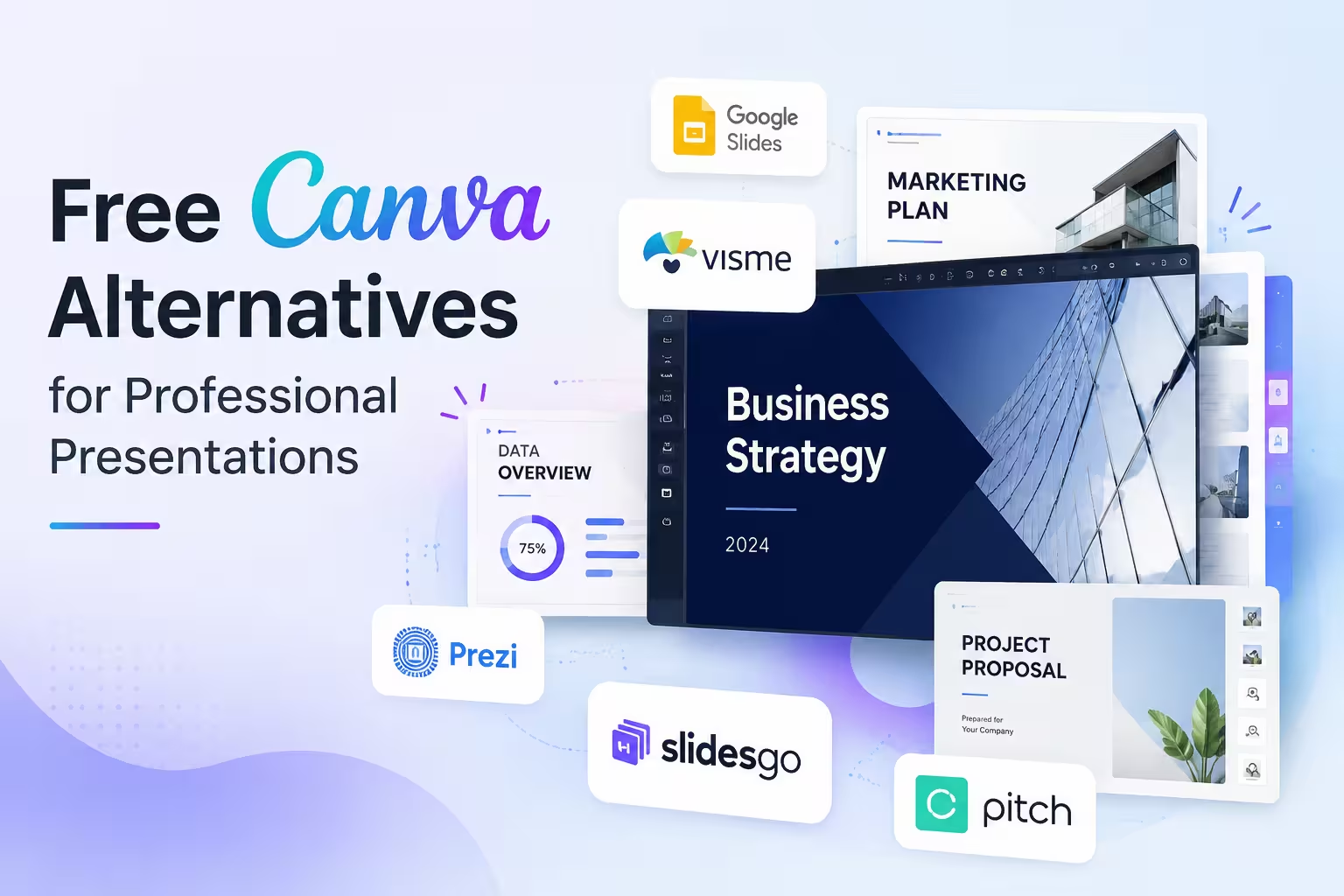
I get asked some version of this question almost every month: "What else is out there besides Canva?" Usually it comes from someone who's hit a wall — a template that looks great until you try to rebrand it, an export that mangles fonts, or a free plan that quietly stops covering what they actually need.
Canva is a fine starting point. But "professional presentation" work — client decks, investor updates, internal reports that get forwarded around — often needs something with a bit more structural control or a cleaner free tier. Here's what I actually reach for, and what each one is and isn't good at.
Google Slides: boring in the best way
I wouldn't call Google Slides exciting, but it's the tool I trust most when a deck needs to survive contact with other people's computers. It's genuinely free, not freemium-with-a-catch, and because it lives inside Google Workspace, sharing and commenting just work — no export step, no "who has the latest version" thread.
The trade-off is design ceiling. Spides won't generate a striking layout for you, and its native template library is plain. Where it earns its keep is real-time collaboration and file compatibility — if you're handing a deck off to a client's IT department or a printer, this is usually the safest bet.
Gamma: fast drafts, but read the fine print on credits
Gamma has become a go-to for people who want a rough deck out of a prompt or a pasted outline in minutes rather than hours. New accounts start with a batch of AI credits, and a full deck generation typically eats a meaningful chunk of that allotment, with smaller AI actions (rewriting a card, generating an image) costing more on top. That allotment is a one-time grant, not something that refreshes monthly — so realistically you get a handful of full presentations before you're choosing between the invite-referral system or a paid tier.
One thing people overlook: on the free plan, exports and shared links carry Gamma's branding, and real-time multiplayer editing sits behind a paid plan. For a solo first draft that you'll polish elsewhere, that's a fair deal. For an actual client handoff on the free tier, it's a real limitation, not a nitpick.
Pitch: the closest thing to a "team Canva"
Pitch's free plan is more generous than most people expect — unlimited presentations, custom templates, and support for small teams (I've seen free workspaces used comfortably by five people with equal admin access). Sharing links and PDF exports on the free tier do carry Pitch branding, and AI generation is credit-limited rather than unlimited, but the core deck-building and collaboration experience isn't crippled the way some "free trials" are.
In my experience, Pitch is the strongest option when the presentation is a living document — something multiple people are editing and commenting on over a week, not a one-and-done export. It's less useful if your workflow is "build once, export to PowerPoint, done," since PowerPoint handoff can need cleanup for anything with video or animation.
Zoho Show and LibreOffice Impress: no strings, no upsell
These two don't get much attention in "best of" roundups because they're not flashy, but they solve a specific problem: a genuinely free tool with no credit system, no branding watermark, and no team-size ceiling waiting to surprise you. Zoho Show is free for individual use and works well if you're already in the Zoho ecosystem or just want cloud-based slides without a subscription conversation six months from now. LibreOffice Impress is the offline option — useful when a client's security policy won't allow cloud-based editing at all, which comes up more often than people expect in finance and public-sector work.
Neither will impress anyone on visual polish out of the box. You're trading design automation for predictability.
The trade-off that actually matters
Every tool on this list is "free" in a different sense — free forever with a plain design ceiling (Slides, Zoho, LibreOffice), free until your credits run out (Gamma), or free with a branding tax and usage limits (Pitch). None of that is a dealbreaker on its own. The mistake I see most often is picking based on the demo deck rather than the actual workflow: how many people touch this file, how often, and where it ends up.
If you're building one deck for one meeting, an AI-first tool like Gamma will get you there fastest. If the deck lives for months and multiple people edit it, Slides or Pitch will save you more time than any AI shortcut. Worth sitting with that question before you pick a tool — not after you've rebuilt the same deck three times in three different apps.
Comments (0)