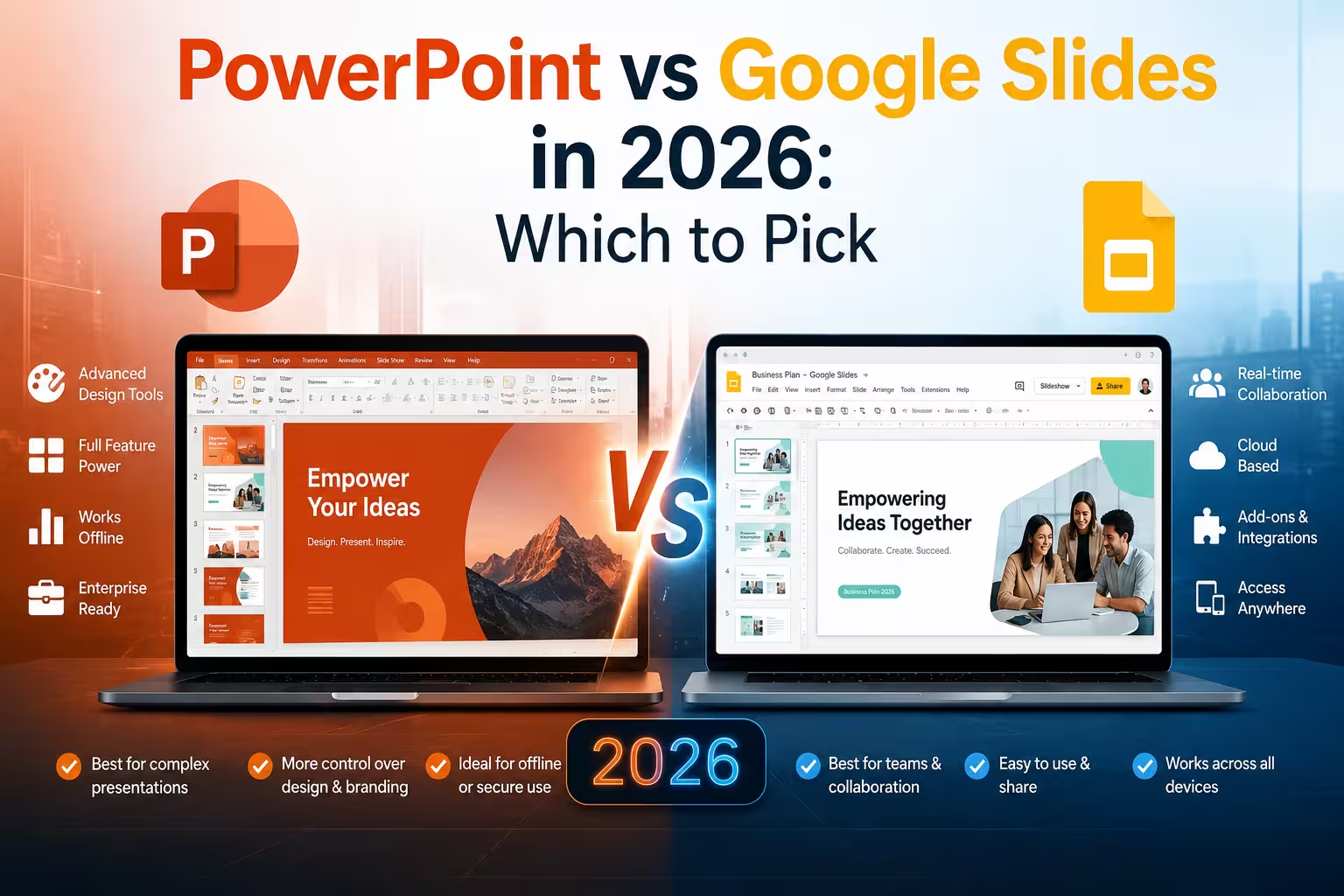
I get some version of this question from almost every new client: "We're already paying for Microsoft 365, but our team lives in Google Docs — does it even matter which one we use for slides?" It usually does, just not for the reasons people expect.
Most comparisons of these two tools focus on templates and animations. That's the wrong layer to argue about. The real differences in 2026 show up in three places: how AI actually helps you build a deck, how your team collaborates while building it, and what happens when the file leaves your machine and lands on someone else's screen, browser, or projector.
The AI layer has changed faster than the interface
Both platforms spent the last year turning their AI assistants from "help me write a bullet point" into "build me the deck." That shift is real, and it changes the calculus.
Copilot in PowerPoint can now generate a full presentation from a written prompt, or build one from source files — Word documents, PDFs, or spreadsheets — pulling structure and content directly from what you feed it. There's also a narrative builder that walks you through tone and length before it drafts anything, and Copilot can summarize an existing deck or draft speaker notes on its own. One practical catch: the individual Copilot Pro tier is noticeably more limited than the business version — single-file input only, no PDFs, no encrypted documents. If you're evaluating Copilot based on a personal license, you're not seeing what your enterprise colleagues get.
Gemini in Google Slides took longer to catch up but moved fast this year. As of mid-2026, you can type a prompt into the side panel and Gemini drafts an entire multi-slide deck, not a static export — every slide stays editable afterward. It can pull directly from your Drive files for grounding, and if you attach an existing presentation as a style reference, it will match that look rather than defaulting to generic AI templates. It also asks clarifying questions about tone and audience before generating anything, which in my experience saves more rework than the generation speed itself.
One thing people overlook: Google is currently offering expanded usage limits for this feature (at least through August 1, 2026) before standard per-user caps kick in. If your team is testing Gemini's deck generation, this is the window to actually stress-test it before the free-for-all ends.
Neither tool is a substitute for editorial judgment. I've seen AI-drafted decks that look finished and say very little — the structure is there, the argument isn't. Treat both as first-draft engines, not co-authors you can skip reviewing.
Collaboration: still Google's home turf
This part hasn't really changed, and I wouldn't expect it to. Google Slides was built browser-first, so real-time multi-cursor editing, commenting, and version history feel native rather than bolted on. If your team is scattered across time zones and needs to poke at the same deck simultaneously without anyone worrying about file locks, net_impulse is still the more comfortable environment.
PowerPoint's collaboration through OneDrive and SharePoint has closed a lot of the gap — co-authoring works, comments sync, and version history is solid. But it still occasionally shows its desktop-app roots: formatting can shift slightly between the web and desktop clients, and heavier files with embedded media are more prone to sync friction. That's a trade-off, not a flaw — the same architecture is what gives PowerPoint its edge in the next section.
Design control and offline reliability favor PowerPoint
If your work involves precise layouts — investor decks, conference talks with custom animations, anything where pixel alignment matters — PowerPoint still gives you more control. Master slide layouts, finer animation timing, and better handling of embedded video and complex charts are all areas where Slides remains functional but less refined.
Offline use is the other quiet advantage. PowerPoint's desktop app works fully without a connection; Slides depends on the offline mode being explicitly enabled beforehand and behaves less predictably with heavier files. I wouldn't recommend building your travel or conference workflow around Slides' offline mode without testing it on the actual device you'll present from — Wi-Fi at venues is unreliable often enough that this is worth checking in advance, not on the day.
Pricing looks different depending on who's paying
This is where the conversation with clients often gets more concrete. Google Slides is free with a personal Google account, and Workspace plans bundle it with the rest of the suite. Gemini's deck-generation features are included at no extra cost for Business Standard and higher tiers, plus Google AI Pro/Ultra consumer plans — though usage limits apply once the current promotional window ends.
PowerPoint requires a Microsoft 365 subscription either way, and Copilot is a separate add-on on top of that base license — a meaningfully higher combined cost than an equivalent Workspace-plus-Gemini setup. For a solo consultant or small team, that gap is worth running the actual numbers on rather than assuming it's negligible.
So which one should you actually use?
Honestly, for a lot of teams the answer is "both, for different jobs." I've had clients keep client-facing, polished pitch decks in PowerPoint while running internal working decks — status updates, brainstorm docs — in Slides, where speed and easy sharing matter more than pixel-perfect layout.
If you're picking one system to standardize on, ask which failure mode you'd rather live with: PowerPoint's occasional formatting friction across devices, or Slides' more limited offline reliability and lighter design controls. There's no universally correct answer here — it depends on whether your decks travel more than they collaborate, or the other way around.
What would actually change your decision: is it the AI generation quality, the price difference, or just which tool your team already has muscle memory for?
Comments (0)