 Click to zoom
Business Maps of the World for PowerPoint - Editable PPT Templates
| Format | .pptx |
| Slides | 10 unique layouts |
| Aspect ratio | 16:9 |
| Compatibility | PowerPoint |
| Animated | No |
| Language | English |
| License | Commercial |
| File size | — |
| Version | v1.0 |
| Last updated | August 2026 |
What's inside
What's Inside
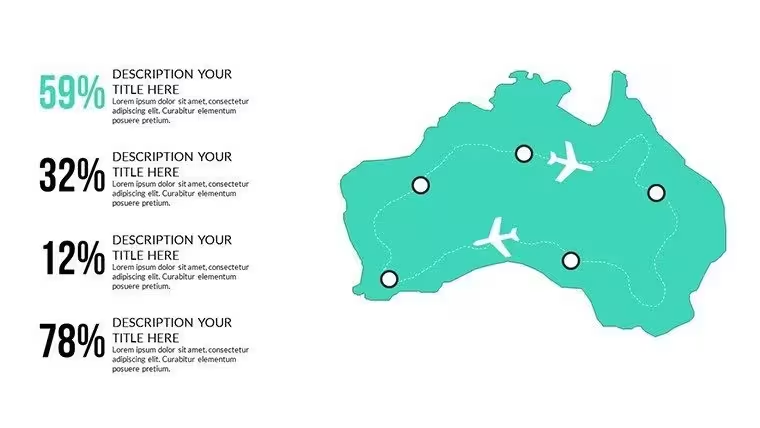
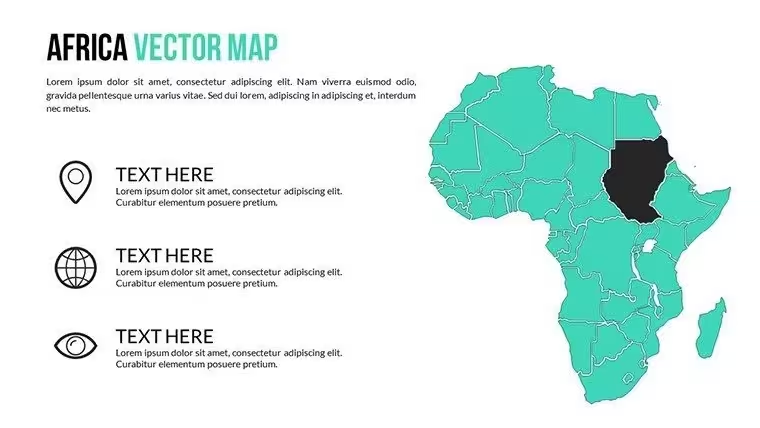
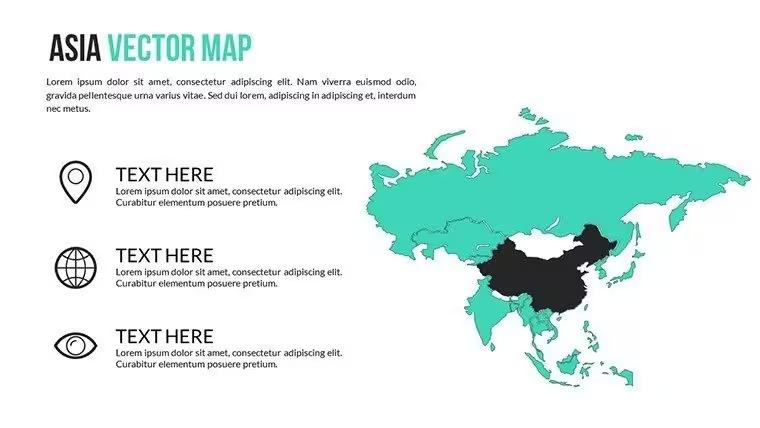
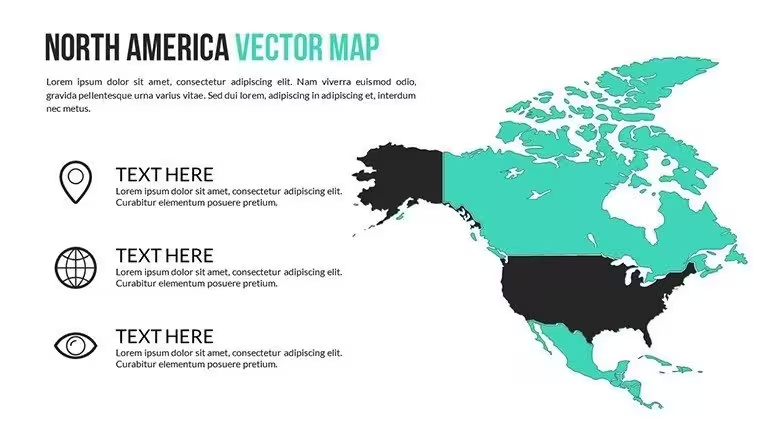
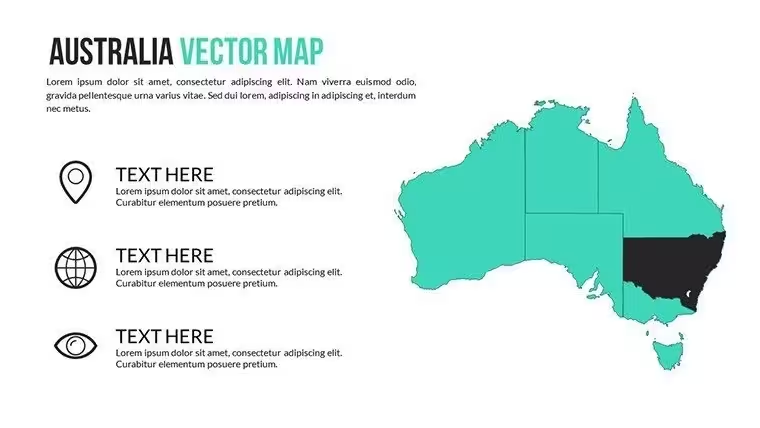
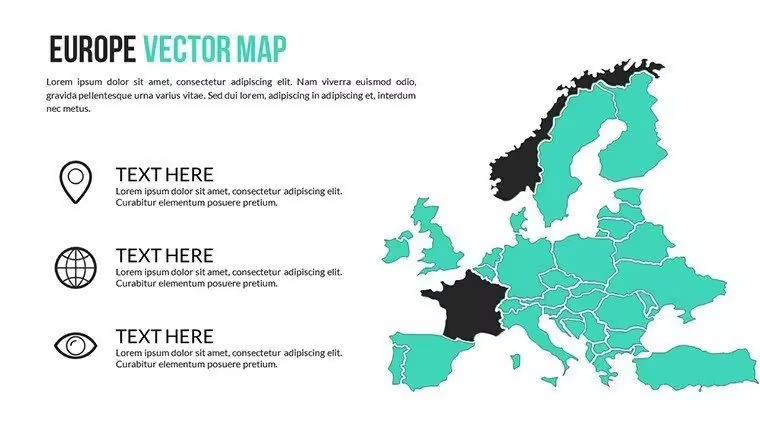
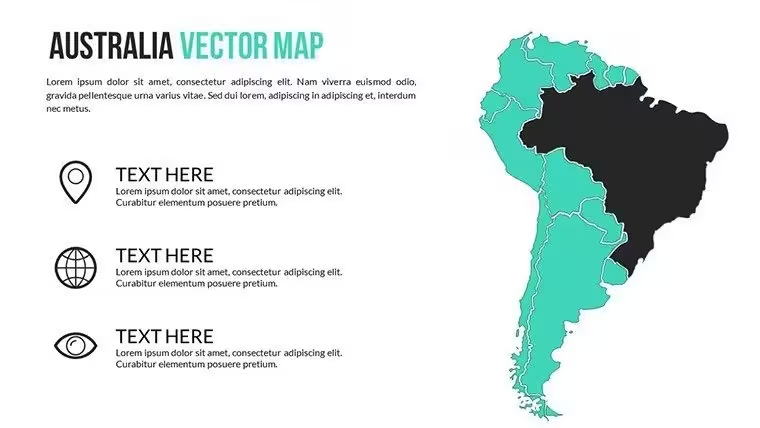
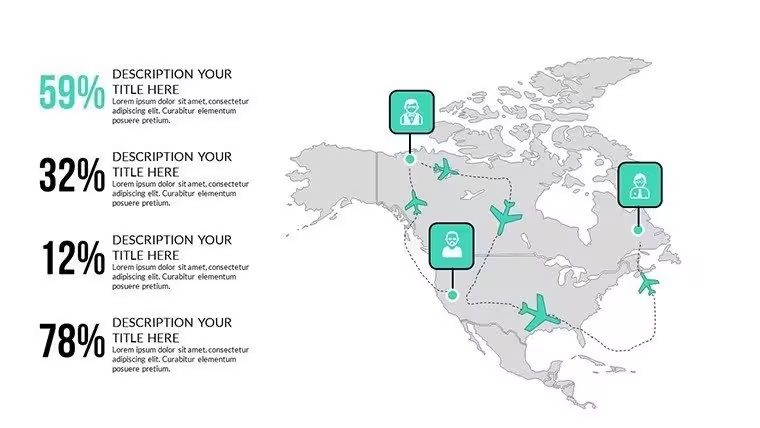
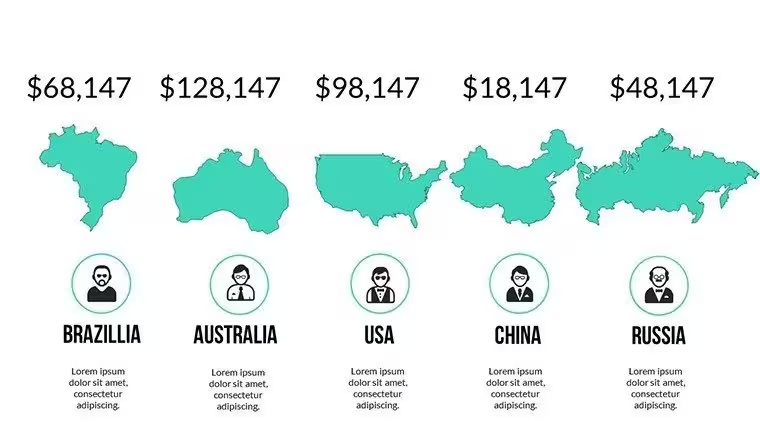
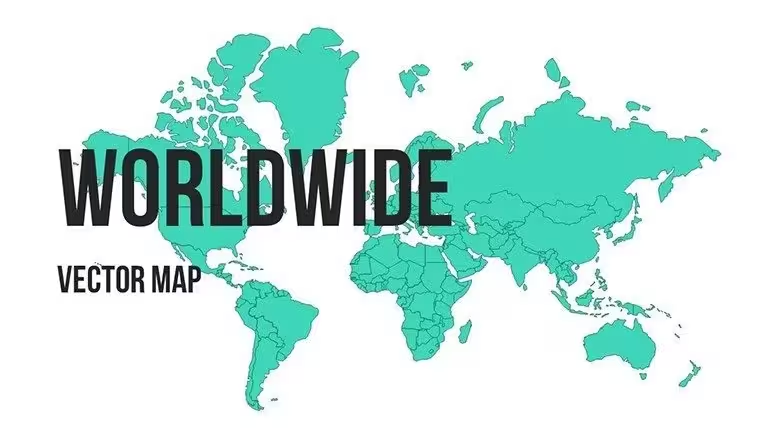
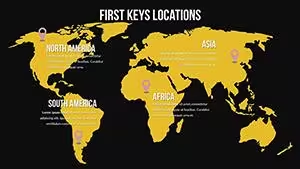
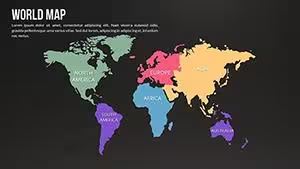
Business Maps of the World for PowerPoint is a 10-slide vector map set covering a full world view plus continent-level breakdowns — Africa, Asia, Europe, North America, and Australia — built for presenters who need to talk through markets, expansion, or regional performance without drawing a map from scratch. It suits business audiences walking through global strategy: plotting where a company operates today, comparing regional results, or laying out where it's expanding next. For country-by-country detail instead of continent groupings, the World Countries PowerPoint Maps template covers similar ground.
What You Can Edit
- Colors, pins, and labels on each map to match your branding or flag specific regions
- Each continent slide (Africa, Asia, Europe, North America, Australia) independently from the full-world view
- Text and data labels for region names or market figures
- Typography — the template is built on Calibri with Inter, an open-source font bundled in the download, for anything you don't want to leave to a missing-font substitution
Best Suited For
Given the world-plus-continent slide set and its place in the PowerPoint Maps category, this template fits market-entry pitches, regional sales or performance reviews, investor updates on international footprint, and academic sessions on global trade or demographics. The commercial licence covers unlimited internal and client presentations, so consultants and agencies can reuse it across engagements without buying per-project rights — the only restriction is against reselling or redistributing the template file itself. It also imports into Google Slides with shape and colour fidelity preserved, per imaginelayout's own FAQ, which helps if your team splits work across both platforms.
Good for
- Project roadmaps and sprint plans
- Product launch timelines
- Quarterly or annual review decks
- Company history and milestone summaries
Licence
reviews
Used for a school project last minute it was fine
Chart layout made data comparison quick and easy to read
Put it in a client report it was easy to edit
Used it for quick slides nothing complicated
Not bad but I had to adjust some layouts
FAQ
Will it work in Google Slides?
Are fonts embedded?
Can I use this for client work?
What's the refund policy?
Do you update the template after purchase?
Similar templates
See all PowerPoint Maps →
All 10 slides