 Click to zoom
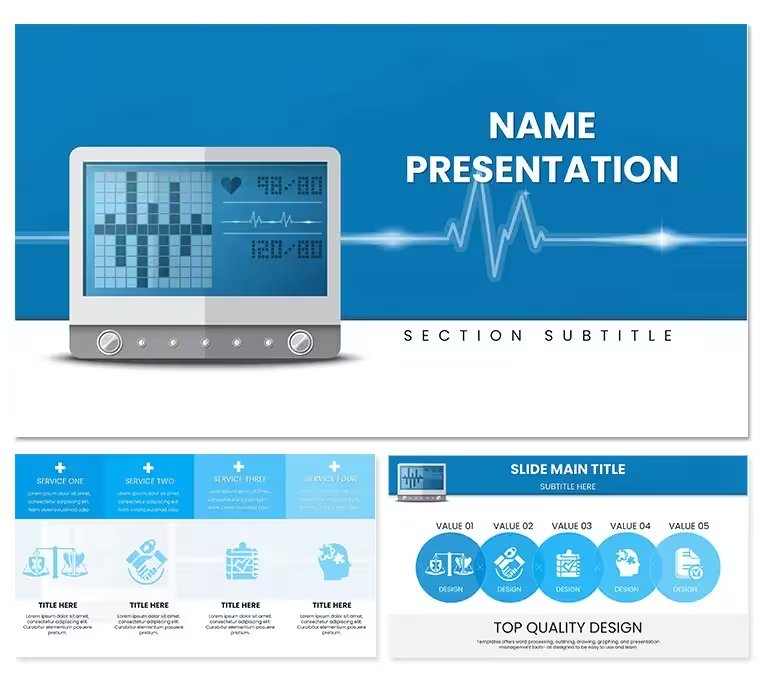
Automatic Blood Pressure PowerPoint Template
| Format | .pptx |
| Slides | 3 unique layouts |
| Aspect ratio | 16:9 |
| Compatibility | PowerPoint |
| Animated | No |
| Language | English |
| License | Commercial |
| File size | — |
| Version | v1.0 |
| Last updated | May 2024 |
What's inside
Automatic Blood Pressure PowerPoint Template
The Automatic Blood Pressure PowerPoint Template gives doctors, nurses, and researchers a ready set of diagram-based layouts for talks on blood pressure monitoring, hypertension protocols, and cardiovascular wellness. Three master slides cover the arc of a typical talk — an opening layout for vital-stats overviews, a mid-deck infographic hub for detailed analysis, and a closing summary for key takeaways — paired with three background options (clinical white, a blue wave, and a neutral grid) and 28 health-focused diagrams across seven color schemes, from line graphs for diurnal readings to pie charts for risk-factor breakdowns. It's built as a 16:9 deck for PowerPoint 2016 and later, and pairs well with the Medicine - Pharma template collection for related visuals.
What You Can Edit
- Text, colour, and legend layouts across all 28 diagrams, using seven built-in colour schemes or manual tweaks for institutional branding
- Health-specific icons (cuffs, monitors) that resize and recolour without redrawing
- Fonts: the template uses built-in Calibri plus Inter, which is bundled in the download zip
- Any of the three background options across all slides
Best Suited For
The layouts fit nursing-education sessions on device calibration and monitoring protocols, cardiology conference data showcases, and hospital administrator presentations that pair readings with a case for equipment budgets. The commercial licence covers unlimited internal and client presentations, so it works for consulting and training use alike, and every future update to this SKU is free. For a different visual take on the same subject, the Automatic Digital Blood Pressure template covers similar ground with its own layout style.
Good to Know
The specifications panel lists this template as built specifically for PowerPoint, with animation off by default — so if a talk depends on animated builds, plan to add them yourself rather than assuming they're pre-set. ImagineLayout backs the file with a 14-day refund if it doesn't open or match the previews shown on this page.
Good for
- Project roadmaps and sprint plans
- Product launch timelines
- Quarterly or annual review decks
- Company history and milestone summaries
Licence
reviews
Those cluster charts are useful for regional sales data.
Some data points were hard to customize but I figured it out.
The grouped bar charts saved me for a multi-year comparison.
It's okay, a bit heavy on the shadows.
The legend placement was awkward but fixable.
FAQ
Will it work in Google Slides?
Are fonts embedded?
Can I use this for client work?
What's the refund policy?
Do you update the template after purchase?
Similar templates
See all PowerPoint Templates →


All 1 slides