Keynote Map Templates
The Keynote Maps category holds 239 templates built as native .key files, covering world, regional, and country-level views such as the Customizable Middle East Maps template and the Complete North America Keynote Maps set. Slide counts vary widely within the category — the Complete North America set runs 14 slides, while the Customizable Middle East Maps template runs 44 — reflecting the difference between single-overview country decks and multi-slide regional breakdowns with supporting data slides.
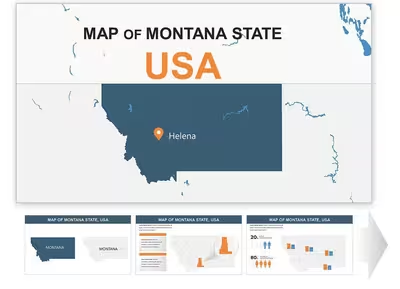
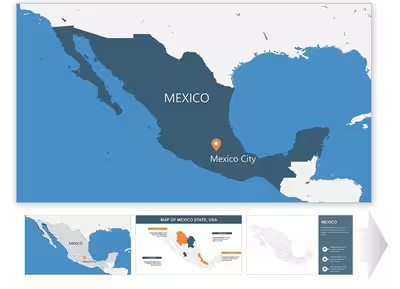
Most map objects here are grouped vector shapes rather than SmartArt, so individual country or region outlines can be recolored and repositioned without breaking the surrounding layout. Templates like the Belgium Keynote Maps Template bundle labeled country outlines with separate text and callout layers, which keeps typography editable independently of the underlying map geometry.
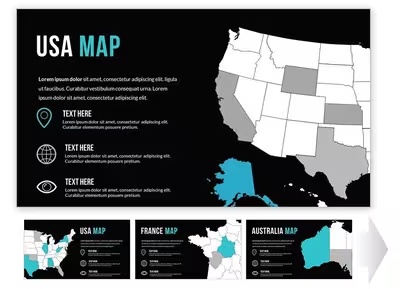
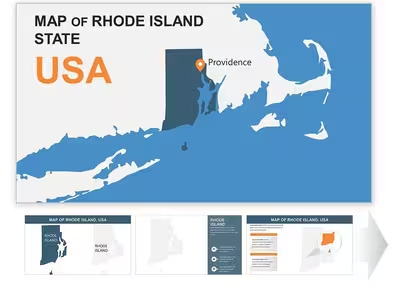
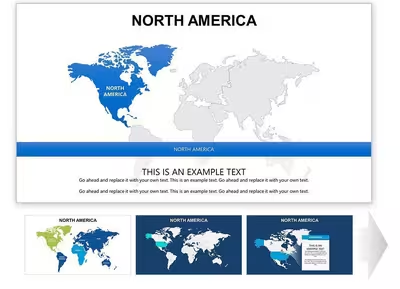
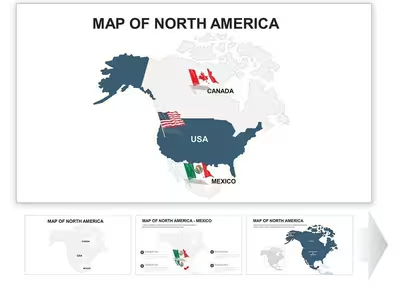
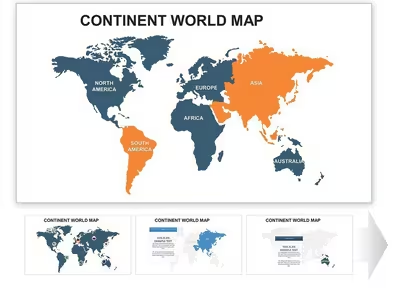
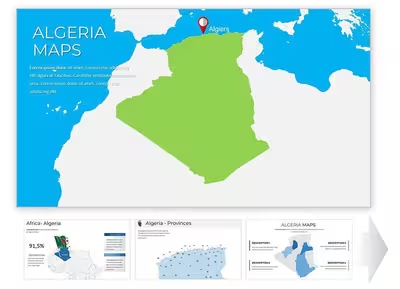
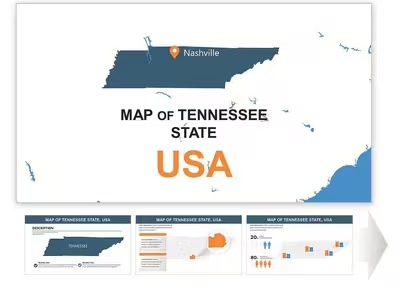
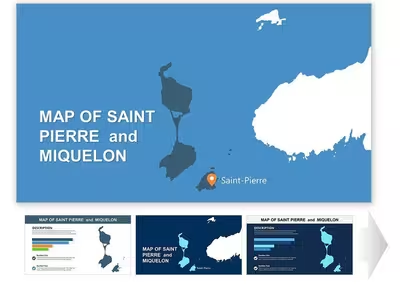
Layout Structure
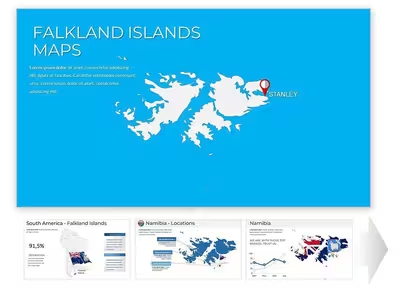
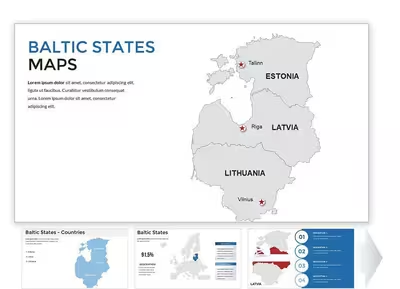
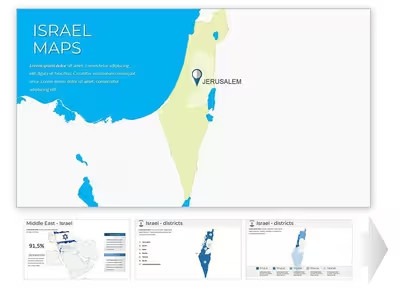
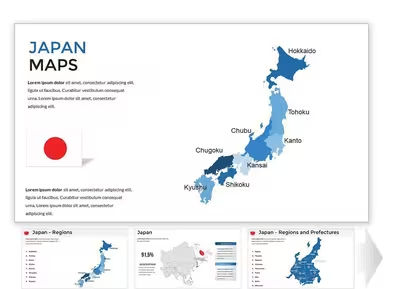
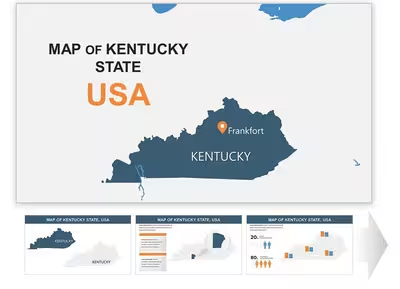
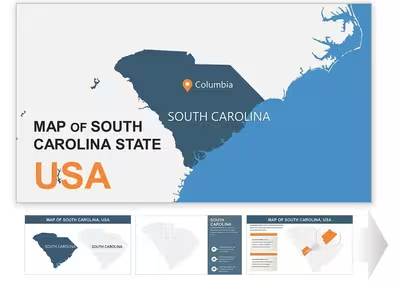
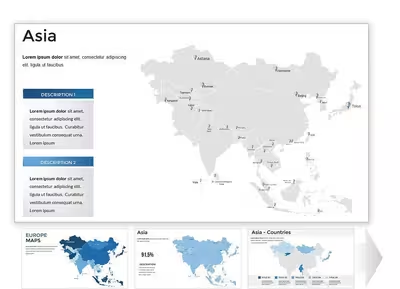
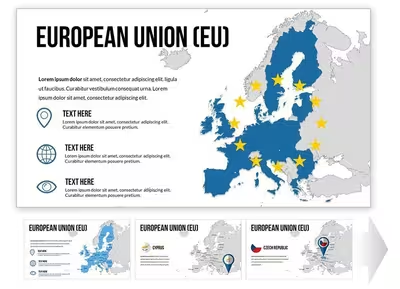
Keynote Maps templates build each map from vector shapes rather than a single image, so country and region outlines stay separately selectable. Multi-country sets such as the European Union Countries Keynote Maps Template group each country outline as its own object, keeping per-country edits isolated from the rest of the slide.
Editing Limitations & Formatting Behavior
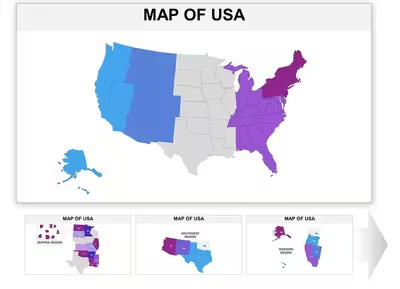
Slide counts range from single-digit overviews like the 10-slide US Maps Keynote Template up to 48-slide sets such as the Editable Scandinavia Keynote Maps Template. Exporting a .key map deck to PPTX can shift callout line weights and text padding, since Keynote and PowerPoint render autoshapes differently. Icon elements like compass markers usually inherit from the slide master, so restyling the master updates every map slide at once.
Adjacent Category Comparison
Maps sit alongside Keynote Diagrams (220 templates, process and relationship layouts) and Keynote Charts (1,106 templates, data-series visuals) in the Keynote set. Keynote Shapes is the smallest adjacent category at 48 templates, offering standalone vector icons rather than assembled maps. The equivalent PowerPoint Maps category holds the same 239-template count in PPTX format.
What file format do Keynote Maps templates use?
Keynote Maps templates are distributed as native .key files for Apple's Keynote. Each map is built from separate vector shapes and text objects instead of one flattened image. Master-slide inheritance works the same as in a standard presentation, so a shared color change updates every slide built from that master. Opening a file in an older Keynote version can occasionally flatten unsupported shadow or blend effects.
Can these map templates be converted to PowerPoint format?
Keynote can export any .key file to PPTX through its File > Export menu. Most vector shapes and text boxes convert to their closest PowerPoint equivalents. Complex grouped objects sometimes reflow slightly, since Keynote and PowerPoint calculate shape padding differently. Checking the exported callouts and text boxes against the original .key file is worth doing before presenting from the converted copy.
Are the country and region outlines in these templates editable?
Country and region shapes in this category are built as individually selectable vector paths rather than a flattened raster map. A specific country can be recolored or removed from a multi-country slide, such as the European Union Countries Keynote Maps Template, without redrawing the surrounding geography. Labels sit as separate objects layered above the map shapes, so relabeling a region doesn't require touching its outline. Densely detailed world maps sometimes group smaller island nations into a single object to keep the shape count manageable.
Why do slide counts vary so much between map templates?
Slide counts range from single-overview country decks up to sets exceeding 40 slides, depending on how much supporting data is included. The 10-slide US Maps Keynote Template covers one overview map, while the 44-slide Customizable Middle East Maps Keynote Template adds regional breakdowns and comparison slides on the same base map. Single-country templates tend to run shorter than multi-country or continental sets, since there's less regional data to break out. Slide count is a useful filter when narrowing 239 templates down to one presentation length.