 点击放大
货币汇率差异 PowerPoint 模板
| 格式 | .pptx |
| 幻灯片 | 47 个独特版式 |
| 宽高比 | 130/73 |
| 兼容性 | PowerPoint |
| 动画 | 否 |
| 语言 | English |
| 授权 | Commercial |
| 文件大小 | — |
| 版本 | v1.0 |
| 最后更新 | 2026年5月 |
内含什么
资金管理报告与外汇风险动态
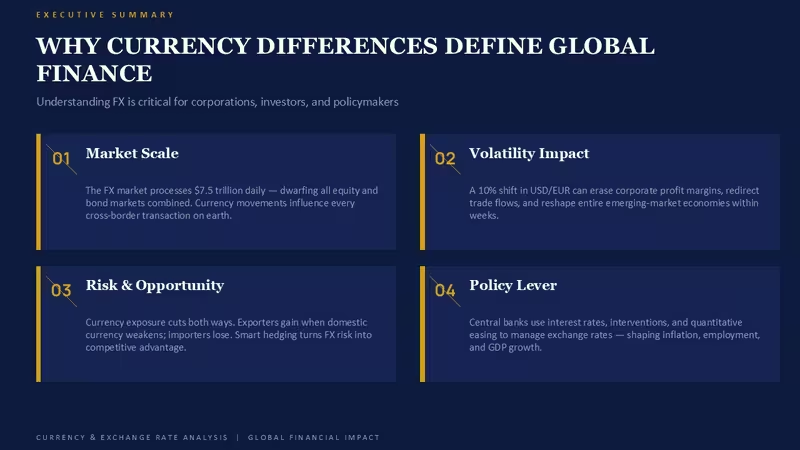
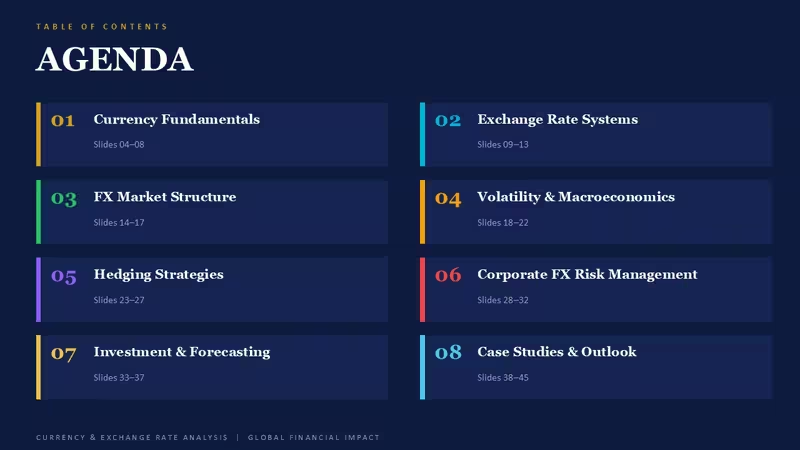
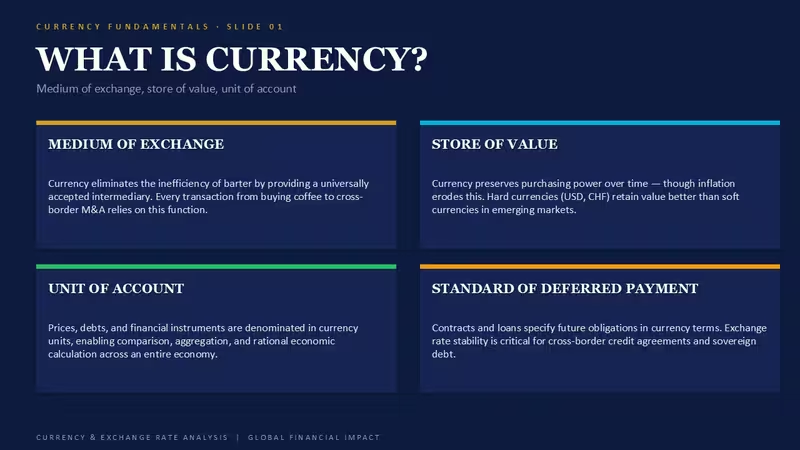
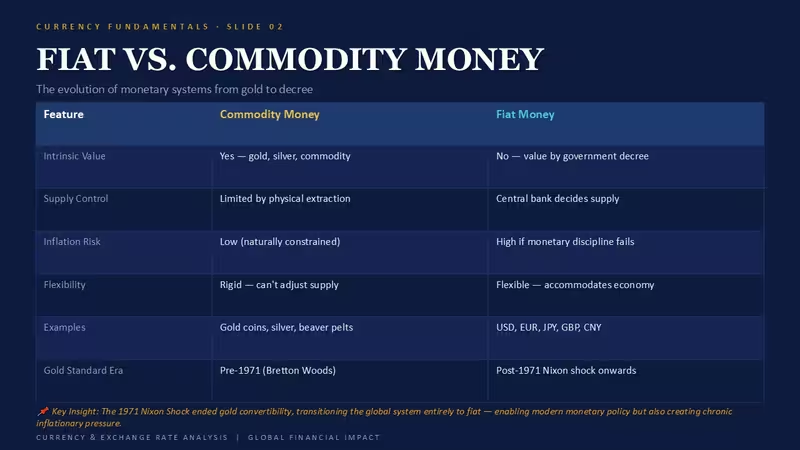
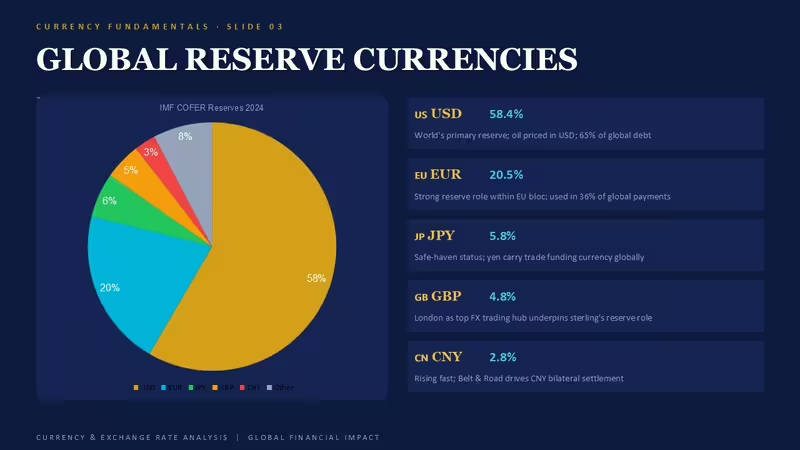
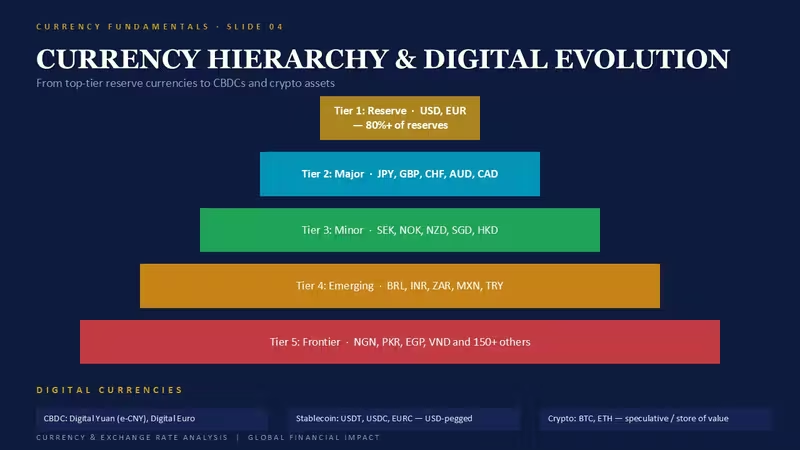
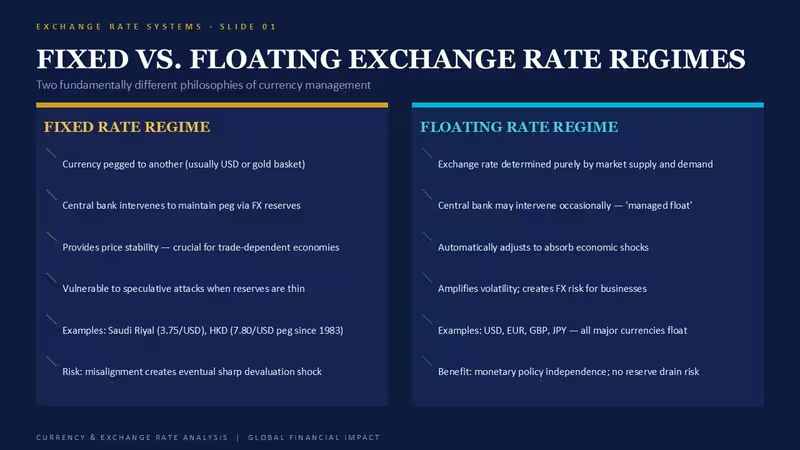
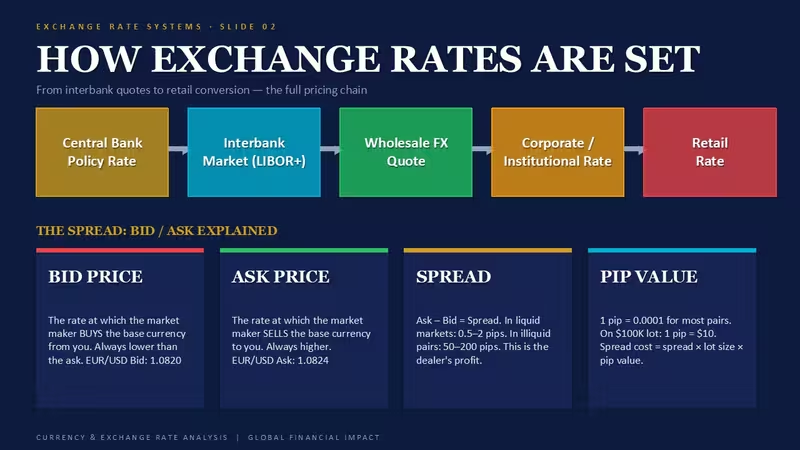
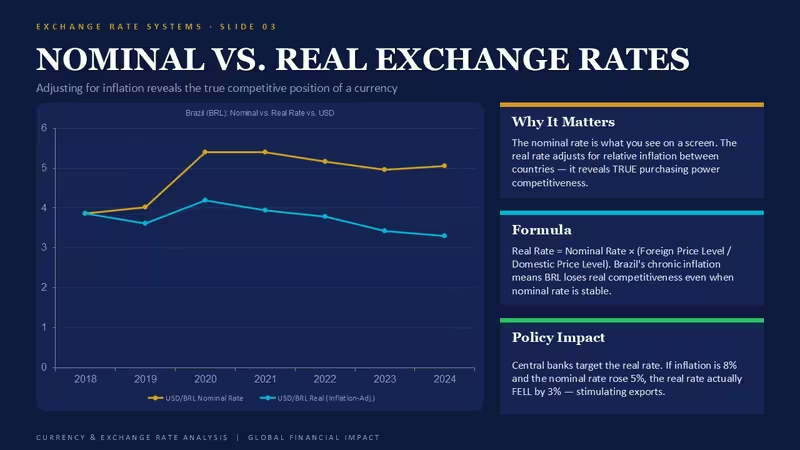
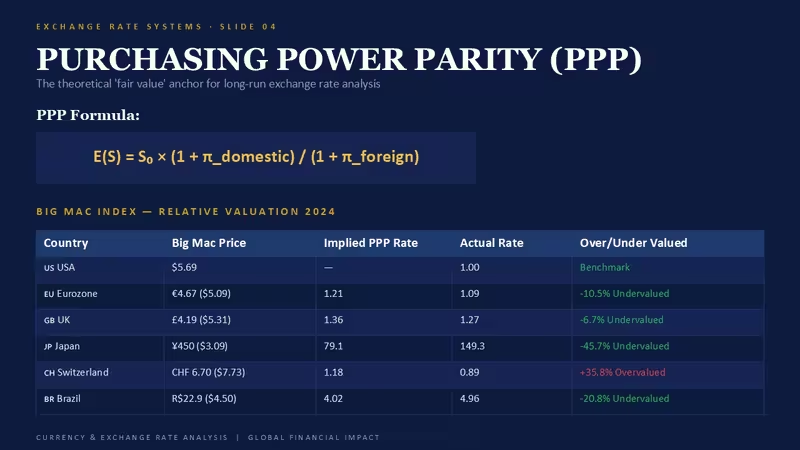
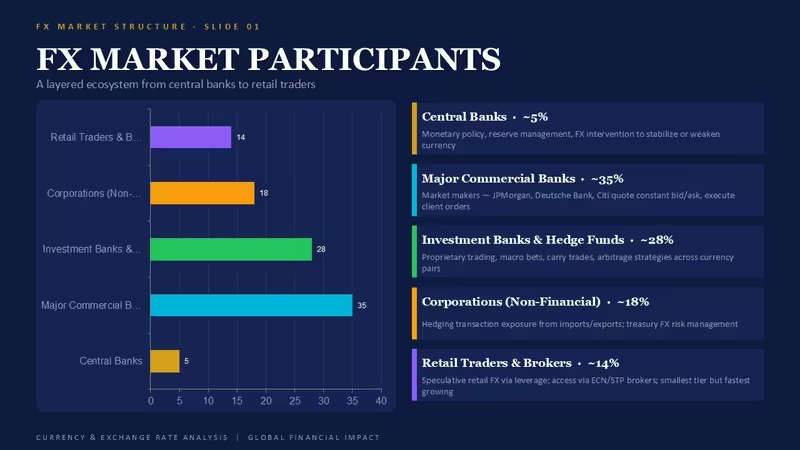
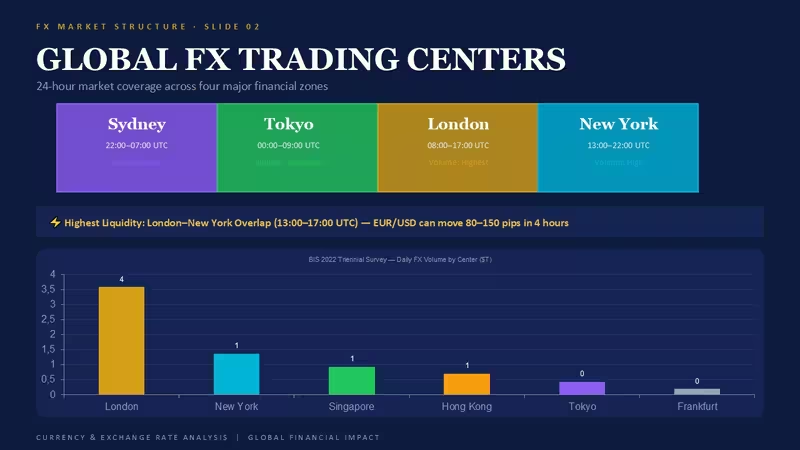
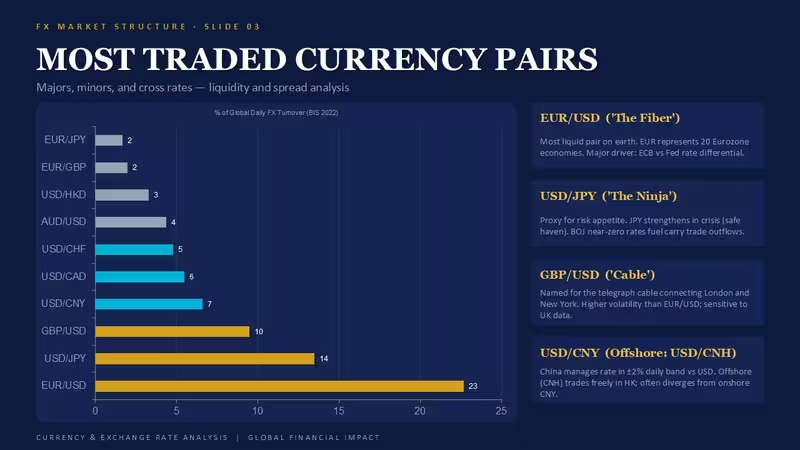
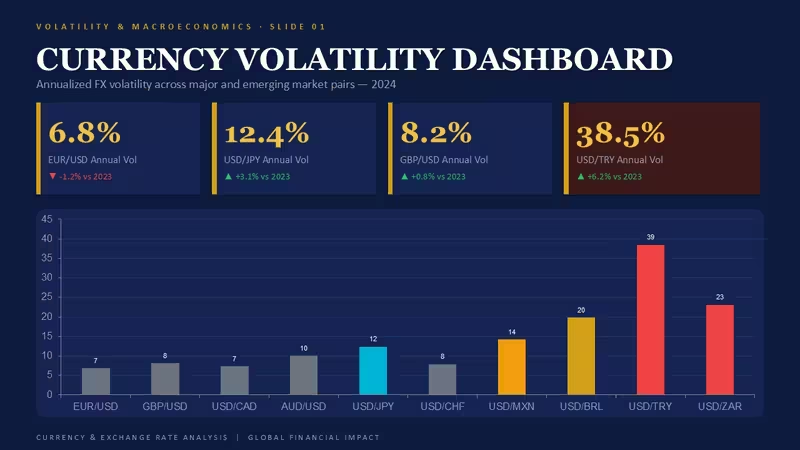
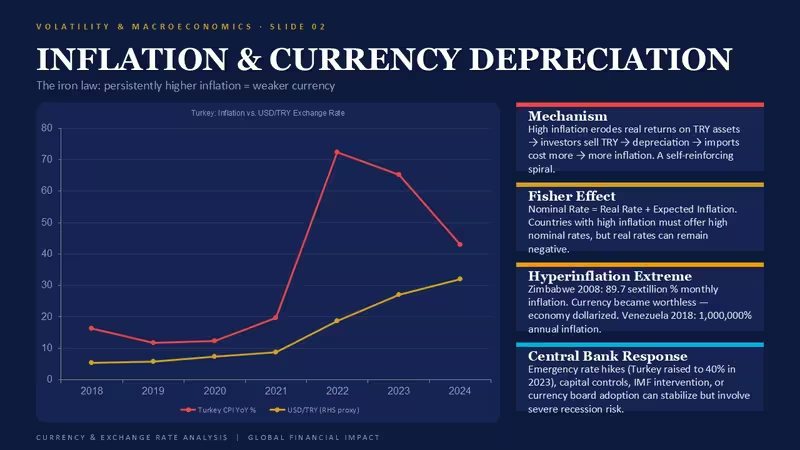
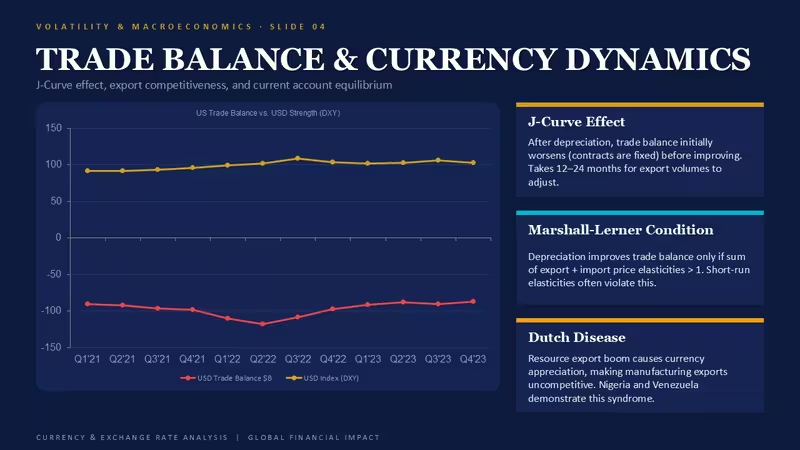
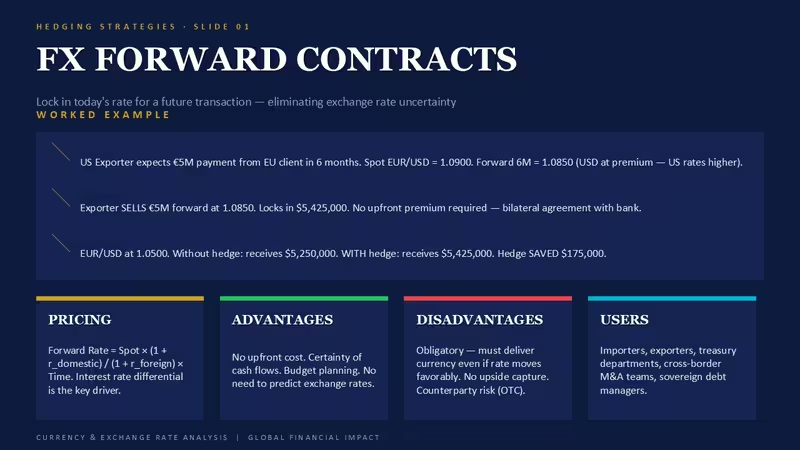
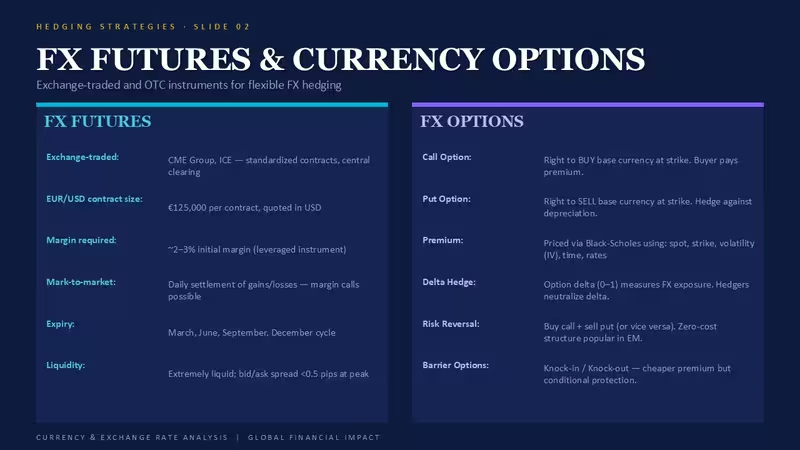
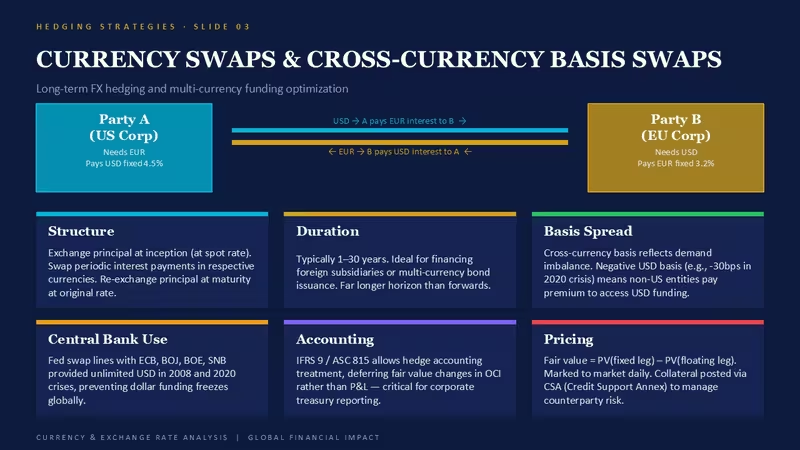
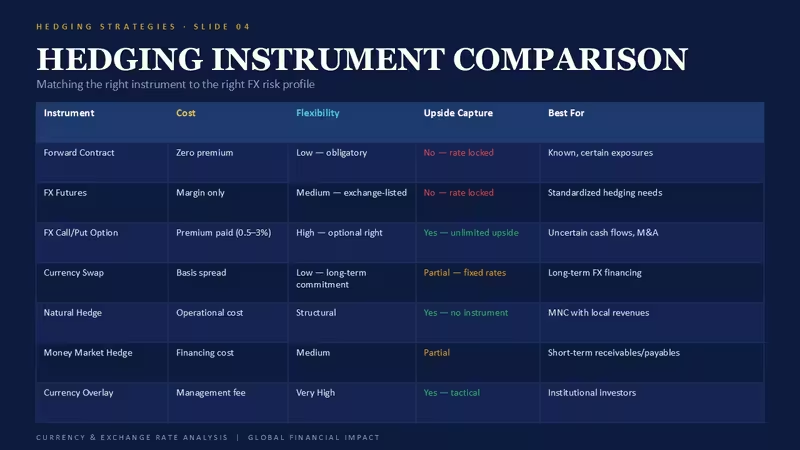
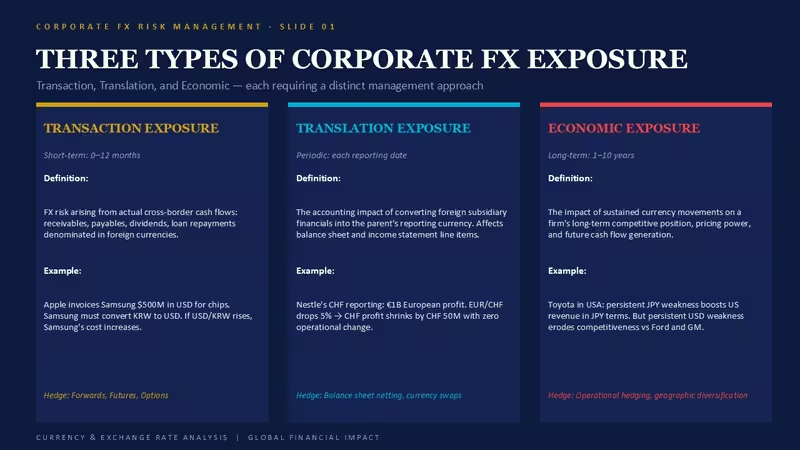
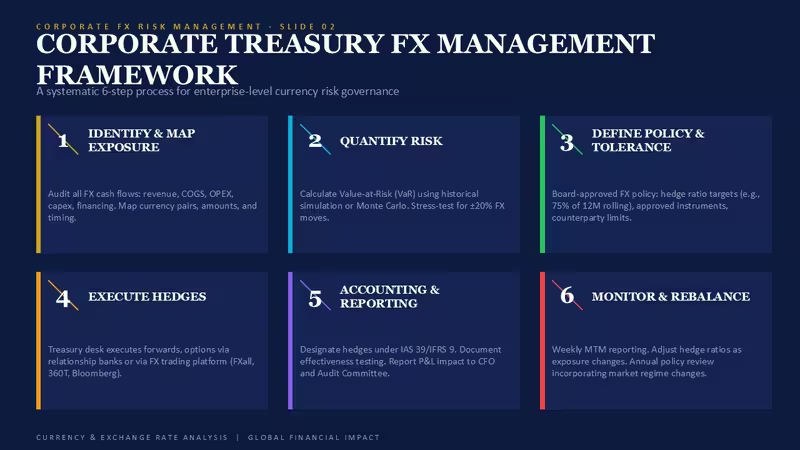
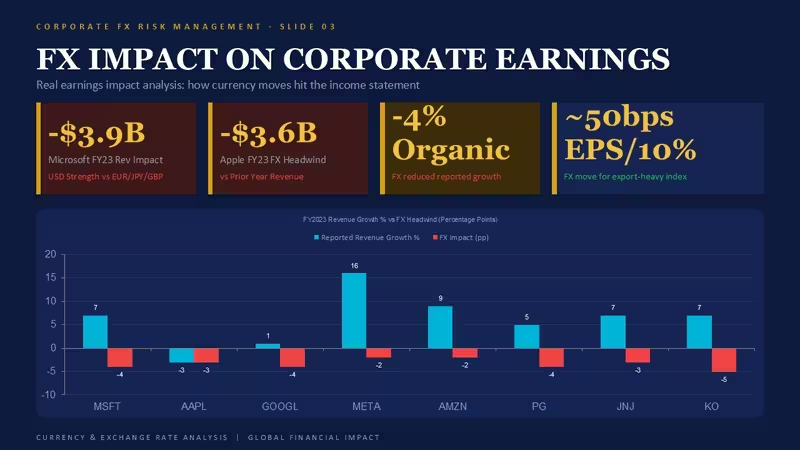
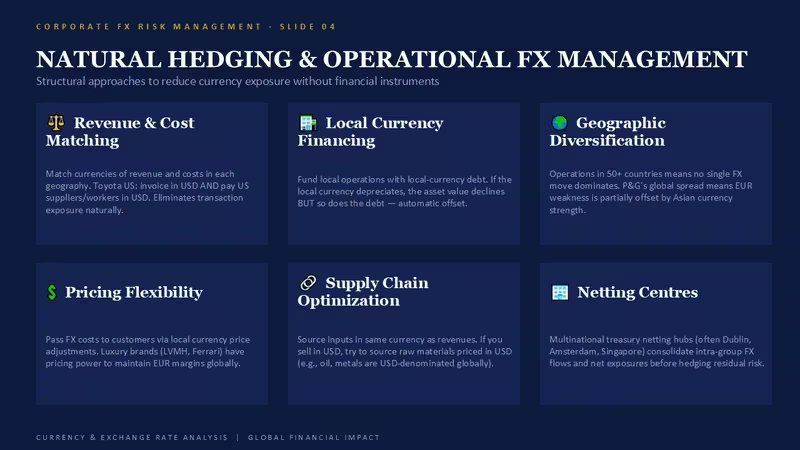
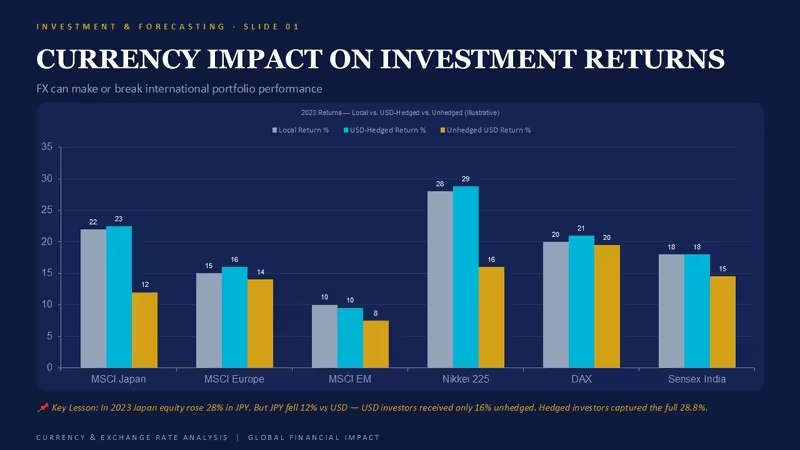
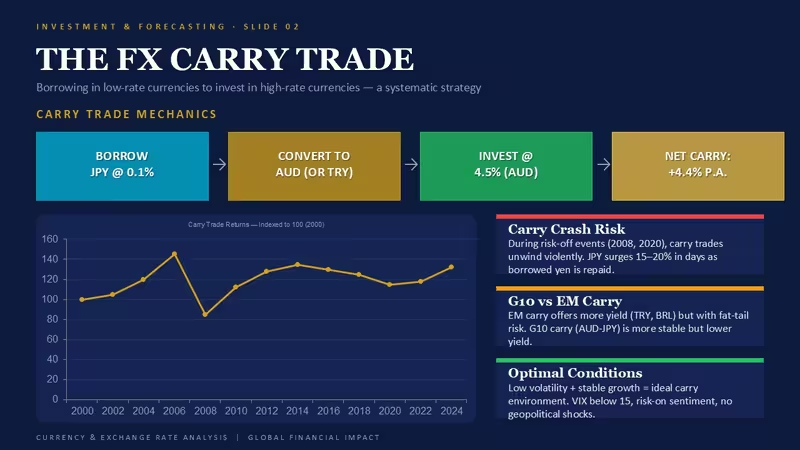
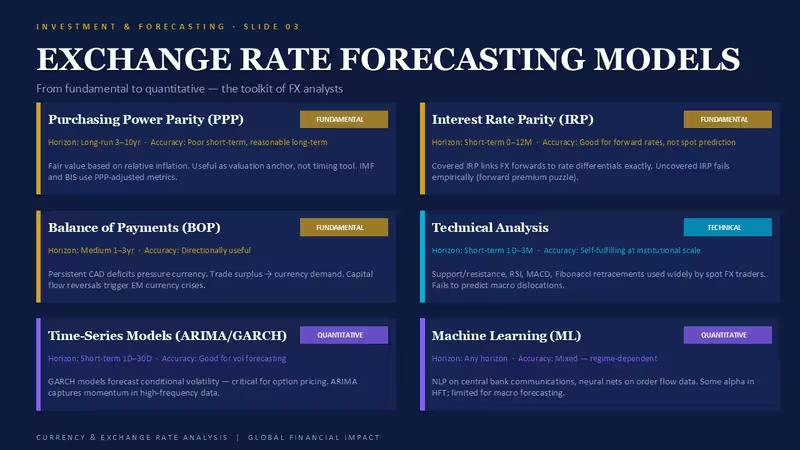
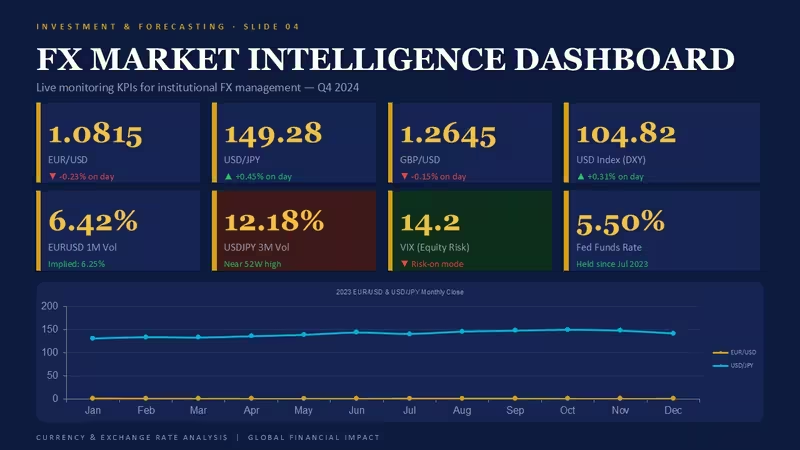
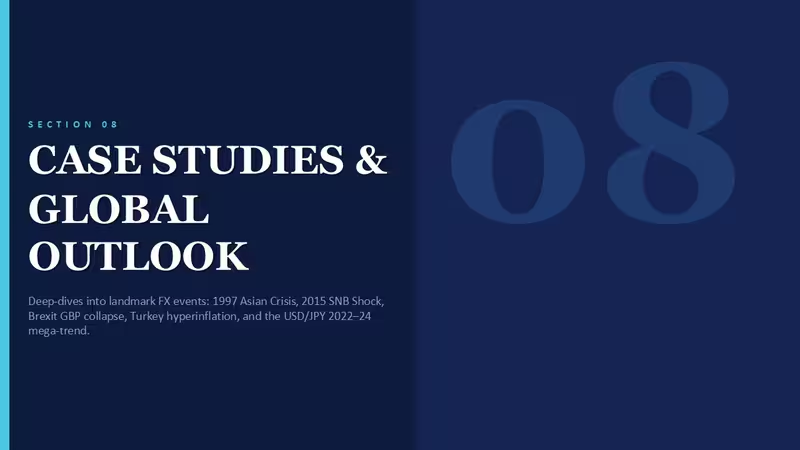
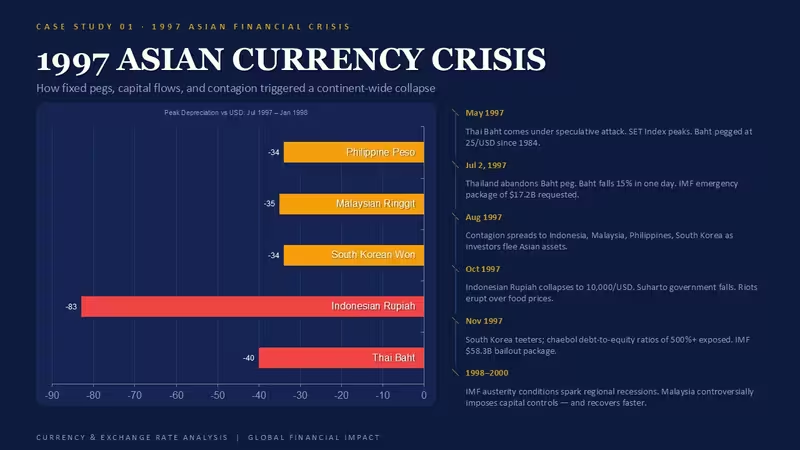
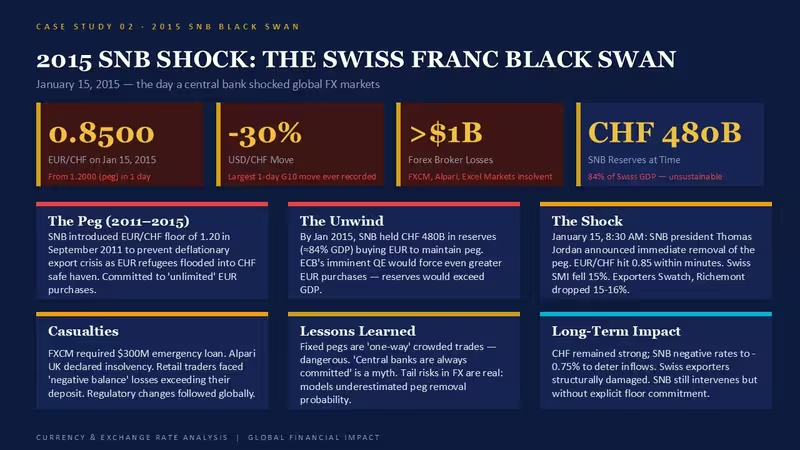
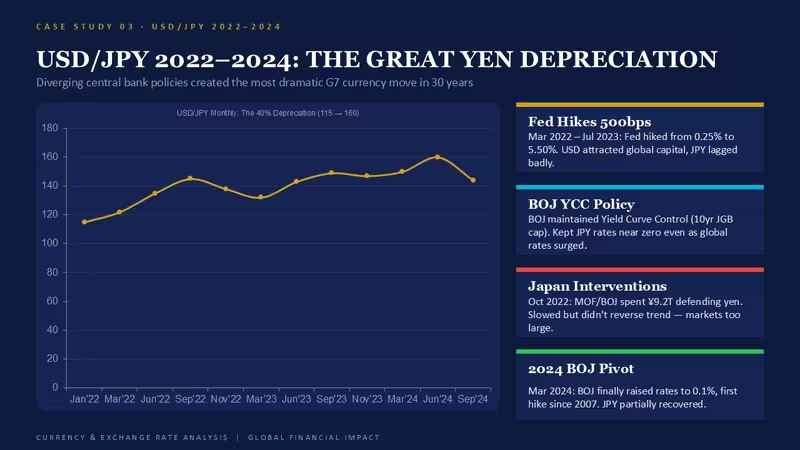
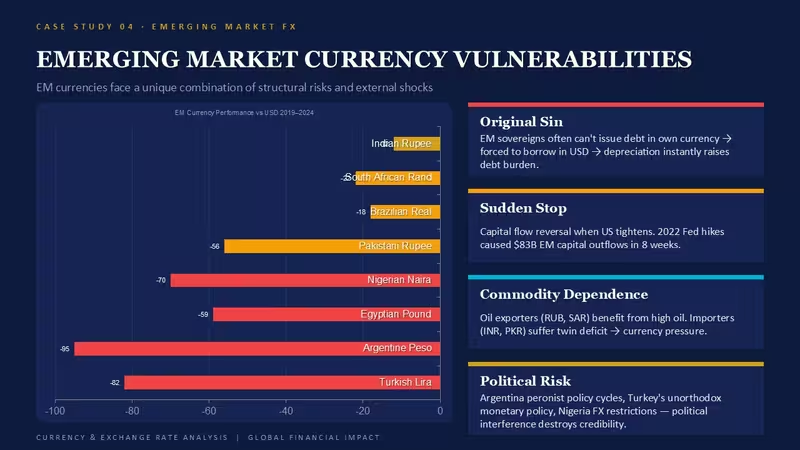
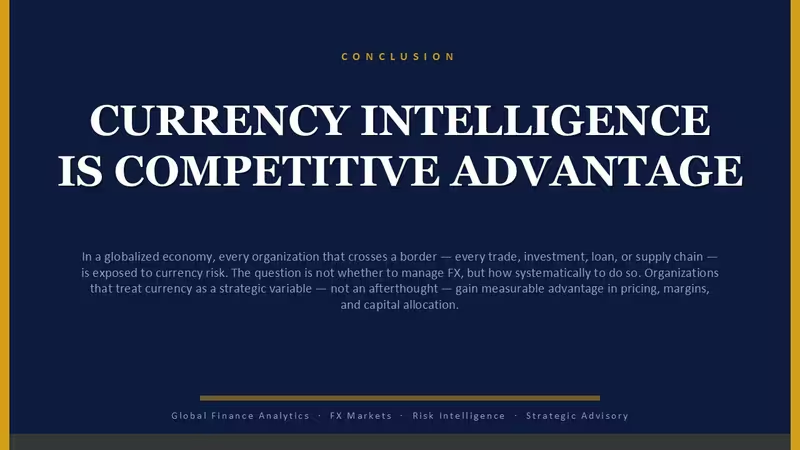
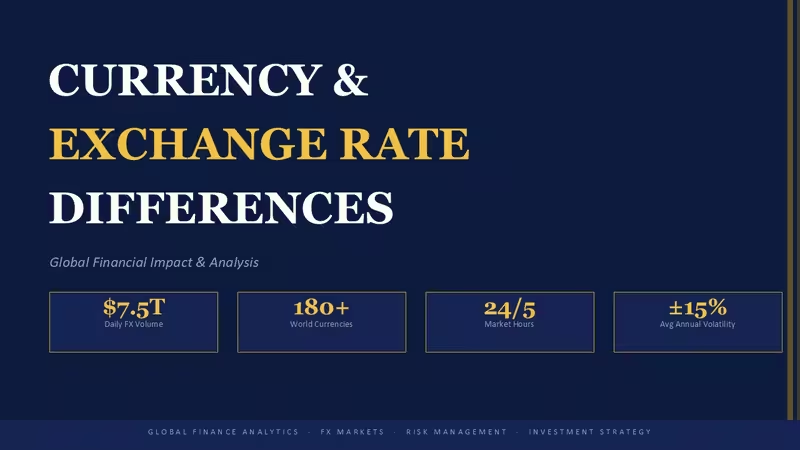
这款包含 47 张幻灯片的 PowerPoint 模板,专为需要说明外汇敞口的分析师和资金管理团队打造。版式支持成对比较、趋势叠加和影响拆解。替换为新的月度数据后,列对齐效果依然稳定。
汇率分析幻灯片的编辑体验
复制一张幻灯片,在嵌入式数据表中填入数字,再调整两个标签即可。配色系统由幻灯片母版控制;更新主色板后,大多数元素会自动同步。对于难以调整的组合对象,请手动选择并重新着色。
技术优势
- 采用原生图表对象,便于更新数据且不会破坏格式。
- 复制幻灯片后,列对齐效果依然一致。
- 支持通过主题颜色或直接编辑母版切换多种配色方案。
- 在宽屏演示文稿中调整尺寸时,仍可保持比例。
规格
幻灯片 / 图表文件格式软件版本宽高比适用场景47 张可编辑幻灯片,涵盖汇率比较、影响柱形图、趋势线和成对金融数据可视化.pptxPowerPoint 2016+,采用原生图表对象标准 16:9适用于资金管理报告、外汇风险动态和全球业绩评审的汇率差异 PowerPoint 模板常见问题
这些幻灯片兼容 PowerPoint 365 和旧版吗?
兼容 PowerPoint 2016 及更新版本,包括 365。大多数情况下,格式都能保持稳定。旧版可能需要微调字体或间距。原生图表在较新的版本中表现最佳。
如何通过幻灯片母版更改这些汇率分析幻灯片的颜色?
前往“视图”>“幻灯片母版”。最上方的母版用于控制主色板。在此处更新主题颜色后,大多数元素会自动同步。对于难以调整的组合对象,请手动选择并重新着色。
使用此模板制作客户项目的许可是什么?
标准单次使用商业许可。购买后,您可以在客户项目中使用和修改这些幻灯片。不允许将原始 .pptx 文件分享给团队以外的人员。
适用场景
- 项目路线图和冲刺计划
- 产品发布时间线
- 季度或年度总结汇报
- 公司发展历程和里程碑总结
许可
条评价
Not gonna lie the slide master looks busy at first but the color system clicked pretty fast. Dropped my numbers in the data sheet and was done in a few minutes.
This is decent if you need to show rate differences but don't expect anything interactive. For static board reviews the column alignment holds up well even after you swap in new monthly data.
Used this for a treasury report and the trend overlays worked fine. Kinda wish the charts were more flexible but for $15 it does the job when your deck is due tomorrow.
The waterfall-style rate impact slides were exactly what I needed for a client update. The vertical alignment made it easy to compare region by region without any tweaking.
Had to explain some forex shifts for our quarterly board meeting and this saved me a bunch of time. The side-by-side comparison slides made the variance really clear without me having to build it from scratch.
常见问题
可以在 Google 幻灯片中使用吗?
字体是否已嵌入?
可以用于客户项目吗?
退款政策是什么?
购买后模板会更新吗?


全部 47 张幻灯片