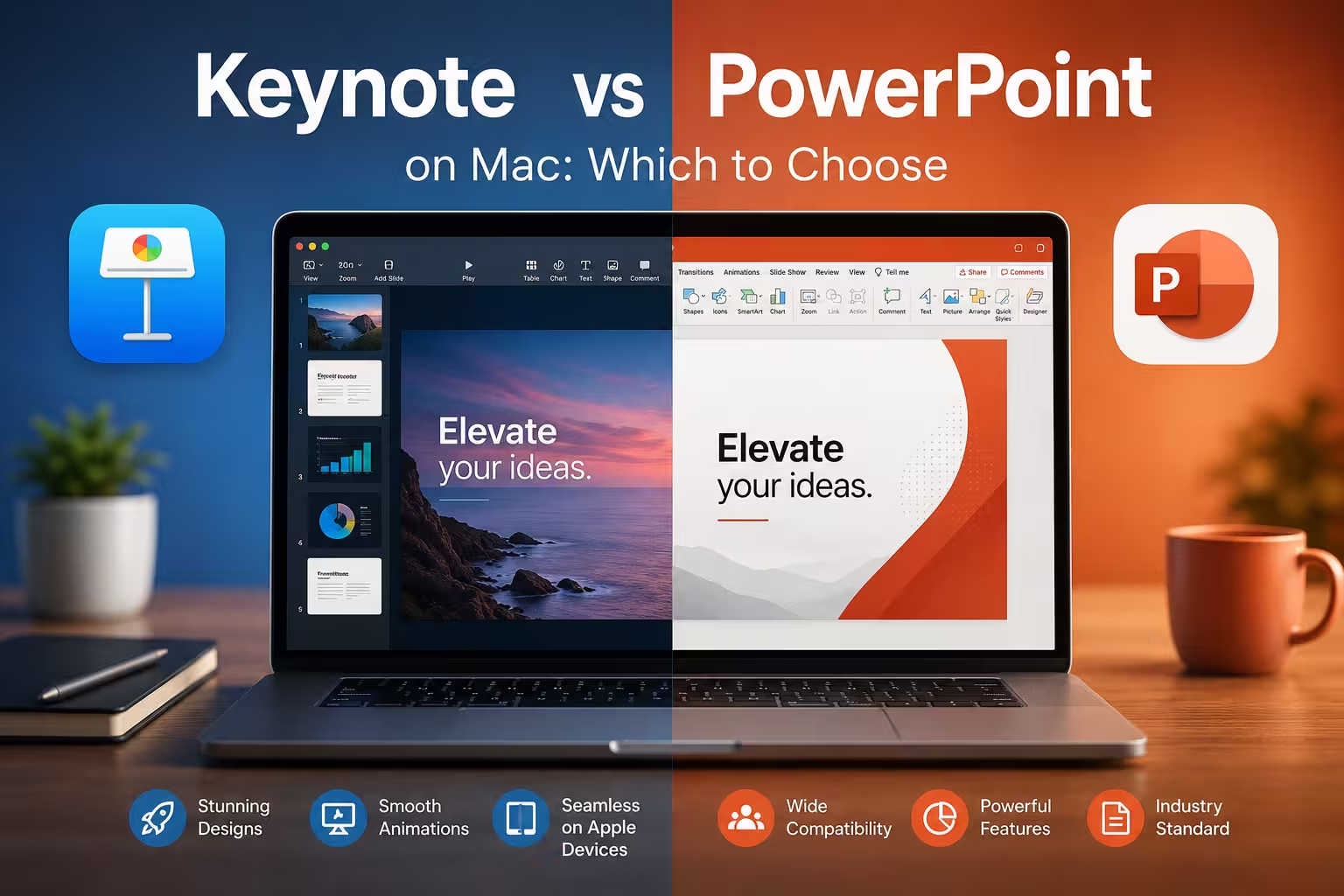
I get asked this question almost every time I start a new project with a Mac-based client: "Should we just build the deck in Keynote since we're on Apple anyway?" The honest answer is: it depends on who else touches the file after you.
Both tools are capable. Both can produce a polished deck. But they solve slightly different problems, and picking the wrong one for your situation causes more friction than people expect — usually discovered the night before a client meeting, when a "simple" file gets sent to someone on Windows and half the layout falls apart.
The Real Difference Isn't Design Quality — It's Ecosystem
Keynote is built by Apple, ships free on every Mac, iPhone, and iPad, and is tightly integrated with iCloud. That means real-time collaboration across Apple devices feels smooth, and opening a deck on your phone to review slides on the train just works without extra setup.
PowerPoint, part of Microsoft 365, runs natively on macOS too — it's not some clunky Rosetta-era port anymore. But its real strength is that it's still the format almost every company, agency, and client expects by default. If you're sending files outside your own team, PowerPoint is the safer bet simply because more people can open, edit, and comment on a .pptx without a conversion step.
In my experience, the decision usually comes down to one question: does this file leave my machine? If it stays inside an all-Apple team, Keynote is genuinely pleasant to work in. If it's going to clients, vendors, or a mixed-OS team, PowerPoint avoids a whole category of formatting headaches.
Design and Animation: Keynote Still Has an Edge
I wouldn't recommend Keynote purely for compatibility reasons, but its animation engine is one area where it quietly outperforms PowerPoint. The Magic Move transition, for instance, lets you morph objects between slides with very little manual keyframing — you just place the object differently on the next slide and Keynote interpolates the movement. It's the kind of feature that makes a transition look custom-built when it really took two minutes.
PowerPoint's Morph transition works on a similar principle and has closed a lot of that gap in recent versions, but Keynote's implementation still tends to feel a touch smoother, especially with object scaling and text reflow. That said, this difference matters more for creative or conference-style decks than for standard business reporting, where nobody's judging your transitions anyway.
File Compatibility: Where Things Get Messy
This is the part people underestimate. Converting a Keynote file to .pptx (or the reverse) is rarely a clean 1:1 process. Fonts substitute themselves, custom animations sometimes don't survive the export, and complex charts or SmartArt-style elements can shift position or lose formatting entirely.
One thing people overlook: if you know a deck needs to travel between Mac and Windows users regularly, it's worth designing conservatively from the start — standard fonts, simpler transitions, fewer nested groups — rather than trying to fix compatibility issues after the fact. Building for portability up front is far less painful than repairing a broken export the morning of a presentation.
Templates and Ready-Made Assets
PowerPoint has the larger ecosystem of third-party templates simply because of its market share — more agencies, more marketplaces, more free resources built specifically for it. Keynote's template library is smaller, but the built-in themes tend to be more restrained and modern-looking out of the box, which matters if you're not planning to heavily customize anyway.
If your workflow depends on buying or downloading templates from outside sources, check the format they're actually built in before committing — a "universal" template advertised as compatible with both often still needs adjustment when opened in the other app.
Pricing and Access
Keynote comes free with any Apple device, which is a real advantage if you're an individual creator or small team fully inside the Apple ecosystem. PowerPoint requires a Microsoft 365 subscription (or a one-time Office license), which adds ongoing cost — though for teams already paying for Microsoft 365 because of Outlook, Teams, or Excel, that cost is effectively already sunk.
So Which One Should You Actually Use?
Neither tool is objectively "better" — they're optimized for different situations. If you work solo, stay inside Apple devices, and care about smooth built-in animation, Keynote is a genuinely enjoyable tool to build in. If your decks get shared, reviewed, or edited by people outside an all-Mac setup, PowerPoint's near-universal compatibility usually saves more time than Keynote's design polish gains you.
My honest suggestion: don't pick based on brand loyalty. Pick based on where the file needs to go after you're done with it — that one question resolves most of the debate before it starts.
Comments (0)