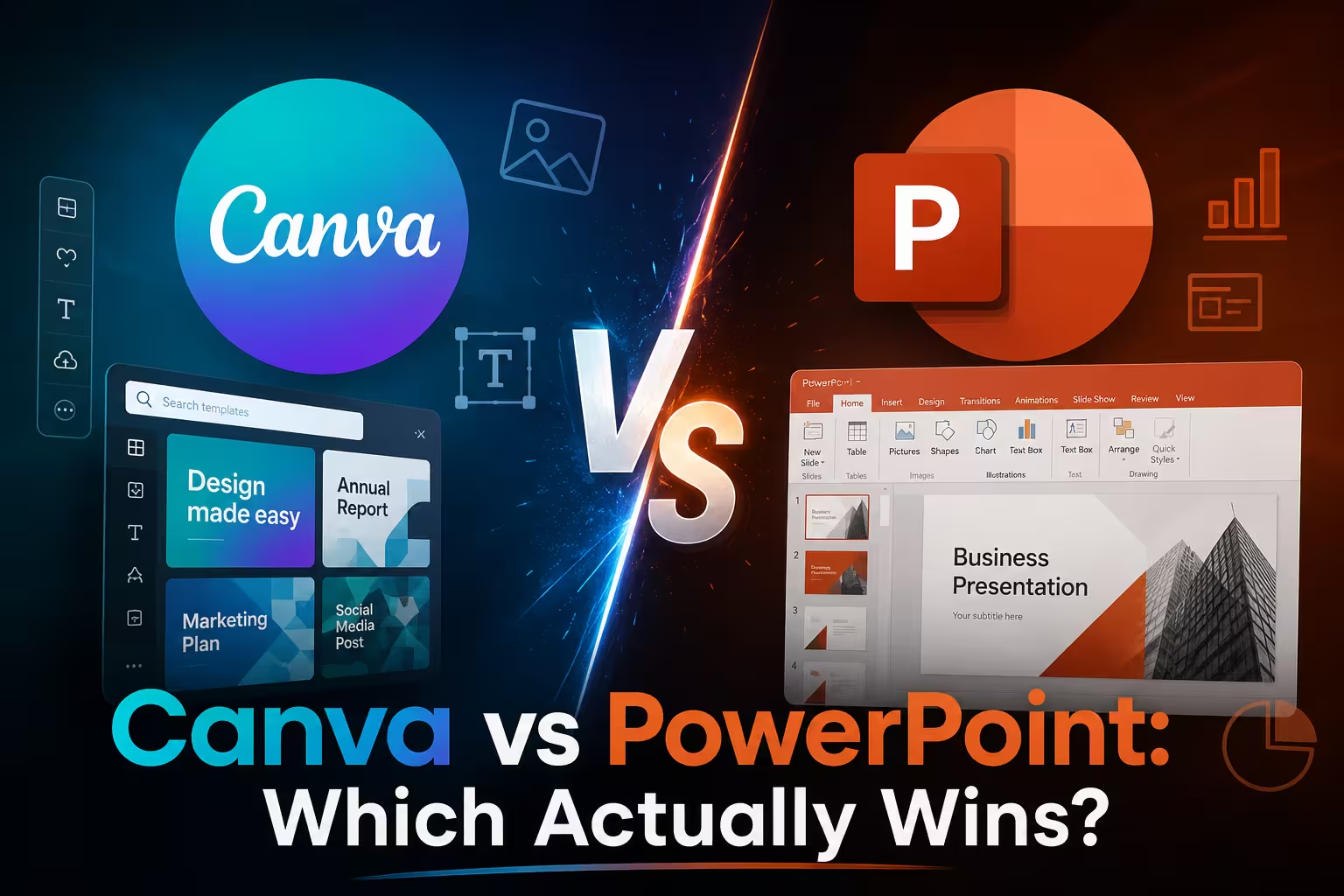
I get this question at least once a month, usually from someone switching jobs or freelancing for the first time: "Should I just learn Canva and skip PowerPoint entirely?" A year ago I would have answered quickly. Right now I hesitate, because both tools moved a lot of ground in 2026, and the honest answer depends more on your workflow than on which app has the shinier AI demo.
Two Tools That Used to Have Clear Lanes
For years the split was simple. PowerPoint was the corporate default — built for structure, comfortable with complex data, and the thing every client's IT department already had installed. Canva was the design-first alternative — faster to make something look good, weaker at anything resembling a real outline or speaker workflow.
That split is getting blurrier. Both companies spent 2026 pushing hard into AI-driven, conversational workflows, and both are now trying to own the "just describe what you want" use case. Neither has fully succeeded, and the gaps are exactly where you should be paying attention.
Canva in 2026: From Design Tool to AI Platform
Canva launched Canva AI 2.0 at its Canva Create event in Los Angeles in April 2026, a suite built around agentic AI and conversational design rather than AI bolted onto an existing editor. Canva's COO framed it as a shift from a design platform with AI features to an AI platform with design tools — a distinction that sounds like marketing language until you actually use it. The difference shows up in things like the ability to pull in research from apps on your computer or from the web directly while building a presentation, rather than switching tabs to gather content first.
The AI layer itself is branded Magic Studio, a collection of five integrated tools: Magic Design for layout generation, Dream Lab for text-to-image creation, Magic Write for in-canvas copywriting, Canva Sheets for data input, and Magic Charts for automated data visualization. In my experience, the strongest of these for presentation work is still Magic Design combined with brand kits — if a client already has their fonts, colors, and logo set up in Canva, generating a first draft that already looks "on brand" is genuinely faster than doing it manually in PowerPoint.
Where Canva still shows its seams: its presentation output is polished and easy to edit, but it isn't as structurally intelligent as some presentation-only AI tools, and it leans on Canva's enormous template and asset library rather than a purpose-built outline engine. One thing people overlook is that Canva's AI features are genuinely tiered — the free plan comes with watermarks on premium templates and capped monthly AI generations, while Canva Pro at roughly $12.99 a month unlocks the full toolset. If you're testing Canva for client work, budget for Pro before you promise a client anything.
PowerPoint in 2026: Copilot Stops Being a Sidebar
PowerPoint's changes are less flashy but arguably more useful for day-to-day deck production. Enabling "Edit with Copilot" now lets you standardize an entire presentation's fonts, sizes, and bullet styles across every slide at once — a small feature, but if you've ever inherited a 40-slide deck with five different heading styles, you know exactly why this matters.
The bigger structural change is how PowerPoint generates first drafts. Copilot's Narrative Builder can take a template and a referenced file and produce a full first-draft presentation, including branded design, speaker notes, and built-in transitions and animations, and Copilot can also translate presentations into roughly 40 languages while keeping the original slide design intact — genuinely useful if you build decks for international teams and don't want to rebuild layouts by hand for every locale.
Interestingly, Canva has been shipping near-identical quality-of-life fixes on its own notes panel — generating speaker notes from a prompt, showing estimated speaking time, adjusting font size inline. Both companies are converging on the same small, practical fixes because that's what people actually complain about, not because either one is chasing a flashier AI headline.
One more thing worth flagging: Copilot across Microsoft 365 now lets you choose which underlying AI model handles a task, including options from OpenAI and Anthropic, so PowerPoint's AI behavior isn't fixed the way Canva's is — you get some control over tone and approach depending on which model you pick.
Where Each Tool Actually Wins in Practice
I wouldn't recommend picking a side based on the AI demo alone, because in real projects the differences show up elsewhere:
- Brand consistency across many assets (social posts, one-pagers, decks) still favors Canva, mostly because of its Brand Kit and shared asset library.
- Data-heavy or highly structured content — anything with tables, cross-referenced numbers, or a client who will open it in desktop PowerPoint and expect it to behave — still favors PowerPoint. Compatibility isn't glamorous, but it's real.
- International or multi-language decks currently lean toward PowerPoint, mainly because of built-in translation that preserves layout.
- Fast, visually strong drafts from a rough prompt — Canva's Magic Design is faster to a "good enough to show someone" state, even if it needs more manual polish afterward for a formal client deck.
None of this is absolute. I've seen agencies run entirely on Canva and never miss PowerPoint, and I've seen finance teams try Canva for a quarterly review deck and quietly go back to PowerPoint by slide six.
Pricing Isn't the Deciding Factor Anymore
Both tools sit in a similar monthly range once you're past the free tier — Canva Pro around $13, and PowerPoint typically bundled into a Microsoft 365 subscription most teams already pay for. If cost were the whole story, this would be an easy call. It isn't. The real cost is switching workflow: retraining a team, rebuilding brand templates, or losing compatibility with clients who only accept .pptx files.
So, Which One Should You Actually Use in 2026?
If you're a solo creator, marketer, or small agency building a high volume of visually driven content across multiple formats, Canva's 2026 AI layer earns its place — especially if you're already using it for social and print. If you work with clients, teams, or industries where the deck needs to behave predictably in someone else's PowerPoint install, or where speaker notes, timing, and translation actually matter, PowerPoint's Copilot updates have closed a real gap this year.
My honest take: most people don't need to choose. Draft fast and rough in whichever tool matches your content type, then finish in the one your audience actually opens. What does your current workflow force you to compromise on — speed, brand consistency, or compatibility?
Comments (0)