 Click to zoom
Smartphone Tech Diagrams - Fully Editable | ImagineLayout
| Format | .pptx |
| Slides | 3 unique layouts |
| Aspect ratio | 16:9 |
| Compatibility | PowerPoint |
| Animated | No |
| Language | English |
| License | Commercial |
| File size | — |
| Version | v1.0 |
| Last updated | August 2026 |
What's inside
Package Contents
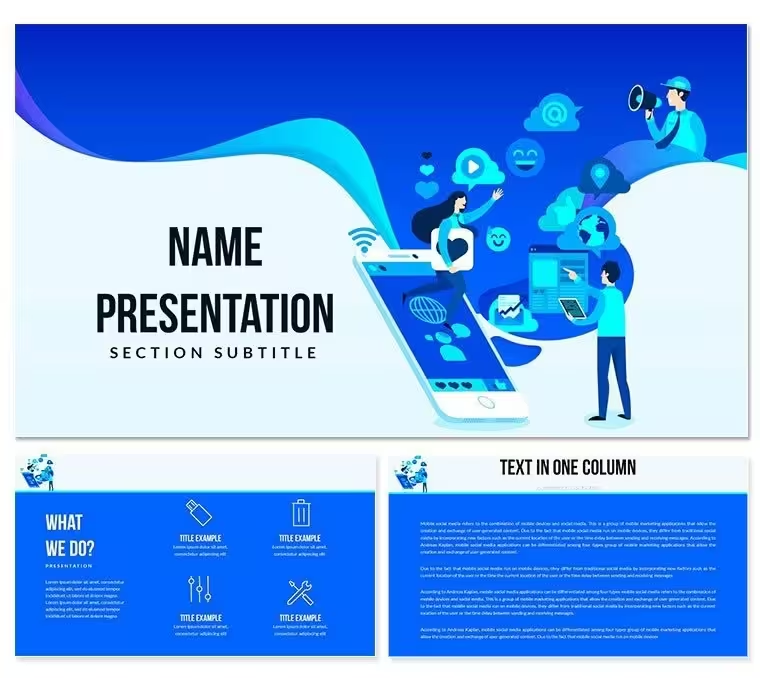
28 diagrams come packaged with 7 color schemes across PPTX, POTX and JPG formats.
Device screen layouts combine with analytics overlays to support full tech reporting flows in one download.
What is a PowerPoint diagram template? A PowerPoint diagram template is a pre-designed set of editable shapes, flowcharts and layouts that allow users to quickly visualize data and processes in business presentations.
Unlike single-device illustration packs this set integrates multiple smartphone screen variations with analytics overlays for comprehensive tech reporting while the 7 color schemes allow quick theme switches without manual adjustments.
- Editable device mockups resize independently
- Analytics overlays maintain alignment across slides
- Color schemes switch globally via slide master
Format and Compatibility Details
FeatureDetailsEditable shapesdiagram segments resize and recolor independentlyText placeholderslabels update without unlocking grouped elementsColor theme adjustmentscompatible with PowerPoint slide master paletteDiagram connectorsarrows and lines adjustable in direction and weightIcon layersicons replaceable without affecting layoutFree vs Paid differencespaid version supplies full editable files while free tier details remain unspecified on pageReal-World Application Examples
Three hours before a board meeting the slide deck still had no data flow diagram for smartphone usage metrics.
A marketing manager at a regional telecom provider opened the file and replaced placeholder labels with quarterly download statistics.
The result cut deck preparation from 3 hours to 45 minutes.
A product lead at a mobile app startup reused the same file across three client reports by swapping color schemes in under 20 minutes each time.
Download and start editing immediately
Adapting the Template to Your Brand
Editing difficulty: Moderate.
- Step 1 - Open the PPTX file in PowerPoint 2016 or later (1 minute)
- Step 2 - Replace placeholder text and data labels (3 minutes)
- Step 3 - Adjust color theme via slide master for global updates (2 minutes)
- Step 4 - Fine-tune individual connectors or icons if needed (4 minutes)
- Step 5 - Export to PDF or keep as PPTX for the strategy meeting (1 minute)
How to change one diagram color without affecting the rest? Select the specific shape, go to Format → Shape Fill and apply the hex value - the master slide update remains untouched for that element.
Why This Template, Not a Blank Slide
Building equivalent smartphone analytics slides from scratch takes 2-3 hours per diagram and requires advanced alignment skills.
Common errors include misaligned device bezels and inconsistent connector weights that break visual hierarchy during board briefings.
Smartphone screen mockups use device bezel outlines to frame content ensuring diagrams mimic real UI layouts without distorting proportions when projected.
Download and start editing immediately
Which PowerPoint versions support this template?PowerPoint 2016, 2019, 365 and Mac versions open the files without issues. The POTX master slide loads correctly in all listed editions. Older versions may lose some connector formatting so update if possible. Test the file immediately after download to confirm full compatibility.
How do I change the color scheme?Open the slide master via View → Slide Master. Select the color palette at the top and choose one of the 7 built-in schemes. All diagrams update automatically across the 28 layouts. Individual overrides remain possible on any slide without breaking the master. Save the file once changes are complete.
What is the license for client work?The paid license permits use in paid client work and internal company presentations. Redistribution or resale of the original files is not allowed. Multiple team members can access the same purchased file under one license. Contact support for enterprise licensing questions.
What are the differences between free and paid versions?The page does not specify a free tier. The paid version supplies the complete editable POTX, PPTX and JPG files with all 28 diagrams and 7 color schemes. Free preview images appear on the product page only. Full editing access requires the paid download.
What is the refund policy?Refunds are available within 14 days if the file does not open in your PowerPoint version or if the diagrams fail to load as described. Contact support with the order number and a short description of the issue. Approved refunds process within 3 business days. The policy protects buyers while preventing repeated downloads.
How do I apply the template to an existing presentation?Open your existing deck then insert the downloaded POTX as a new slide master via Design → Slide Master. Copy and paste your content into the placeholder layouts. The color theme and diagram styles transfer automatically. Save as a new file to preserve the original.
Can multiple team members use the same license?Yes the single-user license allows sharing within the same organization for internal projects. Each user must avoid redistributing the original files. Enterprise licensing covers larger teams with dedicated support. Check the order confirmation for exact terms.
Good for
- Project roadmaps and sprint plans
- Product launch timelines
- Quarterly or annual review decks
- Company history and milestone summaries
Licence
reviews
The milestone tracker with flags and dates was my favorite slide.
Not a fan of the title font but I changed it in two clicks.
Used the budget vs actual comparison charts – easy data entry.
For a school project on economics the bar charts were a lifesaver.
The template is okay but a bit too text-heavy for my taste.
FAQ
Will it work in Google Slides?
Are fonts embedded?
Can I use this for client work?
What's the refund policy?
Do you update the template after purchase?
Similar templates
See all PowerPoint Templates →



All 1 slides