Cycle Diagram Keynote Template - Fully Editable 18 Slides | ImagineLayout
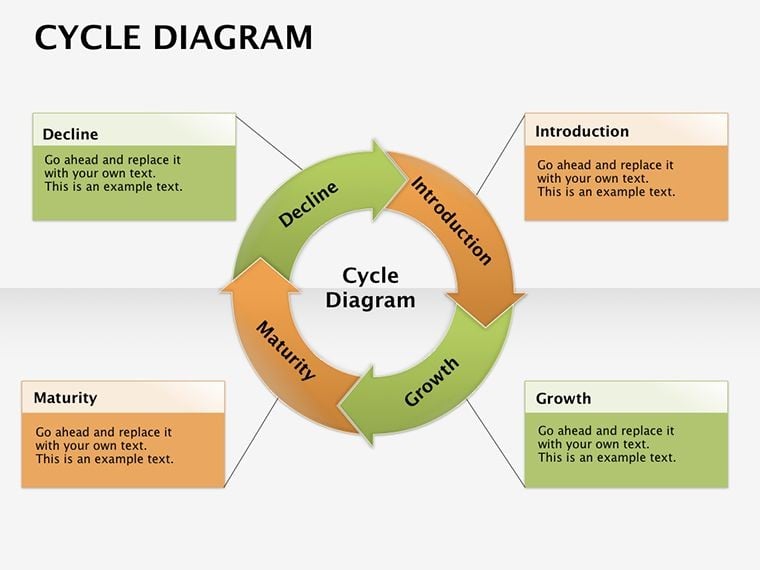
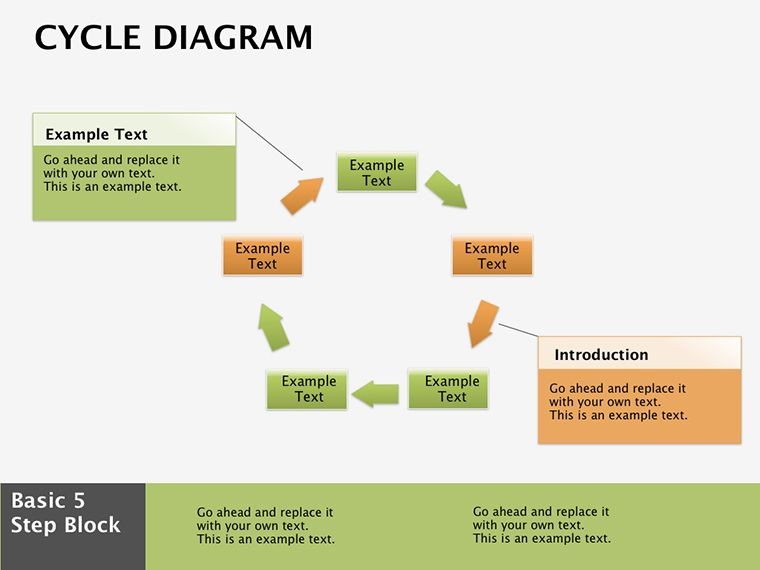
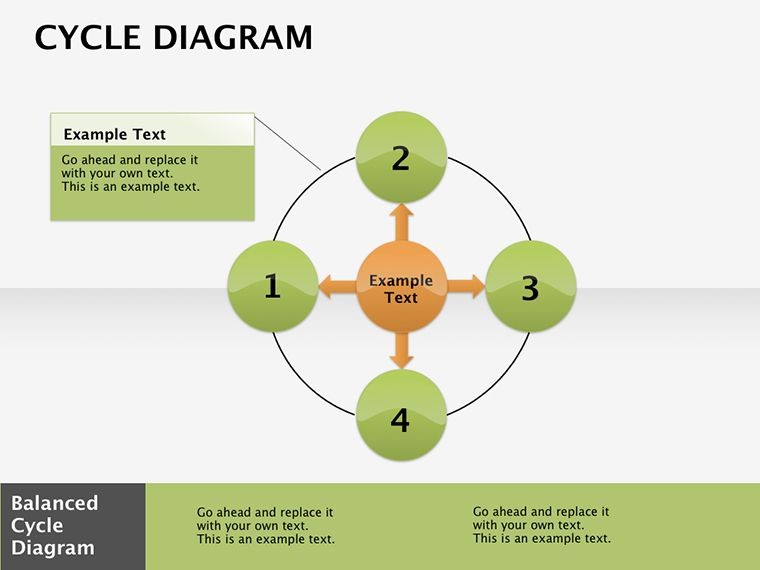
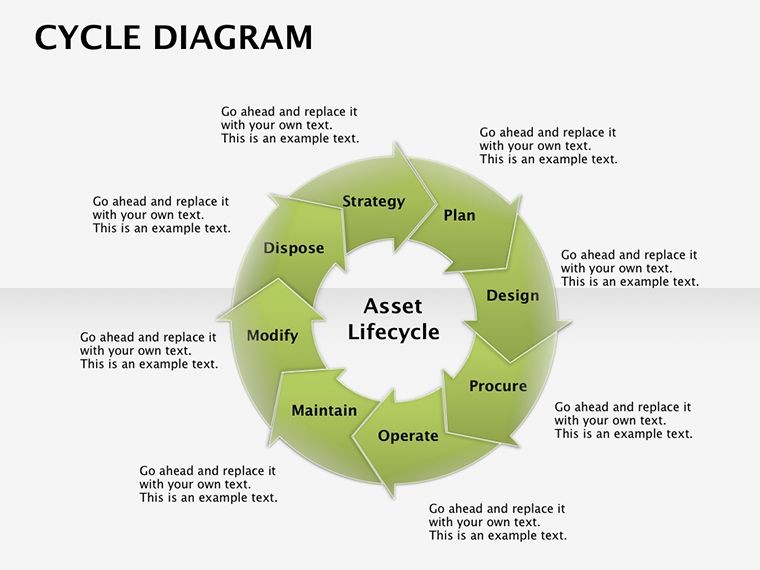
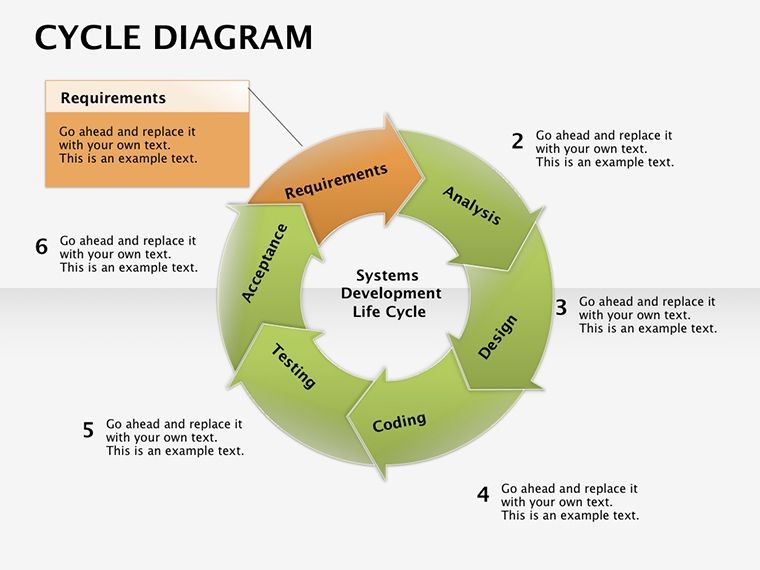
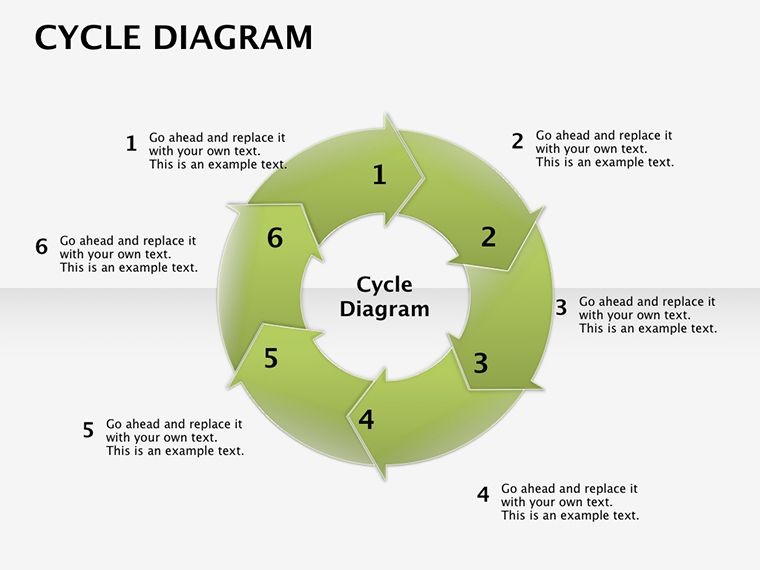
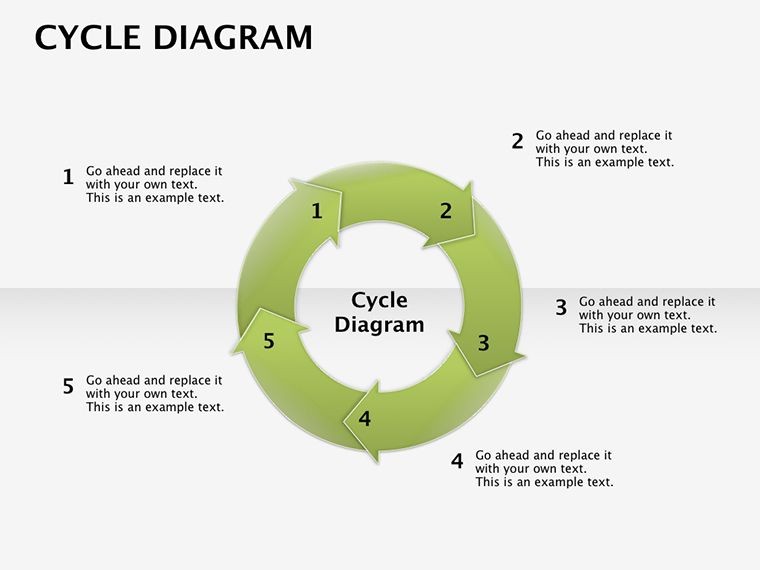
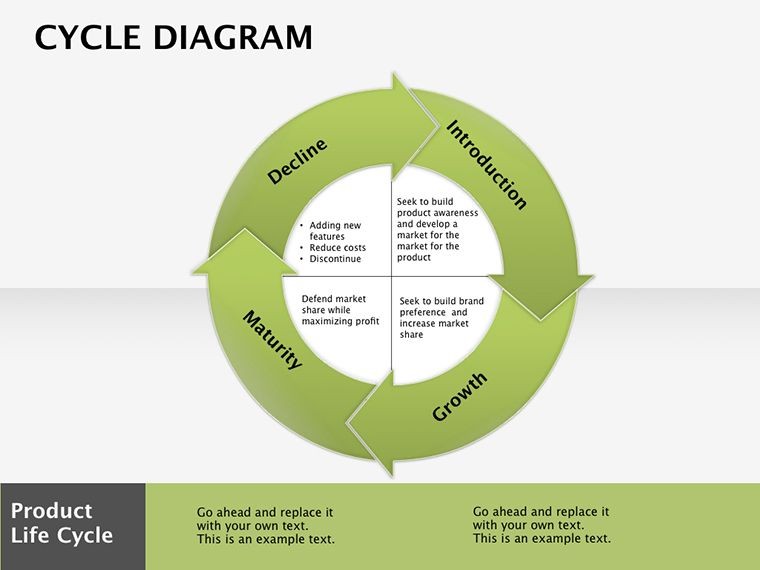
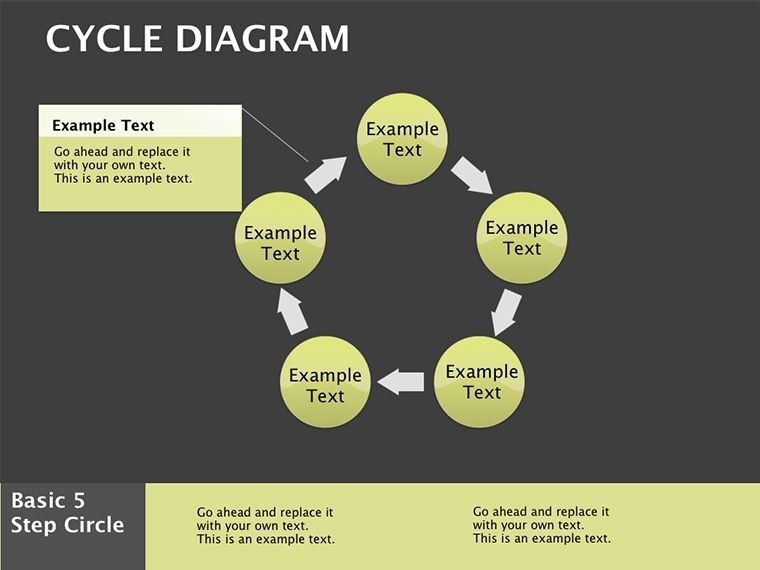
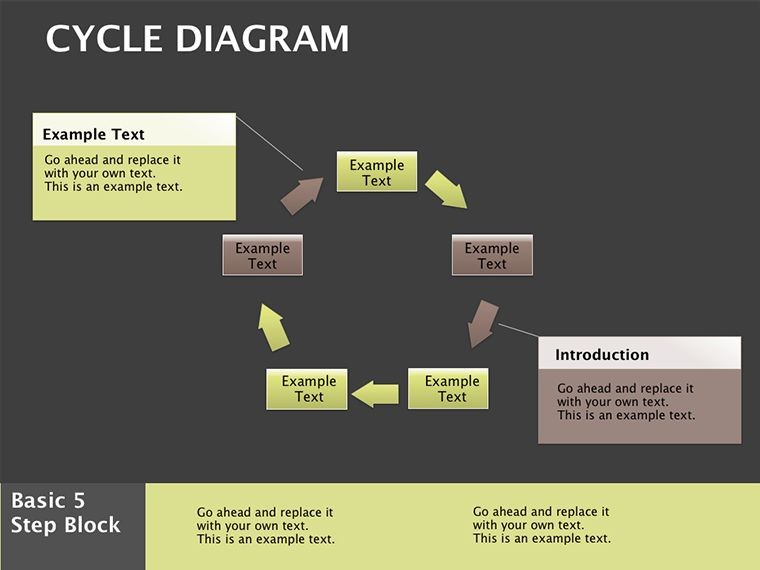
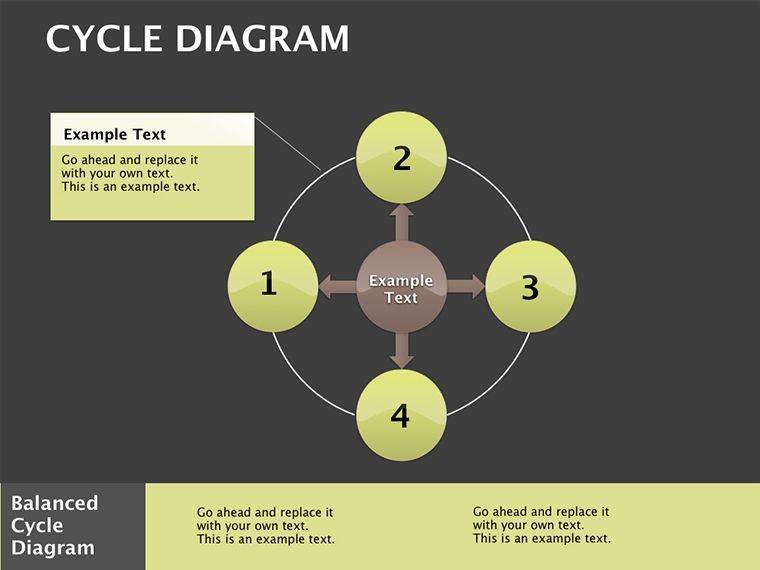
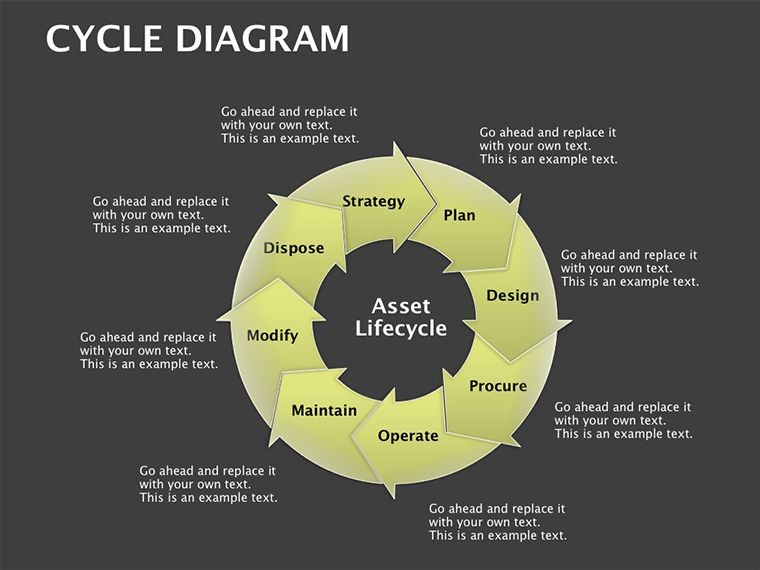
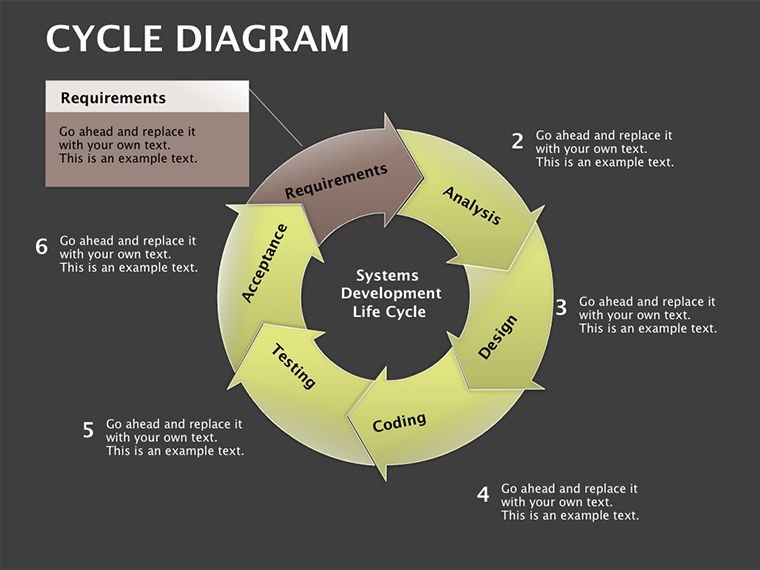
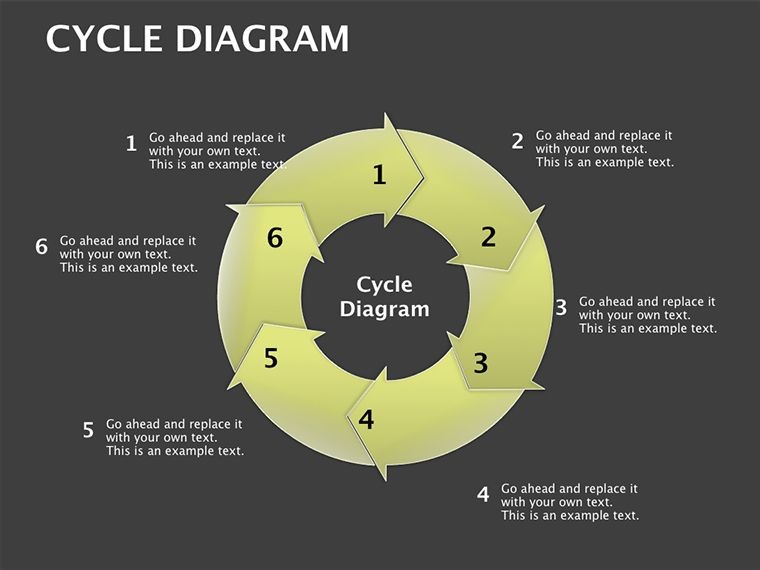
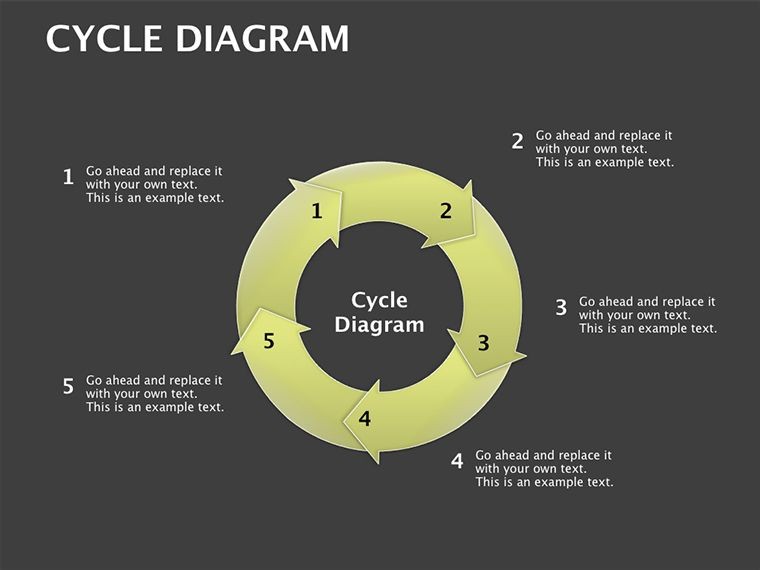
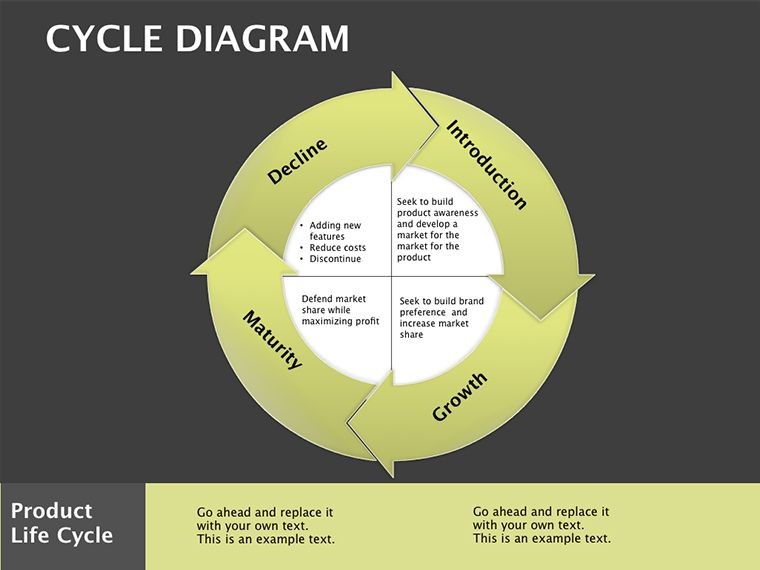
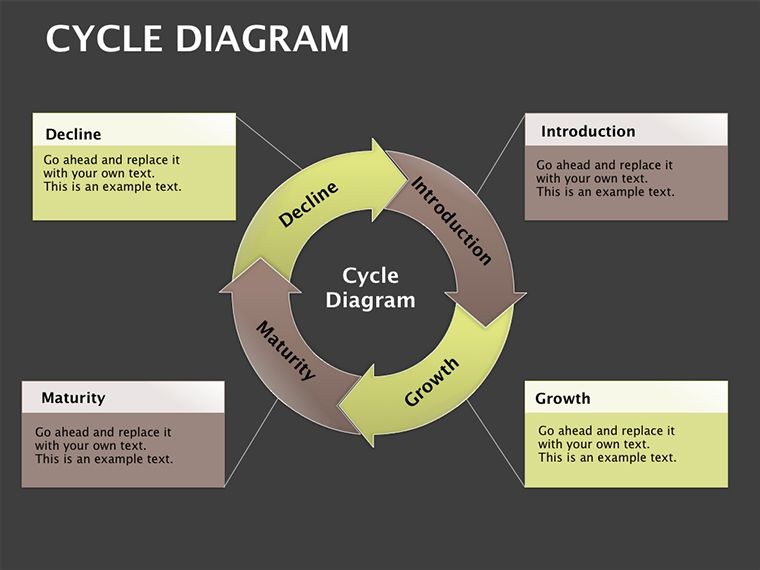
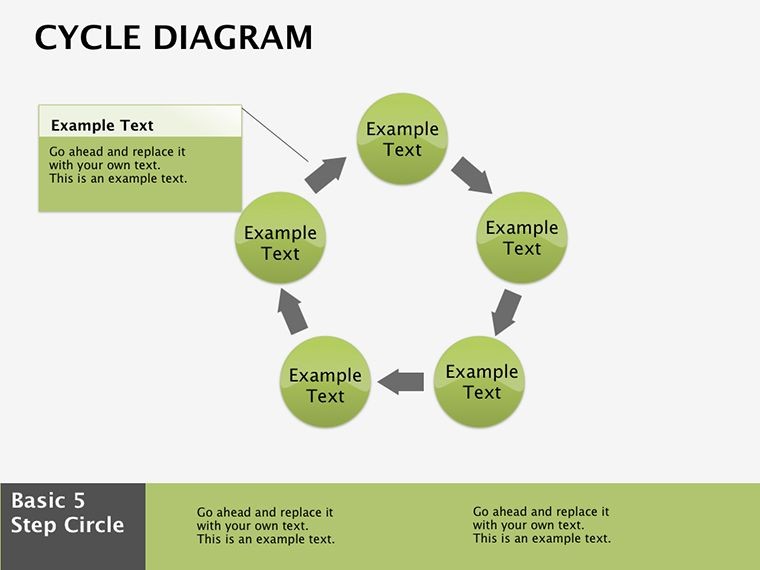
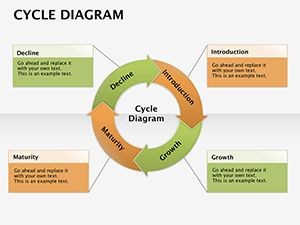
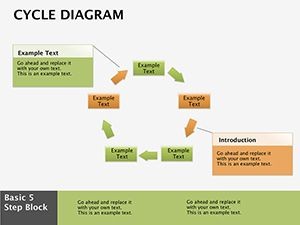
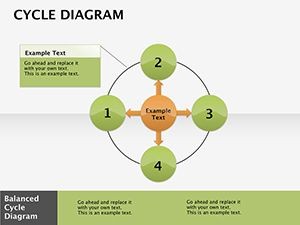
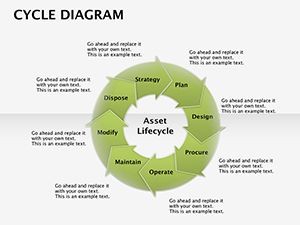
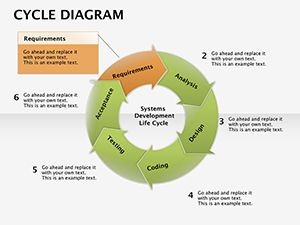
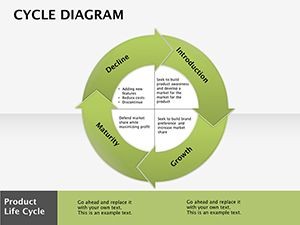
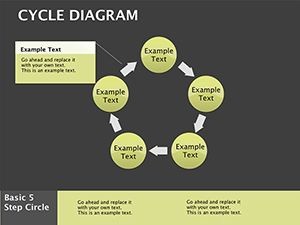
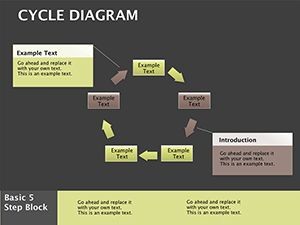
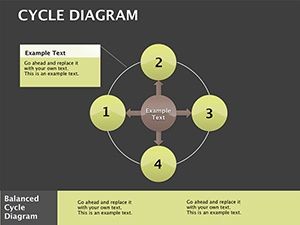
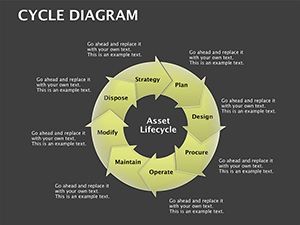
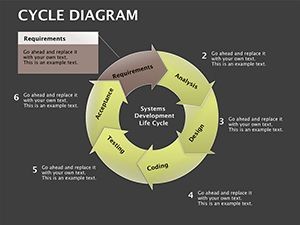

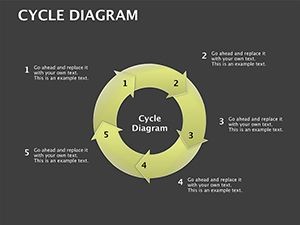
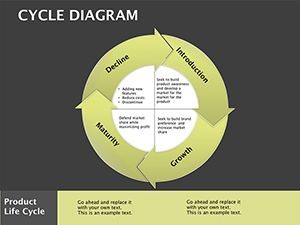
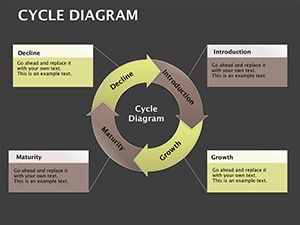
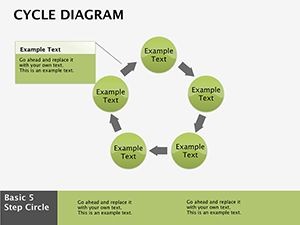
Download the Cycle Diagram Keynote Template featuring 18 fully editable slides for lifecycle management and service strategy presentations. Rotational cycle and pie diagrams with customizable spokes, segments and spin animations ideal for ITIL frameworks. Instant download for $16.
What's Included
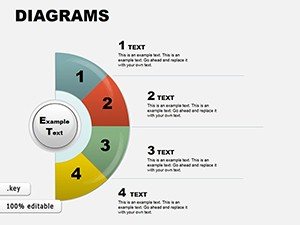
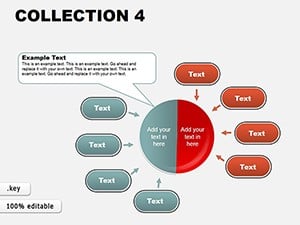
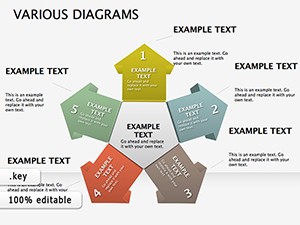
The Cycle Analytical Keynote Diagrams template delivers exactly 18 editable slides in native .key format (product ID KD00084, priced at $16). All diagrams belong to the Cycle and Pie category and are fully compatible with Keynote while allowing export for PowerPoint use. The pack centers on rotational cycle structures, segmented pies for phase analysis, metrics markers and dependency darts.
Core Diagram Set
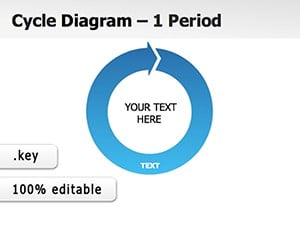
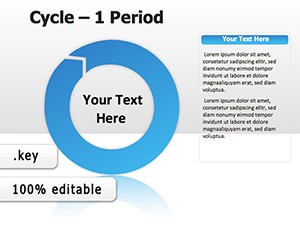
Slide 1 presents the Lifecycle Launch Loop with editable epochs. Slide 5 features the Repository Radial showing spokes to service stores. Slide 11 displays the Iteration Inflection with visualized feedback loops. Slide 18 offers the Cycle Capstone for full revolution recap. Every element including arcs, spokes and segments remains fully vector-editable.
Key Features
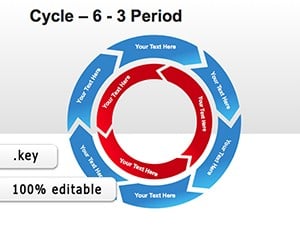
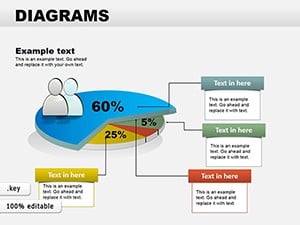
This template stands apart through its rotational grace that transforms static service strategies into dynamic flow. Customize cycle spokes to represent any phase sequence, shade pie segments for status updates, and apply built-in spin animations to simulate progress. Symmetric spokes ensure visual balance while arrow arcs guide directional storytelling. The design echoes ITIL frameworks yet remains completely flexible for enterprise rhythms.
| Feature | Benefit |
|---|---|
| 18 Editable Slides | Full coverage of inception to iteration |
| Rotational Animations | Simulate progress loops |
| Segmented Pies | Phase parsing with color fills |
| Repository Radial | Spokes for asset and service stores |
| Metrics Markers | Dependency visualization |
| PowerPoint Export | Cross-platform compatibility |
Professional Use Cases
A service firm refresh project leveraged the cycle cascades on slide 5 to map SLAs during a board meeting, enabling clear visualization of downtime reduction opportunities. An IT service lead at an enterprise logistics company presented Southeast Asia expansion using the Repository Radial to highlight distribution hubs, securing immediate approval for new repository investments. Sustainability stewards apply the green-ops focused iteration loops to demonstrate circular economy initiatives, turning abstract concepts into actionable stakeholder alignment.
Enterprise Operations
Operations optimizers rely on the full-loop structure to align cross-departmental rhythms from planning to review. The template's analytical angles allow precise metric overlays that resonate with executive audiences accustomed to data-driven decisions.
How to Customize
Download the .key file, open in Keynote, select any cycle spoke on the Lifecycle Launch Loop slide and replace placeholder text or adjust angles for your specific phases. Change segment colors via the fill tool to reflect status (green for on-track, red for bottlenecks). Add or remove spin animations through the Animate panel for sequential reveals. The process takes under 10 minutes from download to polished export as PDF or PPT.
Compared to building diagrams from scratch, this template saves 4-6 hours of design time while delivering professional rotational precision that static shapes cannot match.
Why Choose This Template
Unlike general life-cycle templates or simple 6-step period diagrams listed in related products, this pack provides targeted analytical depth with repository radial and iteration inflection slides that directly address enterprise service management pain points. The rotational design creates engagement that keeps audiences focused on your message rather than struggling to decode bullet lists.
ITIL-aligned yet fully adaptable, it serves as the rotational remedy for static strategies across devops, healthcare handoffs and sustainability programs.
How do I edit the cycle spokes and animations?
Open the .key file in Keynote. Select any spoke on slides such as the Lifecycle Launch Loop or Repository Radial. Drag control points to resize or rotate, update text placeholders, and apply fill colors. Spin animations are pre-built; adjust timing or sequence in the Animate inspector. All changes remain vector-sharp at any zoom level and export cleanly to PowerPoint.
Is this template compatible with PowerPoint?
Yes. The native Keynote .key format exports directly to .pptx with full preservation of cycle shapes, colors, text and basic animations. Users on Windows or older Mac versions can open the exported file without loss of rotational structure or segment shading.
What licensing applies to commercial use?
The purchase grants a standard commercial license allowing unlimited internal and client-facing presentations. You may use the diagrams in paid consulting, board meetings or public webinars. Resale of the template files themselves is prohibited.
Can I adapt it for sustainability or healthcare presentations?
Absolutely. Replace phase labels with sustainability stages or patient handoff steps. The segmented pies work equally well for carbon-reduction loops or care-cycle mapping. The healthcare hub example on the page demonstrates successful adaptation for efficiency gains in handoff cycles.
What is the download and support process?
After purchase you receive an immediate .key download link. Files are virus-free and ready to open. If any compatibility question arises, the ImagineLayout team responds within 24 hours with tailored guidance.