6 Period Cycle Keynote Diagrams - Editable .key | ImagineLayout
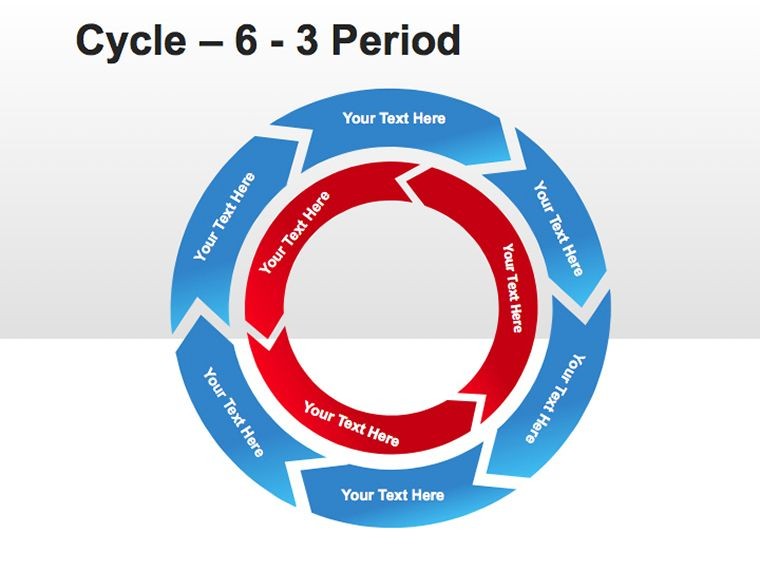
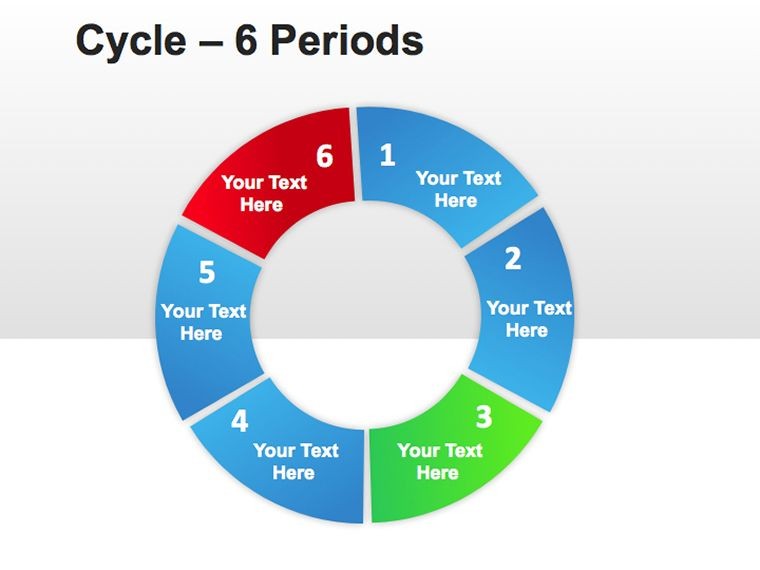
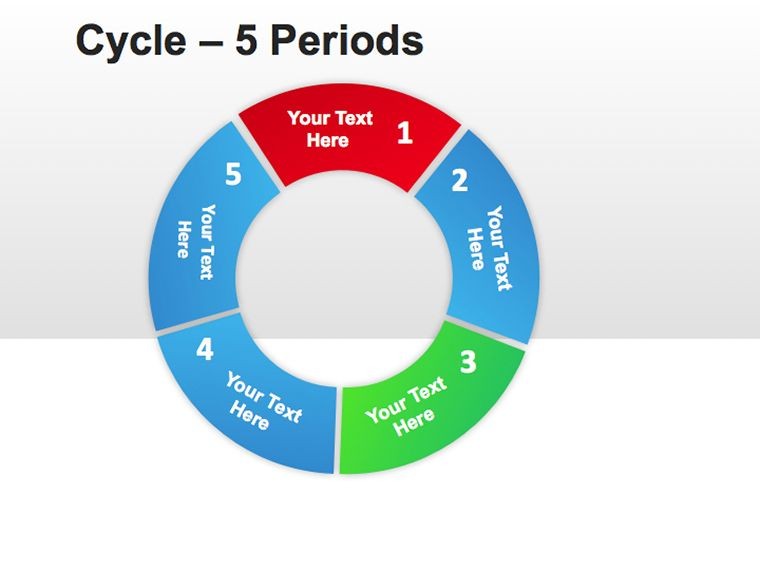
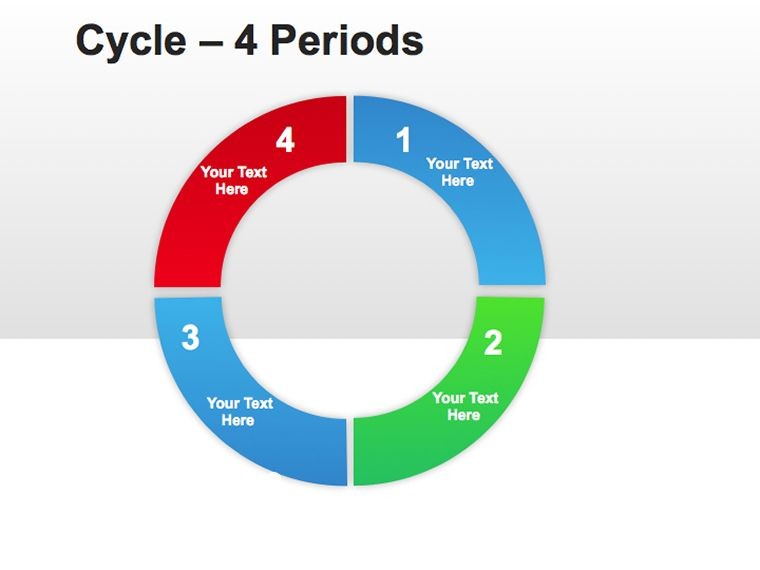
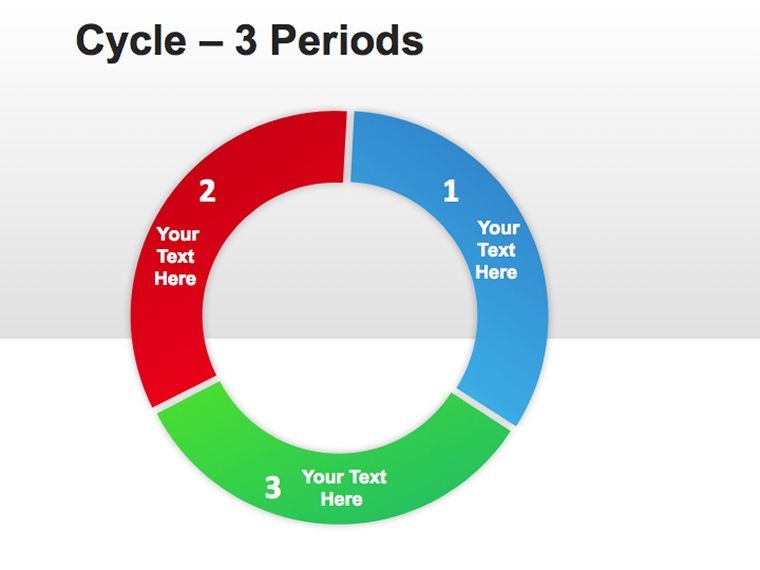
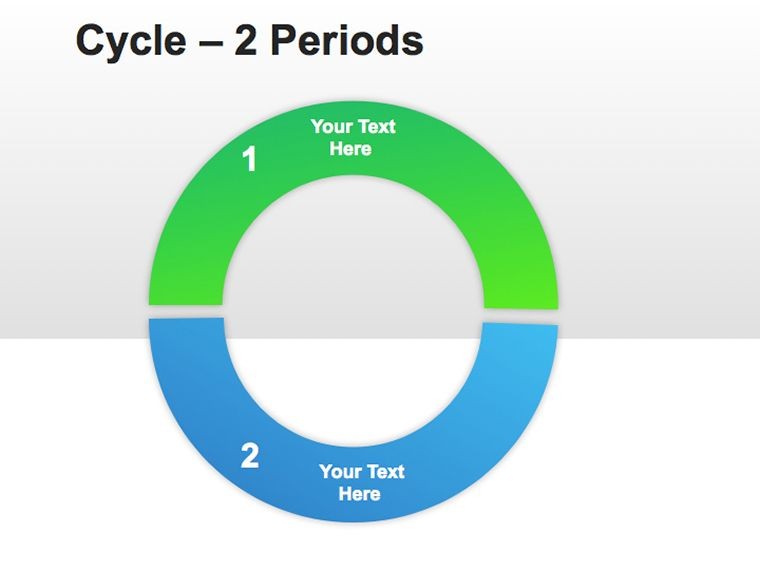
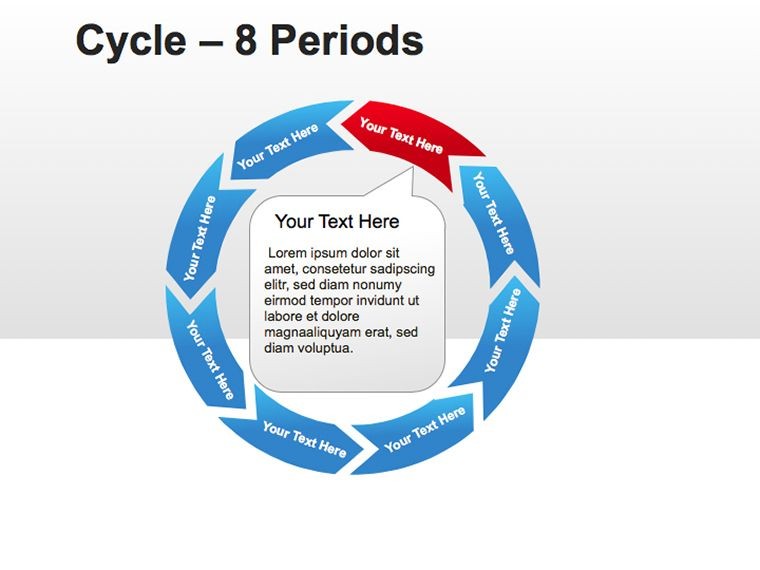
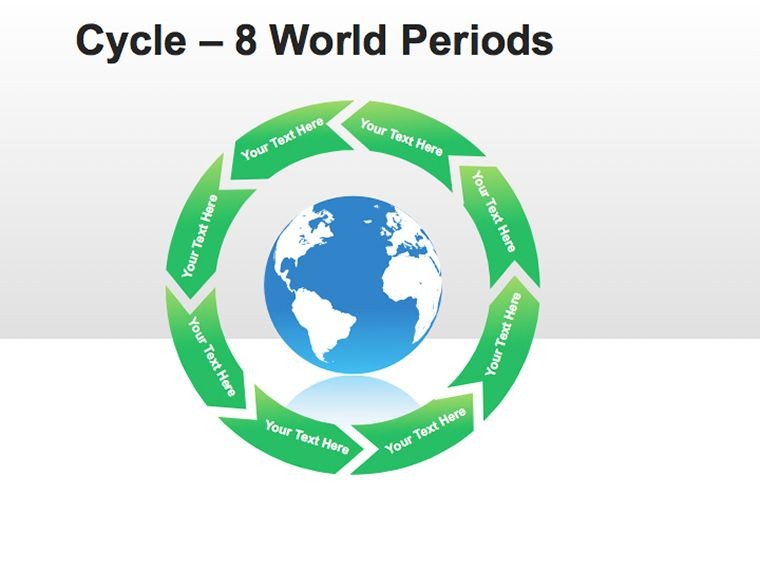
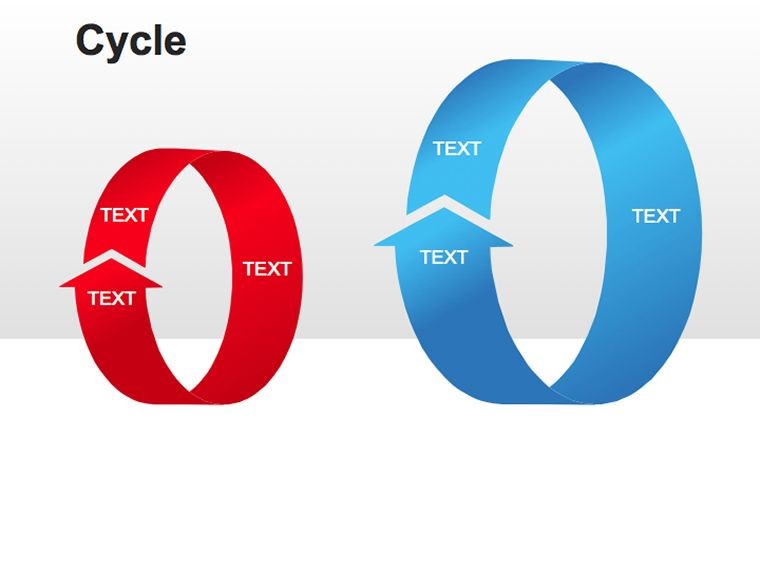
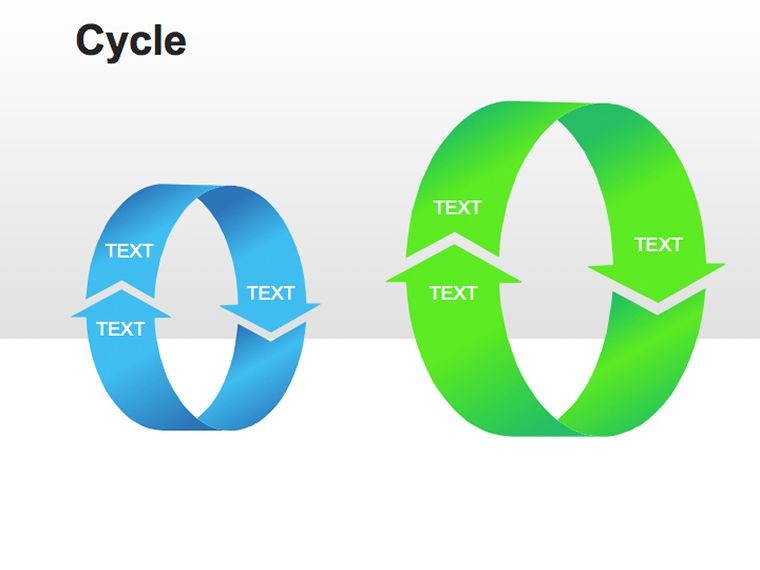
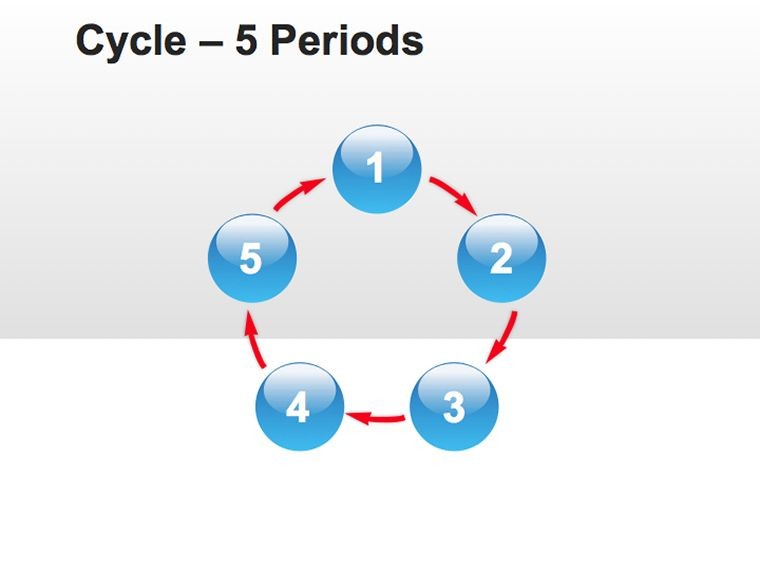
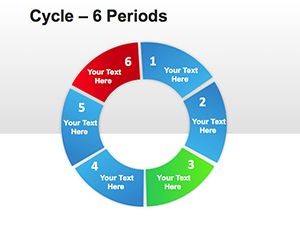
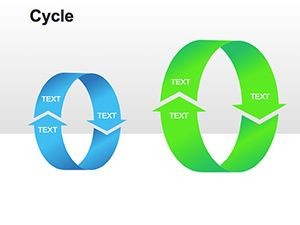
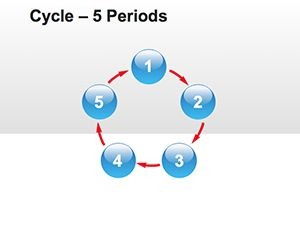
11 Cycle Diagrams in 6 Periods: What You Get
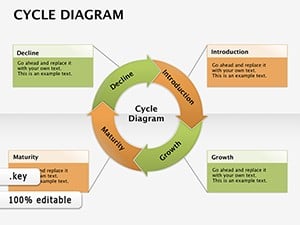
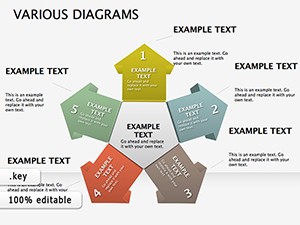
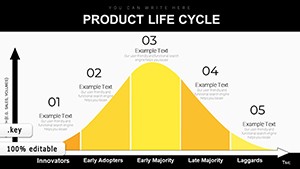
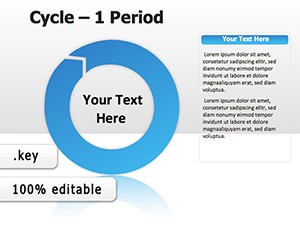
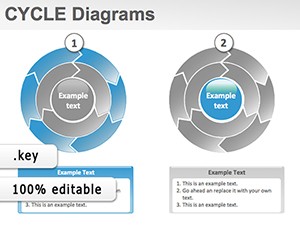
11 diagrams include six fixed-period cycle layouts plus supporting slides with editable segments and connectors.
These slides connect repeating loops to map progression in business presentation tasks where phases repeat quarterly.
Compared to single-chart layouts this fixed 6-step structure suits repeating processes better by enforcing phase boundaries through radial segmentation.
Key Specifications
| Feature | Details |
|---|---|
| Slides / diagrams included | 11 cycle diagrams focused on 6 periods |
| Diagram categories | cycle and period segmentation |
| Editable elements | shapes resize independently text placeholders icon layers diagram connectors |
| Aspect ratio | 16:9 standard for Keynote |
| Keynote compatibility | version 12 and later on macOS |
| Color schemes | adjustable via slide master palette |
Typical Use Cases by Role
Strategy consultants in the consulting industry prepare client workshops on cyclical growth models and cut deck preparation from 3 hours to 45 minutes by swapping color schemes across three reports.
Project managers in manufacturing map 6-step production loops for internal reporting and reuse the same file for five consecutive quarterly briefings.
Secure the 6 Period Cycle Keynote Template for Your Next Meeting
Customization in 5 Steps
Editing difficulty: Moderate.
- Open the .key file in Keynote 12 or later (1 minute)
- Replace placeholder text with your content (3 minutes)
- Apply brand colors through the master slide palette (2 minutes)
- Edit diagram labels and connectors (4 minutes)
- Export as .key or PDF (1 minute)
Financial analysts in investor deck preparation combine these diagrams with multi-stage cycle visualizations for complete strategy decks.
Building From Scratch vs. Starting Here
Building equivalent 6-period cycles from scratch requires 2 hours per diagram plus advanced design skill to maintain alignment.
Here the process takes 15 minutes total and needs only moderate skill because placeholders and connectors stay grouped.
Manual builds often misalign radial segments on projection screens while this layout places labels outside shapes connected by thin lines for readability during live meetings.
Download the 6 Period Cycle Keynote Template Now
Which Keynote versions are compatible?
The file works in Keynote 12 and later on macOS. Earlier versions may fail to display all editable connectors. macOS Ventura or newer is recommended for full slide master access. Test the open step before full customization.
How do I change the color scheme?
Open the slide master view in Keynote. Select the theme colors palette and update the six period segments. The changes propagate across all 11 slides automatically. Save the master once to lock brand consistency for future use.
What does the license permit?
Internal company use and paid client work are allowed. Resale or sublicensing of the .key file itself is prohibited. You may export PDF versions for distribution. The single purchase covers perpetual use on your devices.
Is there a free version?
No free tier is listed on the page. The paid version at $20 includes all 11 editable slides. The purchase grants immediate .key download. No limited masters or watermarks exist in the delivered file.
What file formats open the template?
The .key format opens only in Keynote. Export to PDF for sharing without editing. No PPTX version is provided. The download link delivers the native Keynote file directly.