 Click to zoom
Change Management Keynote Charts Template - Fully Editable | Instant Download
| Format | .pptx |
| Slides | 14 unique layouts |
| Aspect ratio | 16:9 |
| Compatibility | PowerPoint |
| Animated | No |
| Language | English |
| License | Commercial |
| File size | — |
| Version | v1.0 |
| Last updated | September 2026 |
What's inside
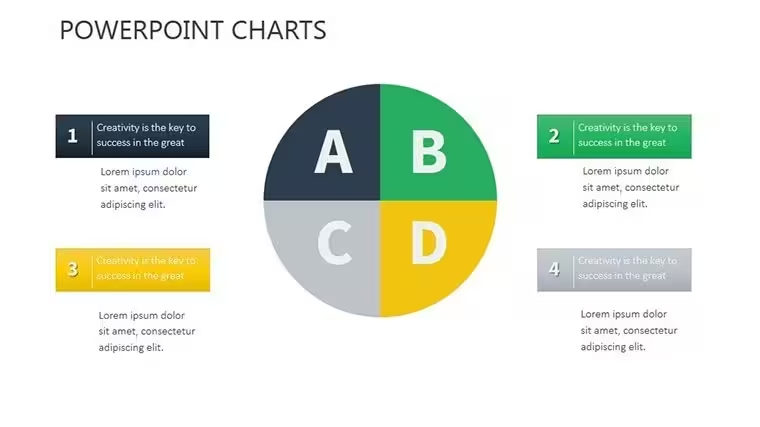
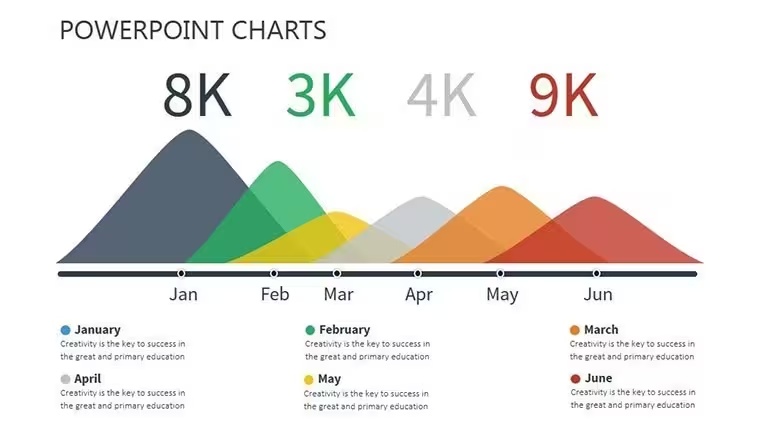
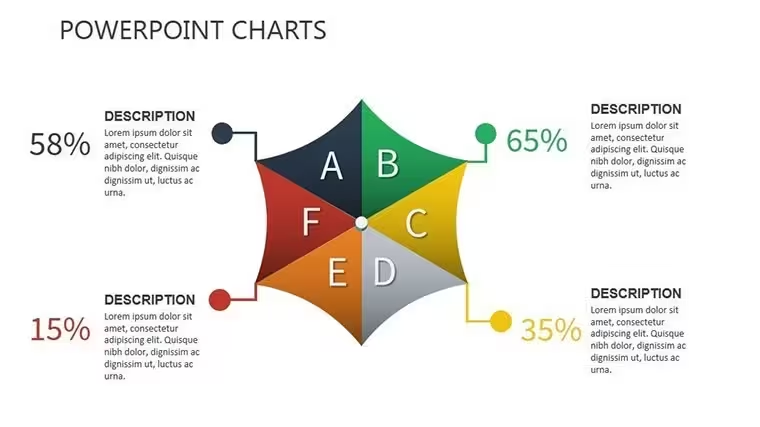
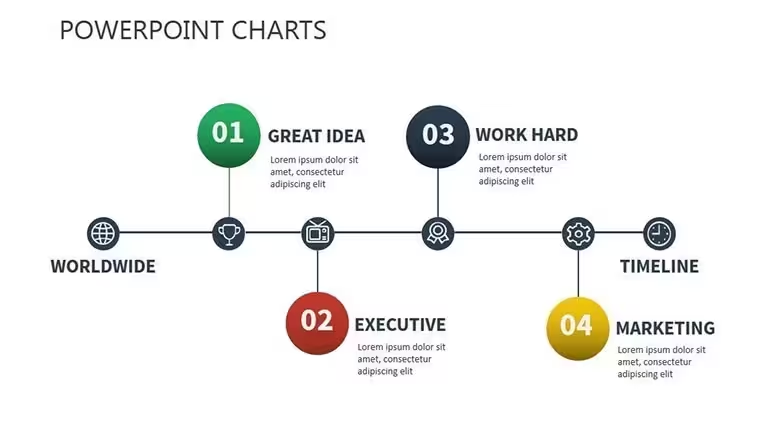
Get 14 fully editable Change Management Keynote Charts with impact matrix, readiness assessment gauge, timeline charts, pie charts featuring auto-updating formulas, bar graphs, flowcharts and roadmap infographics. Instant .key download for Keynote. Perfect for executives driving business transformation.
What's Included
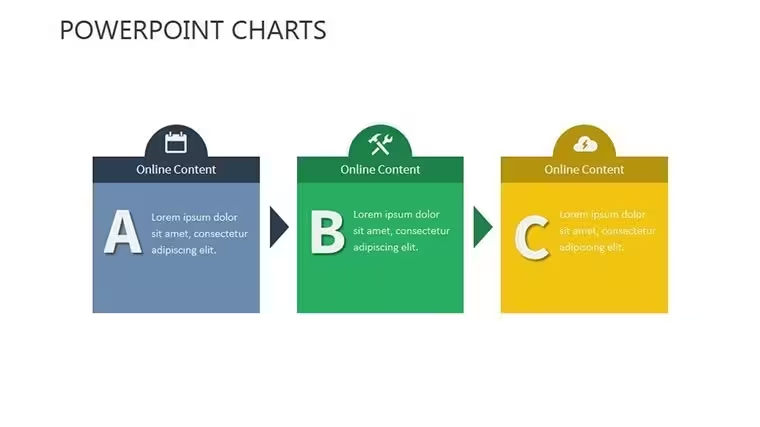
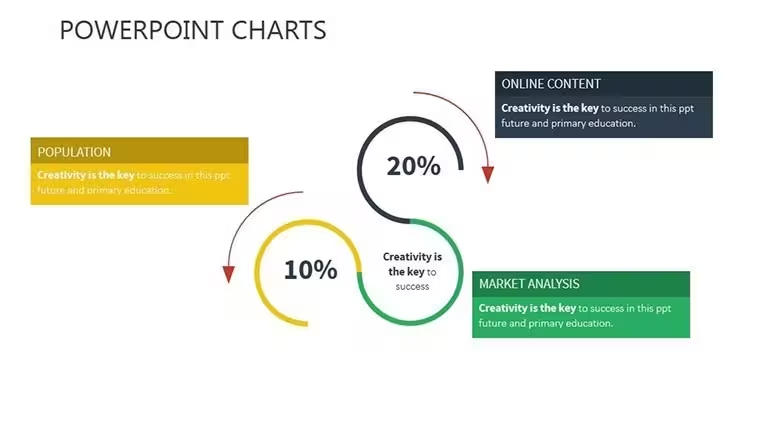
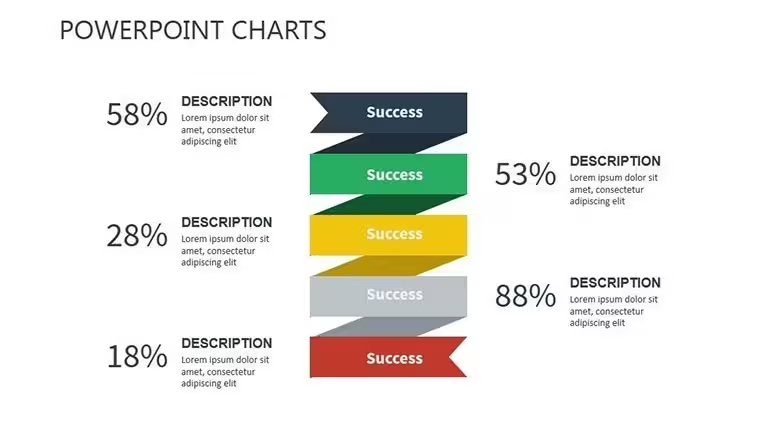
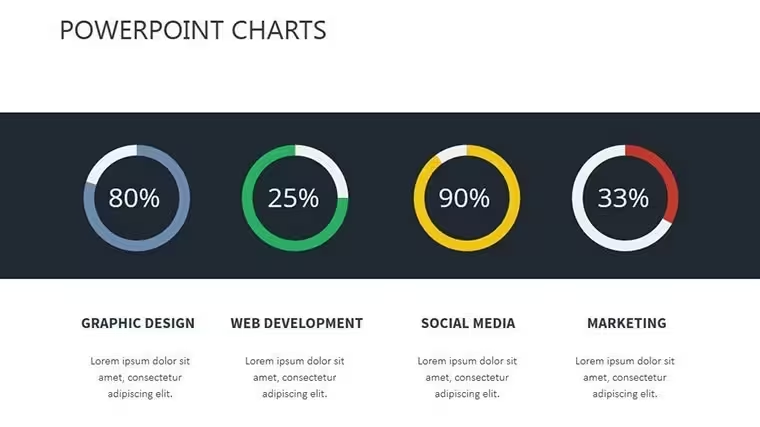
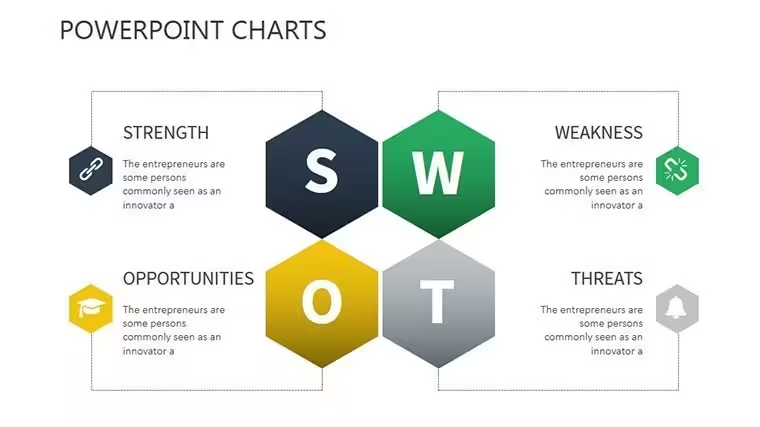
This Change Management Keynote Charts Template delivers exactly 14 editable slides in a single .key file, ready for immediate use in Apple Keynote. The package includes a clean global overview slide, timeline chart slide, pie chart with built-in formulas for auto-updating percentages, bar graphs slide, flowchart layout, infographics panel, impact matrix slide, readiness assessment gauge, and roadmap infographic slide plus supporting title and summary layouts. Every element is vector-based and grouped for quick edits.
File Details
Product ID KC00424, 14 slides total, widescreen format, embedded presenter notes on each slide. No external assets required.
Key Features
Subtle animations reveal insights progressively on every slide. The impact matrix slide uses editable color fills and text placeholders. Readiness assessment gauge features adjustable segments. Pie charts automatically update percentages when data changes. All charts support drag-and-drop data entry and vector scaling without quality loss.
FeatureThis TemplateSlide Count14 editable slidesAnimation StyleProgressive reveals on timeline, gauge and matrixAuto-CalculationsBuilt-in pie chart formulasColor SchemeMotivational progress trackers with customizable fillsUnique ElementReadiness assessment gaugeLayoutWidescreen with embedded notesProfessional Use Cases
A change management consultant at a global manufacturing firm used slide 7 (impact matrix) to map stakeholder resistance during a plant merger, highlighting quick wins in the top-right quadrant and securing board approval in one meeting. An HR director at a tech company presented the readiness assessment gauge on slide 8 to leadership, adjusting segments live to show 75% employee preparedness after training rollout, resulting in faster policy adoption.
Education and Training
University lecturers use the roadmap infographic slide to outline curriculum transformation projects, replacing placeholder milestones with actual dates and watching students grasp phased implementation instantly.
How to Customize
Download the .key file, open in Keynote, select any placeholder text or shape, type your data, and recolor vector elements using the format panel. Change the pie chart numbers and formulas update automatically. Grouped objects let you move entire charts while keeping proportions. Export as PDF or video in two clicks. The entire process takes under 15 minutes for most users.
Why Choose This Template
Building change management visuals from scratch in Keynote requires hours of aligning shapes, adding animations and testing formulas. This template saves that time while delivering consistent professional alignment across all 14 slides. The impact matrix layout was deliberately chosen because it lets viewers instantly spot high-impact low-effort actions without extra explanation. Compared with generic charts, the readiness gauge provides immediate visual feedback that audiences remember weeks later.
Download now and turn your next transformation update into a clear, data-driven story.
FAQ
How do I edit the charts in Keynote?Open the downloaded .key file in any recent version of Keynote. Click any text placeholder or data label to replace content. For the pie chart slide, update the numbers in the linked table and percentages recalculate automatically. Select grouped shapes on the impact matrix slide to recolor segments or resize the entire matrix using the format panel. All animations remain intact after editing.
Which Keynote versions does this template support?The template is fully compatible with Keynote 10 and newer on Mac, iPad and iCloud. Widescreen layout works on all screen sizes. Vector elements scale perfectly and animations play without additional plugins. Users on older versions can still open the file and edit static elements, though some advanced animation triggers may need manual adjustment.
How customizable are the readiness gauge and impact matrix?Both slides use fully editable vector layers. Change gauge colors, segment values and labels in seconds. The impact matrix allows text updates, background fill changes and quadrant resizing. You can add or remove icons from the motivational quote placeholders without breaking the layout. All elements stay perfectly aligned thanks to master slide design.
What file format will I receive after purchase?You receive one clean .key file containing all 14 slides. No additional ZIP or multiple files. The download link appears immediately after checkout and remains available in your ImagineLayout account. The file size is lightweight for fast opening even on older devices.
Can I use these charts for client consulting projects?Yes, the template is designed for professional use. Edit the slides with your client`s branding colors and data, then present or export. The vector charts remain crisp when printed or shared as PDF. Presenter notes help you deliver consistent messaging across multiple engagements.
Good for
- Project roadmaps and sprint plans
- Product launch timelines
- Quarterly or annual review decks
- Company history and milestone summaries
Licence
reviews
Used this for a finance class and the arrow slides saved me some time. I only changed the colors a bit.
The charts were easy to move around in Keynote. Needed something quick before a Monday meeting.
I liked that the layouts were not overloaded with random stuff. Just enough icons and graphs.
Some slides looked a little too similar but overall it worked fine for my report.
Grabbed this late at night for a startup pitch. The timeline charts actually helped explain things better.
FAQ
Will it work in Google Slides?
Are fonts embedded?
Can I use this for client work?
What's the refund policy?
Do you update the template after purchase?
Similar templates
See all Keynote Charts →

All 14 slides