 Click to zoom
8-Level 3D Pyramid Keynote Charts - Editable KEY | ImagineLayout
| Format | .pptx |
| Slides | 38 unique layouts |
| Aspect ratio | 16:9 |
| Compatibility | PowerPoint |
| Animated | No |
| Language | English |
| License | Commercial |
| File size | — |
| Version | v1.0 |
| Last updated | August 2026 |
What's inside
Extended Hierarchy Breakdown
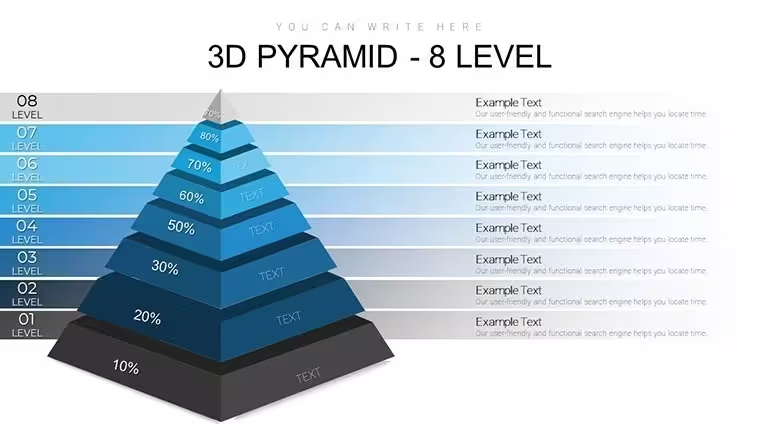
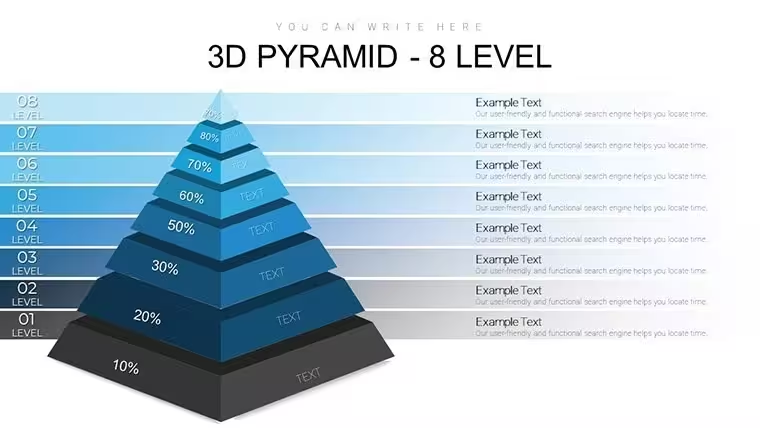
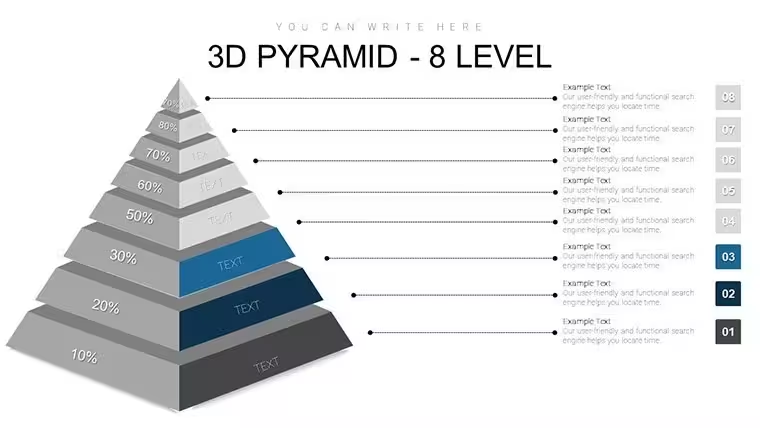
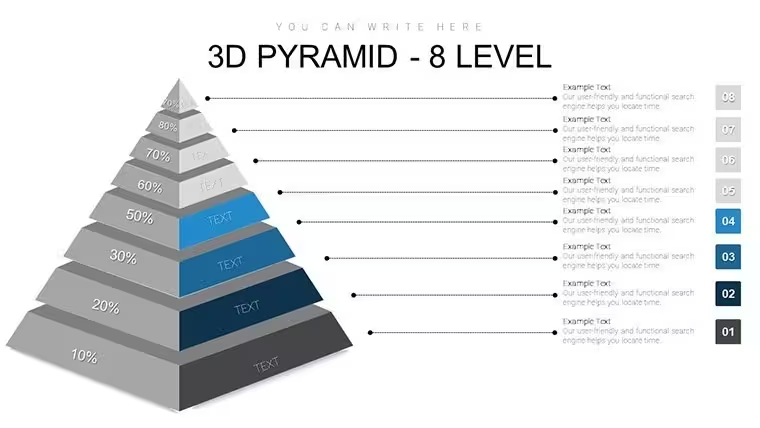
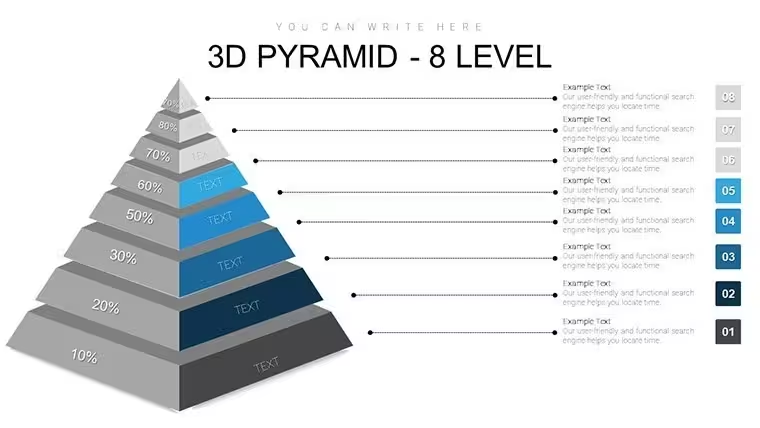
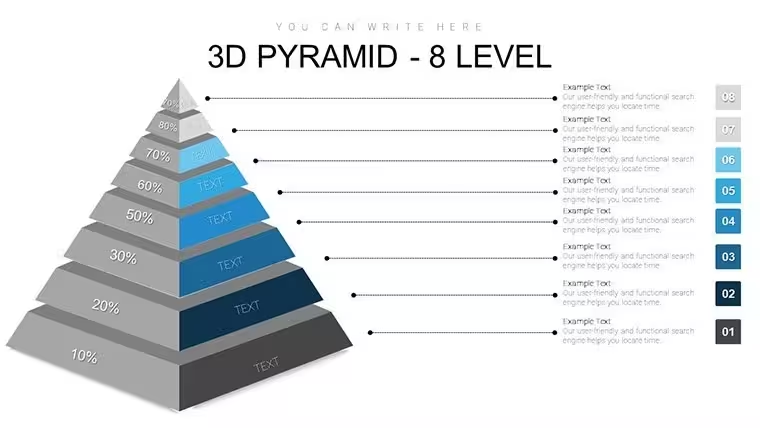
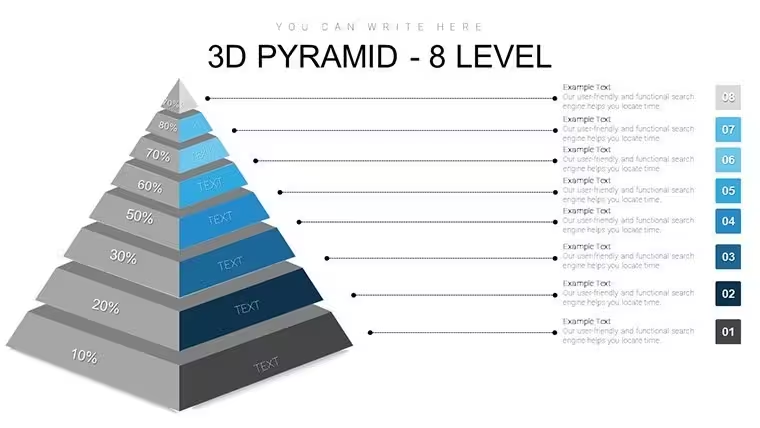
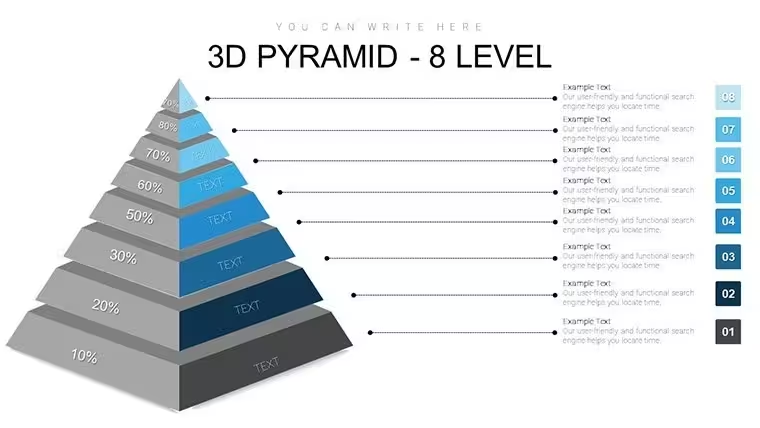
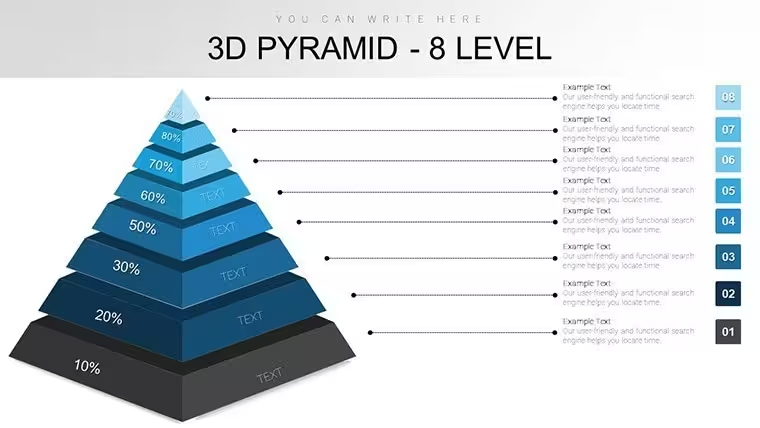
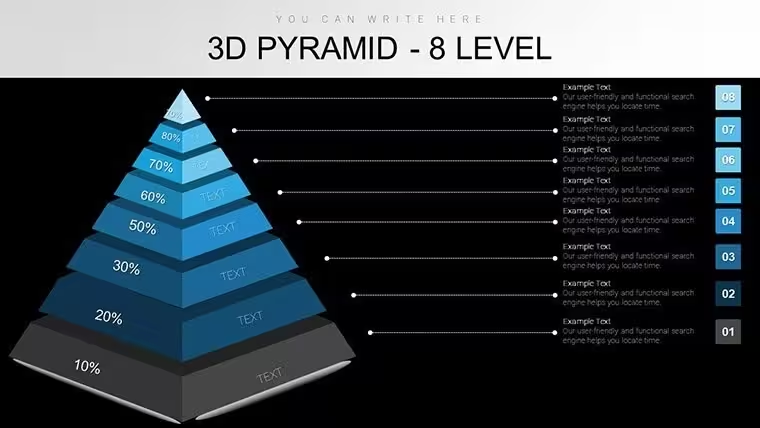
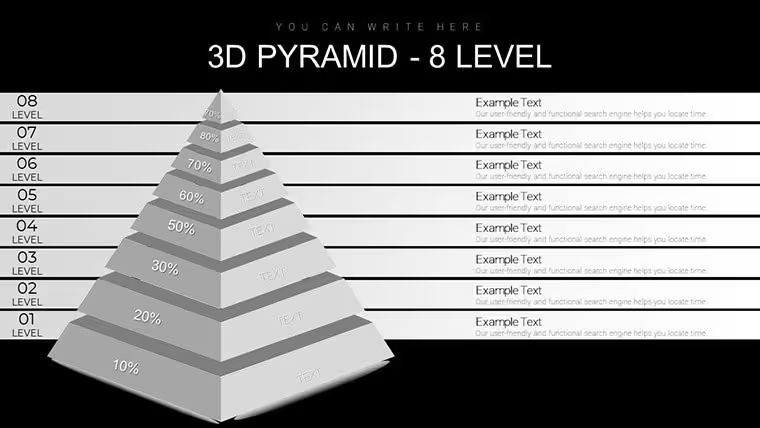
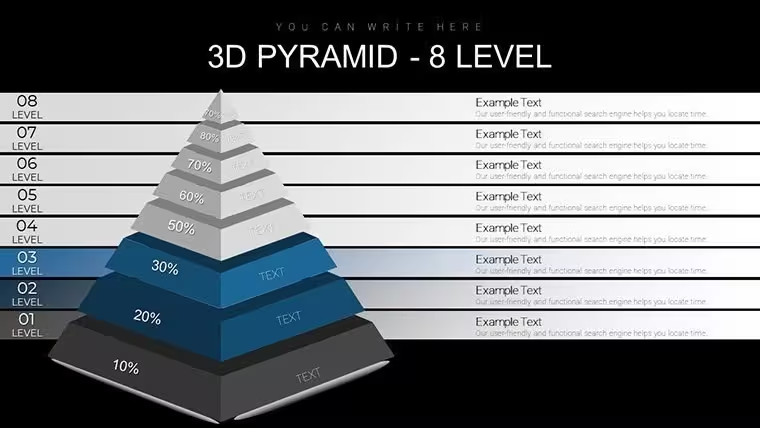
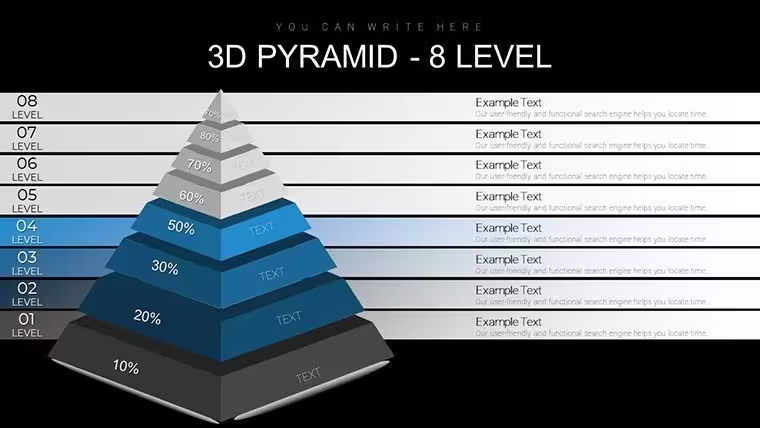
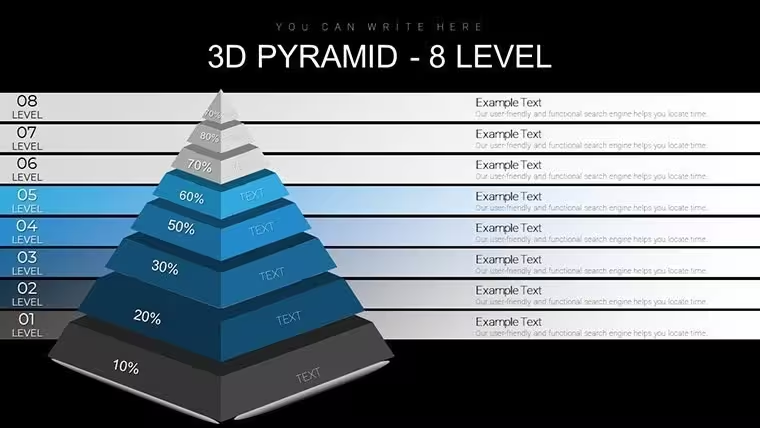
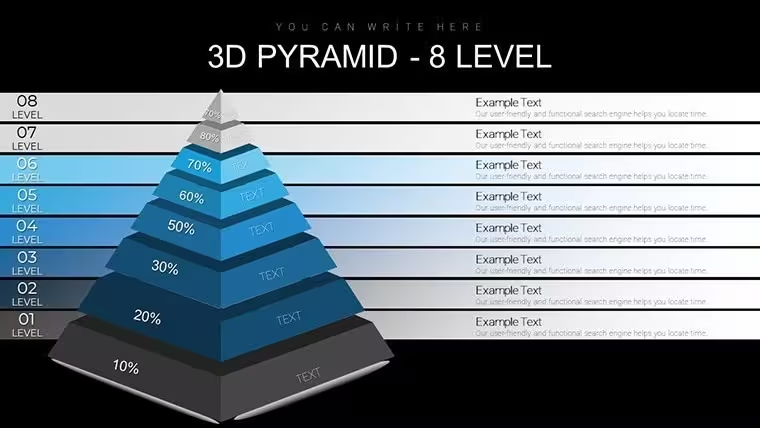
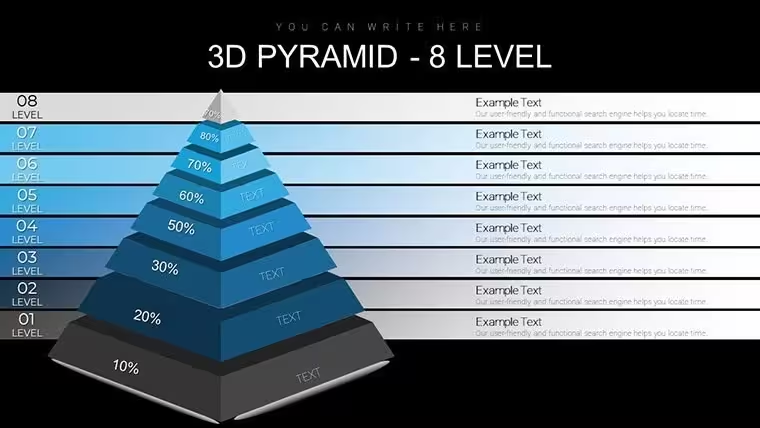
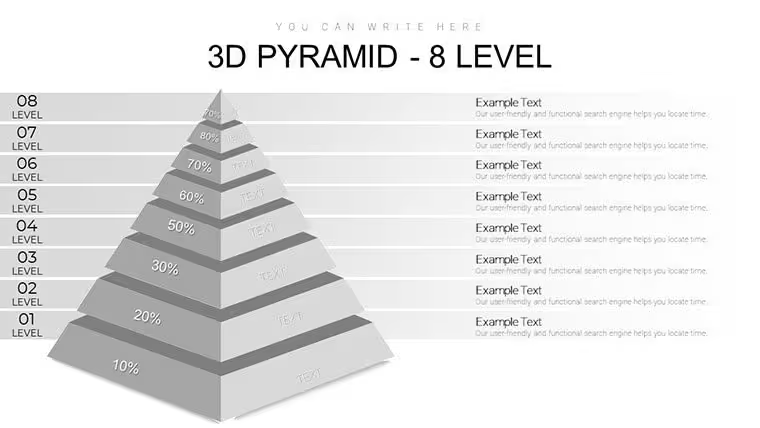
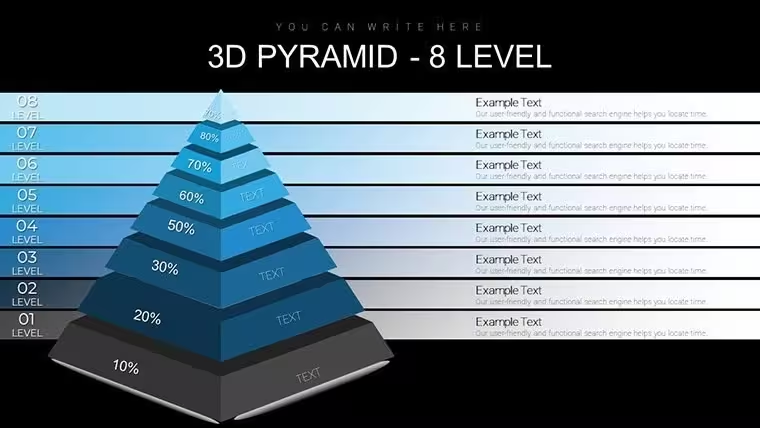
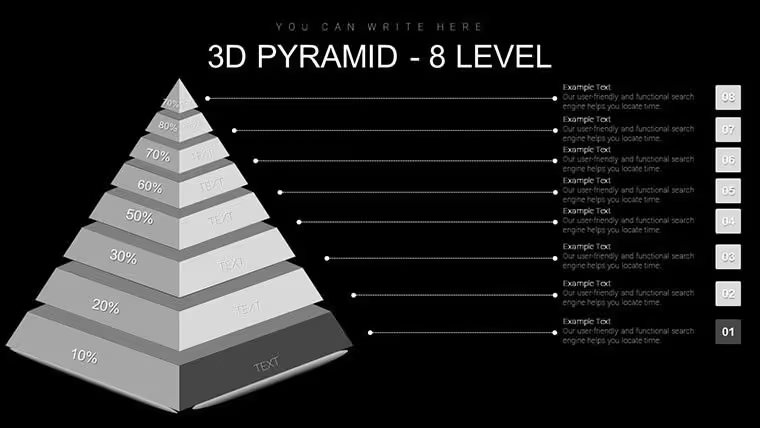
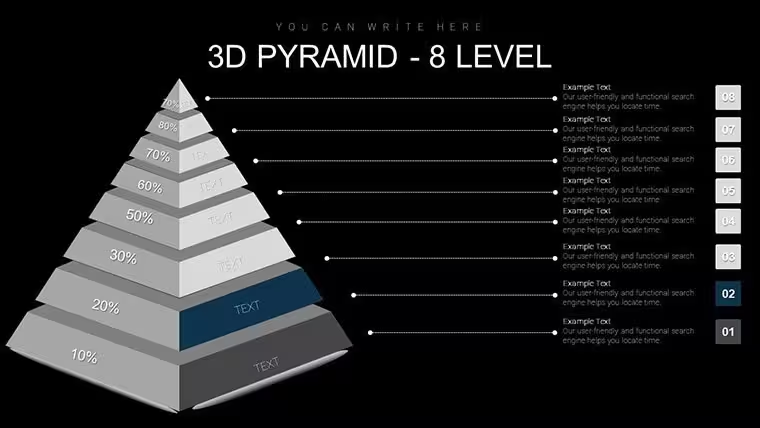
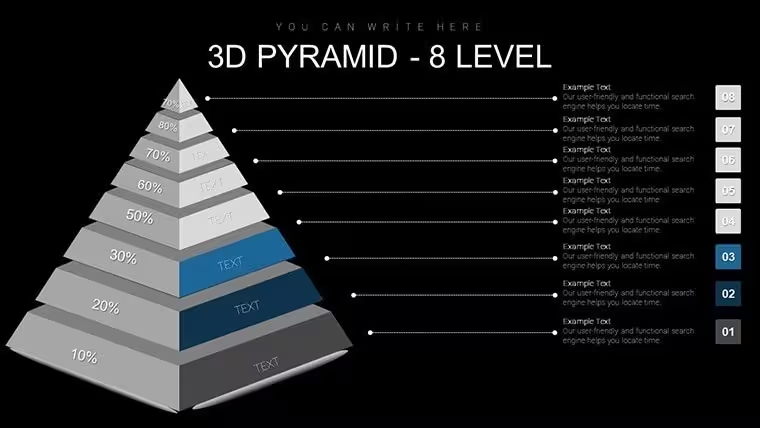
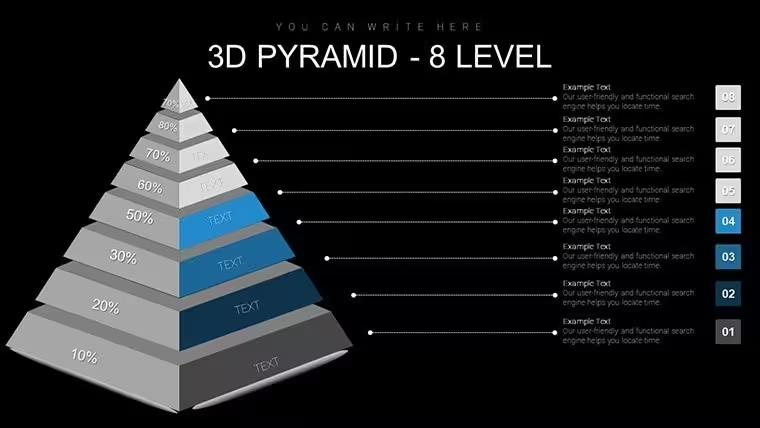
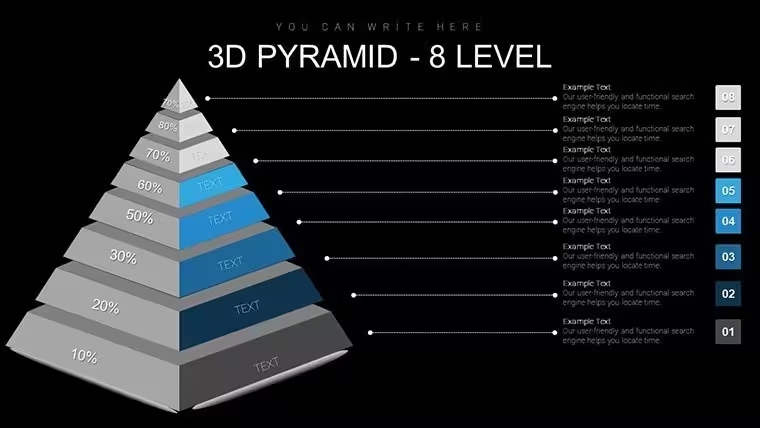
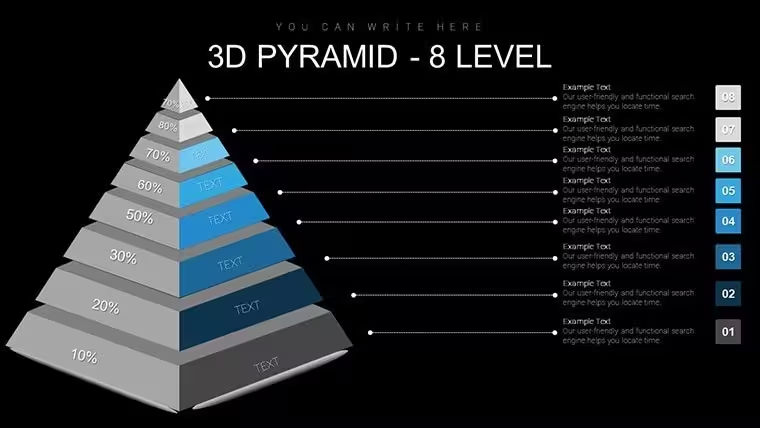
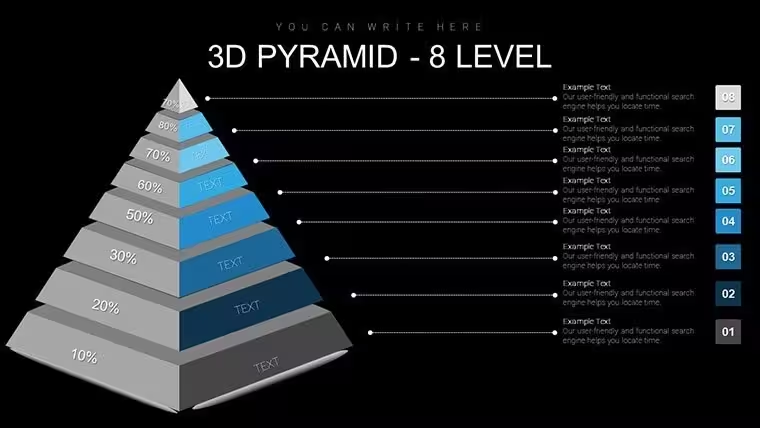
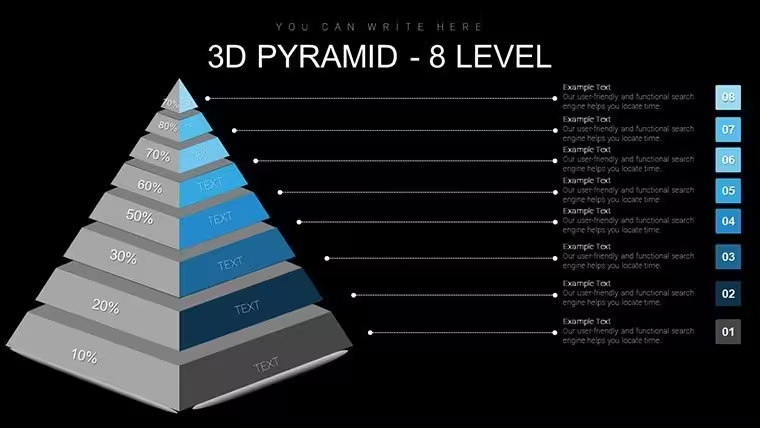
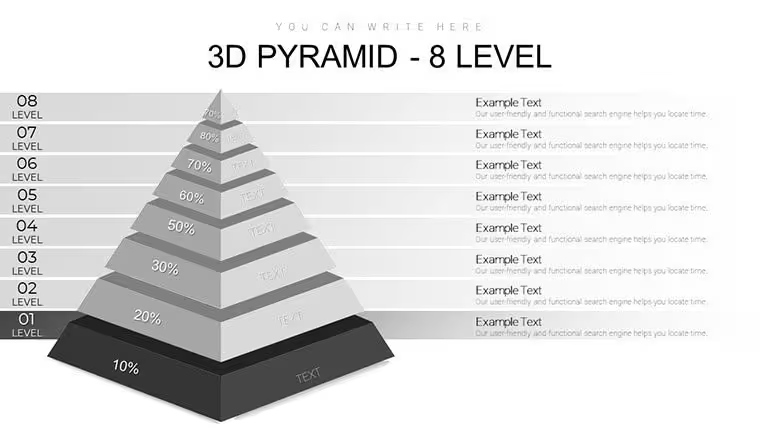
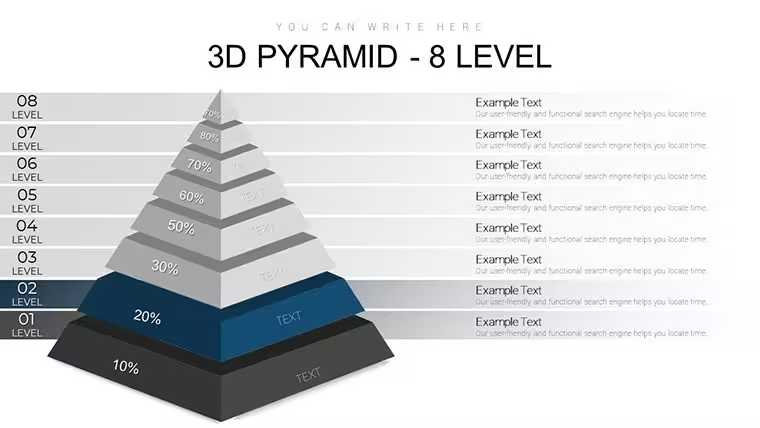
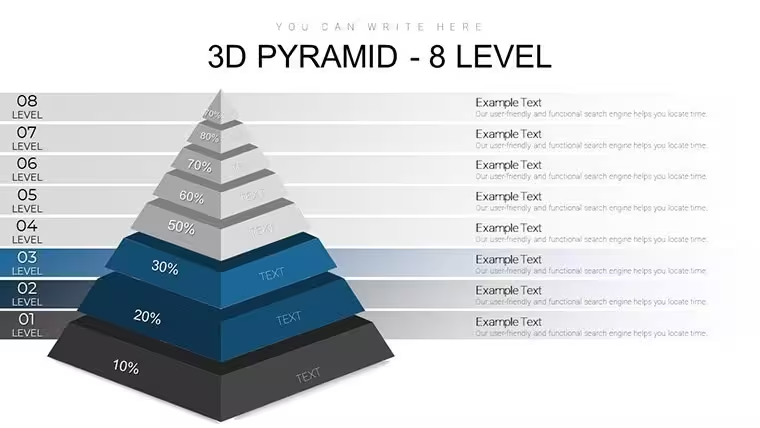
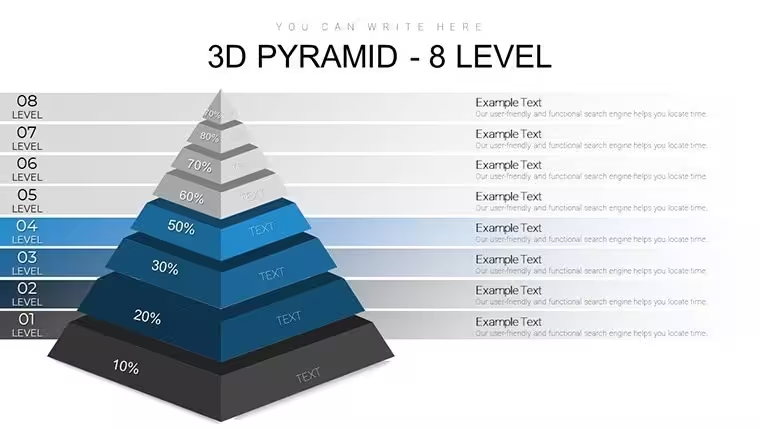
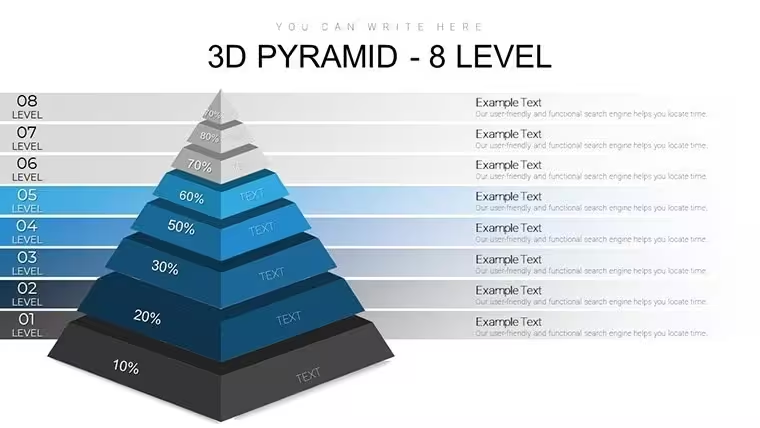
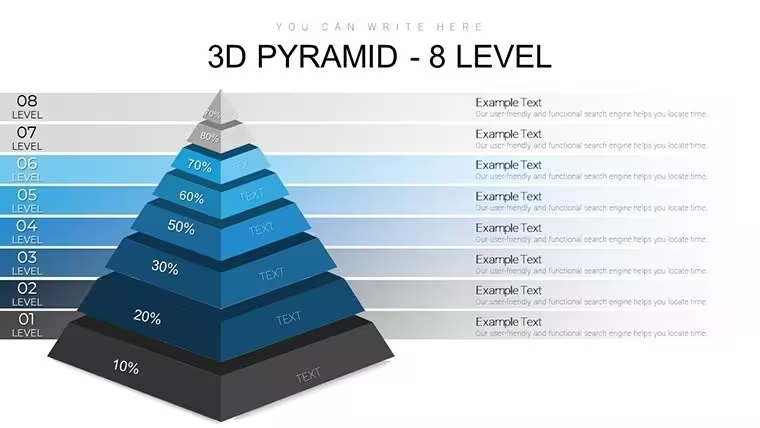
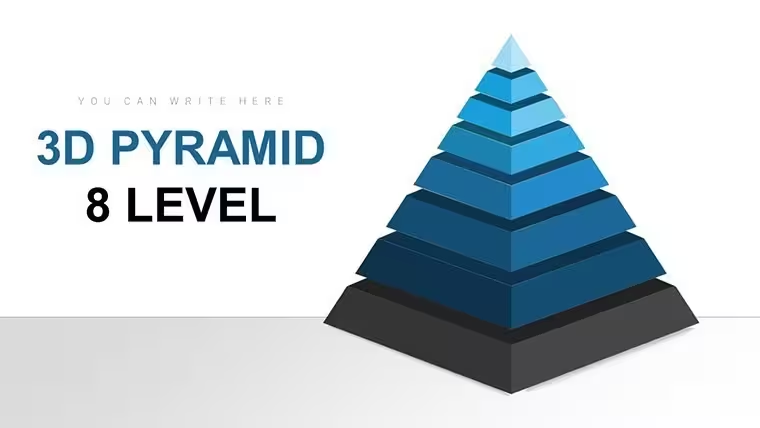
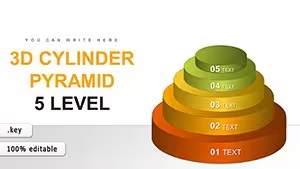
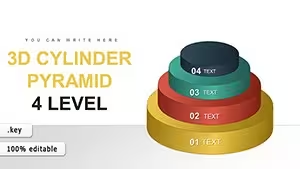
No manual alignment needed no scattered shapes - the 38-slide 8-level 3D pyramid file uses dimensional layers to show depth in priorities.
Product teams rely on this when they need to present roadmap depth to leadership. The 3D pyramid layout replaces manual work entirely so you drop in your data and it works. In practice it works across multiple reports.
This Keynote diagram template supports comparison analysis that helps the viewer rank options by impact. It reveals which elements sit at the base and the decision becomes obvious once the full structure appears.
The page does not list color schemes or free version contents but the paid version provides the full 38 editable slides in .key format compatible with current installations. Color changes happen via slide master in one click. Works best for structured diagrams not creative storytelling slides.
Use this instead of building diagrams manually in Keynote. The predefined structure keeps everything aligned so you don`t end up adjusting spacing slide by slide.
FeatureDetailsSlides / diagrams38 editable 8-level 3D pyramid diagramsFile format.keySoftware versionCurrent Keynote installations (standard KEY format)Color schemesRecolorable via slide masterEditable elementsLevels resize and recolor independentlyAspect ratio16:9Free vs PaidPaid delivers full 38 editable slidesMasters / BackgroundsMaster slides for global updatesWhen you need to show extended product architecture to investors the pyramid layouts organize complex content and reduce the communication problem of unclear priorities.
Is this compatible with Keynote 9 and later on macOS?The template works in Keynote 9 and later. It requires macOS 10.15 or newer in most cases. You open the file directly without additional plugins or conversion steps.
How do I change colors via slide master?To change colors select the slide master in Keynote. Update the theme colors there and they apply to all diagrams automatically. Then save and the entire set updates in seconds without touching each slide.
Can I use this template for client work?Yes you can use the template for client work under the standard license. Do not resell the original file as your own product. Modify it for presentations and deliver to clients as part of your service.
What is the difference between free and paid versions?The paid version includes all 38 editable slides with full customization. The page does not specify free version contents. In most cases the paid download is the complete package you need for professional use.
What are the refund conditions?Refunds are available within 14 days if the template does not meet your needs. Contact support with your order details. Note that once downloaded the file cannot be returned for security reasons but the policy is buyer friendly.
Ready to analyze.
Download and start editing immediately
See also 6-Level 3D Pyramid Keynote Charts or 7-Level 3D Pyramid Keynote Charts.
Good for
- Project roadmaps and sprint plans
- Product launch timelines
- Quarterly or annual review decks
- Company history and milestone summaries
Licence
reviews
I liked the calm colors used in the charts.
Pretty good for simple office reports.
Used this during a team review presentation and it looked organized.
The process slides were the most useful part for me.
A few icons looked random but not terrible.
FAQ
Will it work in Google Slides?
Are fonts embedded?
Can I use this for client work?
What's the refund policy?
Do you update the template after purchase?
Similar templates
See all Keynote Charts →
All 38 slides