 Click to zoom
5-Level 3D Pyramid Keynote Charts Template - Editable KEY | ImagineLayout
| Format | .pptx |
| Slides | 34 unique layouts |
| Aspect ratio | 16:9 |
| Compatibility | PowerPoint |
| Animated | No |
| Language | English |
| License | Commercial |
| File size | — |
| Version | v1.0 |
| Last updated | August 2026 |
What's inside
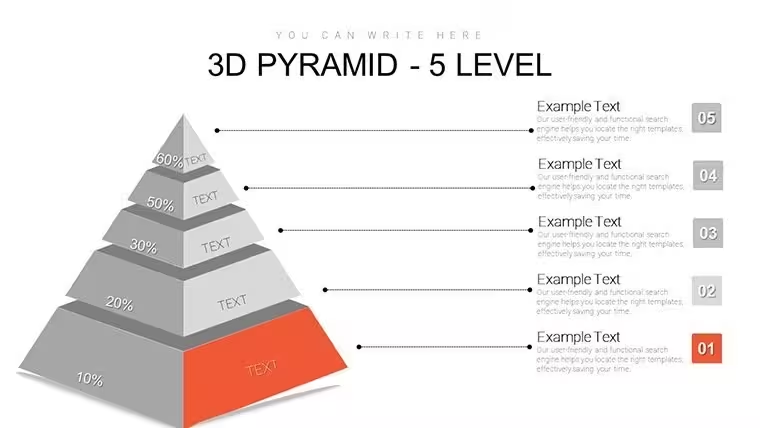
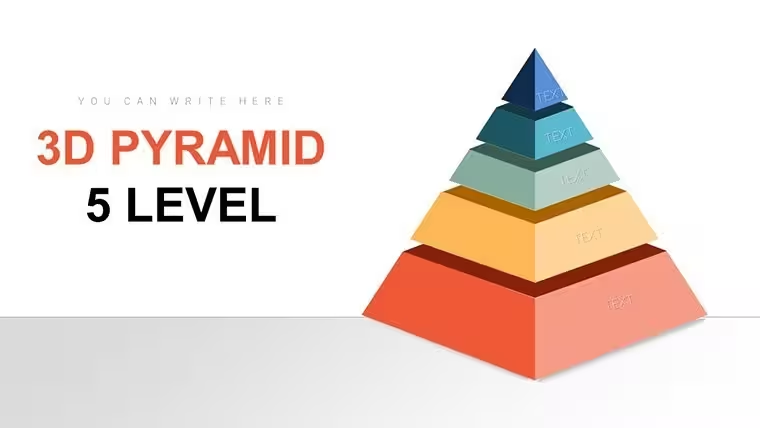
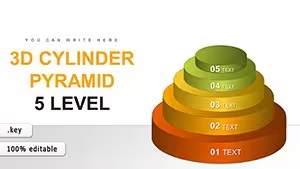
34 slides in a .key file - a five-tier 3D pyramid for motivation frameworks, HR strategy, and needs hierarchy presentations
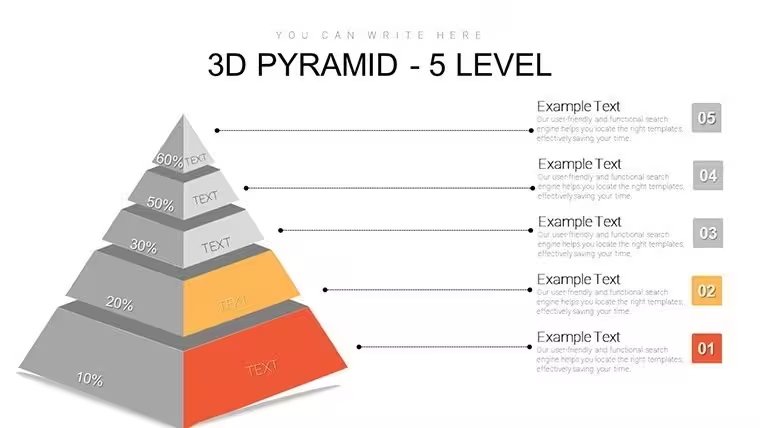
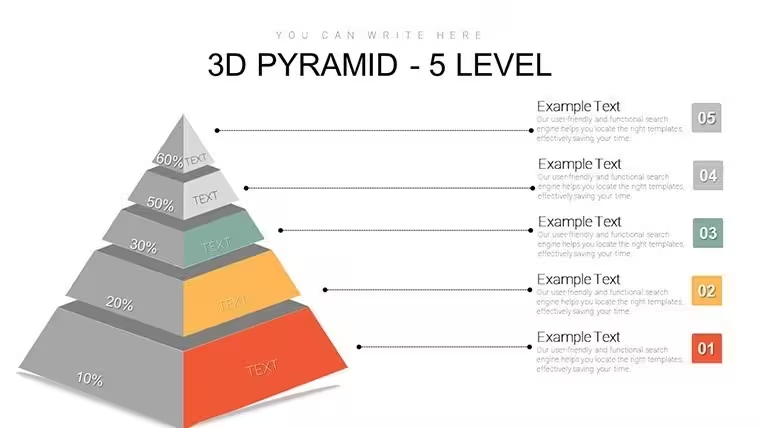
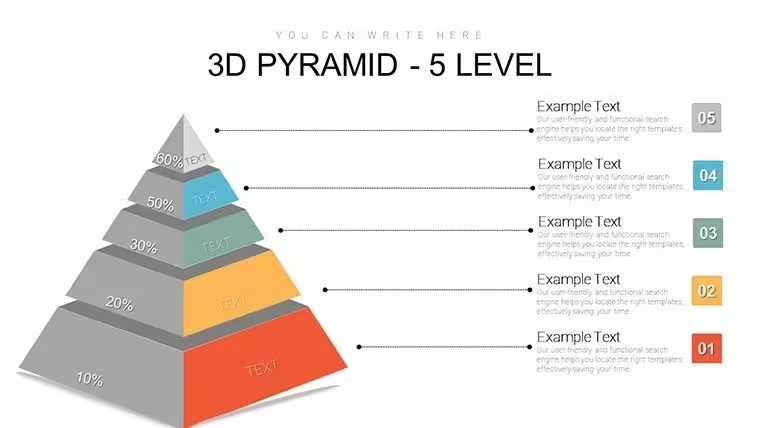
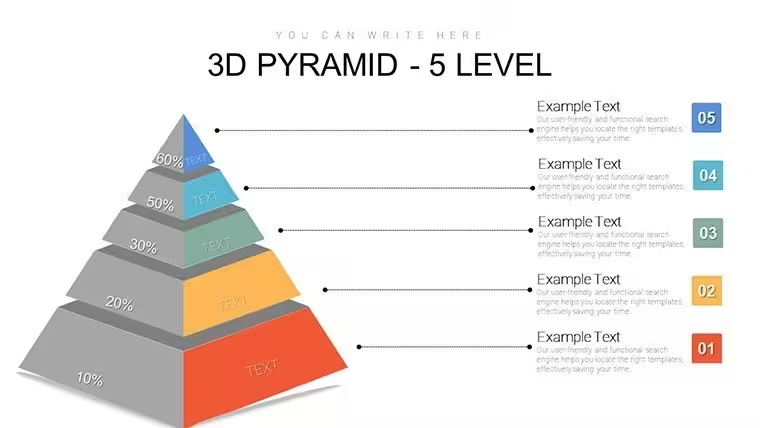
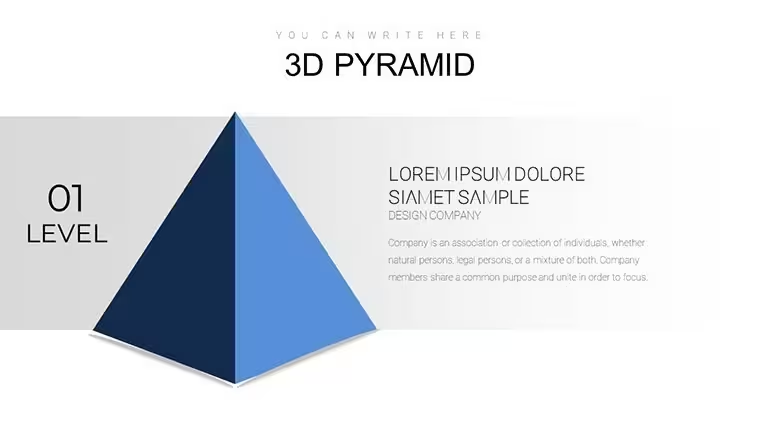
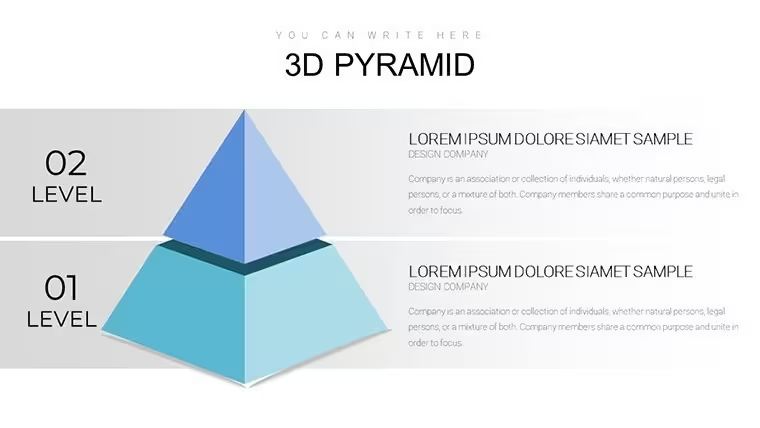
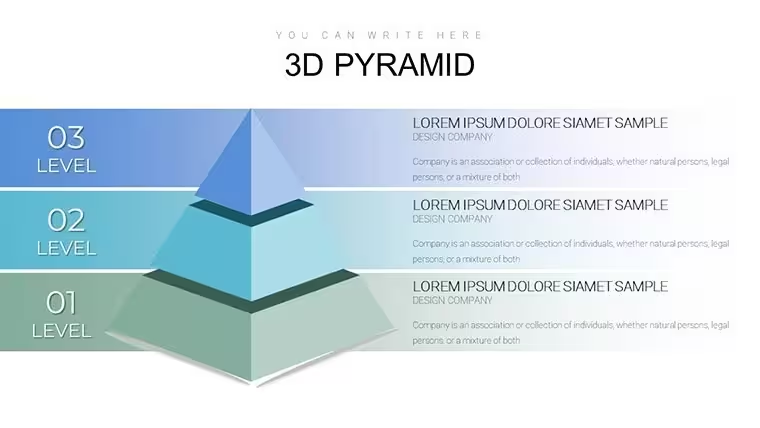
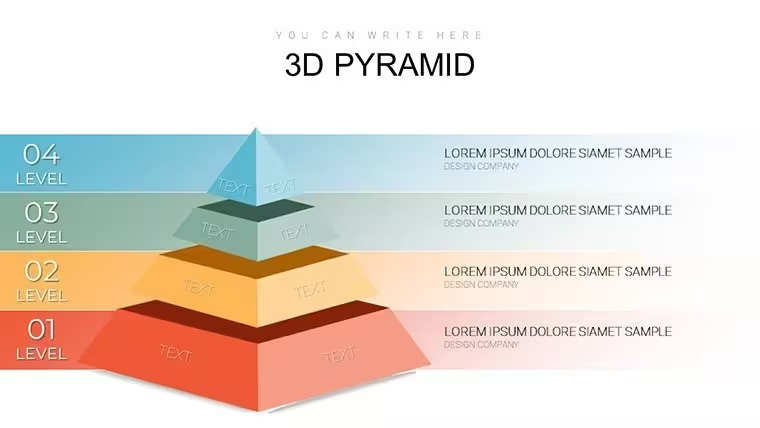
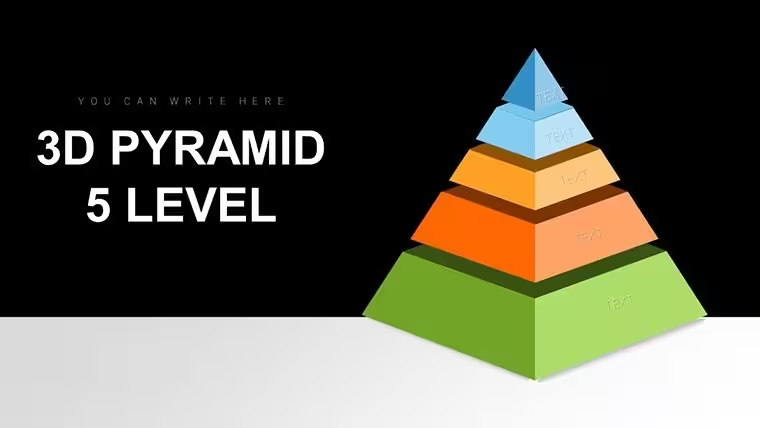
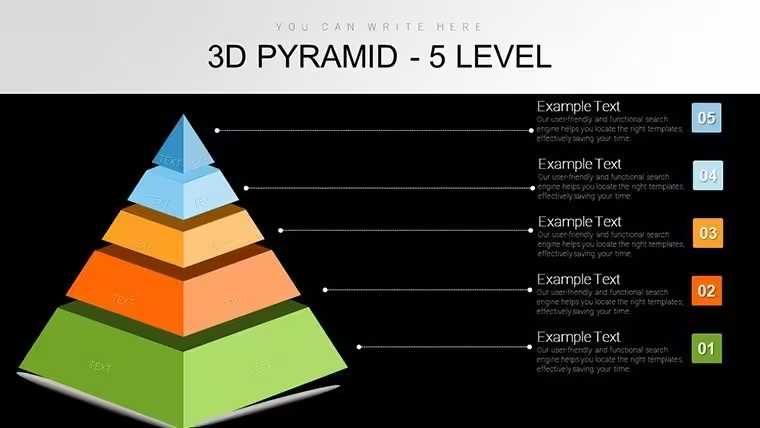
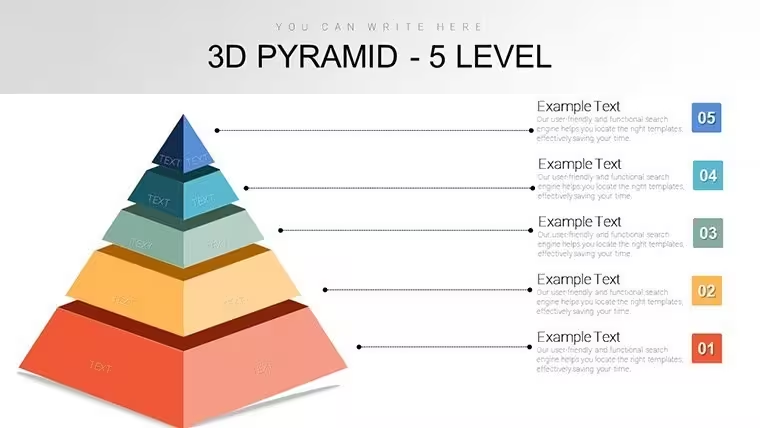
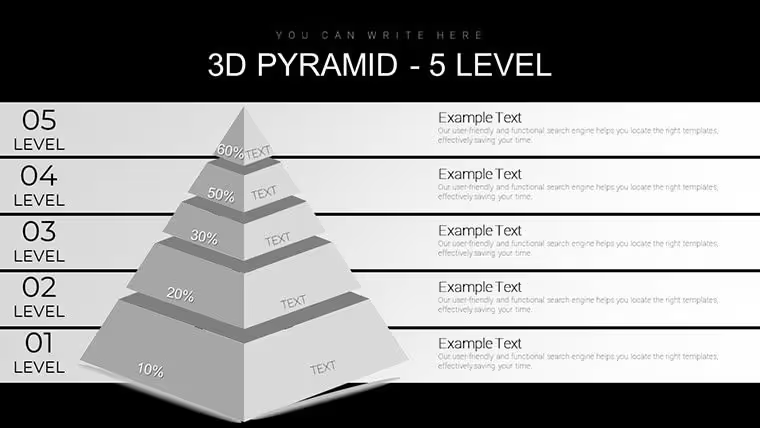
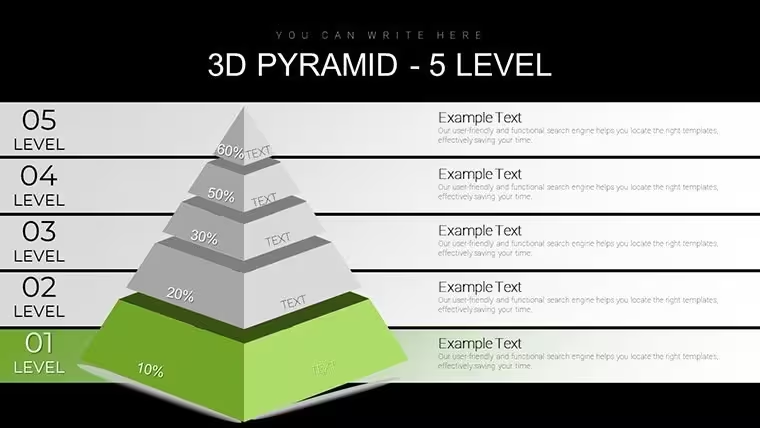
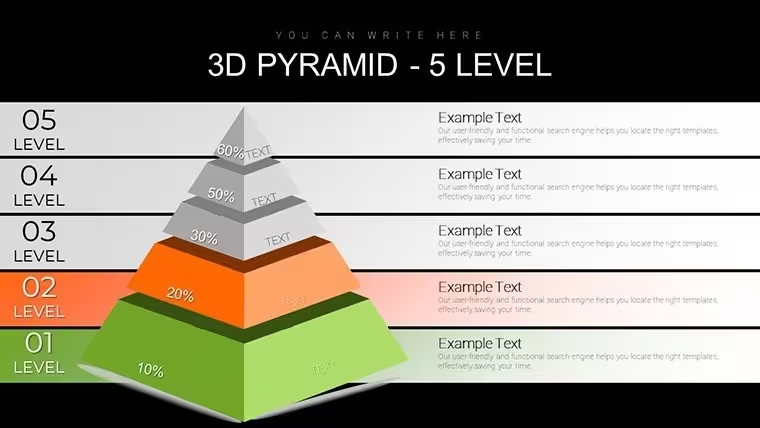
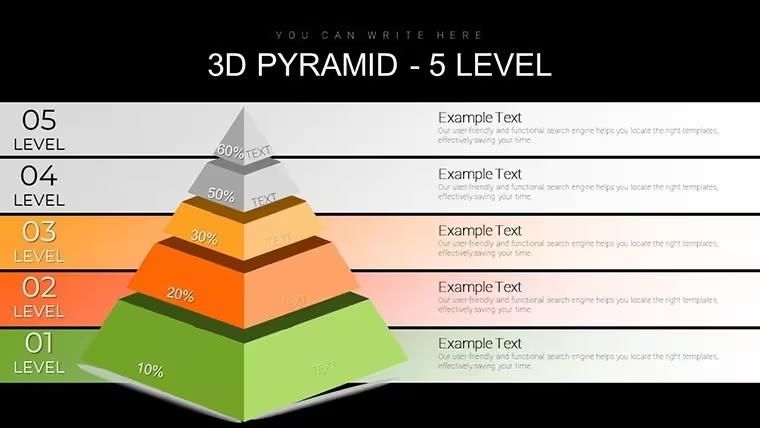
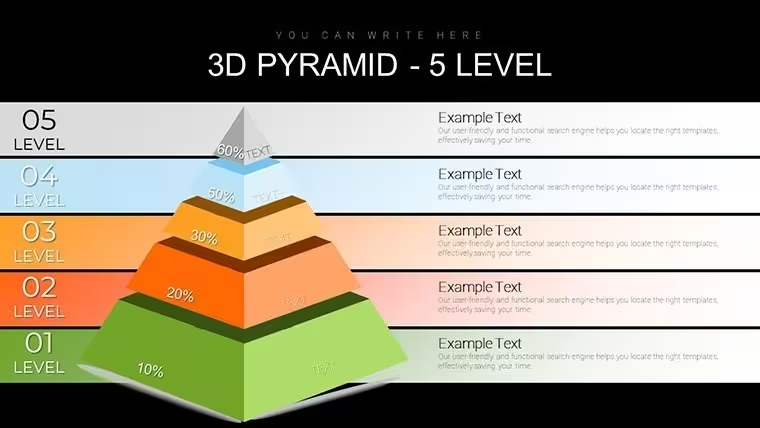
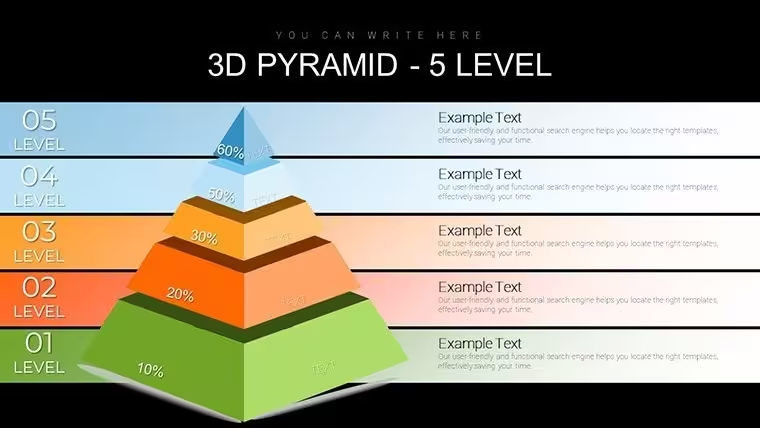
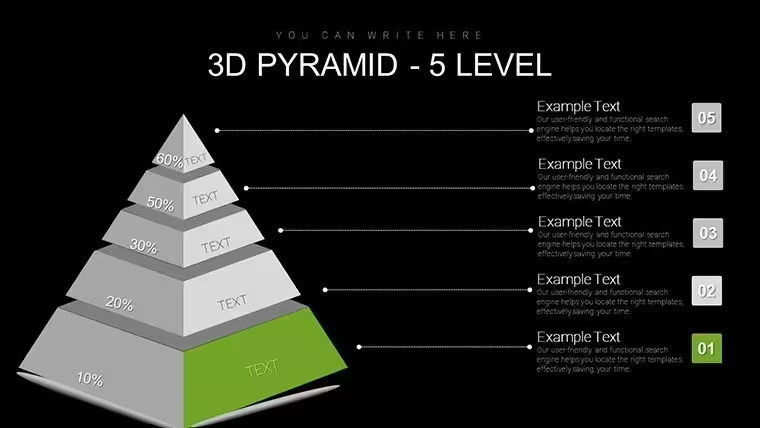
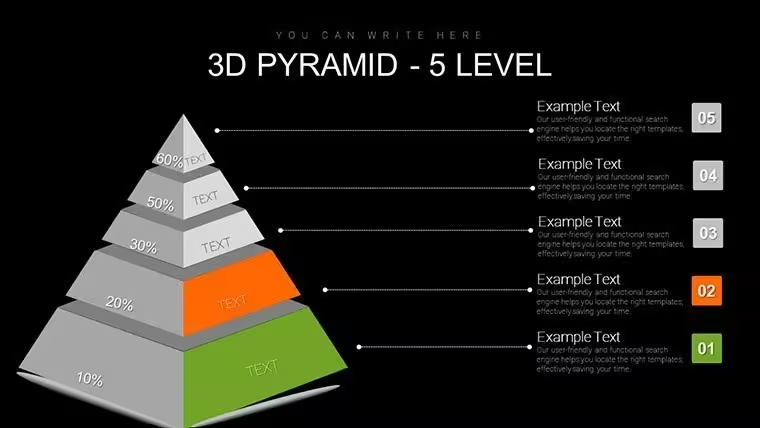
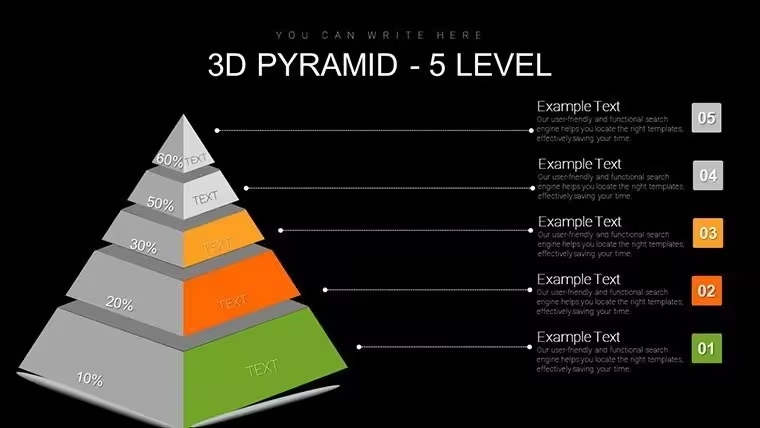
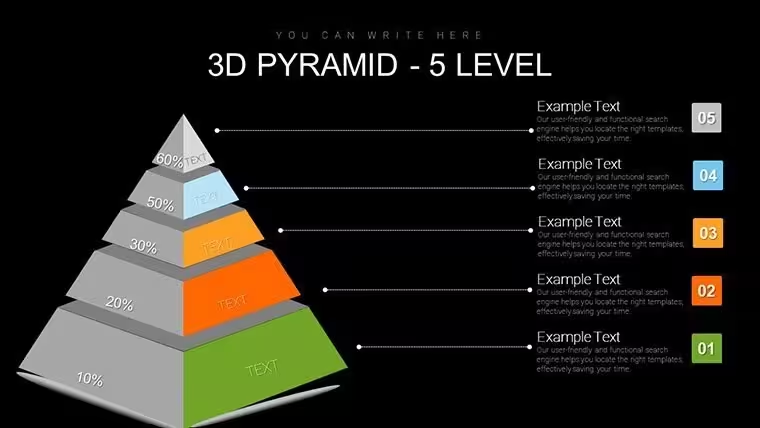
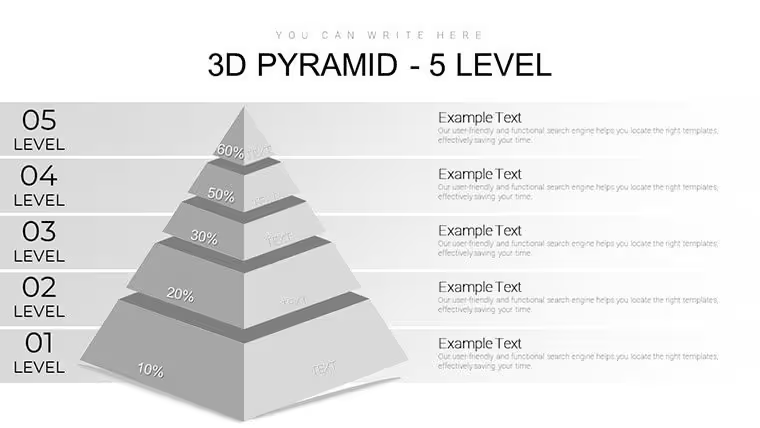
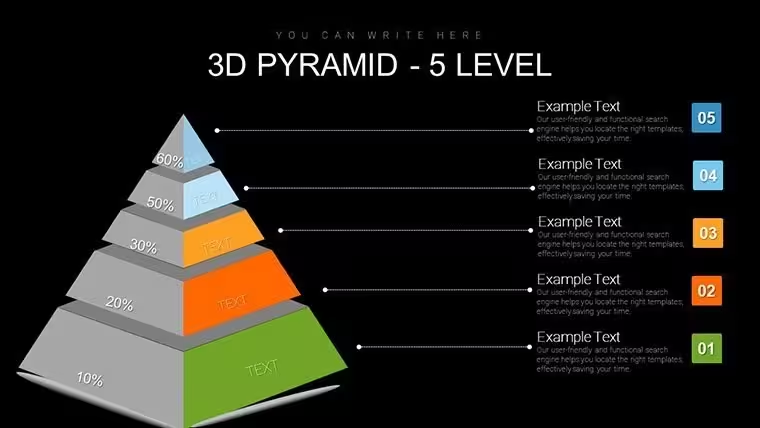
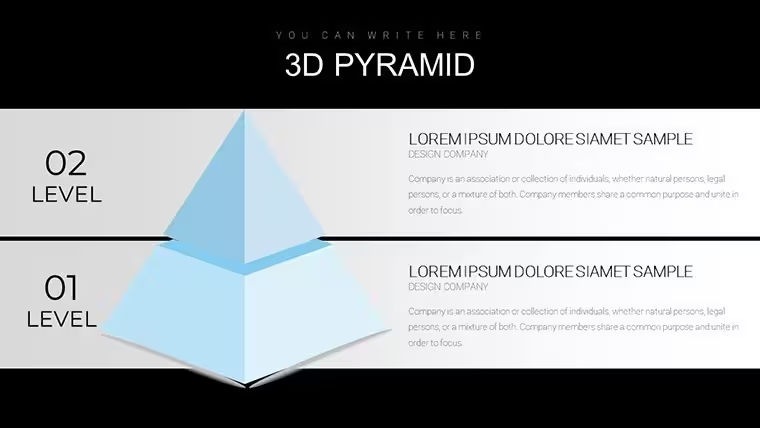
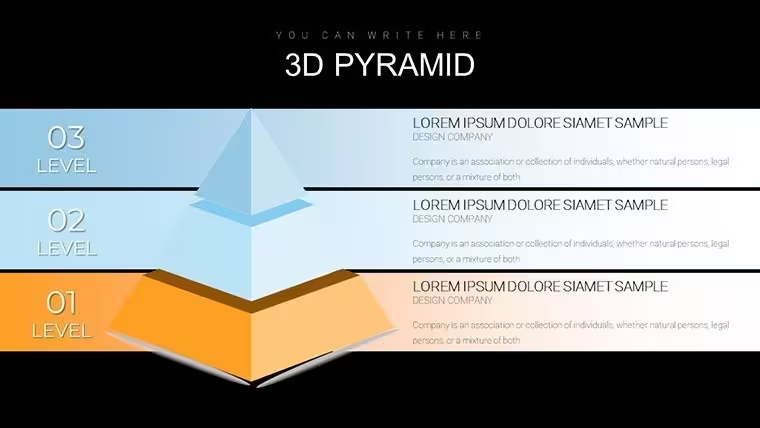
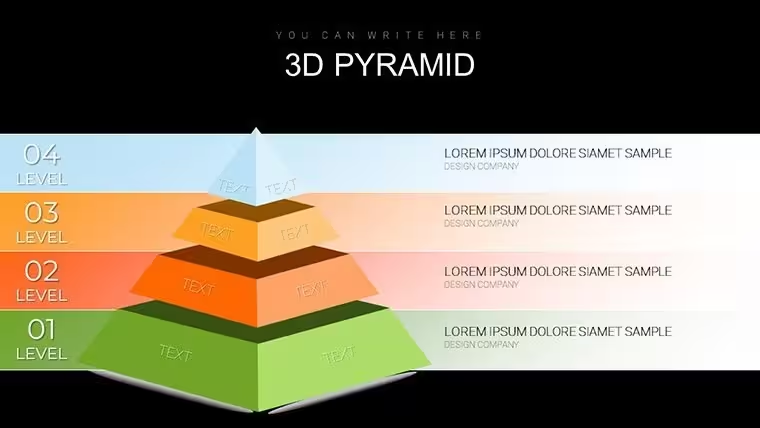
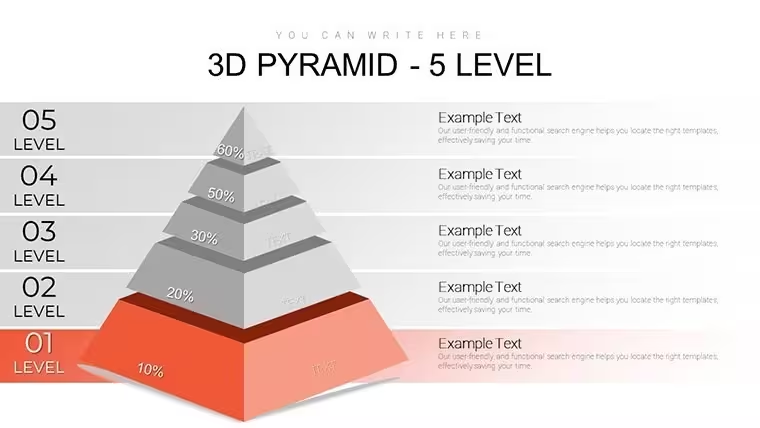
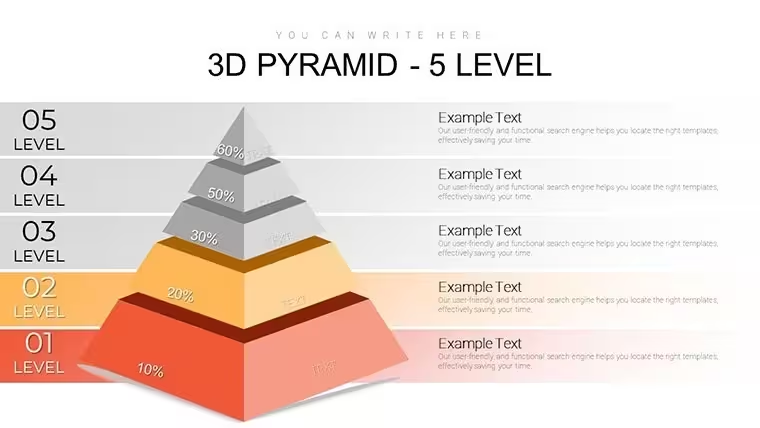
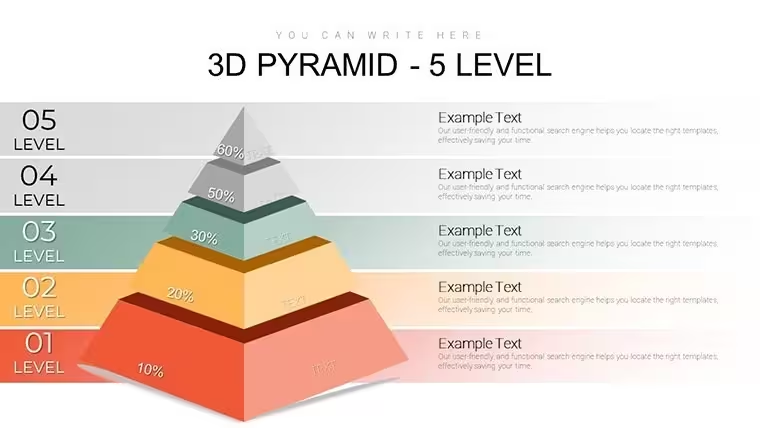
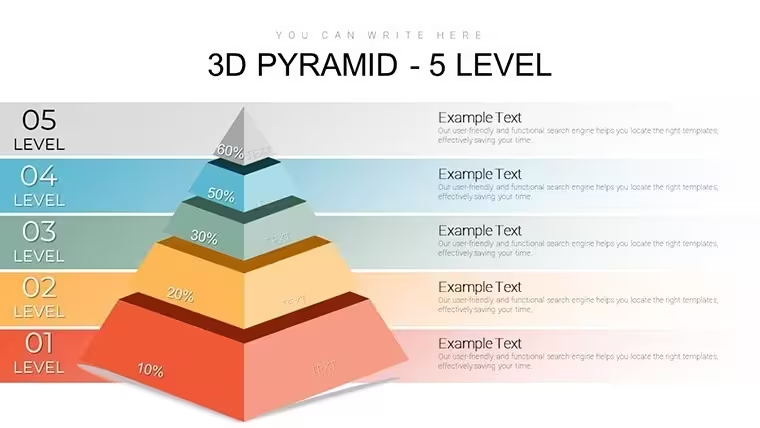
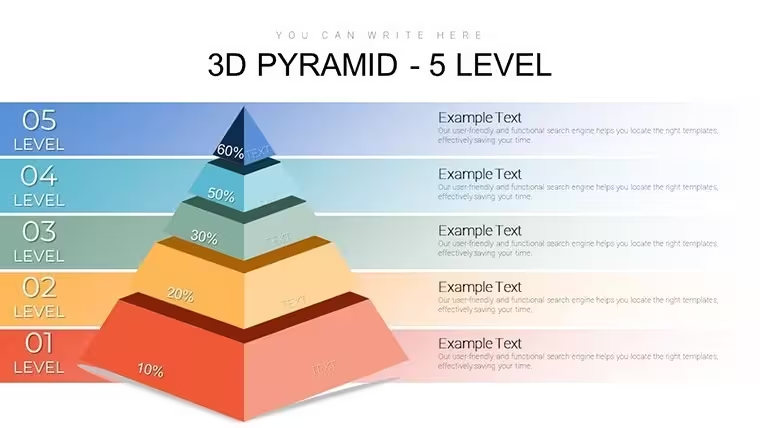
This Keynote chart template (product ID: KC00727) delivers 34 editable slides at $20.00 in standard .key format, widescreen 16:9. The core visual is a vertically stacked 3D pyramid divided into five horizontal tiers - one more level than the four-tier version in this series - which makes it the right choice when your content has five clearly ranked categories rather than four. The additional tier is not cosmetic: it changes the structural logic of the diagram, allowing for finer granularity in priority or needs mapping across the full height of the pyramid.
The five-tier structure suits any hierarchy where the base represents a foundational or universal category and each ascending level becomes more specific or high-value. HR professionals presenting employee engagement frameworks, team leads mapping talent development stages, or coaches illustrating personal growth progressions from basic to advanced levels are the primary users for this layout. In practice, teams building internal workshops on motivation or culture strategy tend to reuse the same five-tier structure across multiple sessions, updating only the tier labels each time.
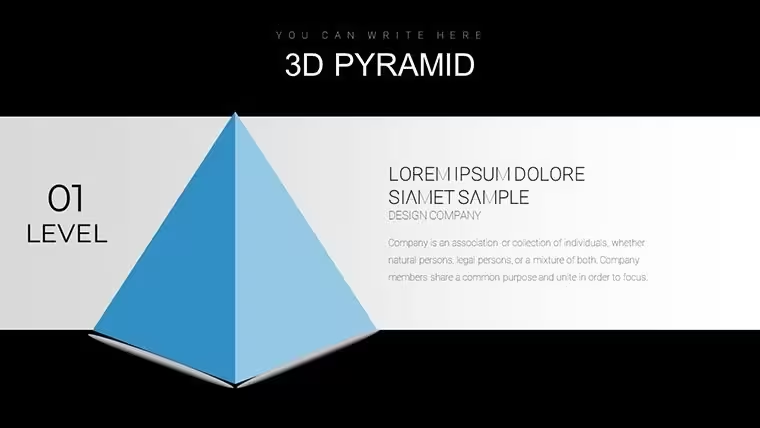
Slide variations across the 34 pages include the pyramid centered with lateral text callouts per tier, pyramid with icon slots beside each level, and full-width versions where the pyramid fills the slide horizontally. The 3D rendering uses layered depth shading - each tier has a distinct shadow edge that visually separates it from the one above and below. That separation keeps the hierarchy readable even when all five tier labels are displayed simultaneously on one slide, which is harder to achieve with flat two-dimensional stacked shapes.
Use this when you need to explain a five-stage ranked framework to an audience without building the pyramid geometry from scratch in Keynote. The tier proportions, depth shading, and spacing are already set - you replace the text labels and adjust fill colors per tier, and the slide is ready. Color edits are made per element in Keynote's Format inspector, since the page does not specify a global master palette for this file. Typically, updating all five tier colors on a single slide takes a few minutes.
Not the right file if your content does not map to a strict vertical hierarchy - the five-tier pyramid implies ranked ordering from broad to narrow, so it is a poor fit for peer-level comparisons, process flows, or network relationship diagrams. Also Keynote-native: exporting to PowerPoint will flatten the 3D depth effect into static shapes, which reduces the visual impact of the tiered structure.
No extra setup required. Open the file and the structure is already in place.
Download and start editing immediately
Frequently Asked Questions
Which Keynote version is required to open this file?The file uses standard .key format and is compatible with current Keynote installations on macOS. The page does not list a specific minimum Keynote version. The 3D depth shading on the pyramid tiers is rendered natively by Keynote, so it displays correctly when opened directly in the application. If you export to PowerPoint, the 3D visual treatment converts to flat shapes, which changes how the tiers appear.
How do I update the colors of the five pyramid tiers?Each tier is a separate editable object. Select the tier on the slide, open the Format inspector in Keynote, and change the fill color. Repeat the process for each of the five tiers. There is no global master palette specified for this file, so color changes are applied individually. In most cases, updating all five tiers on a single slide takes a few minutes, and once you have the palette you want, you can copy the styled elements across other slides in the deck.
Can I use this template in presentations for clients or in commercial projects?The standard license allows use in business presentations, including client-facing decks and internal commercial projects. You may not resell or redistribute the file itself as a template product. Review the full terms at imaginelayout.com/terms/ before submitting any deliverable that incorporates content from this file.
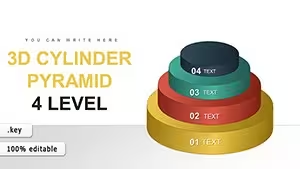
What is the difference between the 4-level and 5-level pyramid templates?The 4-level version (KC00726) contains 28 slides and is suited for frameworks with four ranked categories. This 5-level version contains 34 slides and adds one additional tier, which changes the proportion of each level in the pyramid and allows for finer category breakdown. If your content has exactly five stages or needs - such as a five-step motivation model or a five-phase development ladder - this file is the more direct fit. If your hierarchy has four layers, the 4-level file avoids the need to remove or consolidate a tier.
What is the refund policy?The refund policy is available at imaginelayout.com/refund-policy/. If you experience a technical problem with the downloaded file - such as it failing to open - contact the support team through the site's contact page. Refund decisions depend on the specific issue reported, so reviewing the policy before purchase is recommended.
Good for
- Project roadmaps and sprint plans
- Product launch timelines
- Quarterly or annual review decks
- Company history and milestone summaries
Licence
reviews
Needed charts for a monthly office report and this template saved time.
The layouts were organized and simple.
Some icons looked slightly old fashioned.
The process diagrams were useful for workflow explanations.
Good enough for quick presentations.
FAQ
Will it work in Google Slides?
Are fonts embedded?
Can I use this for client work?
What's the refund policy?
Do you update the template after purchase?
Similar templates
See all Keynote Charts →
All 34 slides