 Click to zoom
3D 4-Level Pyramid Keynote Charts Template - Editable KEY | ImagineLayout
| Format | .pptx |
| Slides | 28 unique layouts |
| Aspect ratio | 16:9 |
| Compatibility | PowerPoint |
| Animated | No |
| Language | English |
| License | Commercial |
| File size | — |
| Version | v1.0 |
| Last updated | August 2026 |
What's inside
28 slides, widescreen 16:9, .key - a four-tier 3D pyramid structure for hierarchy and priority presentations
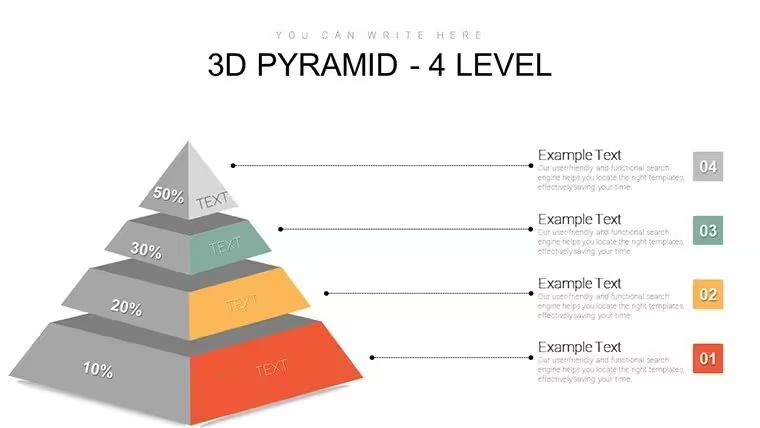
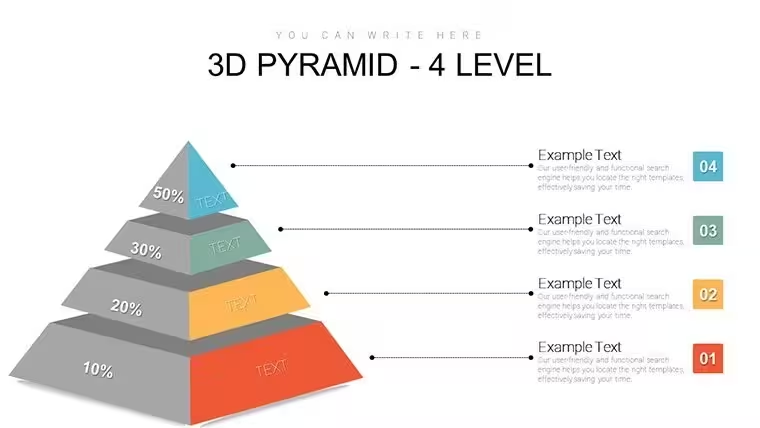
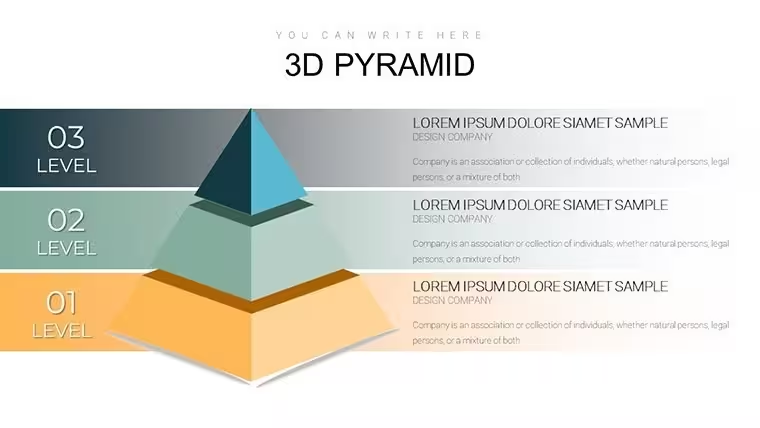
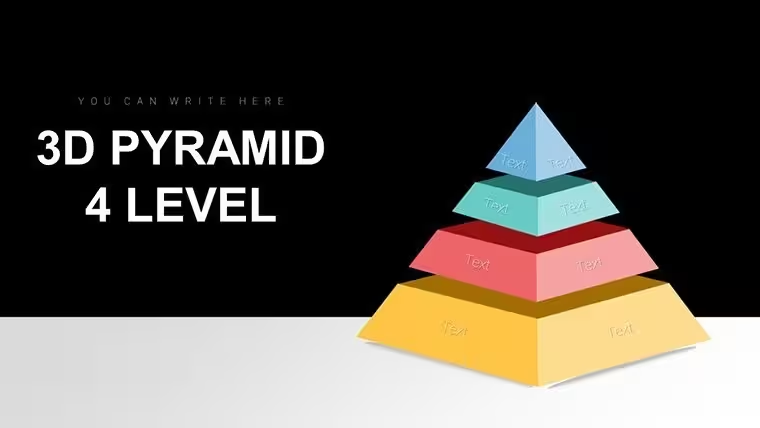
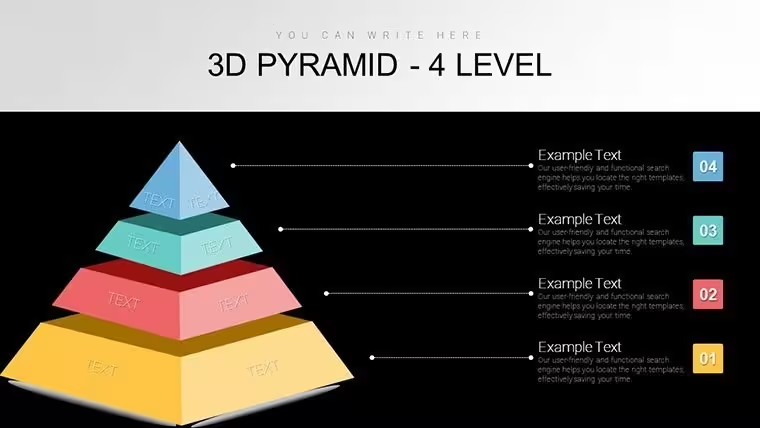
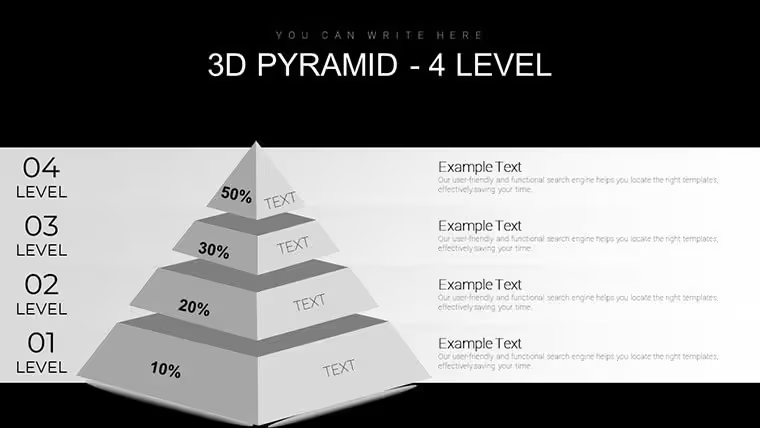
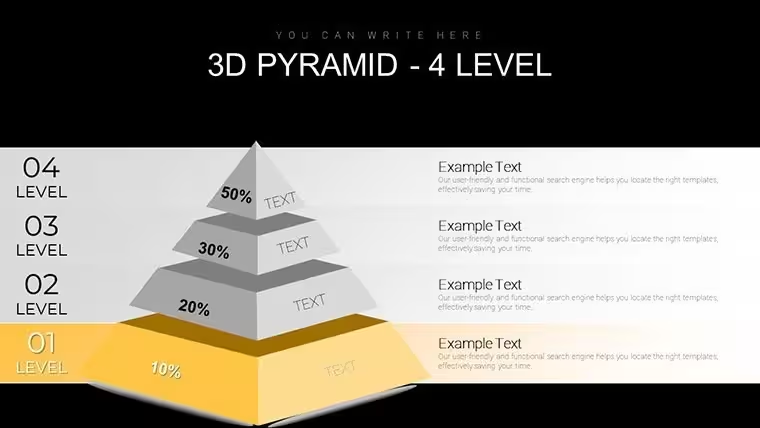
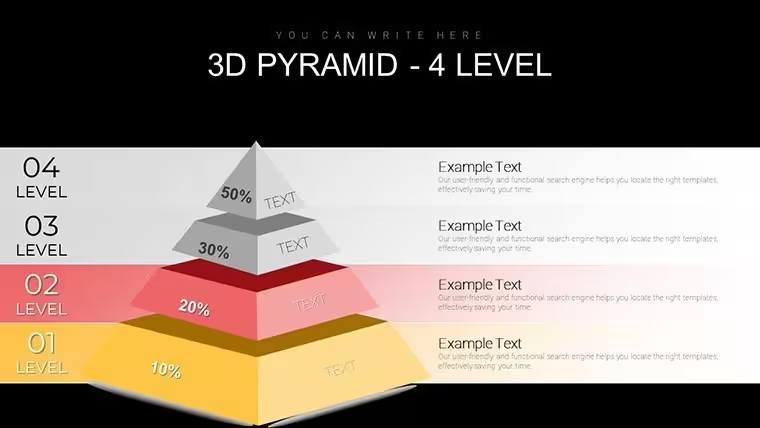
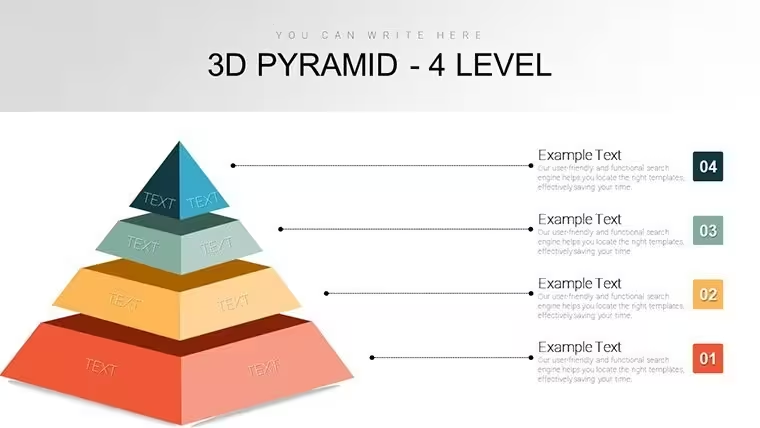
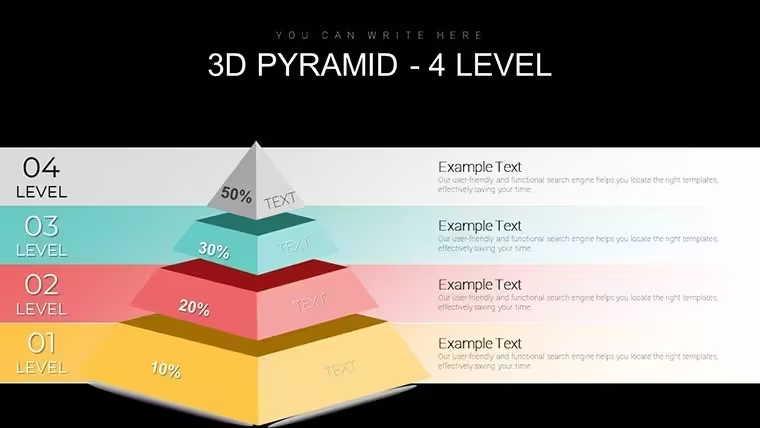
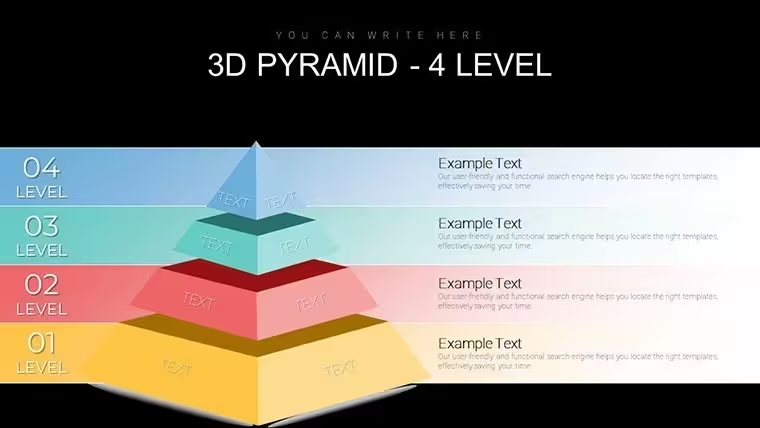
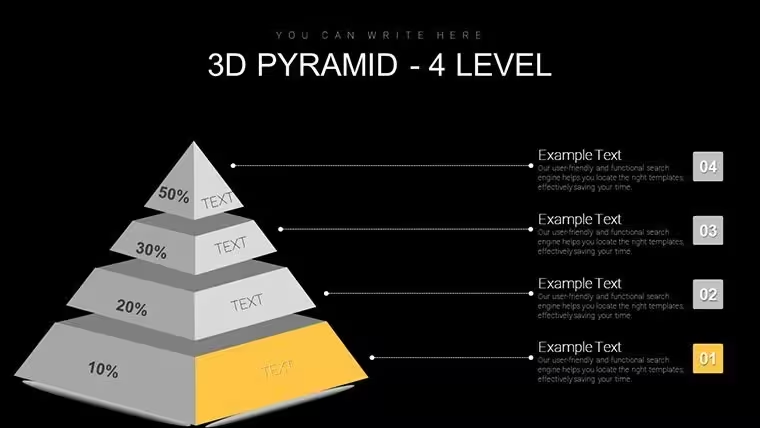
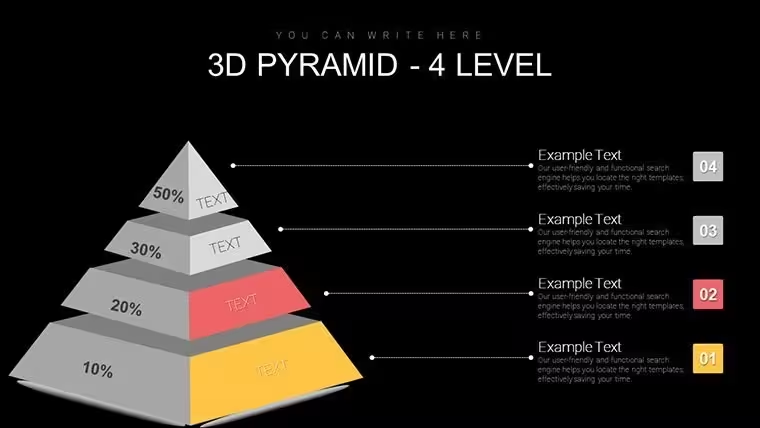
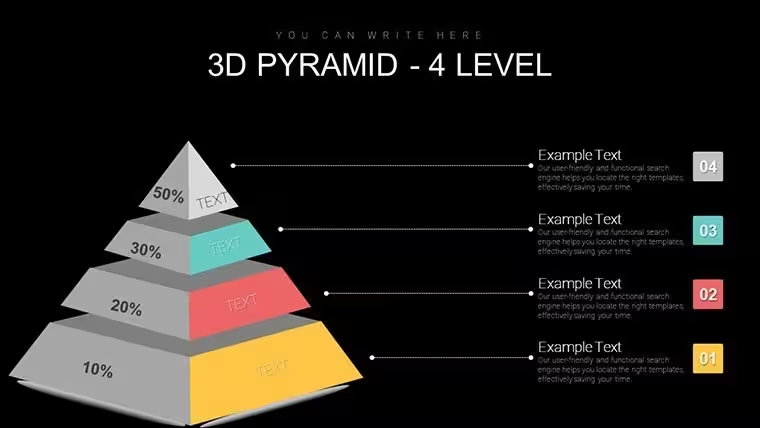
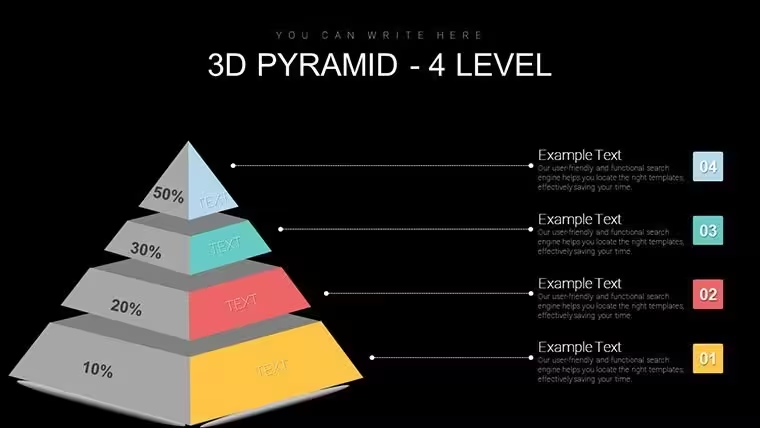
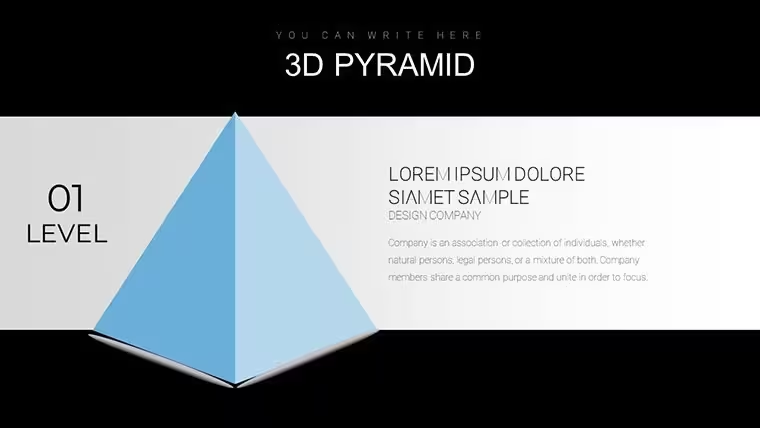
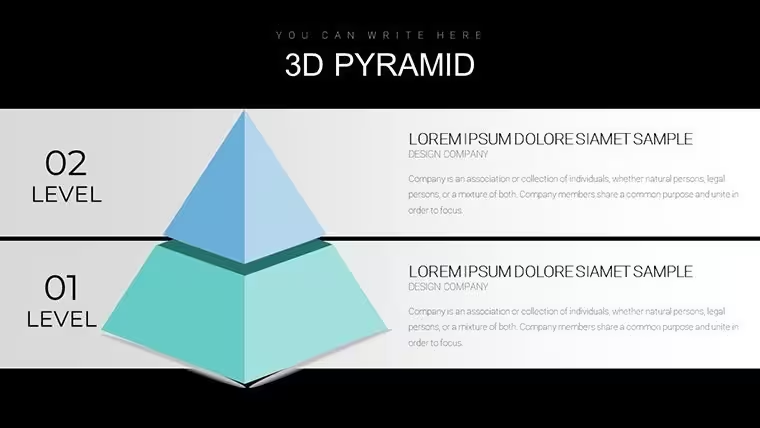
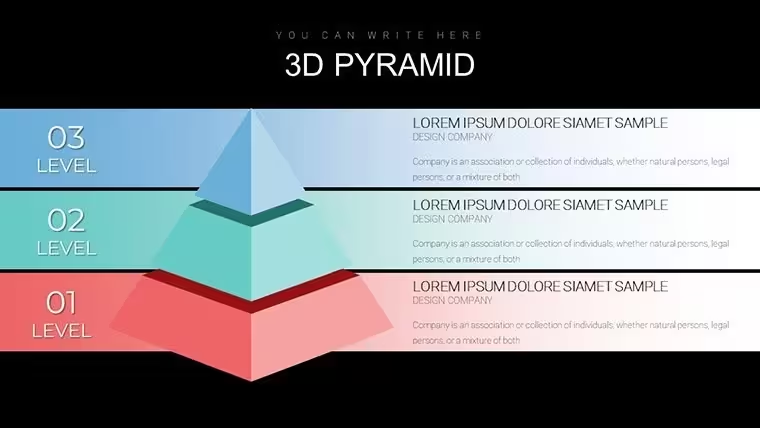
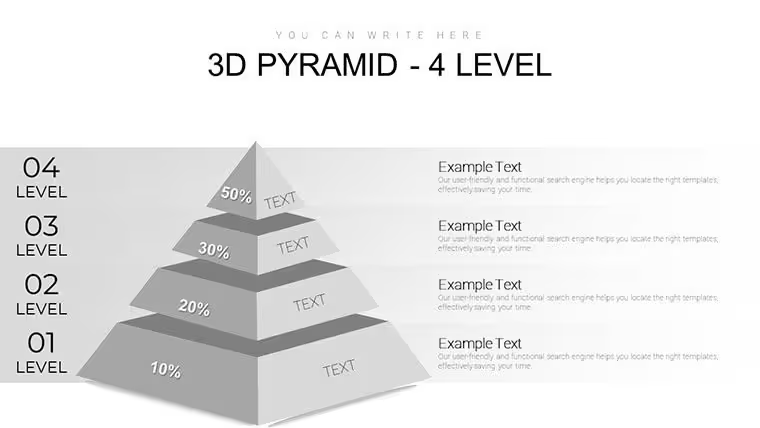
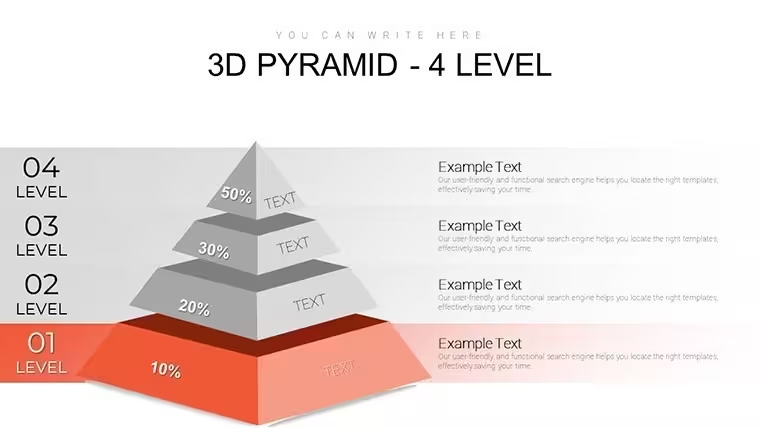
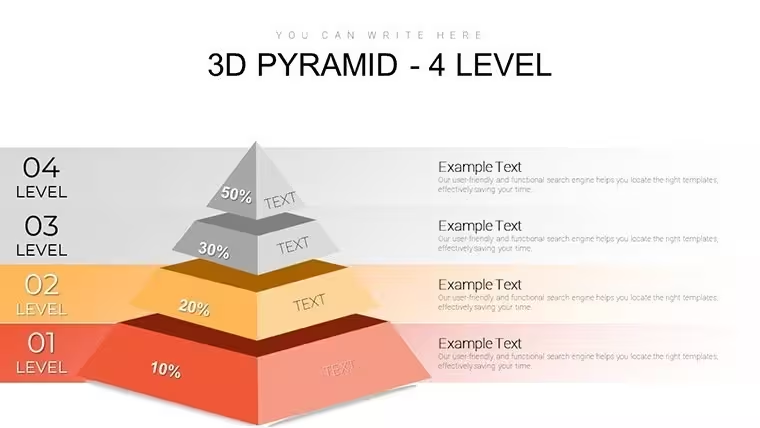
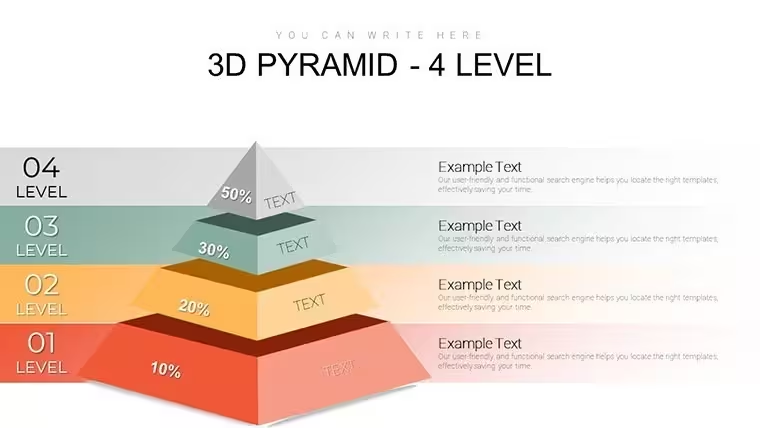
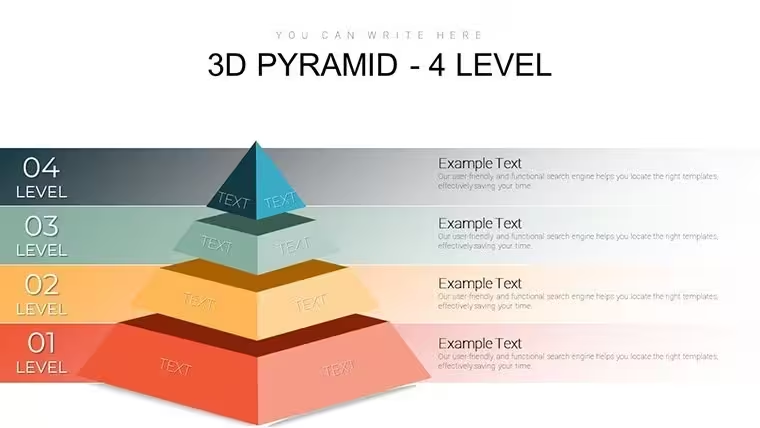
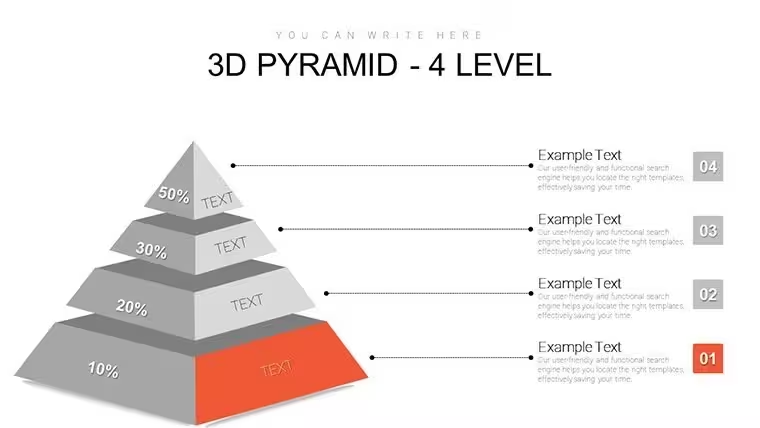
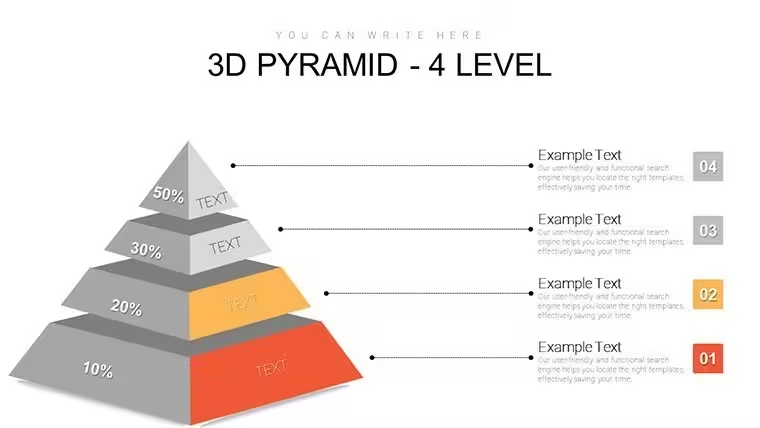
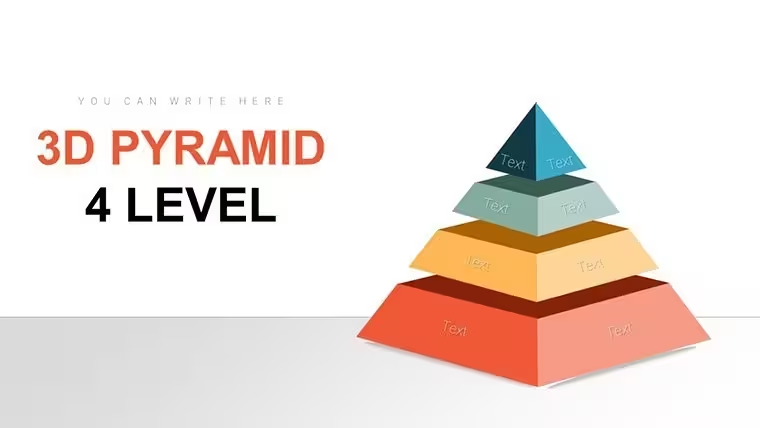
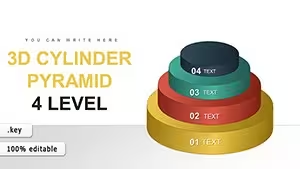
This Keynote chart template (product ID: KC00726) contains 28 editable slides in a .key file at $20.00, sized at widescreen 16:9. The central visual structure is a vertically stacked 3D pyramid divided into four distinct horizontal tiers, rendered with depth shading to distinguish each level from the one below it. Each tier is a separate editable element - text, fill color, and relative size can all be adjusted independently without breaking the overall pyramid form.
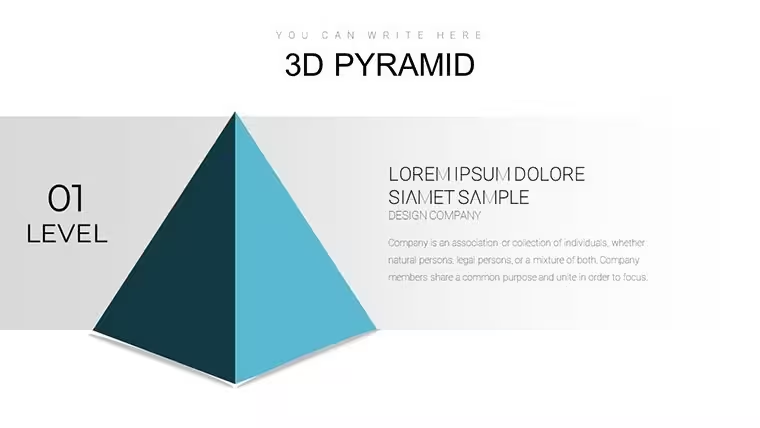
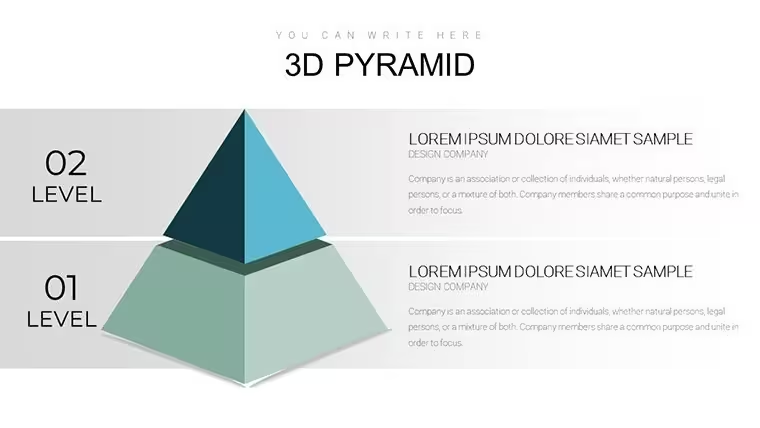
The pyramid structure is a vertical, bottom-to-apex hierarchy layout: the widest tier at the base represents the broadest or most foundational category, and each ascending tier narrows toward a peak representing the most concentrated or highest-priority element. Slides across the 28-page deck offer variations on this core structure - some with lateral text callouts extending from each tier, some with icon slots, and some with the pyramid displayed at an angle for visual emphasis. The 3D depth effect uses layered shading rather than outline-only styling, giving each tier a solid, distinct visual weight.
For quarterly strategy planning or organizational structure reviews, this layout helps show priority ordering in a single slide - which layer the audience should focus on first, what sits at the foundation, and what the ultimate target is. A product team, for instance, could use the four tiers to map from foundational user research up through feature prioritization, go-to-market strategy, and revenue goal. The viewer immediately grasps the relationship between layers without needing to read a lengthy explanation.
Use this instead of assembling a custom pyramid from shapes manually in Keynote. The predefined tier proportions and 3D depth are already built in, so alignment stays consistent across all 28 slides without manual adjustment. Typically, users replace the tier labels and adjust two or three fill colors to match their brand, and the file is presentation-ready.
It works best for structured, ranked content with exactly four clearly distinct levels. Not ideal for content that does not have a natural top-to-bottom priority or for presentations where the audience needs numeric data charts alongside the hierarchy - the file does not include bar graphs, line charts, or data table layouts. Also, since the file is Keynote-native (.key), PowerPoint users will need to export and accept some rendering changes in the 3D depth effects.
Operations directors, strategy leads, and department heads presenting organizational or priority frameworks to senior stakeholders are the most common fit for this layout.
You open the file and start editing. The structure is already there.
Download and start editing immediately
Frequently Asked Questions
Which Keynote version is required for this template?The file uses standard .key format compatible with current Keynote installations on macOS. The page does not list a specific minimum version, but the file should open without issues in any recent Keynote release. The 3D depth effects are rendered by Keynote natively, so they display correctly when the file is opened in Keynote. Exporting to PowerPoint will convert the 3D elements to static images or flattened shapes, which changes their appearance.
How do I change the colors of the pyramid tiers?Each pyramid tier is a separate element. To change a tier's color, select it on the slide and open the Format inspector in Keynote, then adjust the fill color. Since the tiers are individual objects rather than master-linked shapes, apply the same process to each tier you want to update. For a four-tier pyramid, updating all tiers to a new palette typically takes under five minutes per slide. In most cases, you only need to update colors on the slides you plan to use.
Can I use this file for presentations prepared for clients?The standard license covers use in business presentations, including client-facing decks. You may not redistribute the file itself as a template or resell it as a design product. For full license conditions, review the Terms of Use at imaginelayout.com/terms/ before delivering a project that includes content from this file.
Is there a free version of this template?No free version is listed for this product. The file is available as a single paid download at $20.00, which includes all 28 editable slides. There is no preview-only free tier for this specific product.
What is the refund policy if the file has a technical issue?ImagineLayout's refund policy is published at imaginelayout.com/refund-policy/. If the downloaded file fails to open or has a functional problem, contact the support team via the contact page on the site. Whether a refund applies depends on the nature of the reported issue, so reviewing the policy before purchase is recommended.
Good for
- Project roadmaps and sprint plans
- Product launch timelines
- Quarterly or annual review decks
- Company history and milestone summaries
Licence
reviews
Pretty useful template for students.
Used these slides for a statistics project and they looked decent.
The charts were readable without extra editing.
A few layouts felt crowded but manageable.
I liked the balance between graphics and text.
FAQ
Will it work in Google Slides?
Are fonts embedded?
Can I use this for client work?
What's the refund policy?
Do you update the template after purchase?
Similar templates
See all Keynote Charts →
All 28 slides