 Click to zoom
7 Market Phases Keynote Charts - Fully Editable | ImagineLayout
| Format | .pptx |
| Slides | 20 unique layouts |
| Aspect ratio | 16:9 |
| Compatibility | PowerPoint |
| Animated | No |
| Language | English |
| License | Commercial |
| File size | — |
| Version | v1.0 |
| Last updated | April 2026 |
What's inside
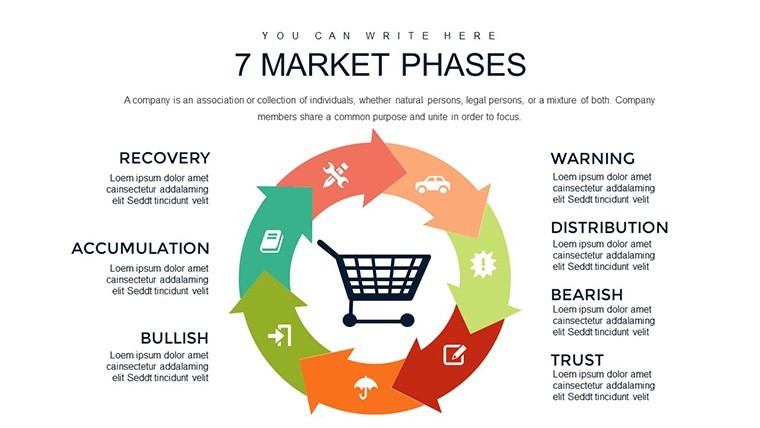
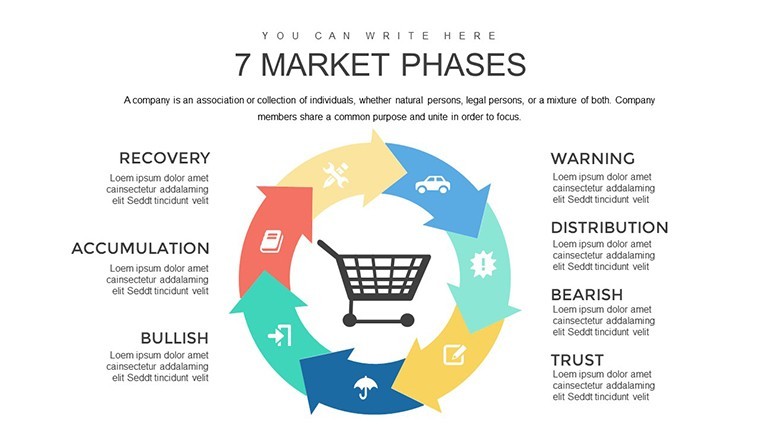
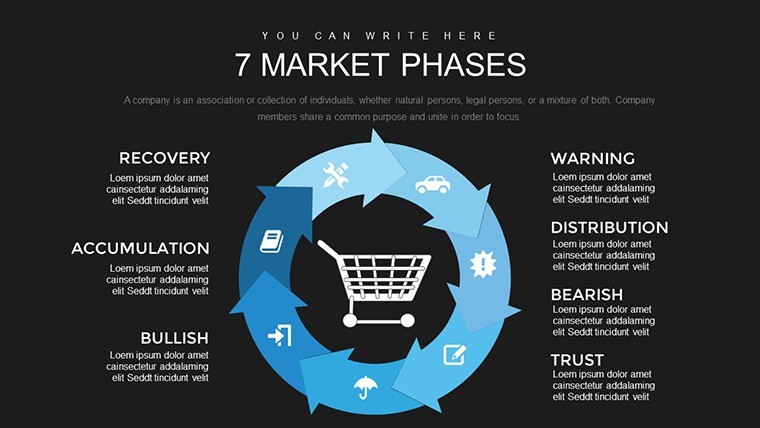
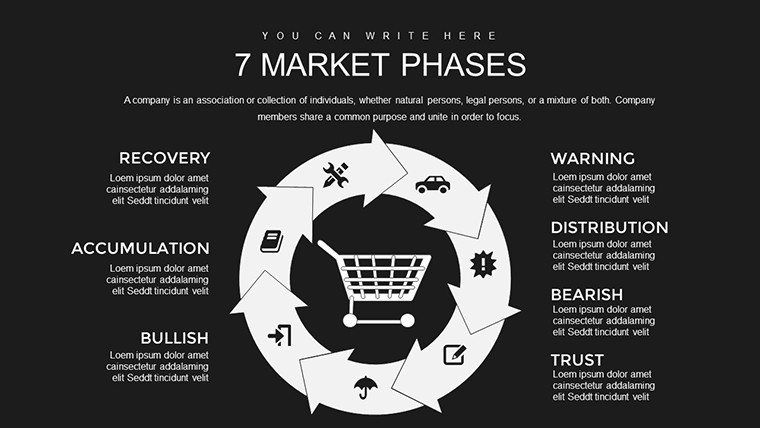
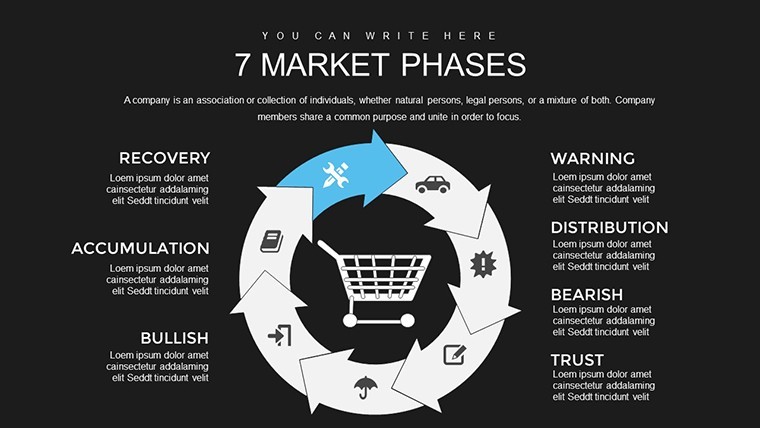
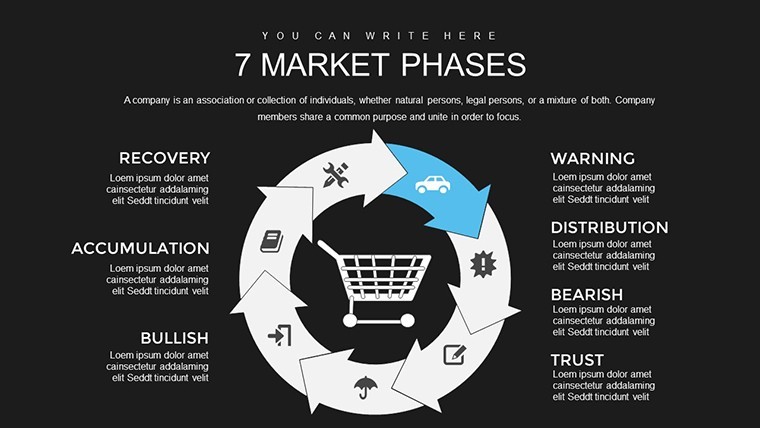
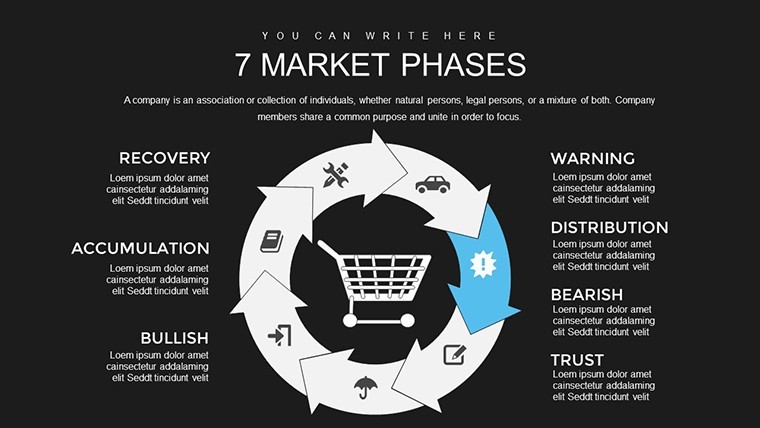
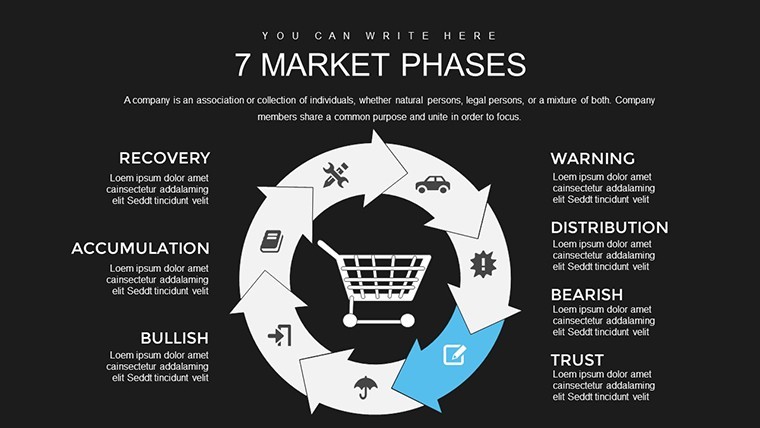
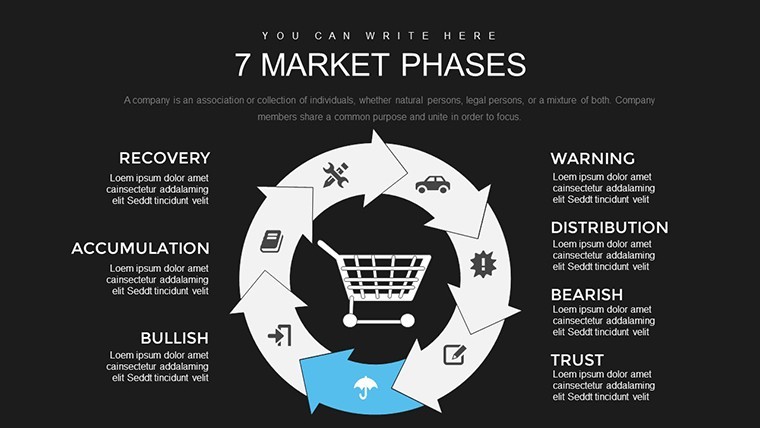
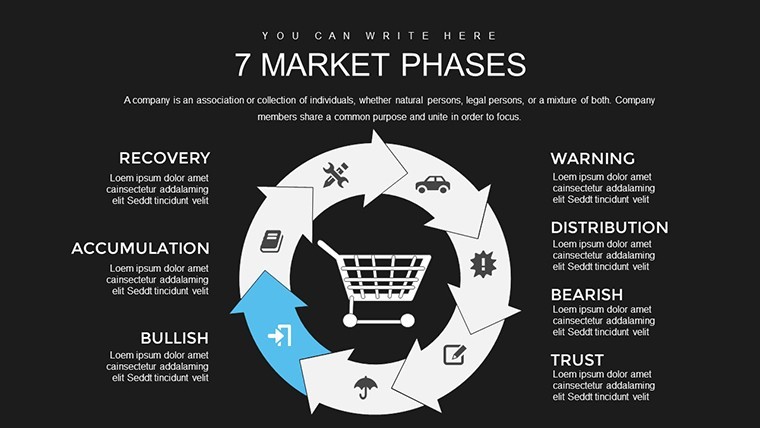
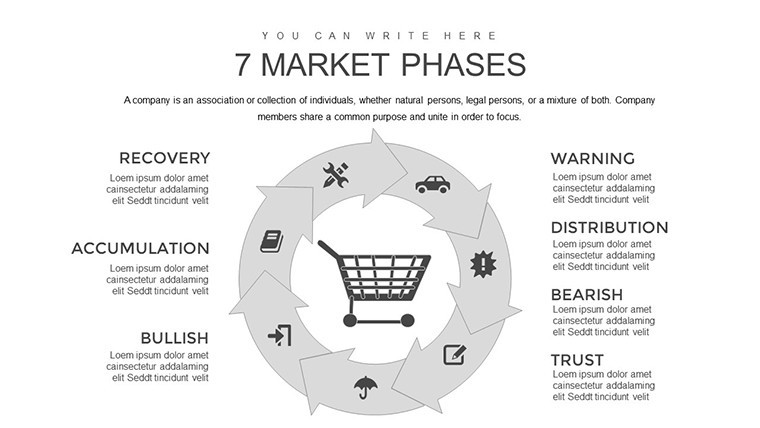
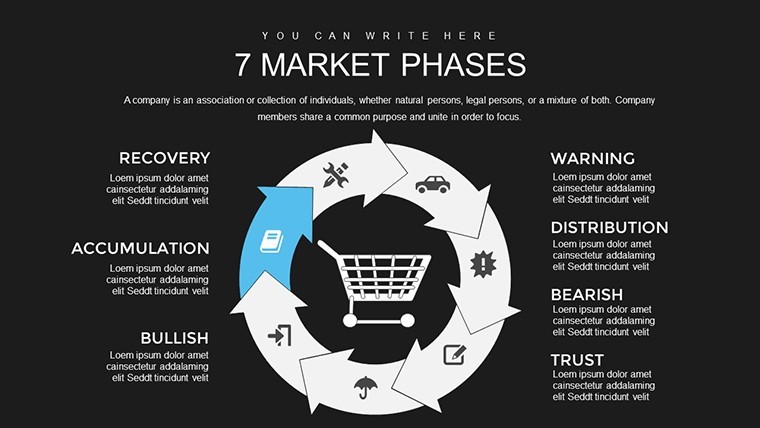
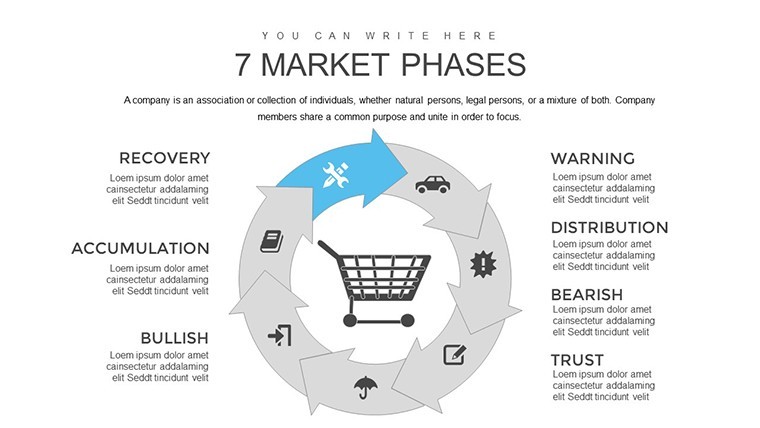
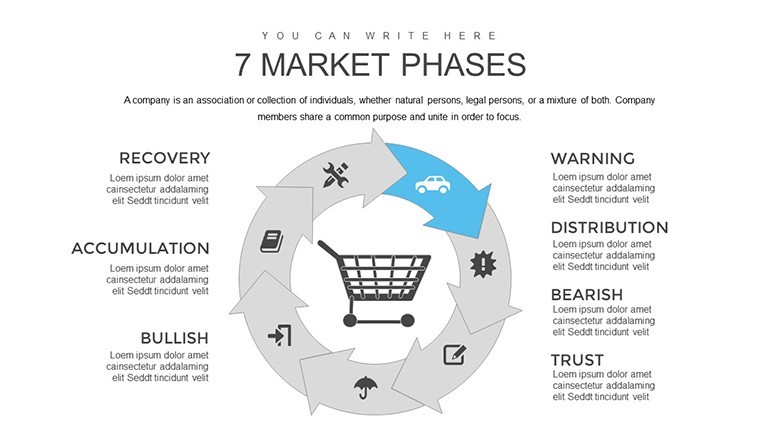
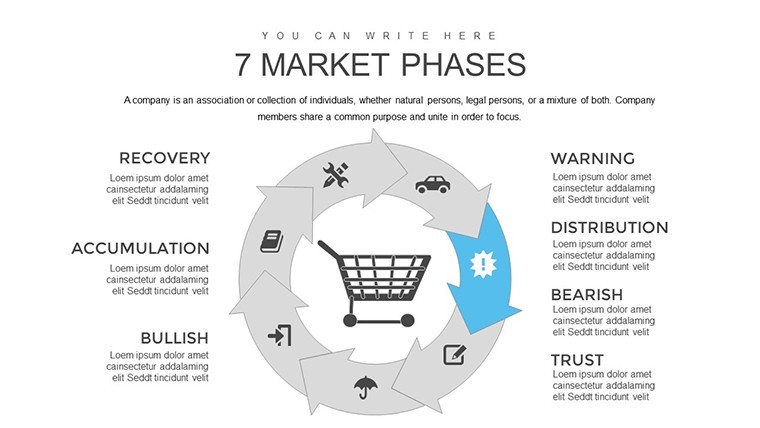
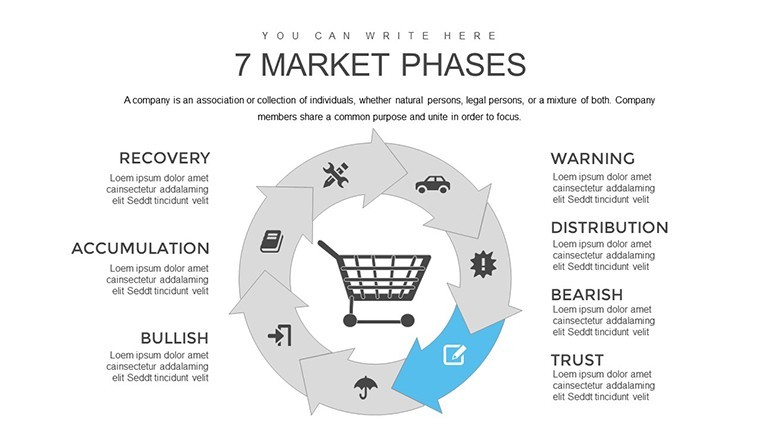
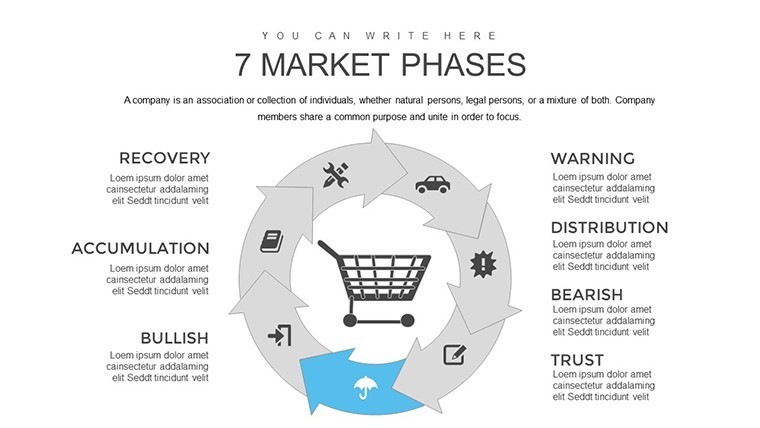
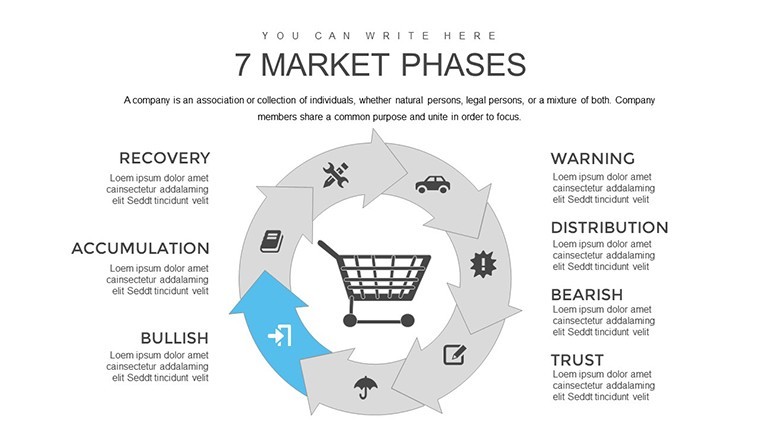
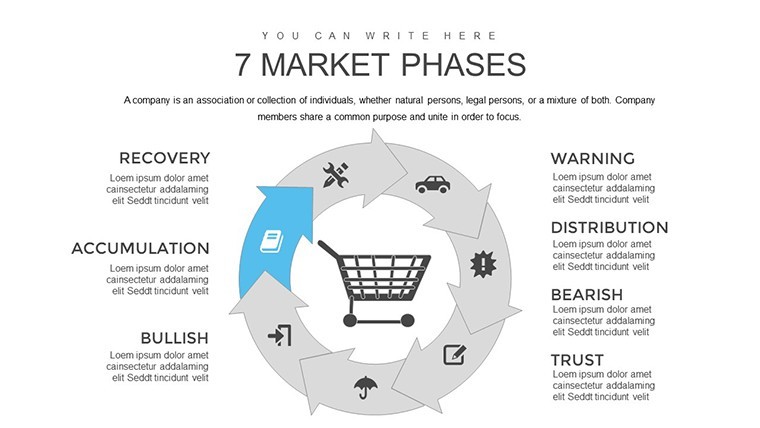
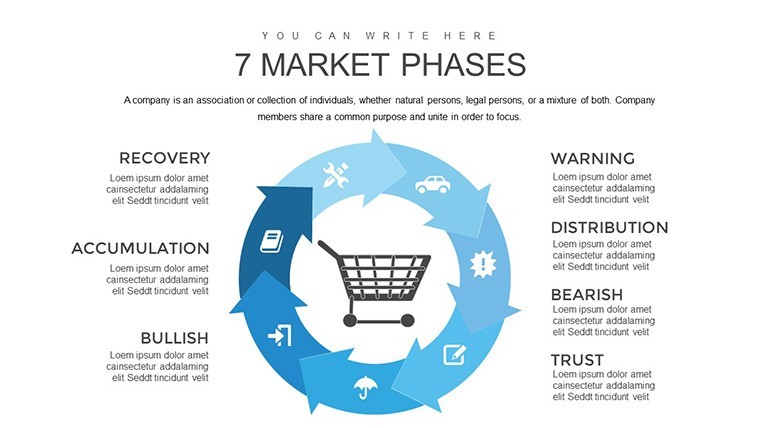
No photo placeholders no gradients - just phase diagrams for market evolution in Keynote.
Ready to go.
When you need to show market development stages to strategy teams these 20 slides handle the cycle breakdown without manual arrangement.
The paid version includes 20 editable slides and you duplicate blocks to fit your exact timeline data while the file stays compatible with current Keynote installations.
In most cases you only replace text and adjust colors via the slide master.
Color changes via slide master let you switch the entire deck palette in under two minutes and this Keynote chart template prevents overcrowded layouts.
Typically teams reuse the same file across recurring presentations and it is not designed for open brainstorming sessions.
This supports prioritization analysis so you can identify the current market phase and decide next actions after the review.
Use this instead of building from scratch for marketing overviews and see the Ecology Charts Keynote Template - Save the Planet and 9 Step Cycle Keynote Template - Fully Editable | ImagineLayout for related tools.
The paid version includes 20 editable slides while free details are not listed on the page.
Specifications
FeatureDetailsSlides / diagrams20 editable charts on 7 market phasesFile formatKEYSoftware versionKeynote 10+Color schemesFully editable via master slidesEditable elementsText icons and colors resize independentlyAspect ratio16:9Free vs PaidPaid includes all 20 slidesMasters / BackgroundsOne master for quick updatesEverything is already structured.
Download and start editing immediately
How do I change colors via slide master?The template uses slide masters for quick updates. Open View > Master Slides in Keynote select the master and modify the color scheme. It applies to all slides instantly. In most cases this is the fastest way to rebrand the deck.
Can I use this for client work?Yes the license allows use in client projects as long as the template is not resold or distributed as is. You can deliver the customized presentation to clients.
What is the difference between free and paid?The paid version includes the full 20 editable slides. The page does not specify exact free version contents but the paid gives the complete file ready for editing.
What are the refund conditions?If the file does not open in your Keynote version contact support within 7 days for a full refund. The license is non-refundable after successful download and use.
What Keynote version is required?It works with Keynote 10 and later on macOS. The files follow standard KEY formats compatible with current installations.
Good for
- Project roadmaps and sprint plans
- Product launch timelines
- Quarterly or annual review decks
- Company history and milestone summaries
Licence
reviews
Good for technical presentations with lots of numbers.
The chart layouts felt clean and readable.
I wish there were fewer sample graphics to delete.
Used it for a performance report at work.
The structure helped because I had no idea how to organize my slides.
FAQ
Will it work in Google Slides?
Are fonts embedded?
Can I use this for client work?
What's the refund policy?
Do you update the template after purchase?
Similar templates
See all Keynote Charts →
All 20 slides