 Click to zoom
3D Cube Keynote Charts - Instant Download | ImagineLayout
| Format | .pptx |
| Slides | 18 unique layouts |
| Aspect ratio | 16:9 |
| Compatibility | PowerPoint |
| Animated | No |
| Language | English |
| License | Commercial |
| File size | — |
| Version | v1.0 |
| Last updated | September 2026 |
What's inside
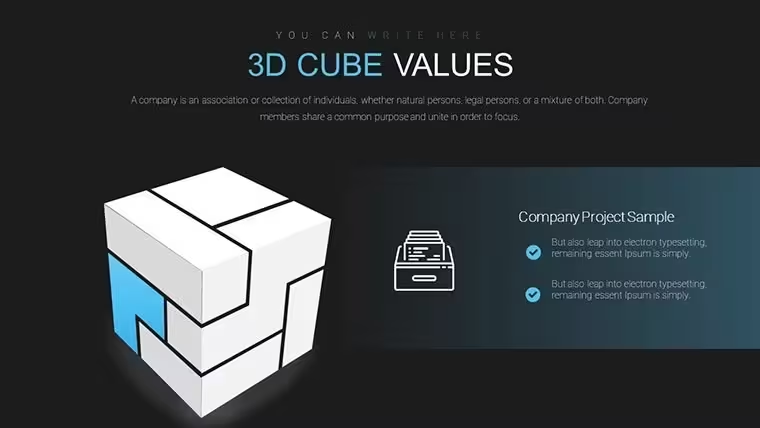
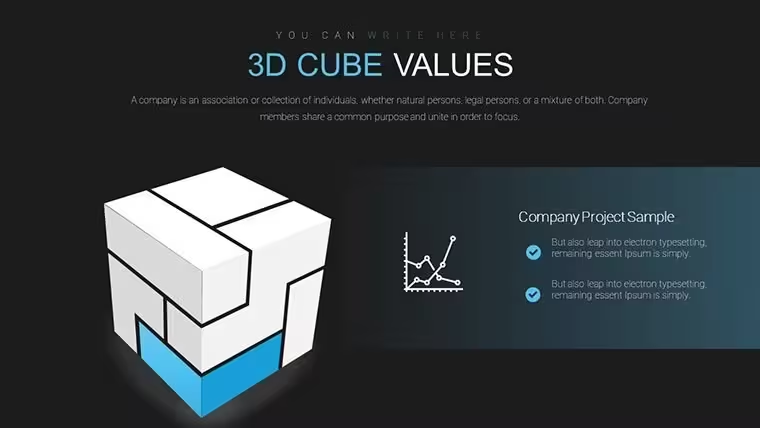
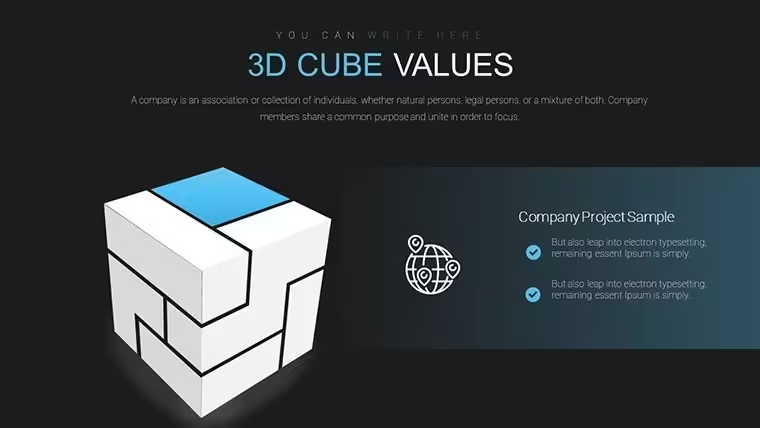
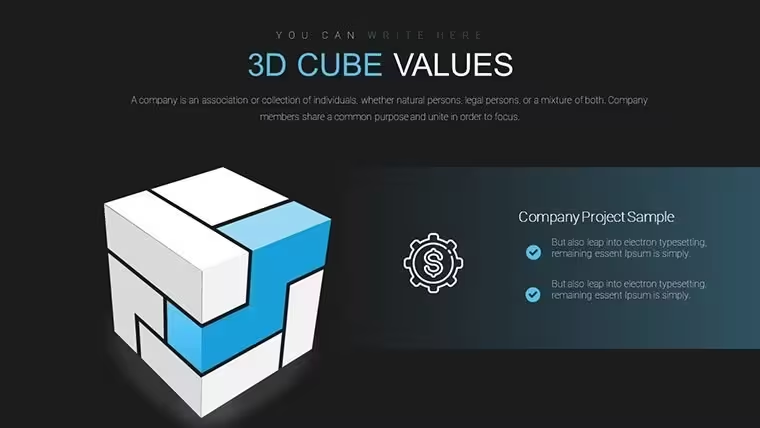
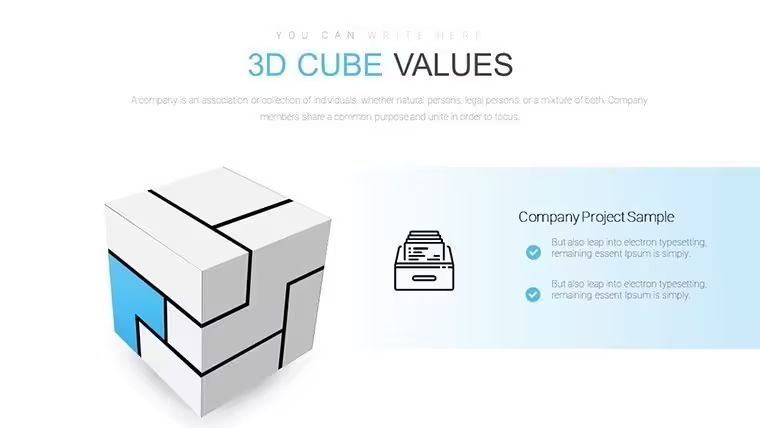
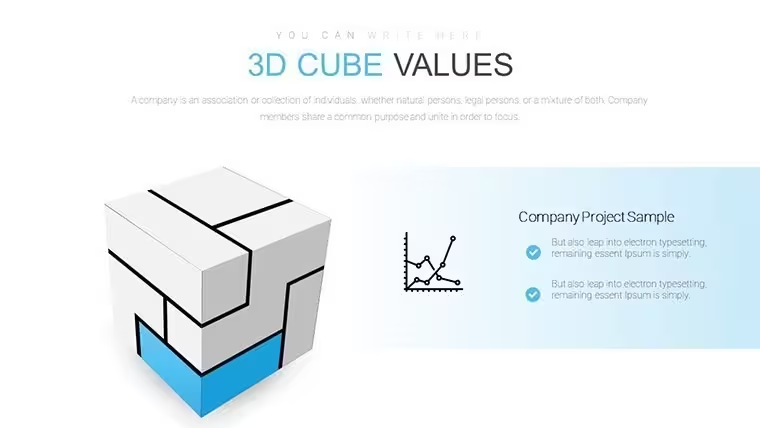
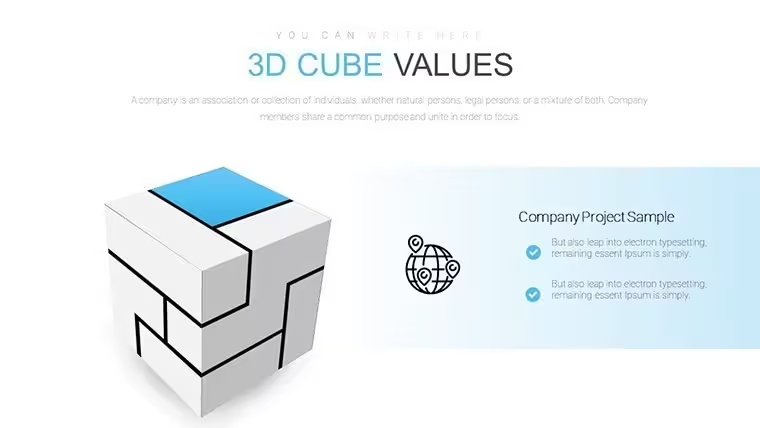
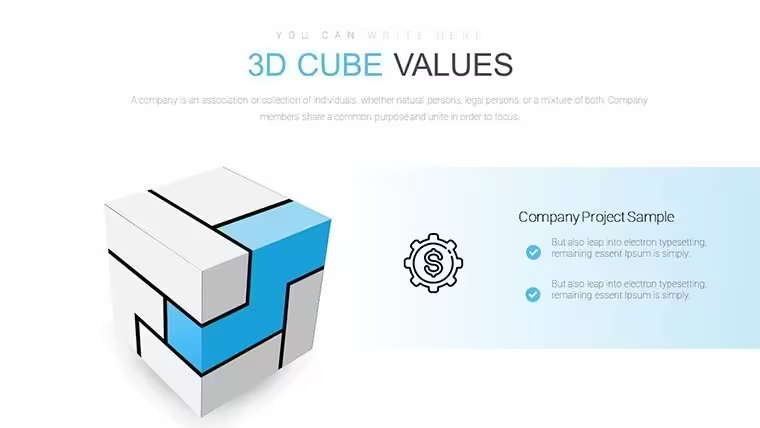
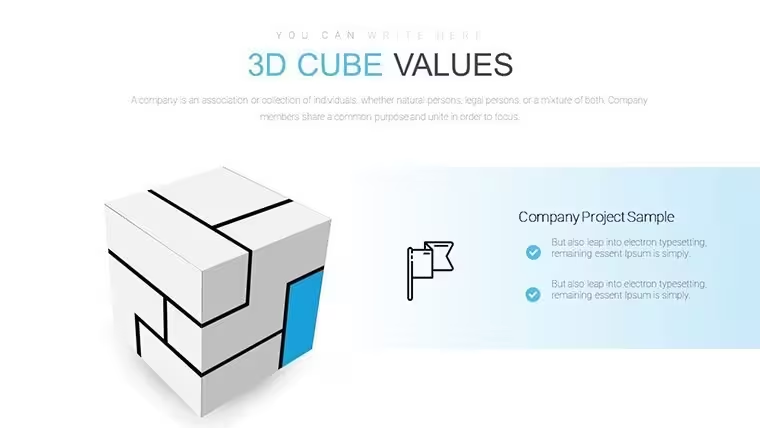
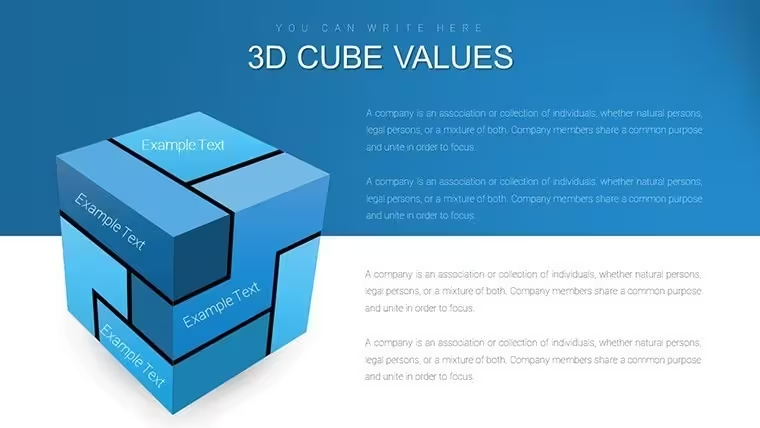
Open the .key file and insert your data into the marked 3D cube sides
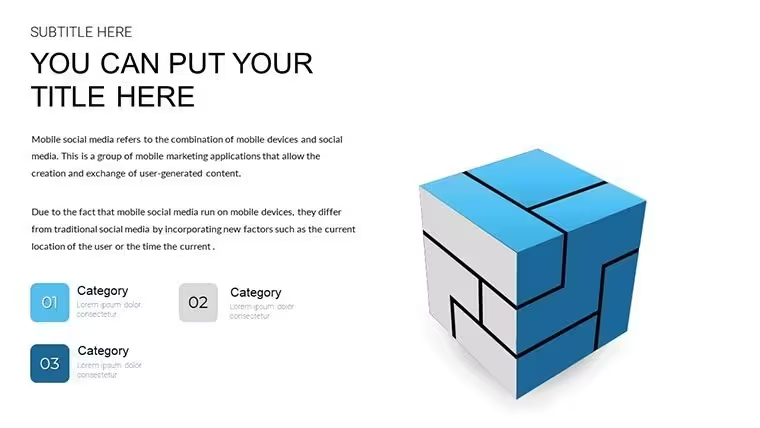
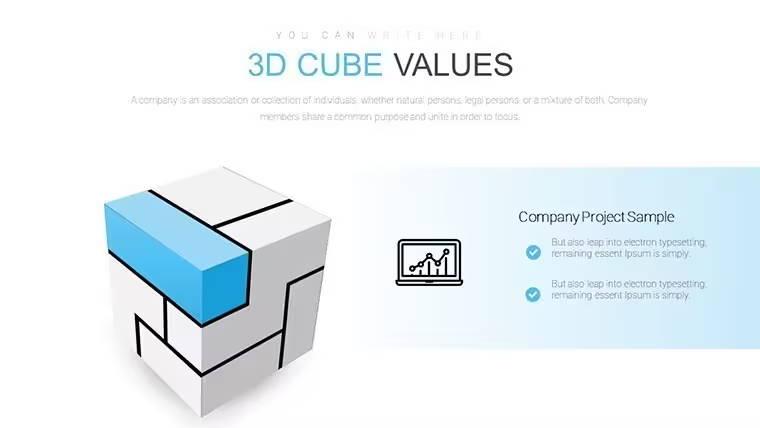
No flat charts here just marked 3D cubes.
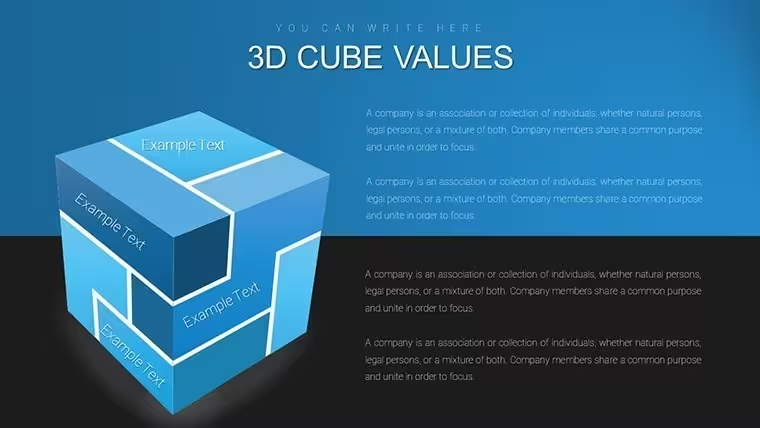
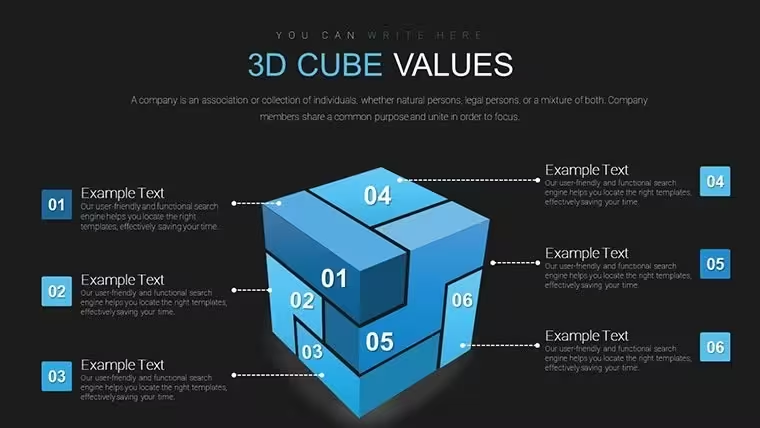
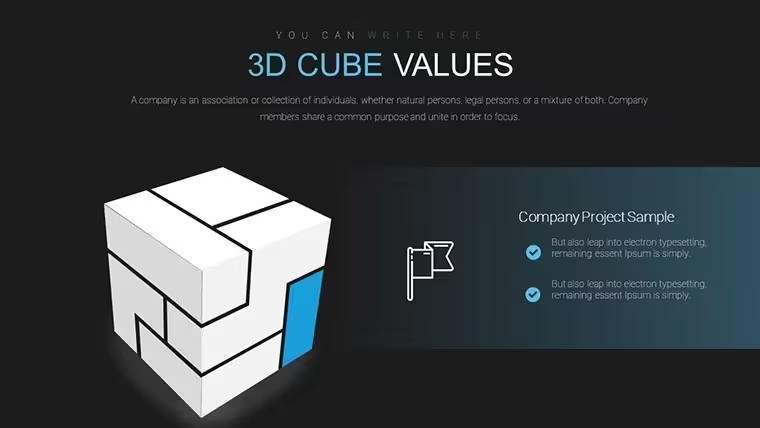
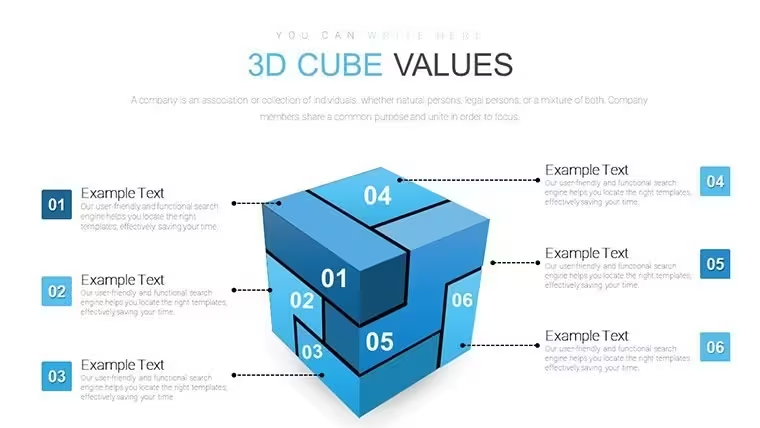
The paid version gives 18 editable slides that let you map four or six data facets on each cube face without redrawing shapes which works well when you compare product features across angles in a client strategy session.
Free version details are not listed on the page.
Typically you only replace the labels on the marked sides.
This structure represents multi-facet analysis that clarifies relationships between different dimensions so you decide which aspect needs priority after the presentation.
When you need to show product architecture to executives the cube sides handle the layered view out of the box.
Use this instead of building diagrams manually in Keynote.
The predefined cube layout keeps structure readable on one slide so viewers grasp all sides without scrolling or extra explanation.
It is not designed for simple percentage splits.
The file works best for structured diagrams not open-ended brainstorming slides.
Product managers who map features to audiences use it daily.
You drop in your data and it works.
The page does not list related templates but check the pie category for more 3D options.
Specifications
FeatureDetailsSlides / diagrams18 3D cube chartsFile format.keySoftware versionKeynote 12+Color schemesNot specified on page switch via masterEditable elementsText on marked sides 3D rotation and colors resize independentlyAspect ratio16:9Free vs PaidPaid includes full 18 slides free not specifiedMasters / BackgroundsStandard masters for global editsYou open the file and start editing.
Download and start editing immediately
How do I change colors via slide master?Open the file in Keynote then go to View > Edit Master Slides. Select the master slide that controls the 3D cube charts and update the fill color once. All 18 diagrams update automatically in the presentation. This method works reliably in every current version.
Can I use this template for client work?Yes one license allows use in client presentations and deliverables. You may deliver the final exported PDF or Keynote file to the client. Do not resell the original template file itself. Full license terms are included in the download package.
What is the difference between free and paid versions?The page does not list free version details while the paid version includes the complete set of 18 editable slides. Paid buyers receive the full KEY file with all diagrams ready to customize. Free options if available would be limited previews only.
What are the refund conditions?Refunds are available within 30 days if the file does not open in your version of Keynote. Contact support with your order number and a brief description of the issue. Approved refunds are processed back to the original payment method.
Which Keynote version and macOS do I need?The template works in Keynote 12 and newer on macOS Ventura or later. Older versions may open the file but 3D effects require the latest release. Test the free preview first if you use an older macOS setup.
Good for
- Project roadmaps and sprint plans
- Product launch timelines
- Quarterly or annual review decks
- Company history and milestone summaries
Licence
reviews
I tried it for a business update and the layout was easy to follow
Charts are basic but worked for showing simple numbers
I didn’t spend much time customizing it, just filled data
Good enough for internal meeting slides
Nothing fancy but it didn’t slow me down
FAQ
Will it work in Google Slides?
Are fonts embedded?
Can I use this for client work?
What's the refund policy?
Do you update the template after purchase?
Similar templates
See all Keynote Charts →


All 18 slides