 Click to zoom
Light Bulb Keynote Charts - Editable Keynote | ImagineLayout
| Format | .pptx |
| Slides | 14 unique layouts |
| Aspect ratio | 16:9 |
| Compatibility | PowerPoint |
| Animated | No |
| Language | English |
| License | Commercial |
| File size | — |
| Version | v1.0 |
| Last updated | September 2026 |
What's inside
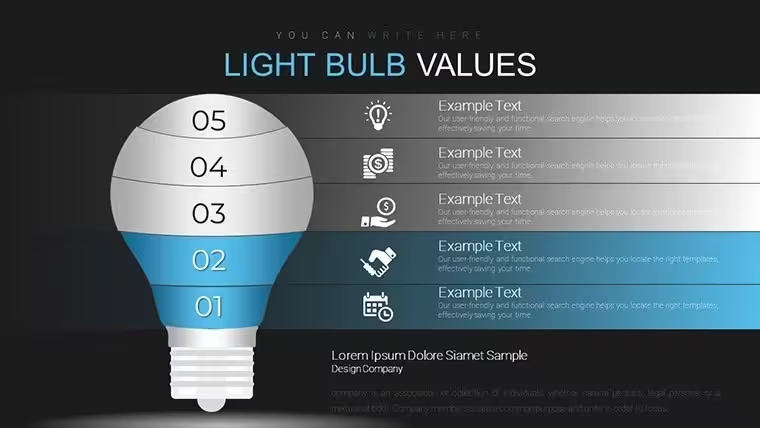
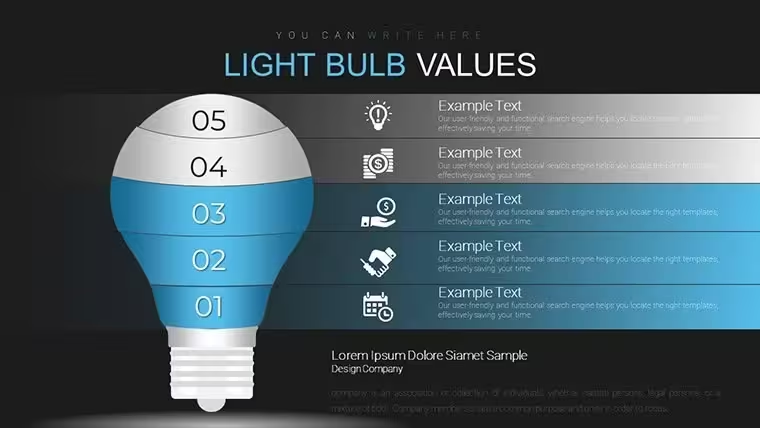
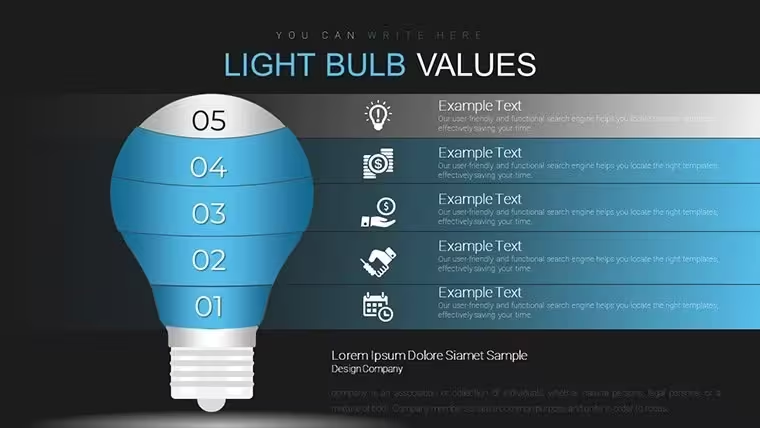
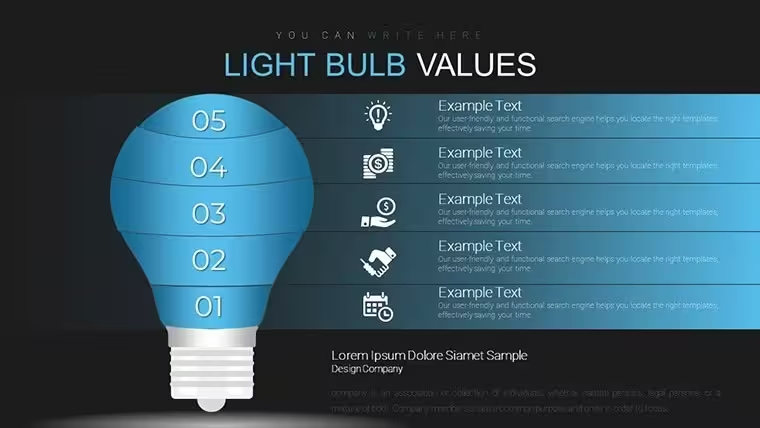
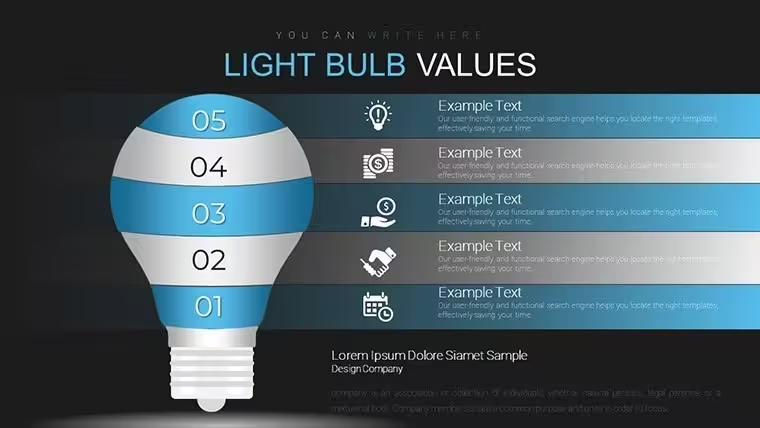
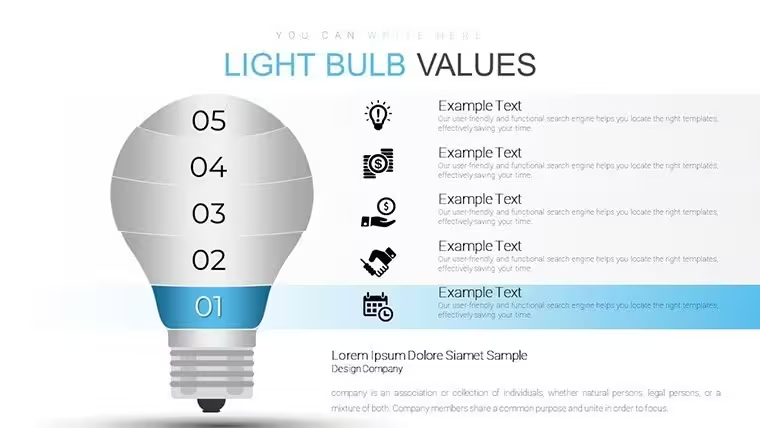
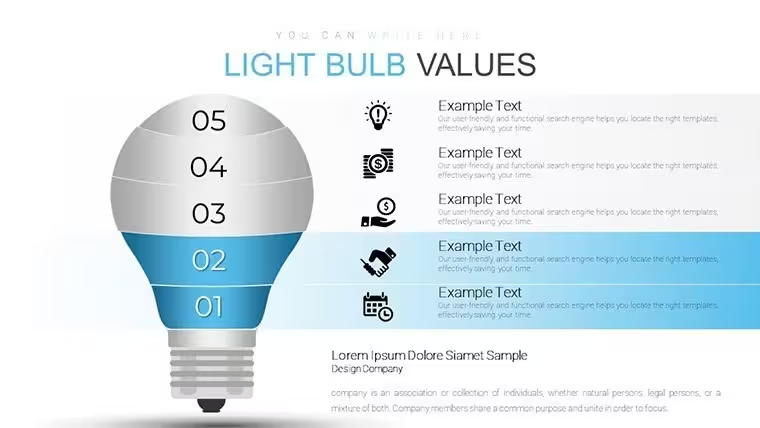
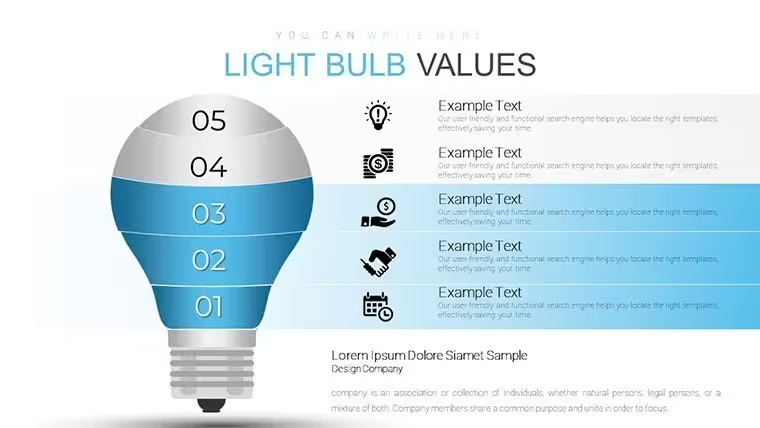
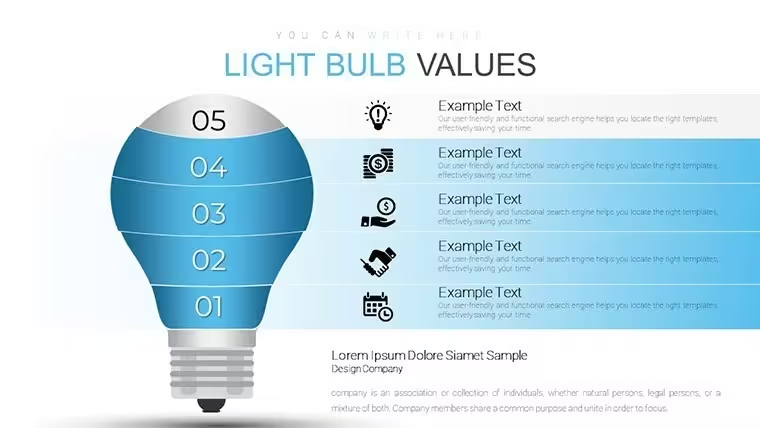
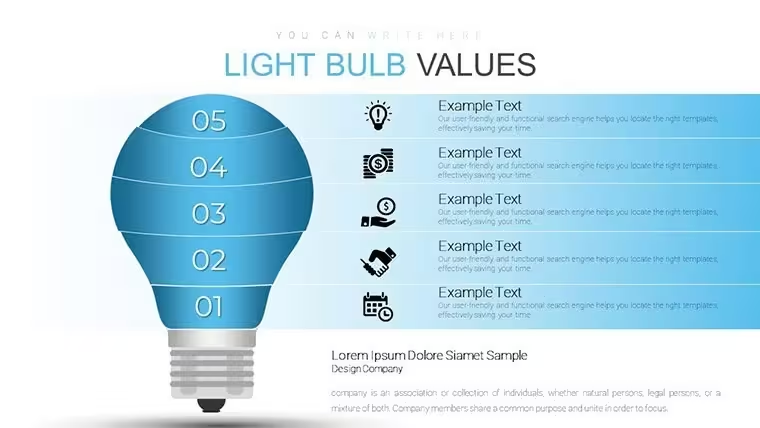
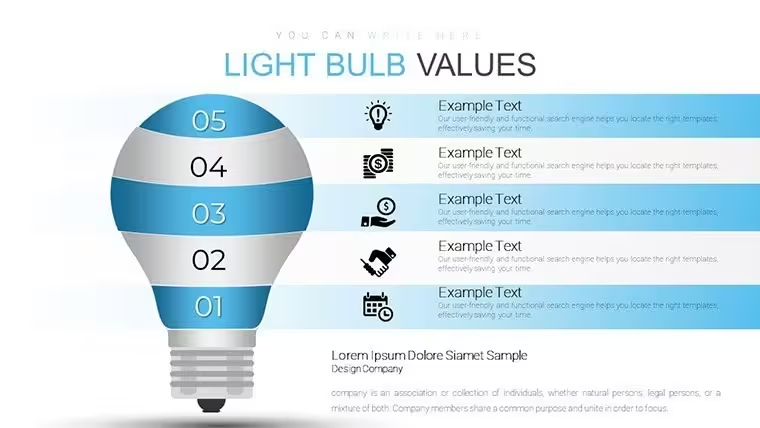
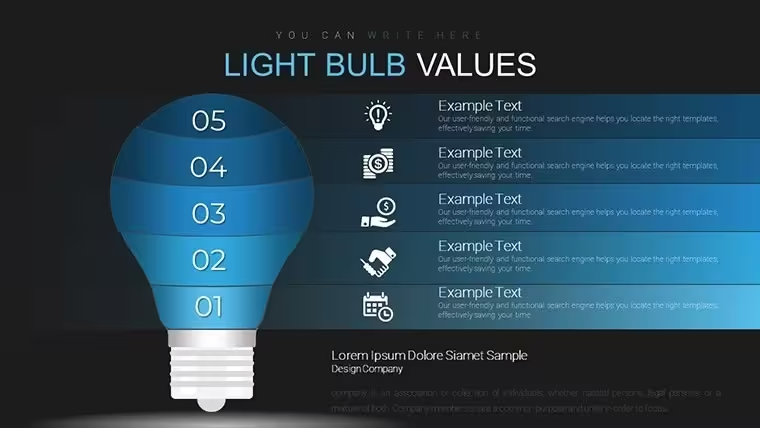
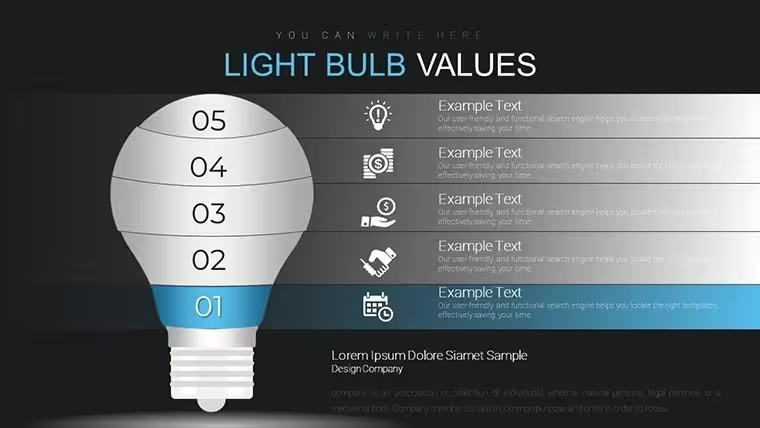
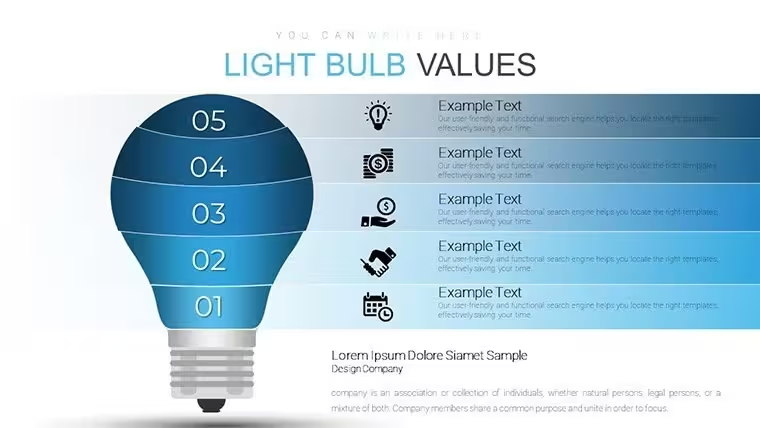
Light bulb diagrams for idea mapping
Open the .key file and you get 14 editable slides ready for idea visualization in innovation sessions.
No setup needed.
Light bulb themed structures with style variations organize concepts in radial or contained layouts.
When you need to break down innovation pipelines for product teams the file replaces manual icon drawing.
The light bulb structure supports relationship mapping so groups can see idea connections and reach consensus on which concepts to advance.
In most cases this shows relationships that are hard to explain in text alone.
For product explanation to cross-functional teams the layouts keep focus on key ideas.
Use this when you need to show idea flow without arranging shapes manually.
The predefined structure keeps everything aligned so you don`t end up adjusting spacing slide by slide.
This suits innovation leads presenting brainstorming results.
The page does not list a free version but the paid file at $12 includes the complete 14-slide KEY collection compatible with current Keynote installations.
Color changes via slide master update the entire deck in seconds.
It works across multiple reports.
The file keeps structure readable on one slide.
Typically teams reuse the same diagram across weekly ideation meetings.
Not ideal for data-heavy dashboards.
Works best for structured diagrams not creative storytelling slides.
Everything is already structured.
How do I change colors via slide master?Open the file in Keynote then switch to slide master view. Adjust the theme colors once and every light bulb element updates automatically across all 14 slides. This works in practice for consistent branding without editing each diagram individually.
Does the license allow client work?Yes the single-user license permits use in client projects. You may deliver the edited decks to clients as part of your service. Team use requires separate licenses per user.
What is the difference between free and paid?The page does not list a free version. The paid version at $12 provides the complete 14-slide KEY file with all light bulb charts. No limited free sample is mentioned.
What are the refund conditions?Refunds are possible within 14 days of purchase if the file does not match your needs. Submit your order number to support for review. Digital nature means refunds exclude cases where the file was already edited and reused.
Does the KEY file work with Keynote on macOS?The file opens in Keynote 12 and newer on any recent macOS version. It is not compatible with PowerPoint but exports cleanly to PDF. Test the demo preview before full purchase if your version is older.
Good for
- Project roadmaps and sprint plans
- Product launch timelines
- Quarterly or annual review decks
- Company history and milestone summaries
Licence
reviews
Used it for a class task and the charts made comparison easier
Added it to a meeting and the layout was understandable
Worked fine for simple data slides
Just needed something quick and it worked
FAQ
Will it work in Google Slides?
Are fonts embedded?
Can I use this for client work?
What's the refund policy?
Do you update the template after purchase?
Similar templates
See all Keynote Charts →

All 14 slides