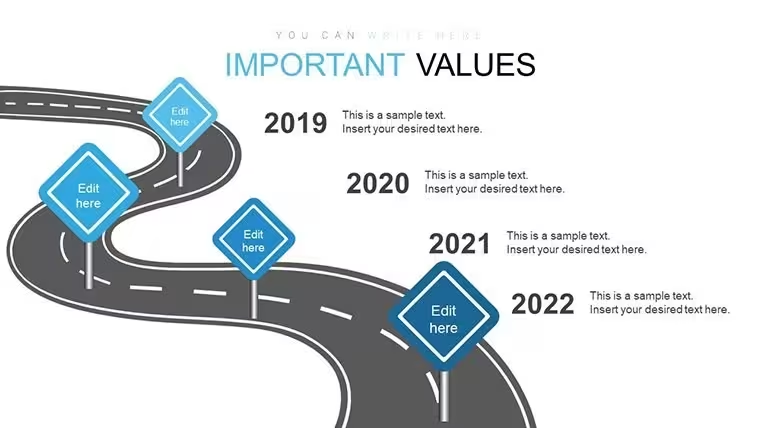
 Click to zoom
Roadmap Keynote Charts - Fully Editable | ImagineLayout
| Format | .pptx |
| Slides | 24 unique layouts |
| Aspect ratio | 16:9 |
| Compatibility | PowerPoint |
| Animated | No |
| Language | English |
| License | Commercial |
| File size | — |
| Version | v1.0 |
| Last updated | September 2026 |
What's inside
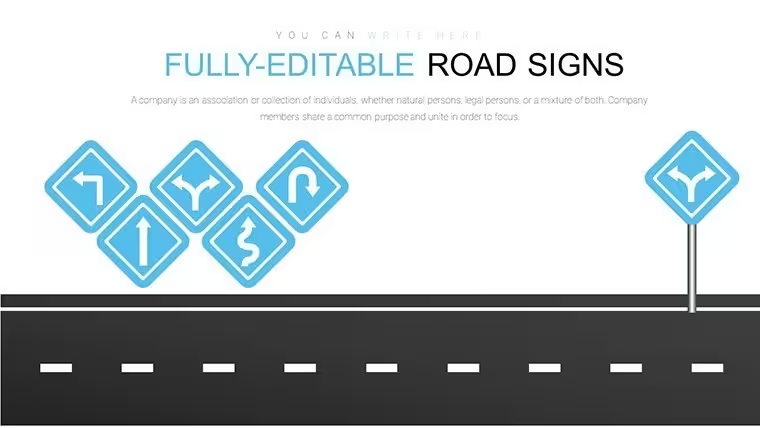
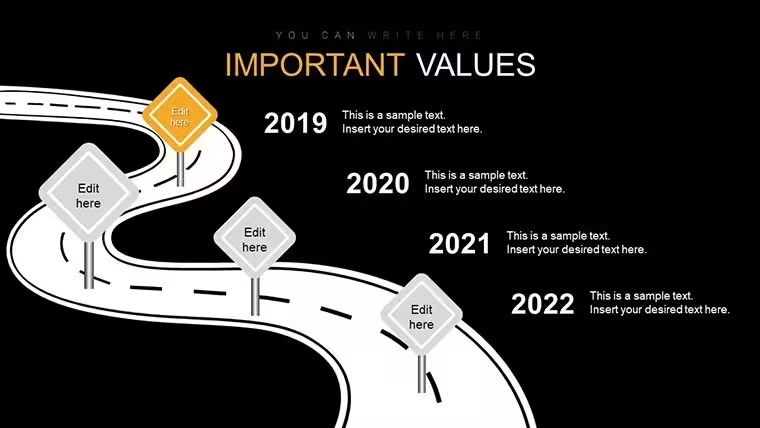
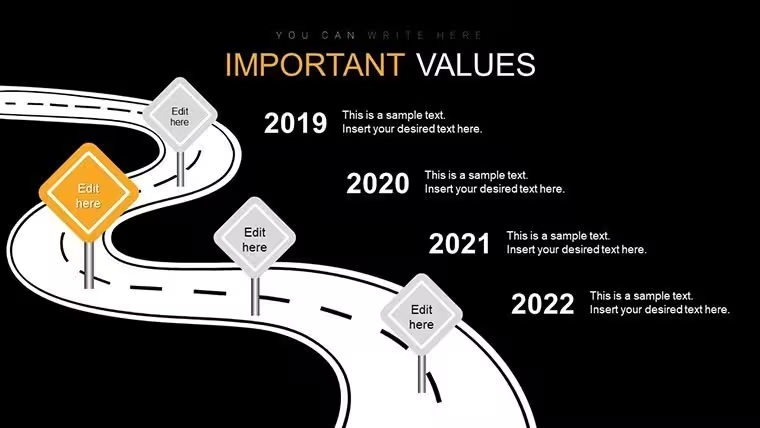
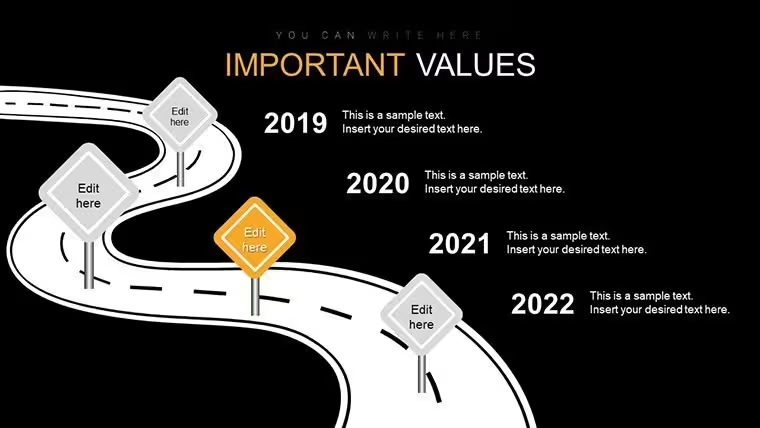
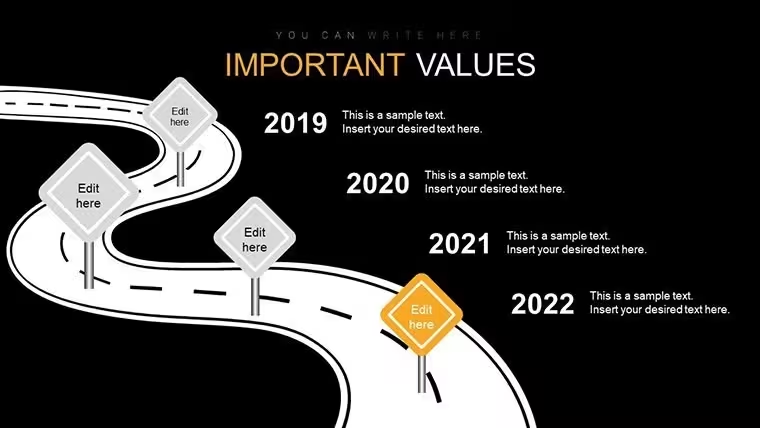
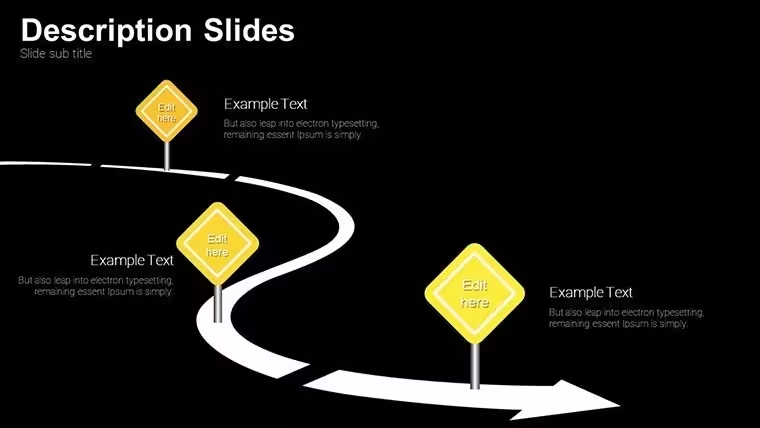
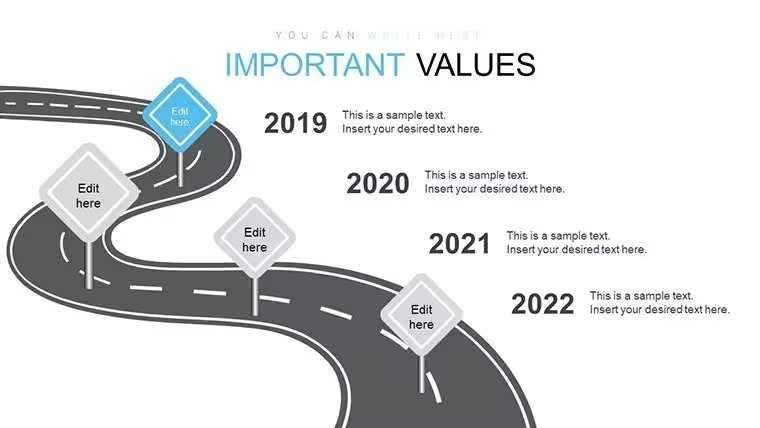
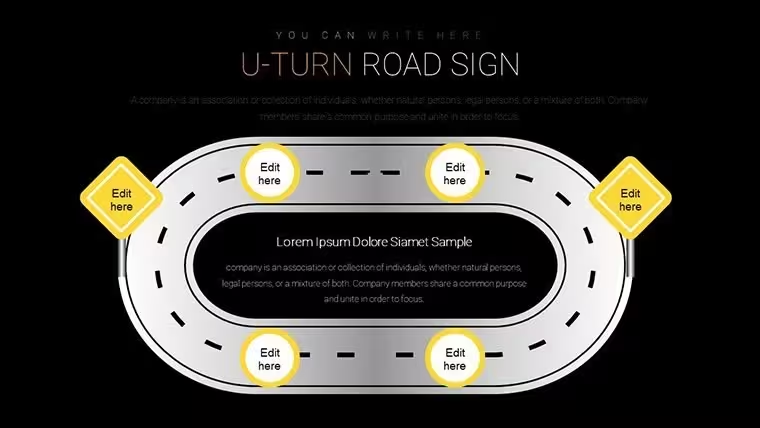
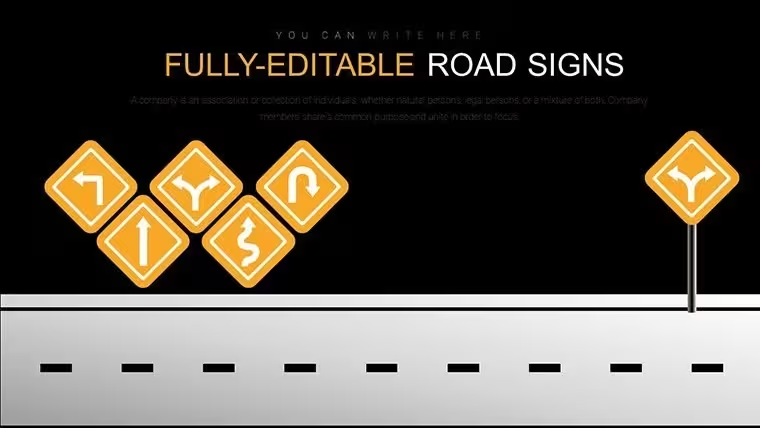
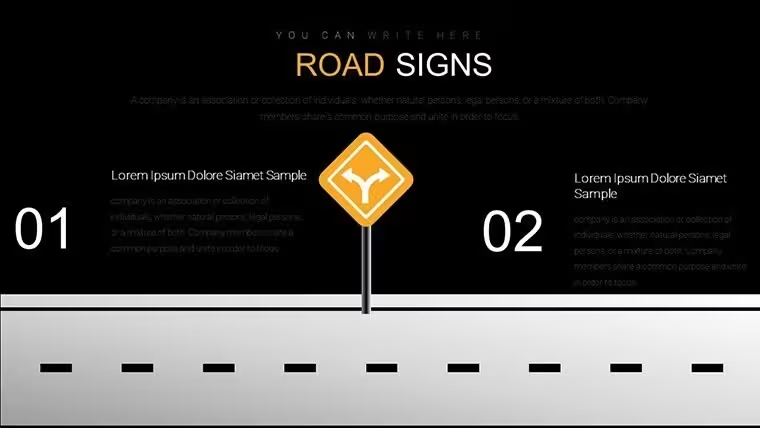
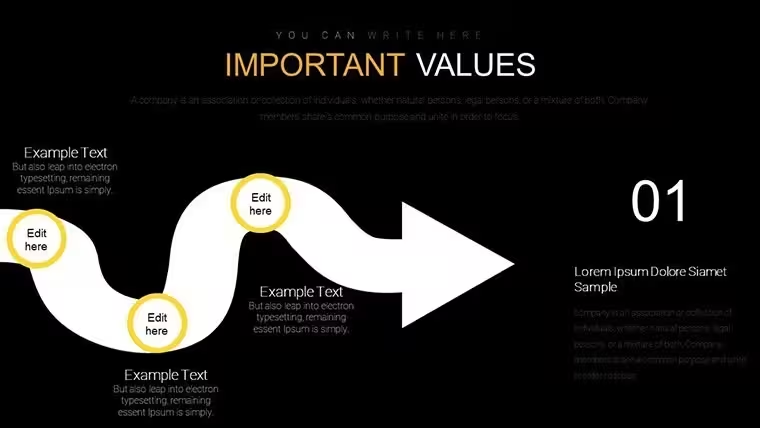
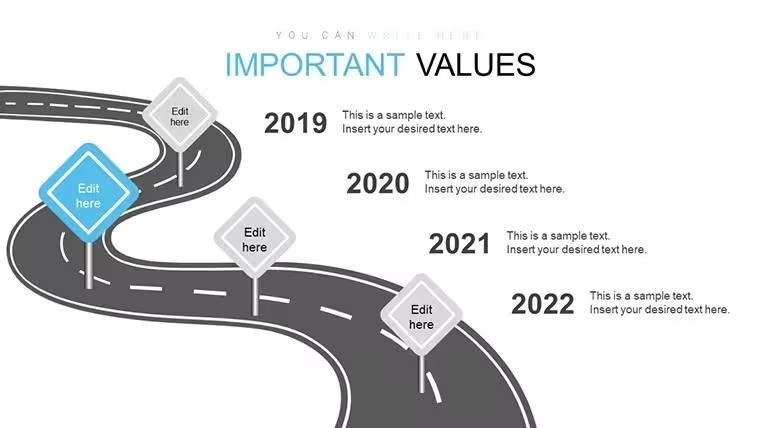
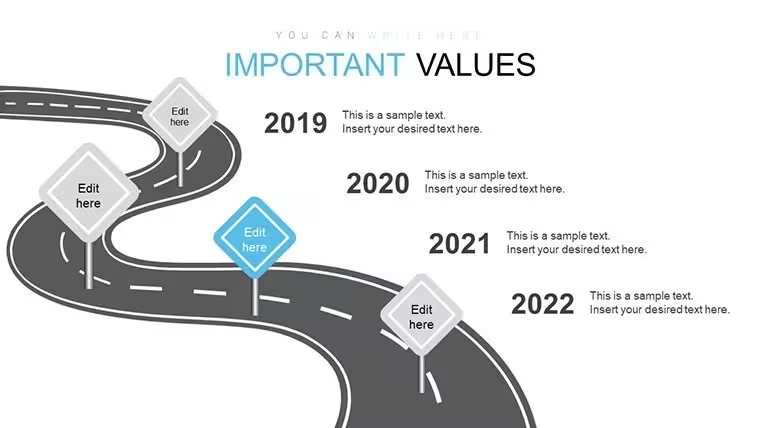
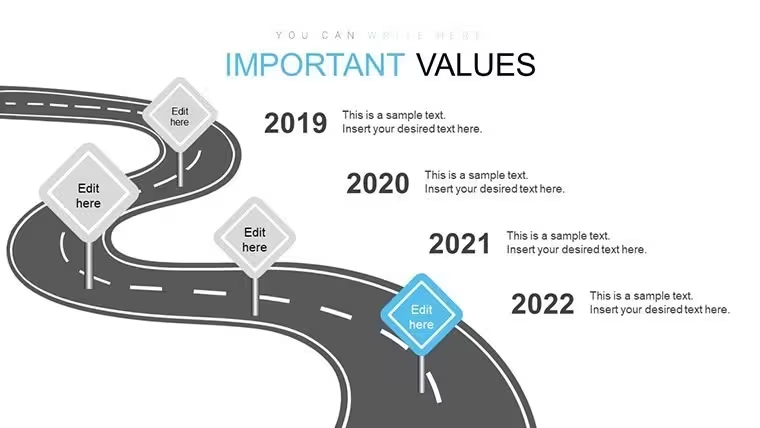
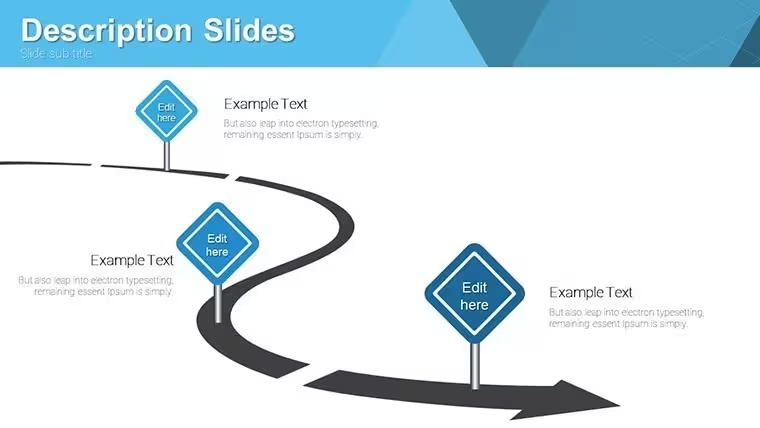
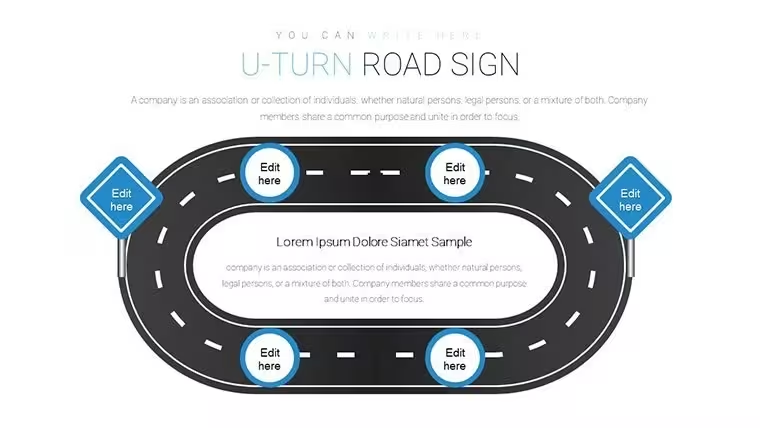
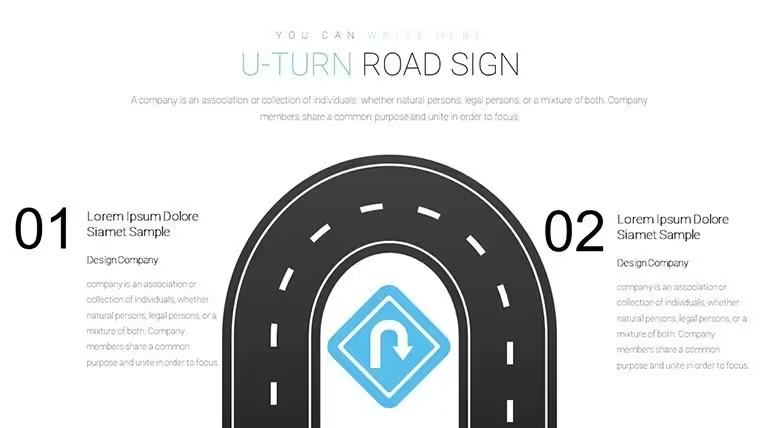
For quarterly board decks with no designer 24 animated roadmap slides with signs and timelines keep complex plans readable on one slide.
You can duplicate slides and reuse the same structure.
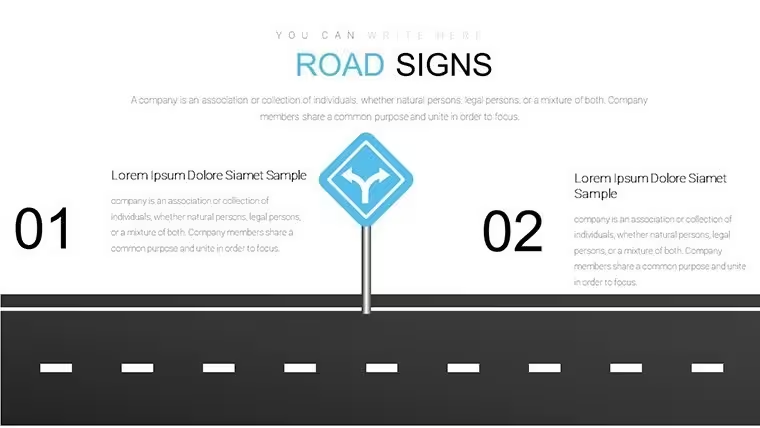
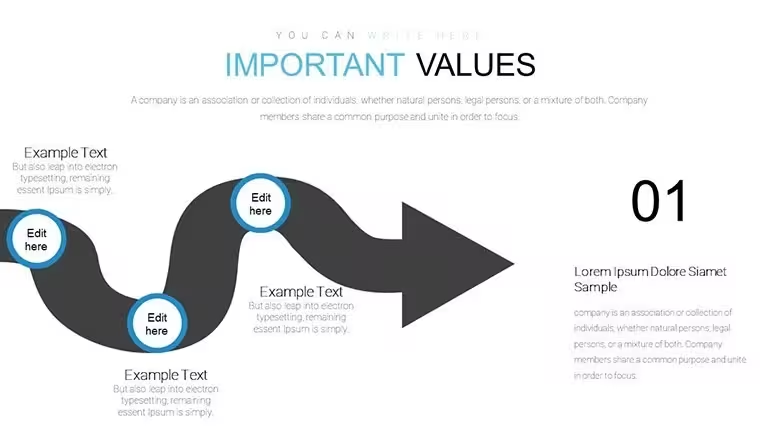
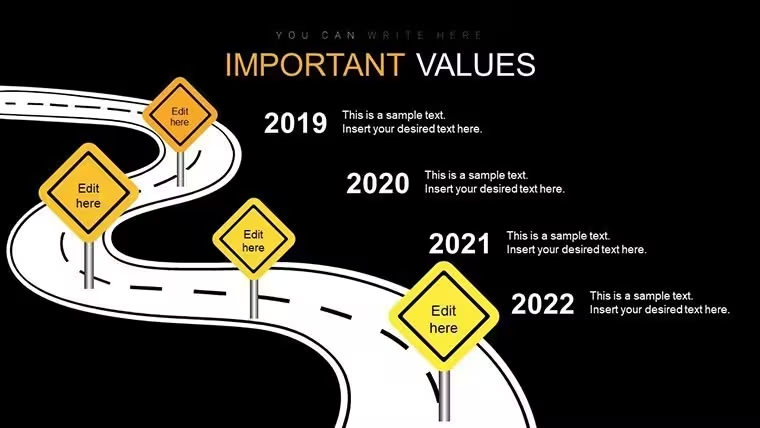
Project managers charting company growth or marketers outlining campaigns use the linear timelines and branched decision paths to show progression with animated milestones popping into view.
In most cases you only replace dates and descriptions then the vector icons scale without quality loss.
This Keynote chart template supports strategic mapping and prioritization so you clarify dependencies and the viewer decides on resource allocation or timeline adjustments.
The paid version delivers the full 24 editable slides with pre animated elements while files follow standard KEY formats compatible with current Keynote installations and the page does not list exact color schemes or free version details.
Color changes via slide master let you update the entire deck palette in one place.
Use this when you need to show a multi step workflow without arranging shapes manually.
The predefined structure keeps everything aligned so you avoid adjusting spacing slide by slide.
Works best for structured timelines and not ideal for data heavy dashboards or purely creative non linear slides.
Typically teams reuse the same diagram across weekly reports instead of starting from scratch each time.
After following the animated path the viewer can immediately see risks or opportunities and make decisions on next steps.
You open the file and start editing.
How do I change colors across all slides?Open the file in Keynote then select any slide and go to the slide master view. Edit the color palette once and it applies to every chart and element automatically. This works in most cases even after you have already added your own data. You can also adjust individual charts independently if needed for specific emphasis.
Can I use this template for client work?The single user license permits use in client projects as long as the template itself is not resold or distributed further. You deliver the final presentation file to your client with your content inserted. This covers internal and external presentations without additional fees in standard scenarios.
What is the difference between free and paid versions?The paid version delivers the complete 24 editable slides with full animations and vector icons. Separate free options are not detailed on the page but the full pack is the one you purchase here for complete functionality.
What are the refund conditions?Contact support within 30 days if the file does not meet your needs due to compatibility or functionality issues. Refunds are processed after verification that the template was not modified or used beyond initial testing. This policy applies to digital downloads with clear proof of purchase.
Does it work with PowerPoint 2016/2019/365/Mac?This is a native Keynote .key file so it opens directly only in Apple Keynote software. PowerPoint compatibility is not supported. The page confirms standard KEY format for current Keynote installations on Mac iPad or iPhone.
Everything is already structured.
Download and start editing immediately
Good for
- Project roadmaps and sprint plans
- Product launch timelines
- Quarterly or annual review decks
- Company history and milestone summaries
Licence
reviews
Used it for a class presentation and the bar charts were easy
Added it to an office report and it stayed structured
Worked fine for simple slides
Just needed quick presentation and it worked
FAQ
Will it work in Google Slides?
Are fonts embedded?
Can I use this for client work?
What's the refund policy?
Do you update the template after purchase?
Similar templates
See all Keynote Charts →
All 24 slides