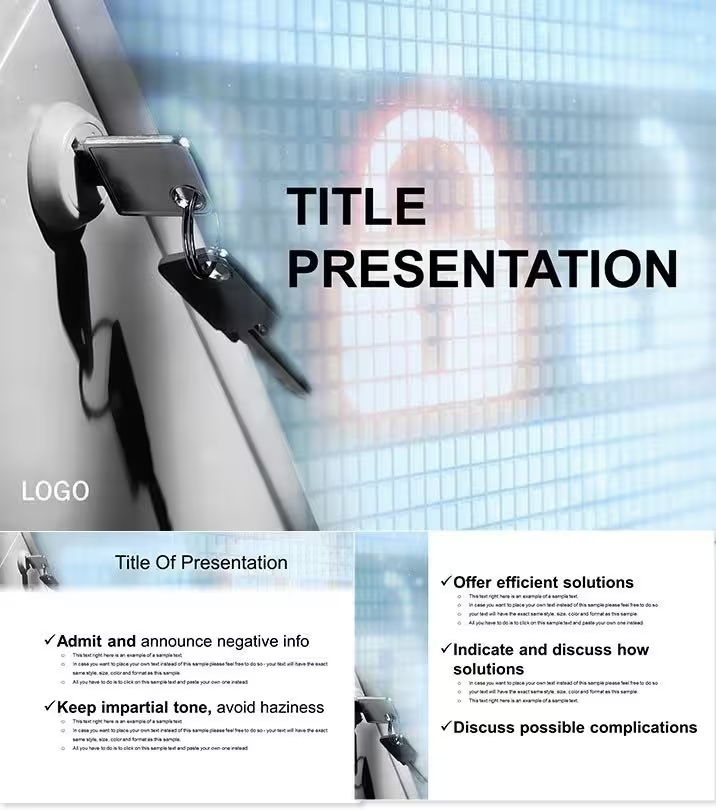
 クリックで拡大
オンライン・セキュリティ教育用 PowerPoint テンプレート
| 形式 | .pptx |
| スライド | 3 種類のレイアウト |
| アスペクト比 | 16:9 |
| 互換性 | PowerPoint |
| アニメーション | いいえ |
| 言語 | English |
| ライセンス | Commercial |
| ファイルサイズ | — |
| バージョン | v1.0 |
| 最終更新 | 2026年9月 |
内容
- 脅威アイコン: フィッシングやプライバシー侵害の視覚的な手がかり。
- ステップバイステップガイド: パスワードの強度を示すフロー。
- インクルーシブデザイン: あらゆる年齢層にわかりやすい簡潔な表現。
- アップデートフレンドリー: 新たな脅威に対応できるスロット。
よくある質問
対象年齢は?
8歳以上、さらに若年層向けのアダプションあり。
脅威を編集できる?
はい、モジュラーな更新可能。
スキームの数は?
セキュリティに特化した7種類。
印刷オプションは?
ハンドアウト用の準備完了。
技術要件は?
標準のPowerPoint。
返金は?
30日間のセキュアな返金保証あり。
こんな用途に
- プロジェクトのロードマップやスプリント計画
- 製品ローンチのタイムライン
- 四半期・年次のレビュー資料
- 会社の沿革やマイルストーンのまとめ
ライセンス
件のレビュー
Presented an internet safety lesson to middle schoolers, the phishing risk matrices and password strength flowcharts made the threats feel real but manageable.
The blues for trust to alerts in orange are effective, but the template is very text-heavy for younger kids; I had to simplify the language a lot.
The defense strategies timelines and the common risks matrix helped my IT department create a new training module.
I used it for a parent workshop, the non-alarmist visuals made the cybersecurity talk less scary for the non-tech parents.
It is a good educational template for digital literacy, the 28 diagrams cover the essentials, but the design feels a bit like a government pamphlet.
よくある質問
Google スライドで使えますか?
フォントは埋め込まれていますか?
クライアント案件に使えますか?
返金ポリシーは?
購入後もテンプレートは更新されますか?
類似のテンプレート
すべて見る PowerPoint Templates →


1 枚すべてのスライド